




Most journaling apps either turn into a blank-page guilt trip or a notification-heavy chore. Stoic steps in as the calm middle ground—a space that actually helps you build the habit without feeling like you’re feeding another inbox.
Where It Fits Next to Your Notes App
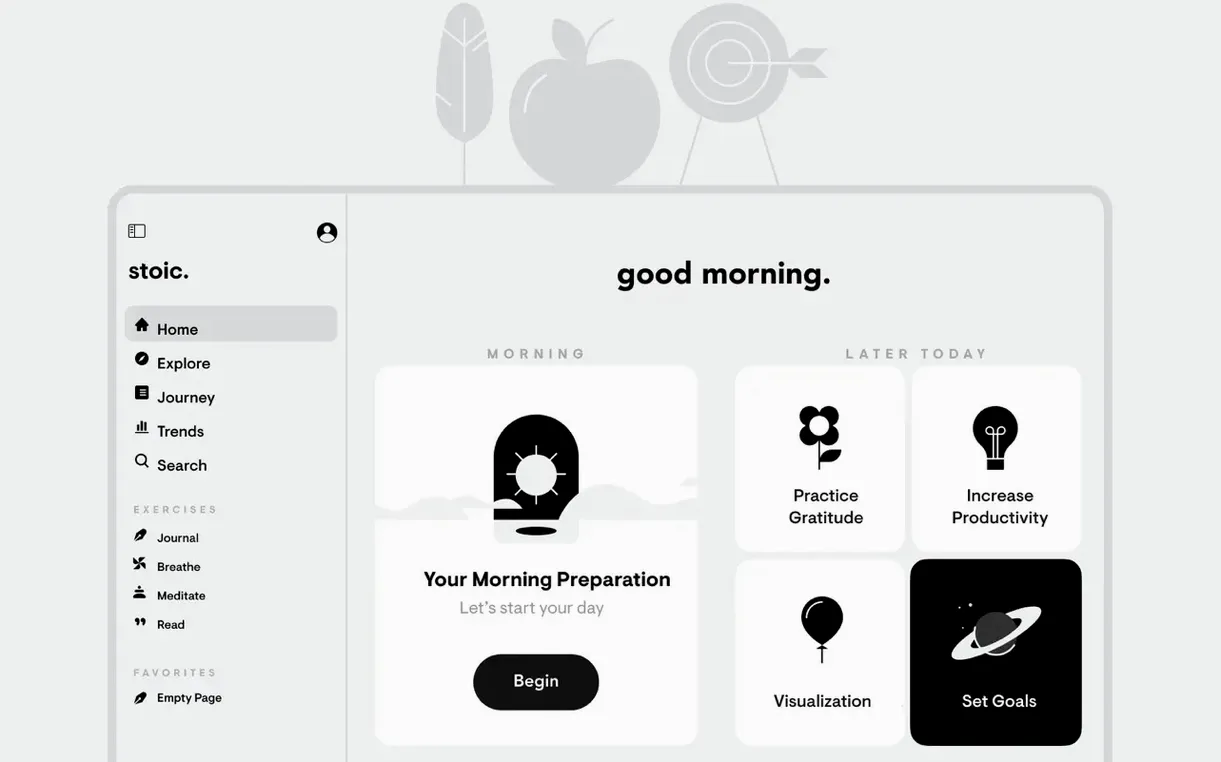
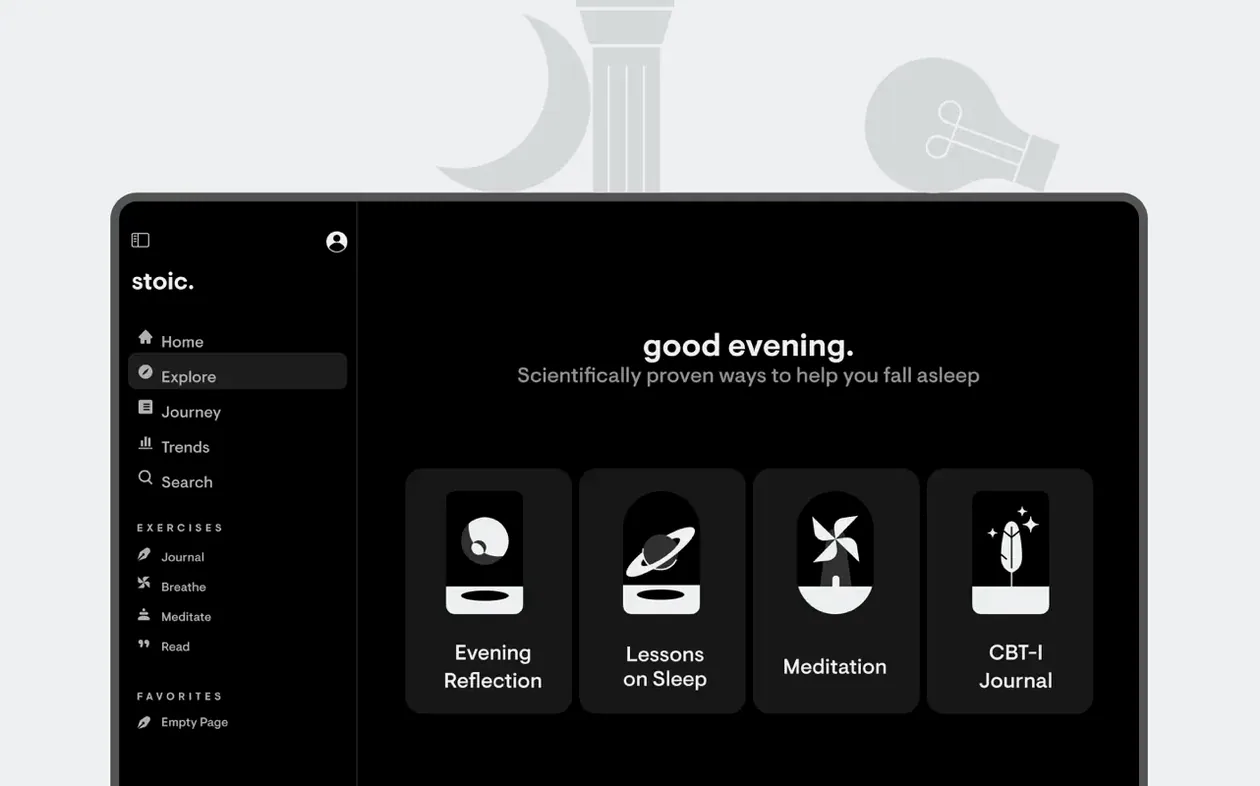
Apple Notes or a plain text file can catch stray thoughts, but they don’t ask the right questions. Stoic opens with a structured morning and evening routine: guided prompts that change weekly, a quick check-in on the factors coloring your mood, and short breathing exercises to settle the noise. It’s not another dumping ground for to-dos. It treats the journal as a daily debrief, pulling from Stoic ideas without ever sounding like a philosophy lecture. Badges tap into the same part of the brain that loves a closed activity ring, nudging consistency gently. And because it syncs through iCloud, the log you start on the Mac picks up right where you left off on an iPhone.
What It Replaces in a Toolkit
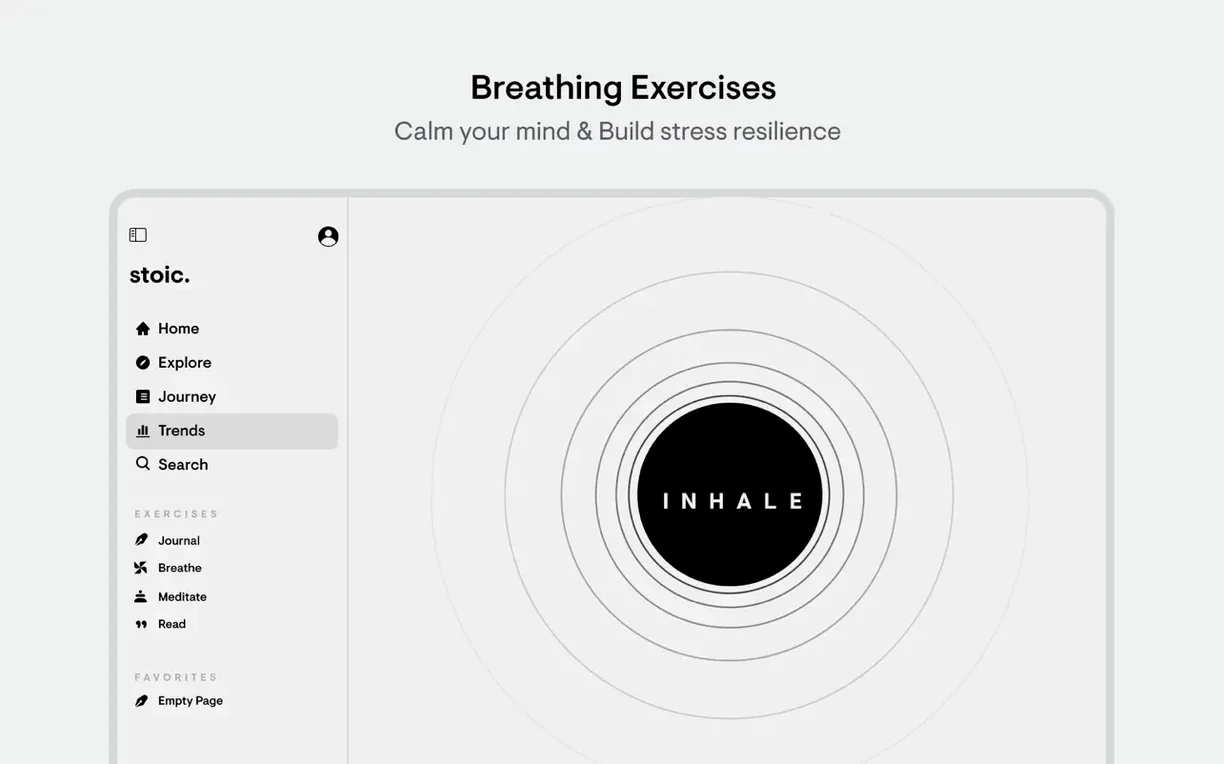
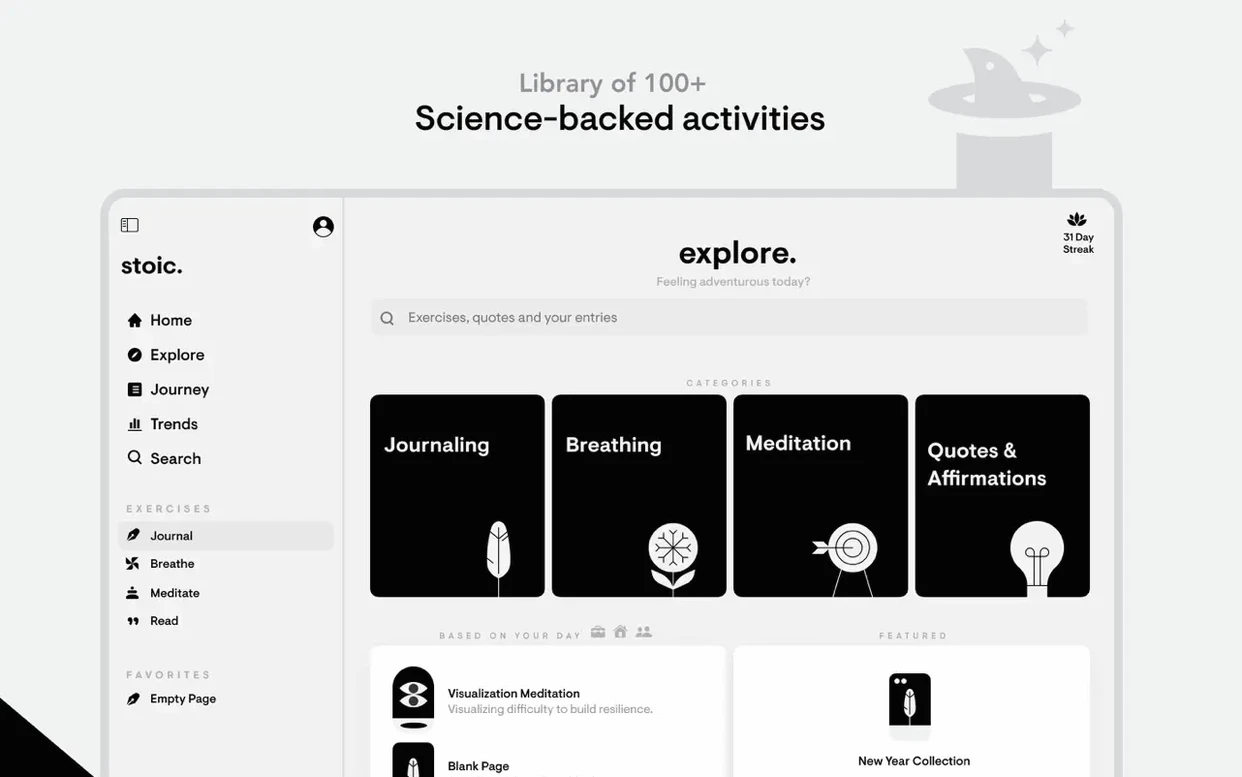
Stoic bundles a handful of tools that would otherwise live as separate apps or browser tabs. The short meditations and breathing exercises mean you can close the guided-session app for a minute and just stay in one window. The mood graph connects dots you’d miss in a standard calendar entry—you can spot which conditions lead to a clear head and which ones don’t. It doesn’t replace a therapist or a dedicated meditation timer, but it does replace the scattered system of sticky notes, reminder alerts, and forgotten wellness apps. For a Mac user already juggling creative tools and communication apps, that’s a quiet win.
One Bounce in the Dock, Then the Morning Routine Appears
On an M-series Mac, Stoic behaves like a native citizen. Launch time is nearly instant—one bounce in the Dock and the morning routine is waiting. Memory pressure stays low even with Safari, Final Cut, and a handful of Finder windows open. I’ve seen it hover around 110 MB of RAM while idling, which is lean enough to leave running all day. The breathing animations and gentle transitions never hitch, even when the machine is grinding through a ProRes export in the background. It’s the kind of resource profile that earns a permanent spot rather than a quit-after-use habit.
Over the last few point releases, the developers tightened the sync engine noticeably. Where iCloud sync once had a two-minute lag between devices, a journal entry typed on the Mac now appears on the iPhone within seconds. That speed change alone turned it from a nice-to-have into a stoic macos free tool that actually keeps up with a scattered workday. The app rarely crashes—once in three months across heavy daily use—and when it does, the restore picks up the last sentence without data loss. The streak counter is conservative and honest; no fudged numbers to inflate the habit, just a clean reflection of actual consecutive check-ins.
Mood Check-In Now Updates Without a Full Refresh
Version 2026.10 brought a handful of quality-of-life fixes that shift the daily feel more than the patch notes suggest. The mood check-in widget now updates inline without a full view refresh, so logging a midday mood takes one click instead of three. Breathing session durations are adjustable from the main screen now, cutting a trip to the settings pane. Also fixed: an edge case where overlapping reminders would stack notifications twice, and a layout quirk on larger Studio Displays where the journal pane would clip the prompt text. The weekly theme transitions feel snappier, and the French and Swedish localizations got a polish pass that removed a few clunky prompt translations.
A Real Morning-to-Night Workflow
Here’s how a full day with Stoic unrolls. The morning routine fires at 7:15—you skip the breathing exercise today because the cat already woke you at six, but you answer three short prompts: What would make today great?, a mood slider set to “calm,” and a factor tag for “sleep quality.” The journal entry is three bullet points typed in under two minutes, saved, and closed. At lunch, a quick nudge from the menu bar reminds you to log an afternoon mood. Two taps: “focused,” with “caffeine” and “deep work” toggled on. You close it and return to the timeline.
Evening rolls in around 9:30. The night routine asks what went well and what could be better. You tap the breathing circle for a 60-second box-breathing session—four counts in, hold, out, hold—and the haptic feedback on the trackpad anchors the rhythm. A glance at the weekly mood chart shows a dip on Wednesday that lines up with a skipped lunch and back-to-back meetings. You add a quick note about that pattern and close the app. The streak counter ticks up to 34. No fluff, no guilt, just a clean end to the mental day. For editors and anyone whose brain stays in problem-solving mode until midnight, this rhythm is the real value of a stoic macos free companion.
- macOS 15 or later
- Apple Silicon or Intel processor
Questions I actually get
Does Stoic include meditation and breathing exercises?
Yes. The app includes short guided meditations and breathing exercises built directly into the daily journaling flow.
Notes from the edit bay · 0
Sign in or get an edit-bay pass to leave a note.
No notes from the edit bay yet. They go up after I read them.