macOS has Time Machine, sure. But the moment your internal drive clicks its last click, a Time Machine backup is just a pile of files on a disk you can't start up from. You're dead in the water until you reinstall an OS and migrate. A bootable clone? You plug it in, hold Option, and you're back editing ten minutes later. That's the hole SuperDuper! fills, and it fills it without fuss.
Smart Update, One Evening a Week
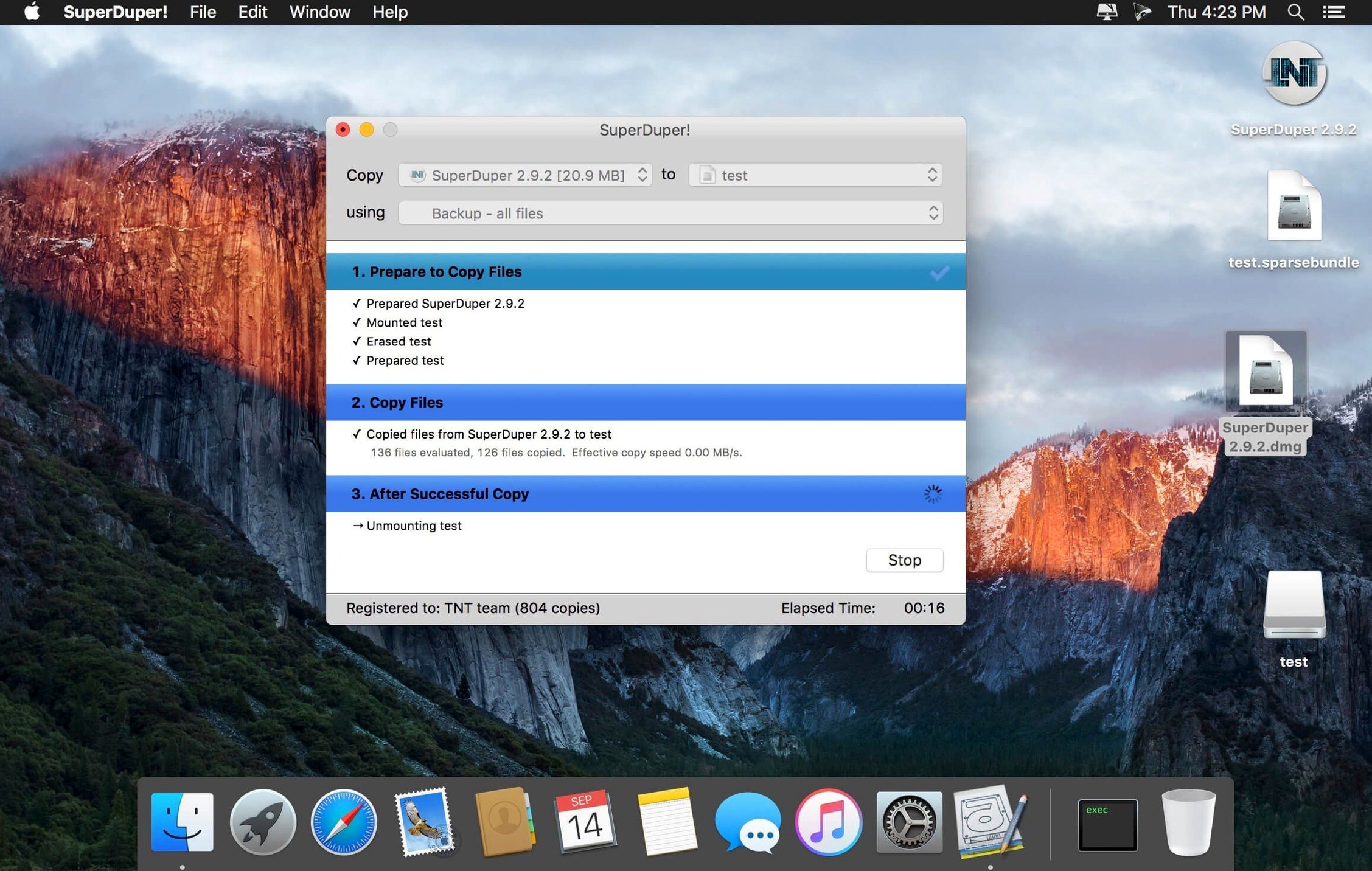
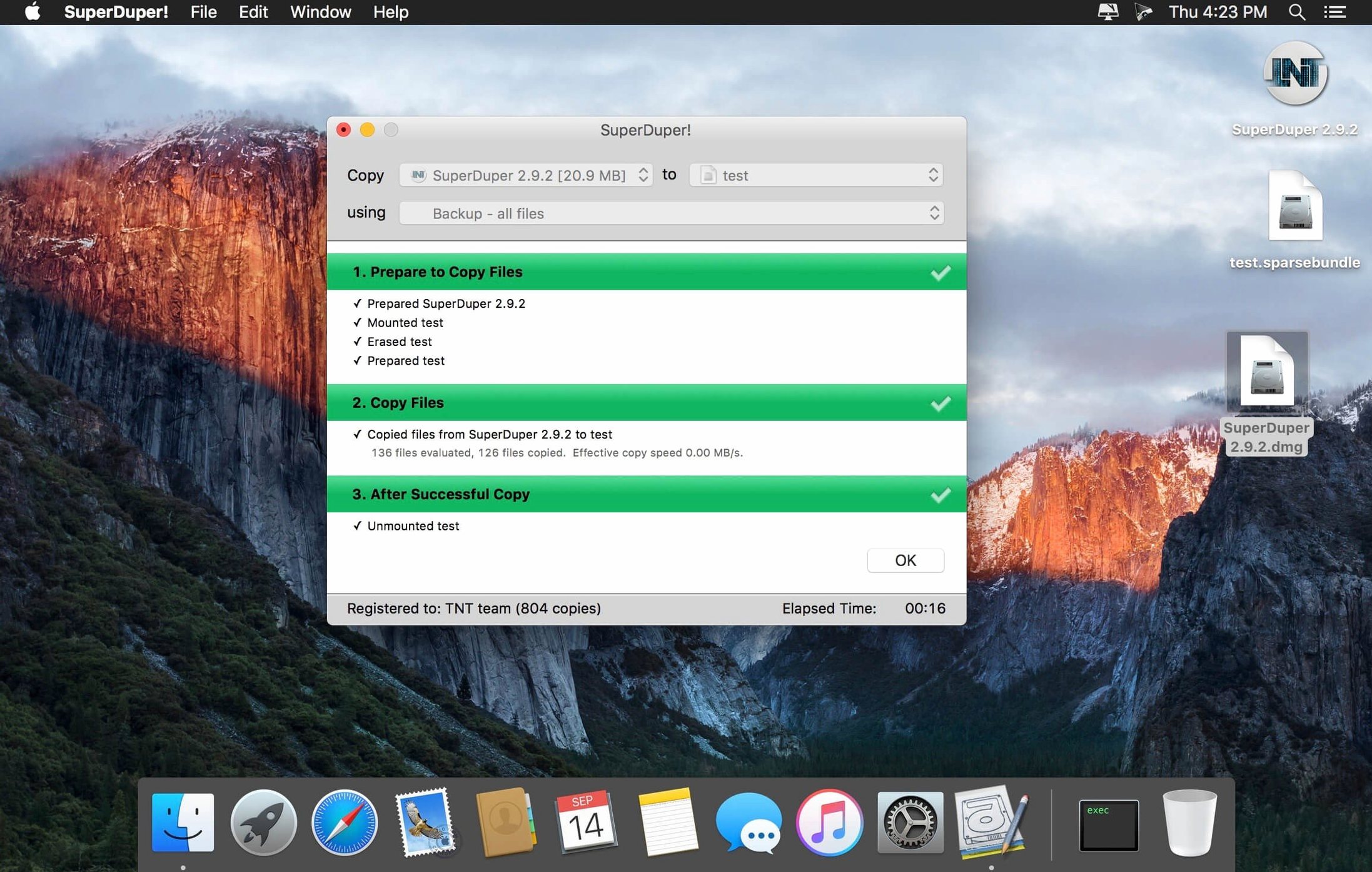
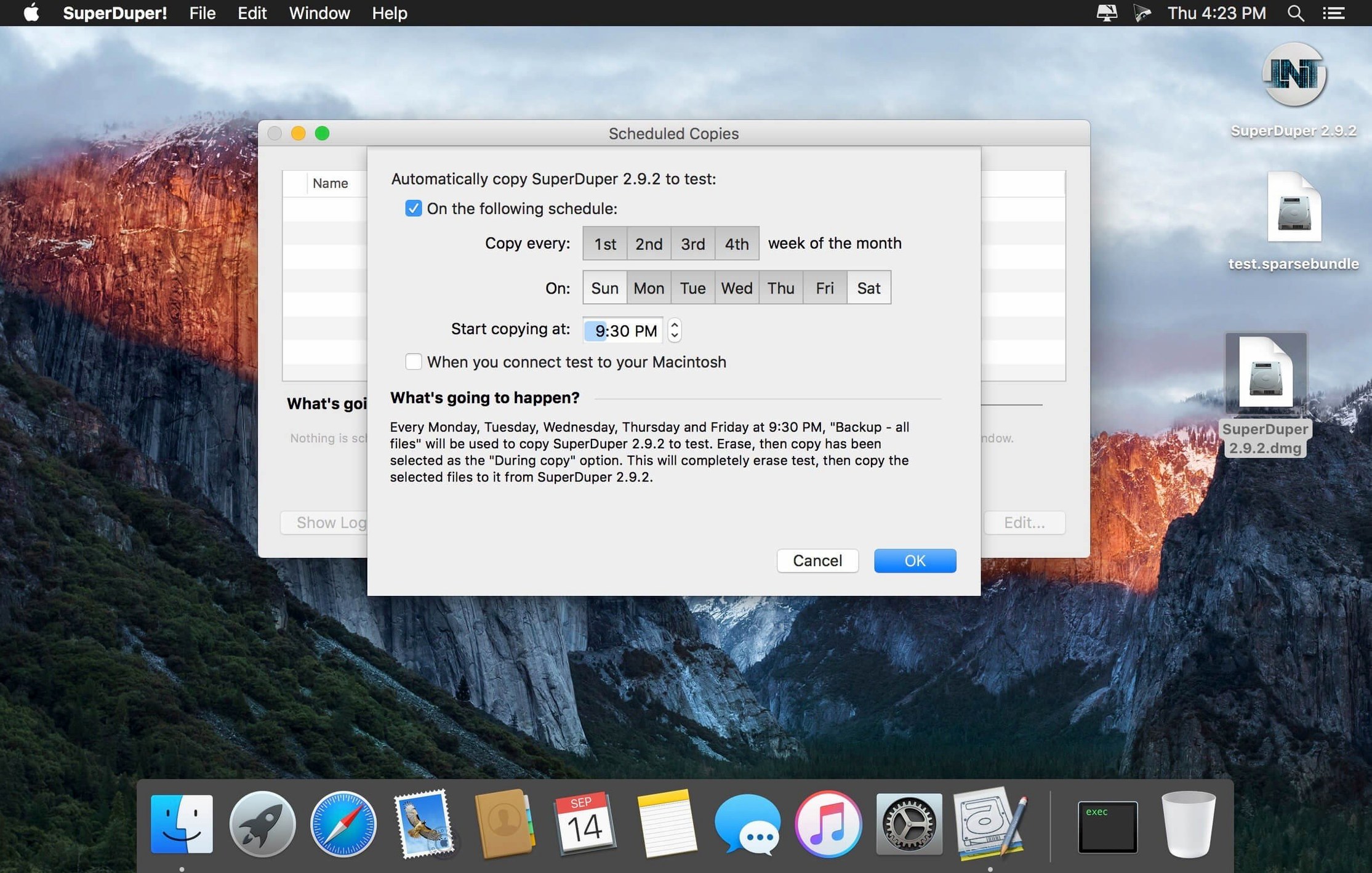
I drag a 2TB Samsung T7 from the shelf and name it "Project Clone." SuperDuper! shows me my internal drive as the source. I pick the T7 as the destination. Under "Options," I switch from "Erase, then copy" to "Smart Update." This is where the tool earns its keep. The first run copies every byte—grab a coffee. But every run after that, Smart Update scans both drives and only copies what actually changed. A few gigabytes of new ProRes media and some project file tweaks? That syncs in minutes, not hours. I hit "Schedule" and set it for 2 a.m. every Tuesday. The app wakes the Mac, does its thing, and puts it back to sleep. I find the clone ready and fresh in the morning, no thought required.
Bare Metal Recovery, No Sweat
A bootable backup isn't just a safety net for a dead drive; it's also a checkpoint. Before I upgraded to a new macOS version last month, I ran a full clone with Smart Update disabled. It created a frozen-in-time copy of my stable system. The upgrade went sideways with a plug-in, and I was back on the old OS in under five minutes. SuperDuper! can also create a disk image from that clone, so I can archive it on a NAS and keep my portable drive free. When you need to move your entire life to a new Mac, the same process applies—clone the old one, then restore it onto the new machine using Migration Assistant or Disk Utility, and you're looking at your familiar desktop with all your apps and licenses intact.
SuperDuper! vs. Carbon Copy Cloner vs. ChronoSync
Carbon Copy Cloner leans harder into task chaining, snapshots and a web-based remote dashboard that IT folks love. It also lets you set a schedule per-task with finer conditions. ChronoSync is the power user's sync engine — it can mirror folders across machines, cloud storage and even iOS, but bootable cloning isn't its home turf. It's more of a file-level propeller-head tool.
Where SuperDuper! wins is focus. The interface doesn't ask you to learn a new vocabulary. Pick a source, pick a destination, pick "Backup — all files" or "Sandbox — shared users and applications," and go. Sandbox mode is the sleeper feature here: it clones your system but shares your home folder, so you can test betas or sketchy installers without duplicating a terabyte of footage. CCC can approximate this with custom rules; SuperDuper! just has a button. For a freelancer who wants a bootable clone on a shelf and a second one in a fire safe, SuperDuper! gets there with less clicking and fewer decisions that can go wrong.
First Days: Lock In a Rhythm
Install SuperDuper! and resist the urge to tweak. Day one, run a full "Backup — all files" to a clean external SSD. Name the destination drive something obvious like "Bootable Safety." Once it finishes, reboot holding Option and confirm the Mac actually starts from it. That's your insurance policy validated — not assumed.
Day two, enable Smart Update and set a schedule. I pick a weekday night when the machine stays home. Day three, create a second copy job — this time a Sandbox on a separate volume — and run it. Now you have a playground for macOS betas or app updates that won't touch your work setup. Day four, open SuperDuper!'s "Scripts" tab and skim a few of the bundled examples. The "Exclude large media files" script is a goldmine for quickly cloning a lean system to a small USB stick. Don't write custom scripts yet. Just see what they can ignore.
Custom Environments Moved in One Shot
Mac users who swap machines often — editors, colorists, audio engineers — live inside customized environments. Rebuilding from scratch eats billable hours. A clone moves their tools, plug-ins and library paths in one shot. IT folks managing a small fleet of Macs can stage a master image and roll it out faster than with Apple's own tools.
Writers and remote workers who can't afford a day of dead air also benefit. A bootable clone on a $60 external drive is cheaper than any same-day repair. And anyone who ever muttered "I'll just try this beta real quick" needs a Sandbox. SuperDuper! doesn't do cloud, doesn't do folder-level sync, and that's by design — it's one trick, refined to a mirror finish, for the moment when a machine refuses to wake up.
This update addresses a visibility hiccup where your freshly cloned startup drive might not show up when you need it most. A workaround for that boot-registration issue under macOS 27 Golden Gate is now baked in.
- macOS 10.13 or later
- Intel or Apple Silicon Mac
Questions I actually get
Can I schedule backups to run automatically?
Yes, the built-in scheduler lets you set a specific time and recurrence, and it can wake your Mac to run a Smart Update before putting it back to sleep.
Does SuperDuper! work with macOS 27 Golden Gate?
Version 4.0.7 includes a specific workaround for a startup-drive visibility issue under macOS 27 Golden Gate, so your bootable clones appear correctly.
Notes from the edit bay · 0
Sign in or get an edit-bay pass to leave a note.
No notes from the edit bay yet. They go up after I read them.