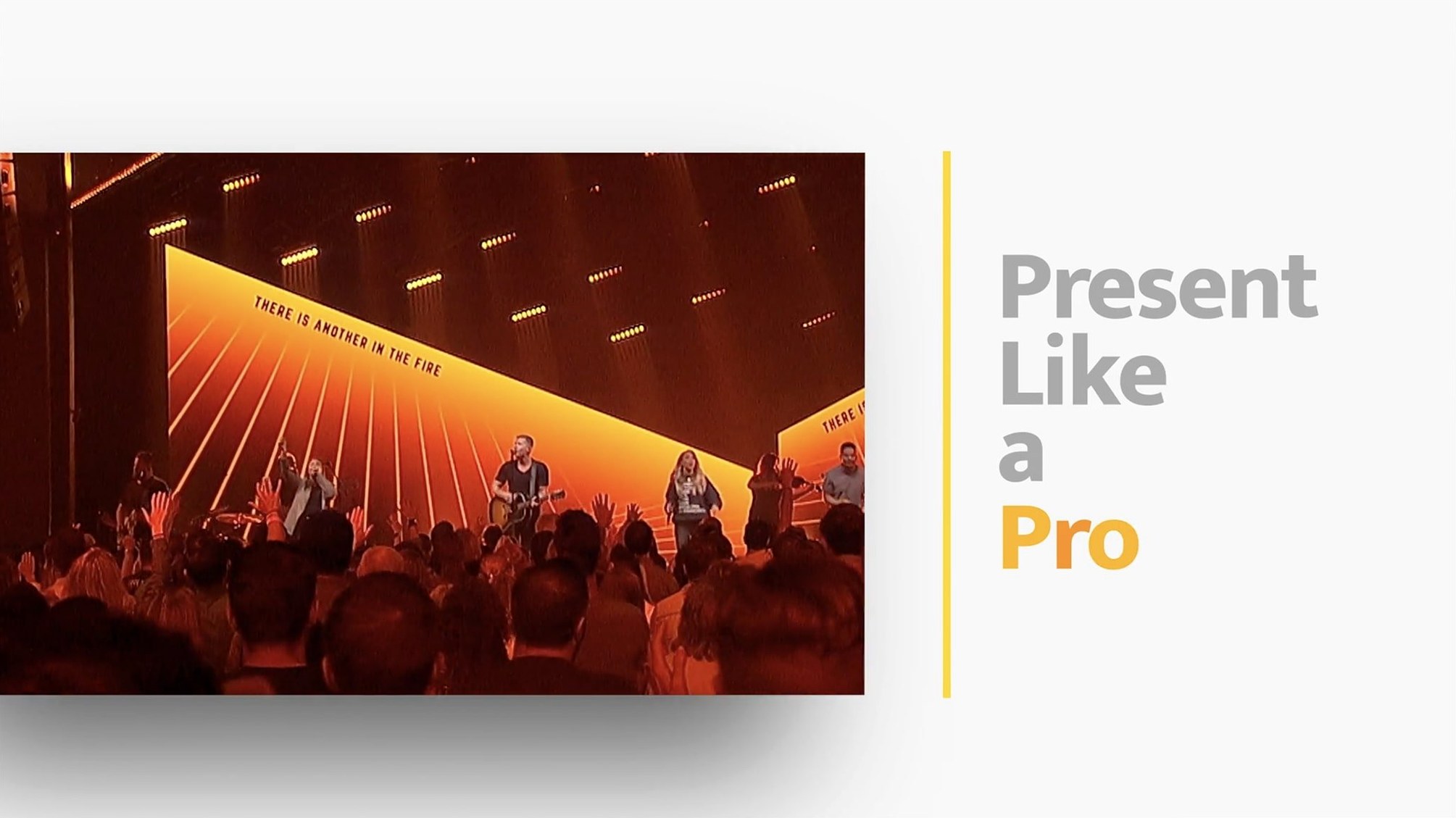
The drummer clicks off the last song, the house lights dip, and a lyric slide needs to hit the side screens exactly on the downbeat while a lower-third graphic overlays the live stream. That’s the kind of Sunday morning—or conference keynote—where ProPresenter lives.
Built for Multi-Screen Shows Beyond the Sanctuary
Originally built for houses of worship, ProPresenter now pulls duty anywhere a show needs more than a single projector. Corporate events, awards nights, broadcast studios—if you’re driving multiple displays with mixed media, this is the toolbox.
The Final Stop Before Stage, Lobby, and Audience Screens
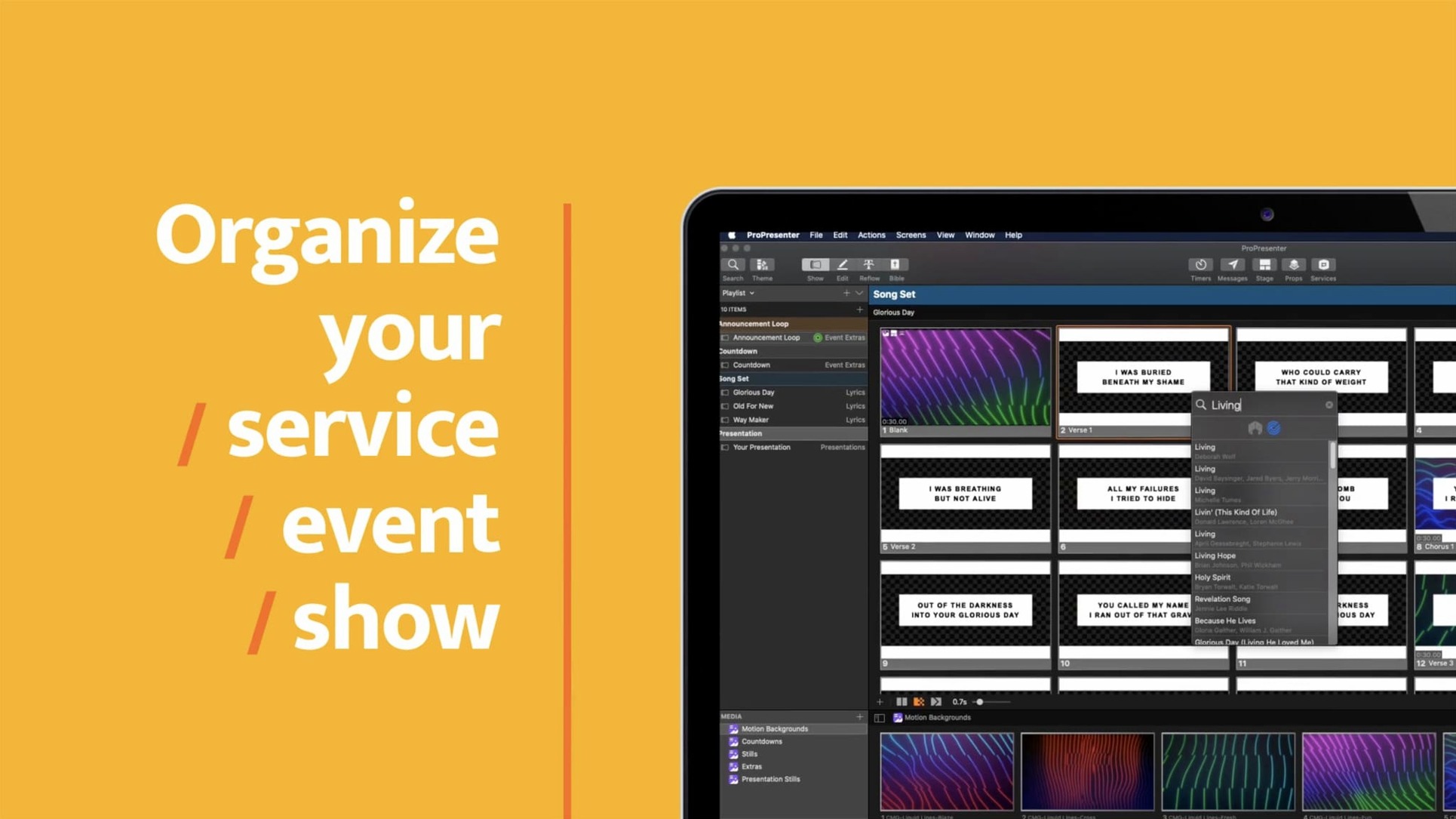
Think of it as the last stop before the screens. You build slides, cue videos, and arrange song sequences ahead of time. When doors open, one operator can send separate feeds to the stage confidence monitor, the lobby TV, the overflow room, and the online audience—all from the same timeline.
What Makes It Tick?
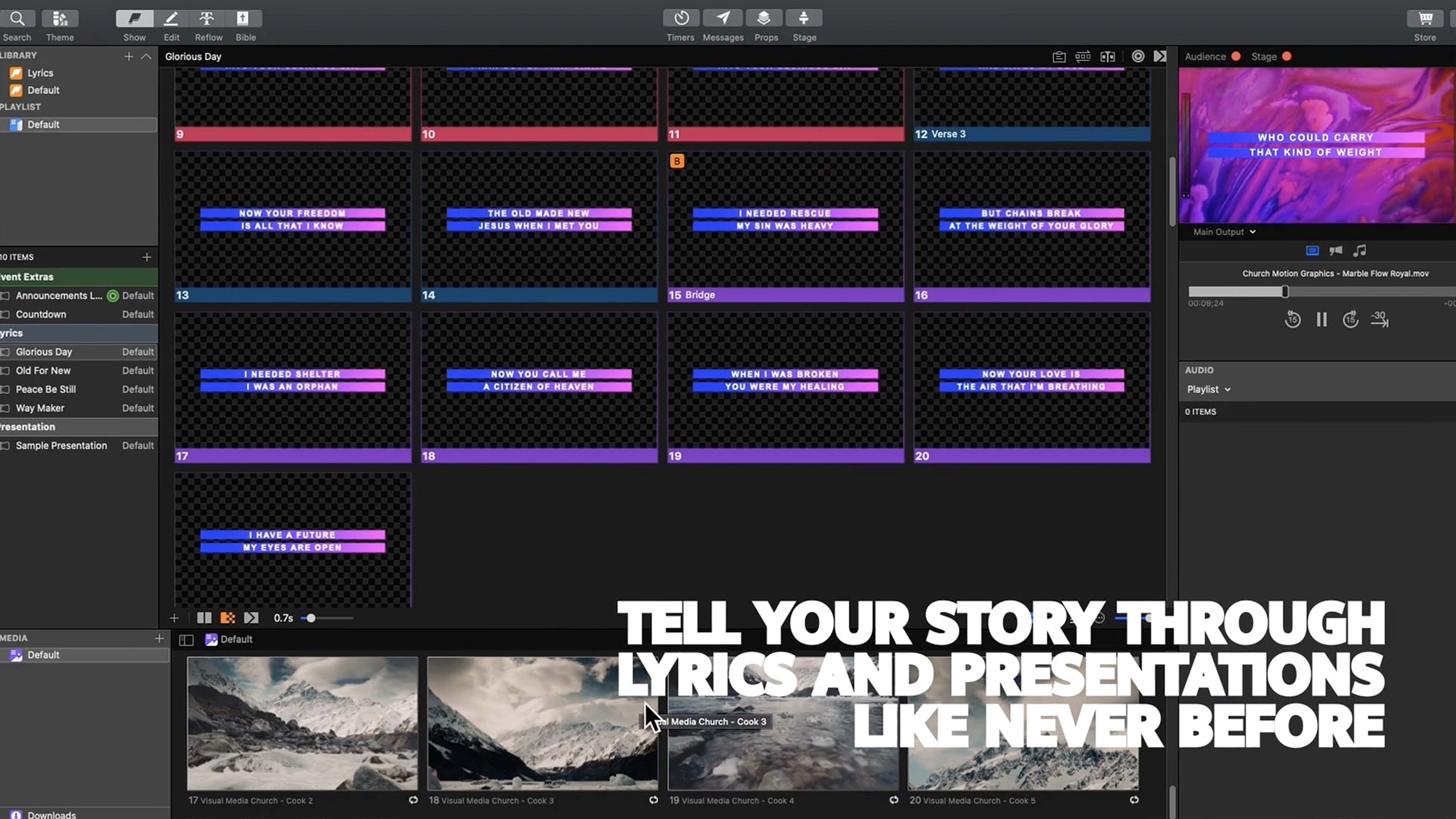
Video playback sits at the core. HD clips run from the library without jumping out to another app. Slide layers can hold live text, looping backgrounds, and transparency masks, so you build looks that go well past a bullet list. Quotations get reformatted on the fly, and the whole output can pipe to other compatible Mac apps over Syphon or NDI.
Mistakes That Bite Beginners
Most new operators load a single monitor layout and call it done. Then the countdown hits zero and the lobby screen is showing the pastor’s notes, not the welcome loop. ProPresenter thinks in screens—stage display, audience, stream, overflow—and each one needs an assigned template before you build a single slide. Skip that step and you’re untangling cables with one hand while the band starts playing.
Another classic: dumping a 20-minute sermon video straight into a presentation without pre-cueing. The app handles long clips fine, but the operator needs to know where the in-point sits. Mark it during prep, not during the message. And don’t nest everything inside one massive playlist when three smaller ones—pre-service, service, post-service—give you breathing room if the schedule shifts.
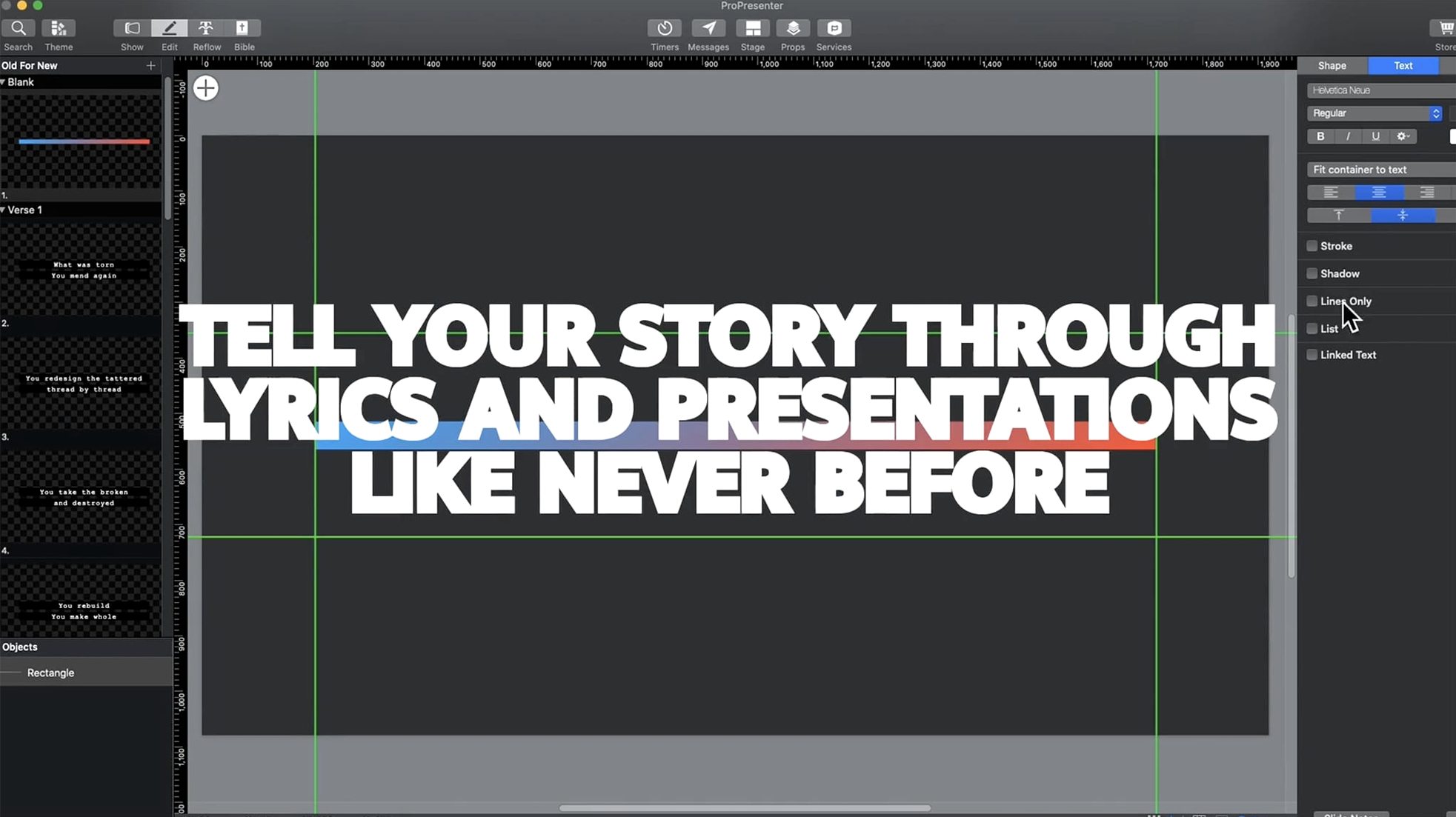
The slide editor’s eight layers confuse people who treat them like PowerPoint stacks. Layer order matters, but so does the type of content on each layer. A background loop on layer one, lyrics on layer three, a lower-third graphic on layer five. Keep text layers away from the bottom unless you want them buried behind a video fill. And always—always—test transparency masks on the actual LED wall or projector. What looks crisp on a Retina display can turn into a muddy mess at 1080p.
Assign Every Output Before You Build a Single Slide
Before you build a single announcement slide, set up your screens. Open Preferences, hit the Screens tab, and assign each physical output to its audience. Stage display gets notes and a countdown clock. Audience gets the main look. Lobby gets a looping welcome card. Do this once, save it as a template, and every presentation you touch afterward inherits the routing.
Next, build a show template—not a show. Drop in placeholder playlists labeled “Welcome,” “Announcements,” “Worship,” “Message,” “Closing.” Add blank slides with the most common text arrangements your venue uses. When Thursday rehearsal rolls around, you’re filling in blanks, not constructing the whole thing from zero.
The library pane is your friend, but only if you organize it early. Create folders for backgrounds, sermon bumpers, stingers, and lower-thirds. Import everything at once. ProPresenter copies media into its own structure, so your originals can live somewhere safe while the app handles the playback copies. And turn on “Auto-advance” only for countdown timers. Anywhere else, it’ll betray you the moment a speaker pauses for applause.
One more thing: connect the Remote app on an iPad and walk the room. Check sightlines from the back row. Read lyrics off the side screens. The confidence monitor looks great from the tech booth, but a worship leader squinting into stage lights sees something different.
Volunteer Teams That Rehearse on a Template, Not on the Fly
Churches with a volunteer rotation benefit the hardest. ProPresenter isn’t a “figure it out during soundcheck” app, but once a template exists, a minimally trained operator can run a full service. The safety net matters too—accidentally triggering the wrong slide during a prayer doesn’t have to launch a video clip on every screen because outputs are independent.
Corporate event producers get mileage from the multi-screen routing. A keynote slide on the main screen, speaker notes on the stage comfort monitor, a different language translation on the overflow feed—all from one Mac. That’s three jobs collapsed into one operator station.
Broadcast and streaming setups lean on the NDI output for live graphics. Lower-thirds, scripture references, and Twitter feeds overlay the camera cut without a dedicated character generator. Small studios that can’t staff a full graphics op suddenly have clean, timed overlays driven by the presentation timeline. The same crew running lyrics for the sanctuary is running graphics for the online audience.
Macs from 2015 Forward Skip the Compatibility Guesswork
“Will it run on my older Mac?” It needs macOS 10.15 or later, and the current build handles both Intel and Apple Silicon without complaint. That covers Macs from roughly 2015 forward. If your machine is older than that, you’re likely pushing a version that predates the multi-camera streaming tools anyway, so the upgrade cycle catches up with you here.
“Does it replace my video switcher?” No—and that’s a good thing. ProPresenter feeds content to your switcher or streaming encoder. Think of it as the graphics and playback source, not the camera cut. It handles multi-camera recording, but live switching is still your ATEM or software mixer’s job. The two talk to each other; they don’t fight for the same seat.
“Can I open my old PowerPoint files in it?” You can import them, but don’t expect a perfect translation. Complex animations, custom fonts, and embedded SmartArt tend to break. The cleaner your original deck, the smoother the import. For most users, it’s faster to rebuild key slides in the ProPresenter editor and take advantage of the layering tools rather than wrestle with conversion artifacts.
“How steep is the learning curve?” The first two hours feel overwhelming because the interface rewards preparation. Once screens are configured and a template exists, daily operation is surprisingly straightforward—click a slide, it appears. The depth comes from the routing, the edge-blending tools, and the advanced editor. Nobody masters it in a weekend, but plenty of volunteers run a clean service after a single training session.
- macOS 10.15 or later
- Intel or Apple Silicon Mac
Questions I actually get
Can I run multiple screens with different content from one Mac?
Yes. ProPresenter lets you configure separate outputs for stage displays, lobby feeds, overflow rooms, and a dedicated online event feed simultaneously.
Notes from the edit bay · 0
Sign in or get an edit-bay pass to leave a note.
No notes from the edit bay yet. They go up after I read them.