Lighting designers, video jockeys, and theatre directors all end up in the same place when a show needs perfectly synced projection mapping and audio. Millumin is built for that moment—a timeline-based tool that treats your show like a living sequence, not a flat playlist.
Features That Run a Show
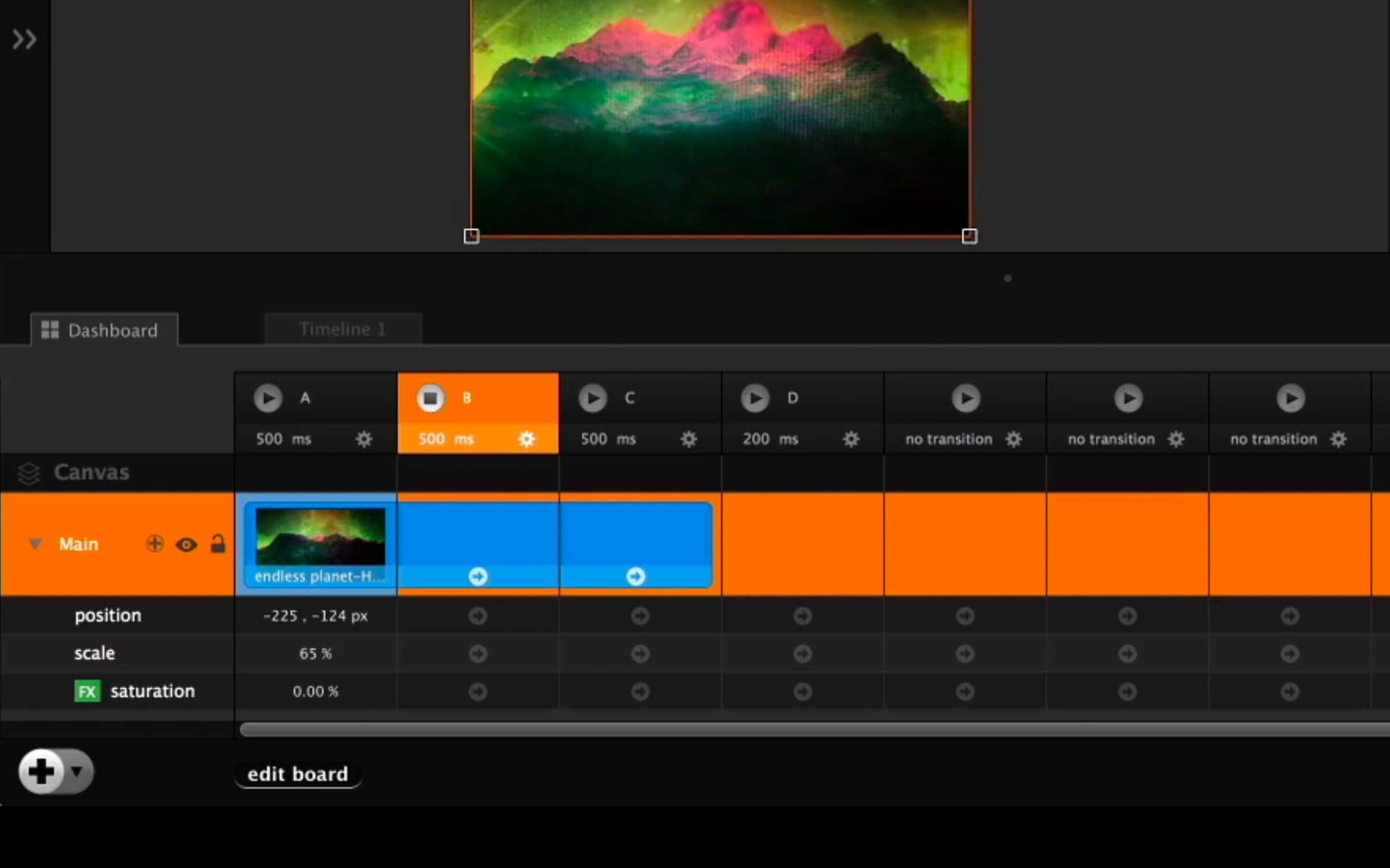
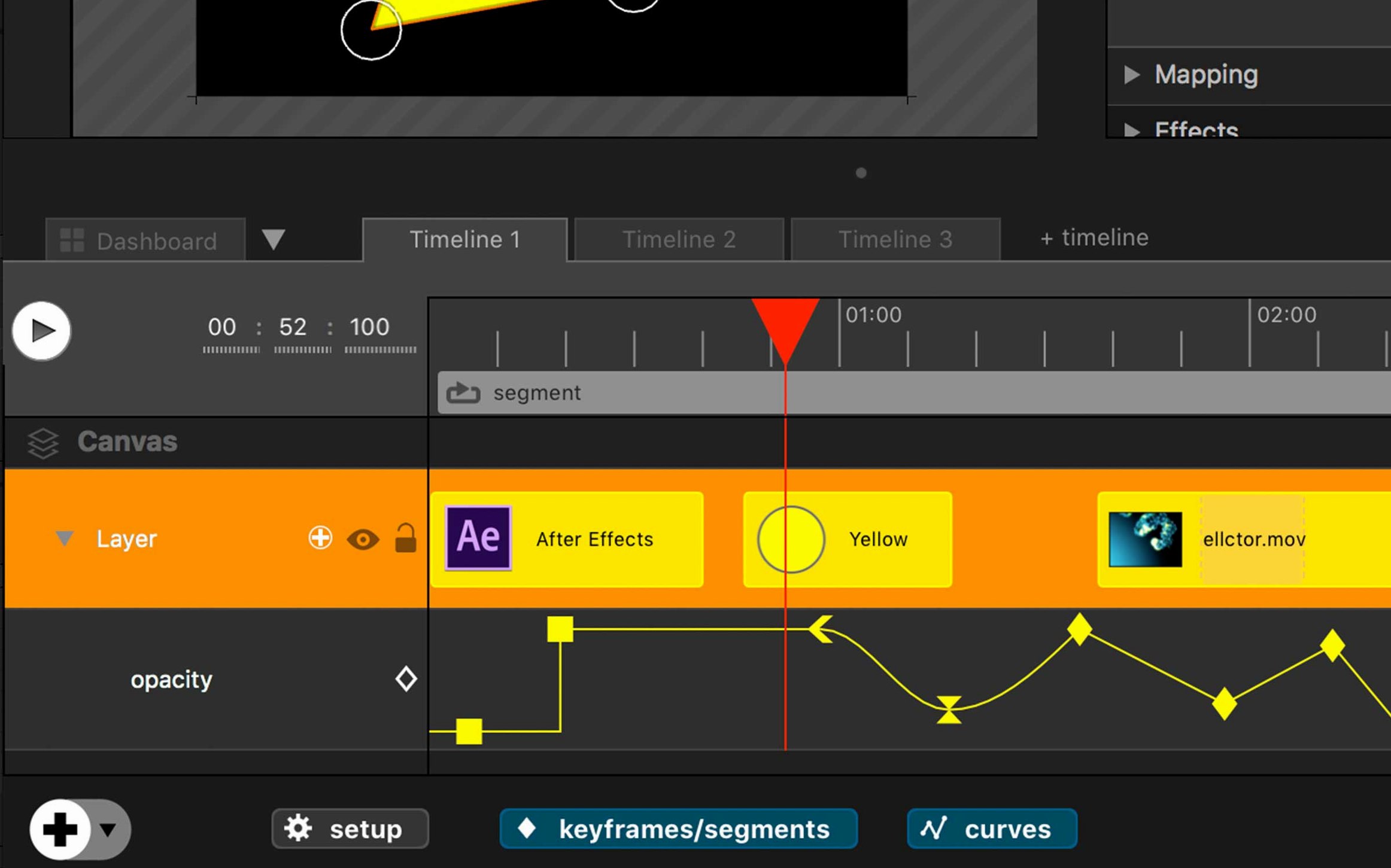
- Timeline & Cues: Stack video layers, audio, and lighting triggers on a single timeline. Fire sections or loop them, so a cue list never falls out of sync with the band.
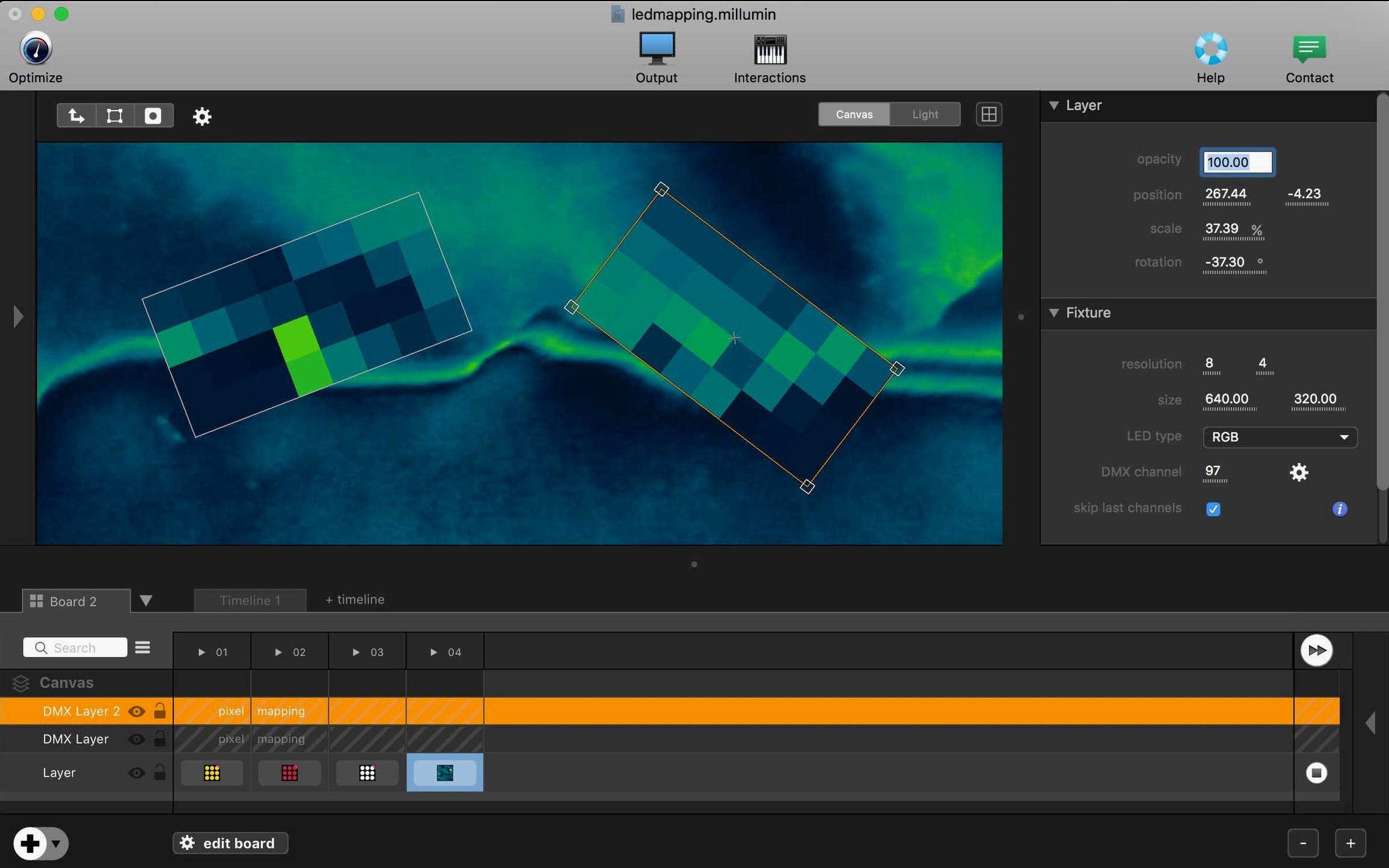
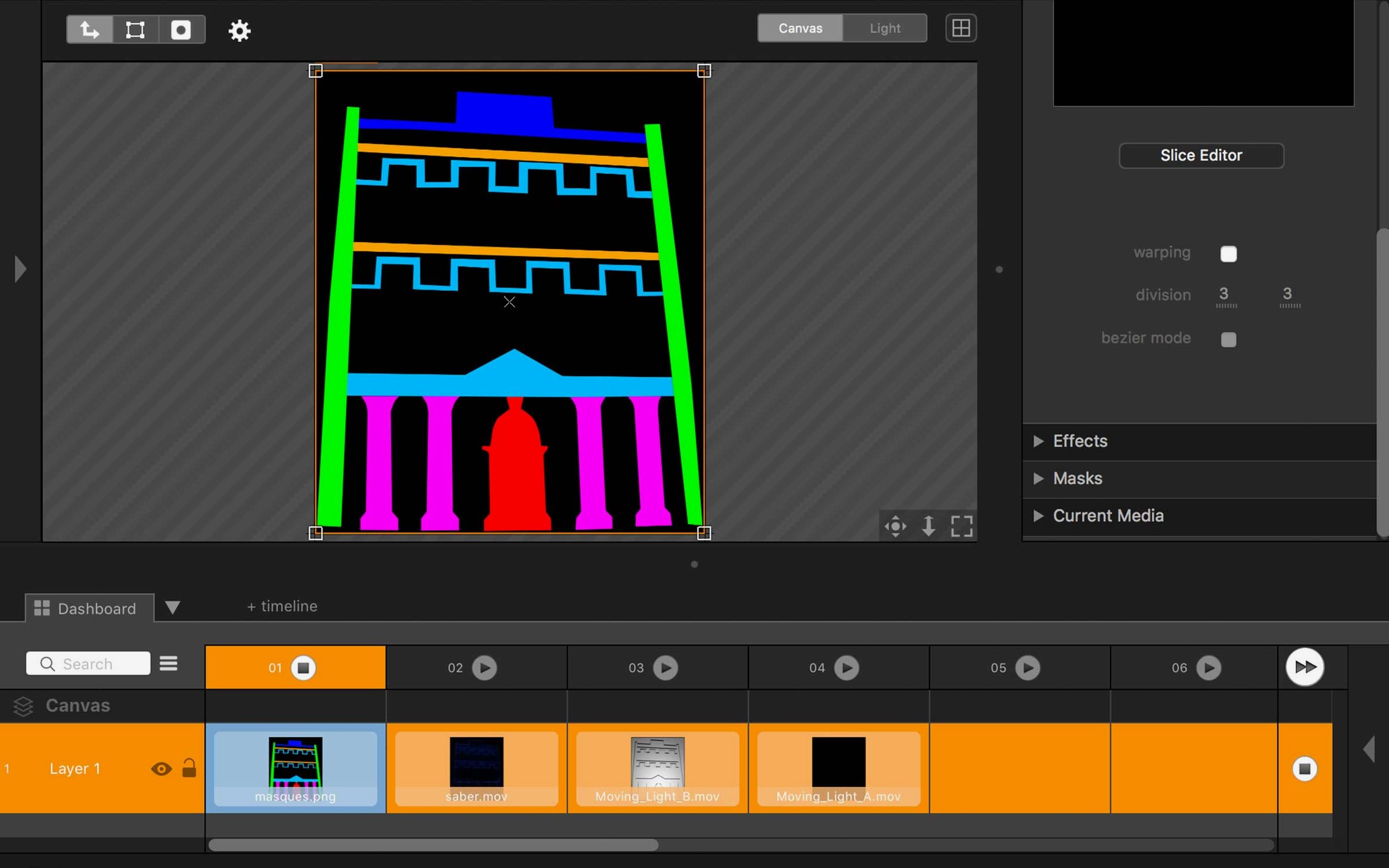
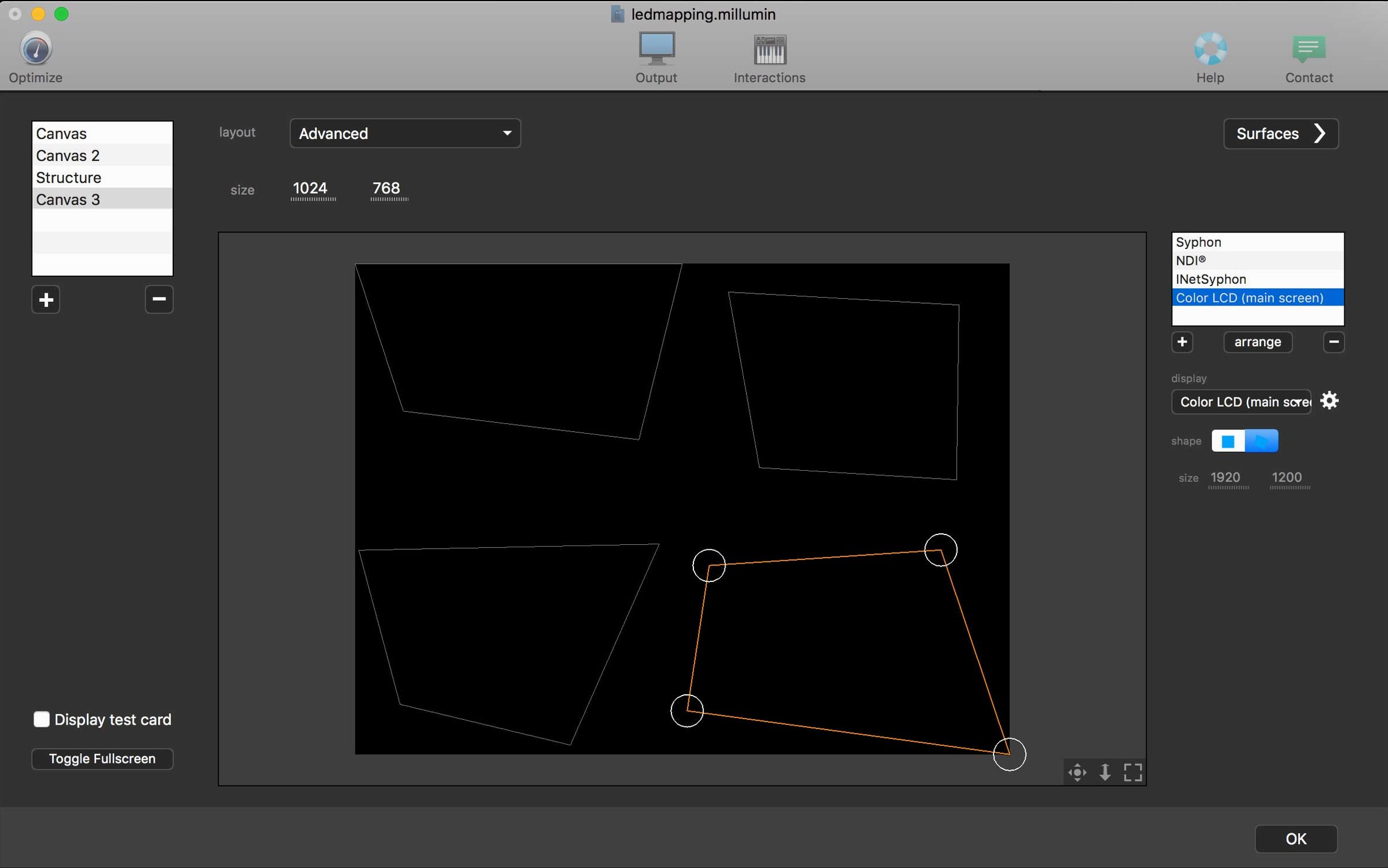
- Video Mapping: Warp and mask video across irregular surfaces right on the canvas. Adjust corner pins while a clip plays, without jumping to a separate utility.
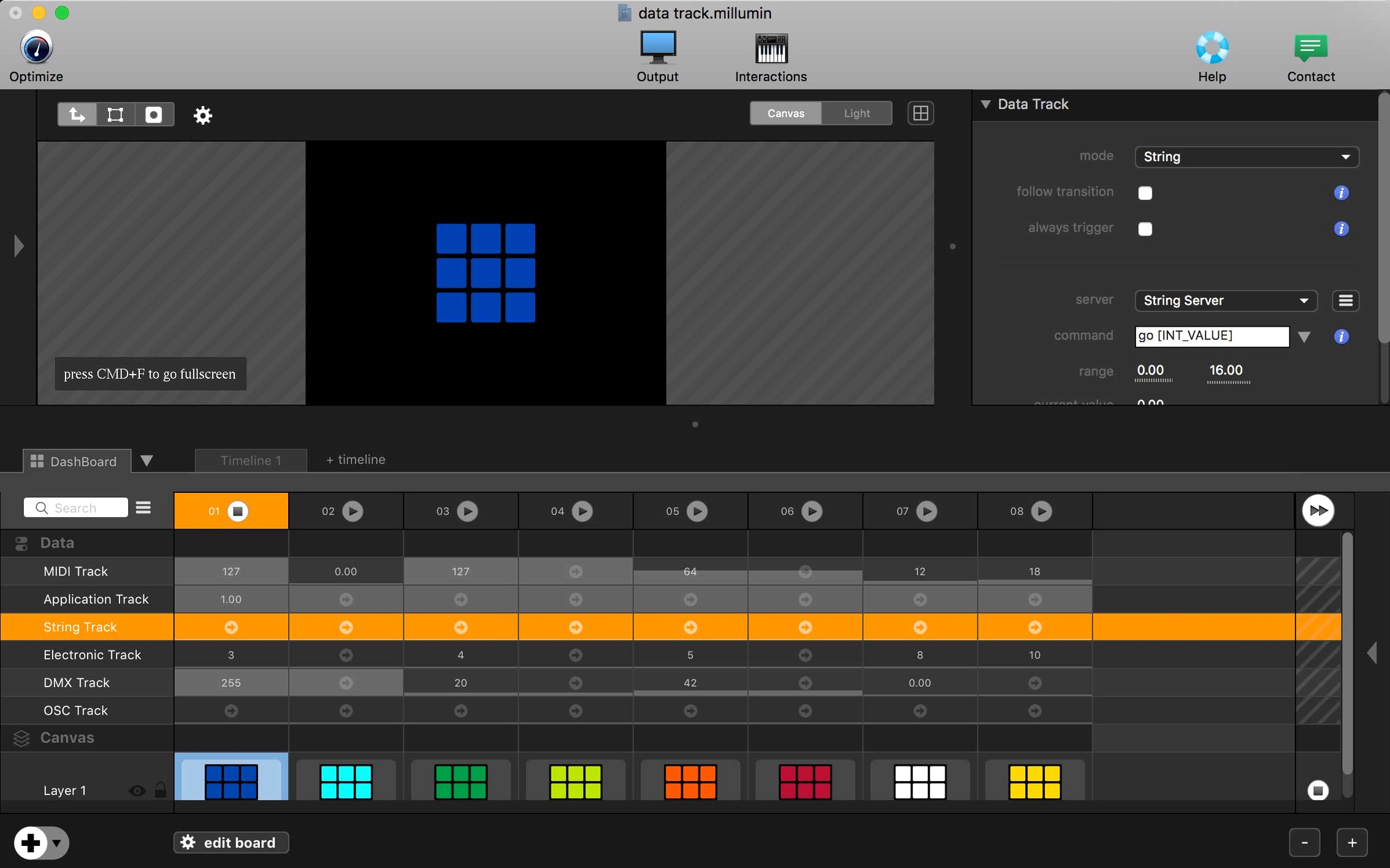
- Interactivity: Wire up MIDI controllers, OSC messages, or an iPad to let a performer trigger the next scene. The link between a fader and a layer’s opacity is direct, not buried in a menu.
A Live Canvas Between Timeline and Media Server
Millumin 5 sits between a media server and a creative timeline. It doesn’t replace a DAW for composing or a 3D package for modelling, but it turns those assets into a responsive show file. The canvas updates live, so you can rehearse a mapping shift while the director watches. Once a gig is locked, the whole workspace runs from a MacBook without extra rendering passes.
Syphon Feeds and Virtual Audio Pipes
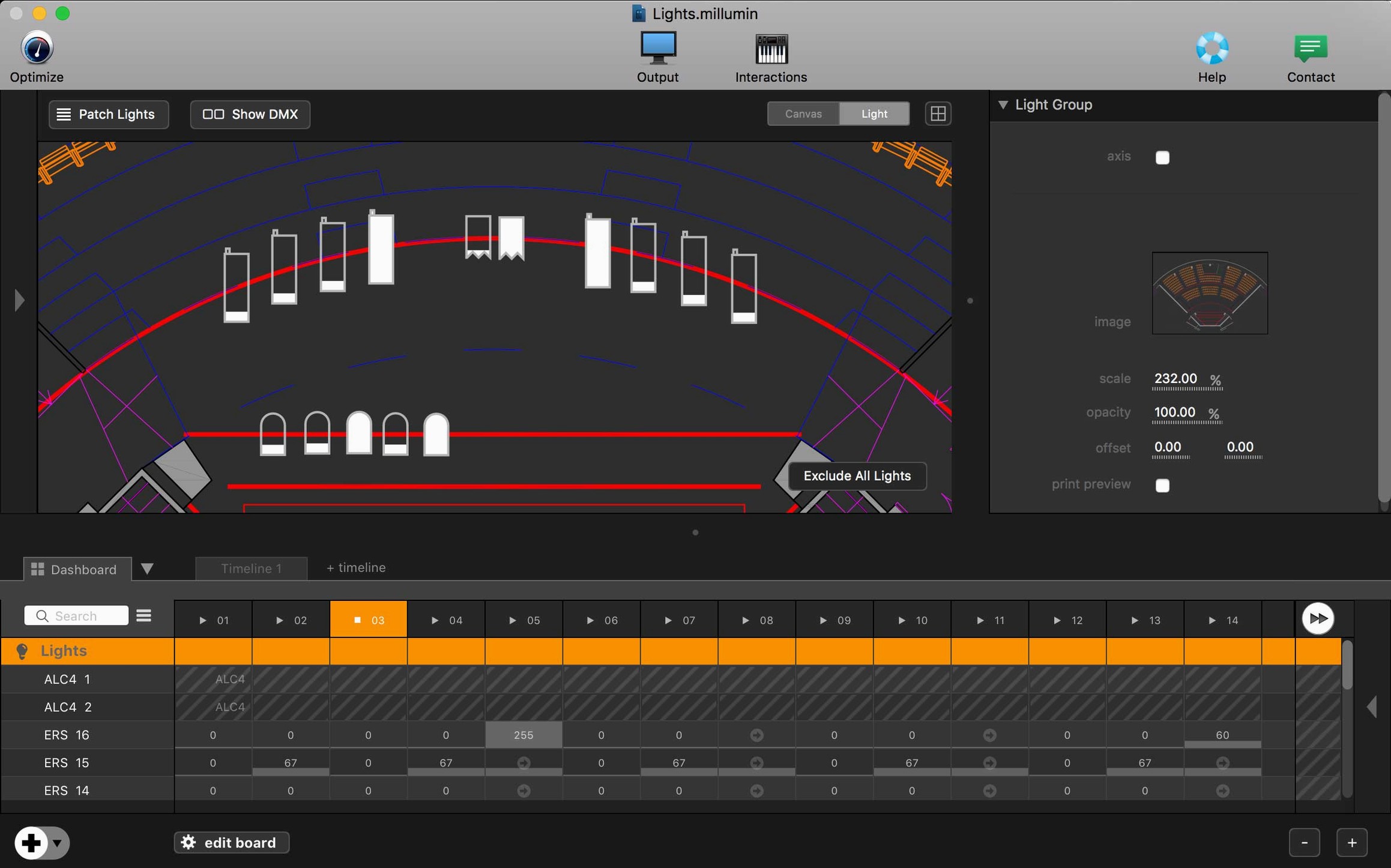
Millumin doesn't live in a bubble. It grabs video straight from Syphon sources—MadMapper, TouchDesigner, even a Unity build spitting out real-time graphics—without a capture card. On the audio side, it routes multichannel output through BlackHole or Loopback, so QLab can pick up stems you've mixed on the timeline. OSC is the glue: send /millumin/layer/opacity from an iPad running TouchOSC and the fader moves before your finger lifts. For lighting, Art-Net and sACN output means a GrandMA or ETC Ion reads Millumin as just another universe on the network.
macOS Audio MIDI Setup becomes your patchbay. Aggregate devices let Millumin address every output on an RME interface while Dante Virtual Soundcard handles the house network, all from the same Mac. The app also respects the system color profile, so what you see on the canvas in a dark theater matches the projector's calibrated output. No surprises at doors.
Building a Cue-Driven Dance Piece
Here's a walkthrough for a five-minute contemporary dance work with three projection surfaces and a live cellist.
Start in the Media bin. Drop in a 4K ProRes master of the backing visuals, then split it at the music's natural breaks—verse, bridge, crescendo. Each chunk lands on its own column. Duplicate the column for the upstage scrim and the two side flats, then tweak the mask on each: the scrim gets a soft oval, the flats hard trapezoids pulled to match the set's rake.
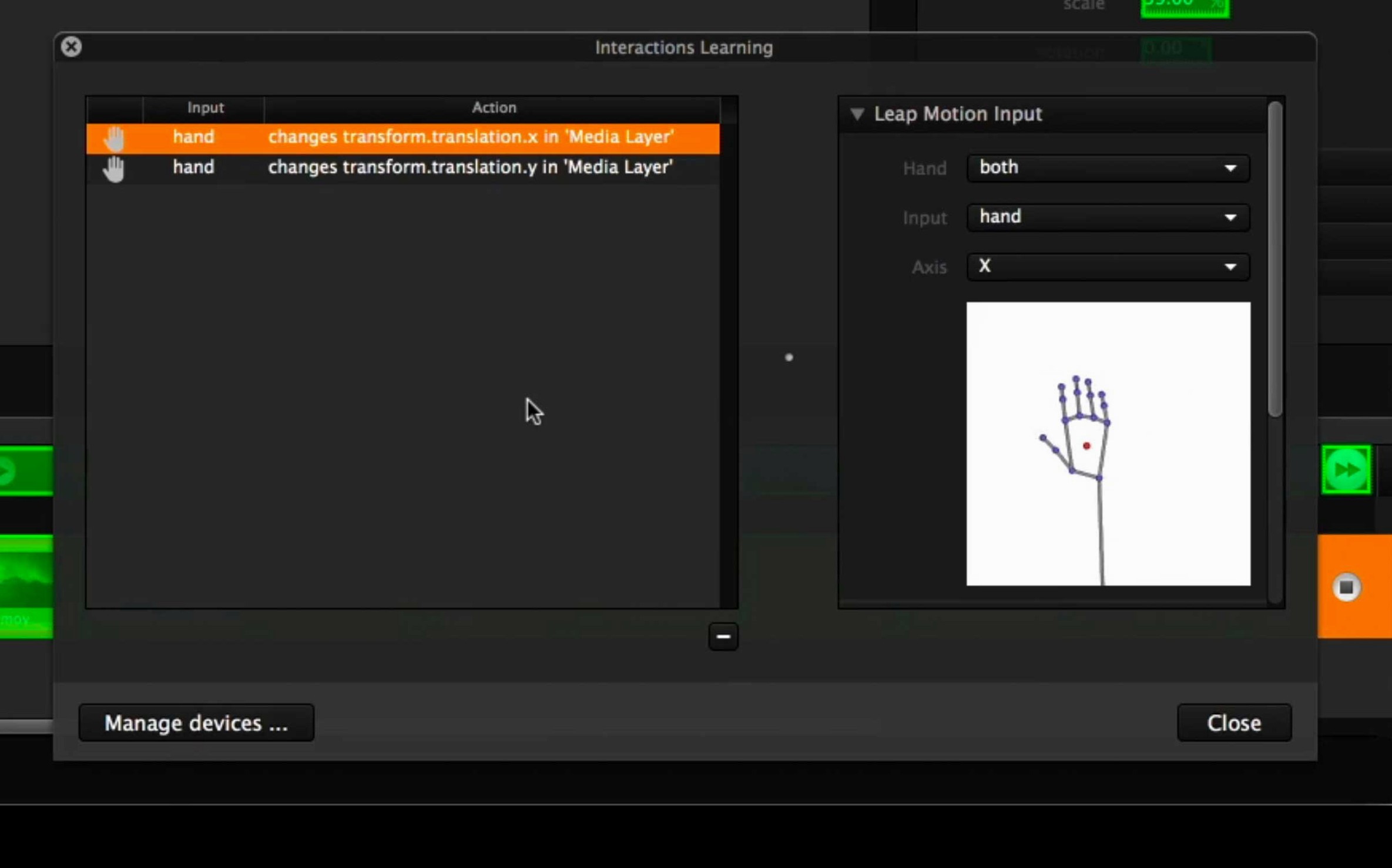
Now the interactive layer. Plug a MIDI foot pedal into the cellist's rig. In Millumin's Interaction panel, map CC 64 (sustain pedal) to "Go Next Column." While the cellist plays, a quick pedal press advances the timeline—no tech booth handoff needed. Add a second mapping: a rotary encoder on a lighting console sends OSC to a layer's crossfade, letting the LD ride the visual intensity during the slow section.
Lock the show file, enable "Launch on Open," and hide the dock. The Mac boots straight into the timeline. A stagehand taps the spacebar at curtain, and the rest belongs to the performer.
One Night in a Black Box
A videomapping artist lands in a converted warehouse with a curved ceiling and zero straight lines. The projector is off-axis by twenty degrees. In the hour before doors, she drops a grid test pattern onto the canvas, drags corner pins until the grid reads as straight squares on the plaster, and masks out a HVAC duct with a bezier shape drawn right on the output monitor. The band soundchecks. She routes the kick drum mic into Millumin's audio analysis, ties it to a layer's scale property, and suddenly the projected mandala pulses with every hit. No render queue, no exports—the canvas is the show. When the set ends, she closes the lid and heads to the bar. The project file opens exactly where she left it tomorrow.
- Operating System: macOS 11 Big Sur or later
- Architecture: Intel 64-bit
Questions I actually get
Does Millumin 5 run on Apple Silicon?
The current package runs on Intel 64-bit Macs and requires Rosetta 2 on Apple Silicon machines.
What macOS version does Millumin 5 need?
Millumin V5 requires macOS 11 Big Sur or later, with support up through recent releases like Tahoe 26 and Golden Gate 27.
Where do I find help inside the app?
Millumin opens with contextual help built in, and a dedicated help center is available for V5.
Notes from the edit bay · 0
Sign in or get an edit-bay pass to leave a note.
No notes from the edit bay yet. They go up after I read them.