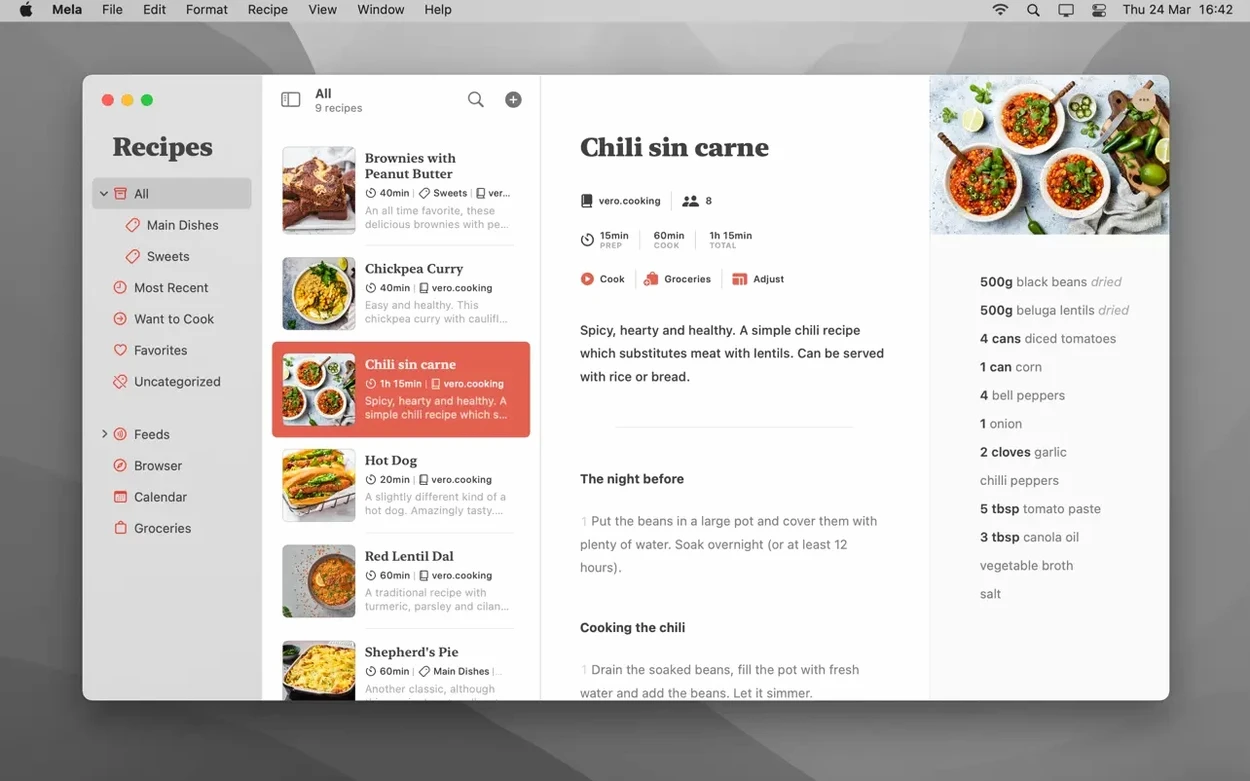
Mela runs on any Mac with macOS 11 or later, Intel or Apple Silicon. That hasn't budged, and neither has the core promise: a recipe manager that stays out of your way while keeping everything in sync. iCloud handles the syncing, private by default, so your collection follows you to every Mac without a third-party account. If you share a library with someone, both of you need macOS 12 or newer — the only real version split in the whole setup.
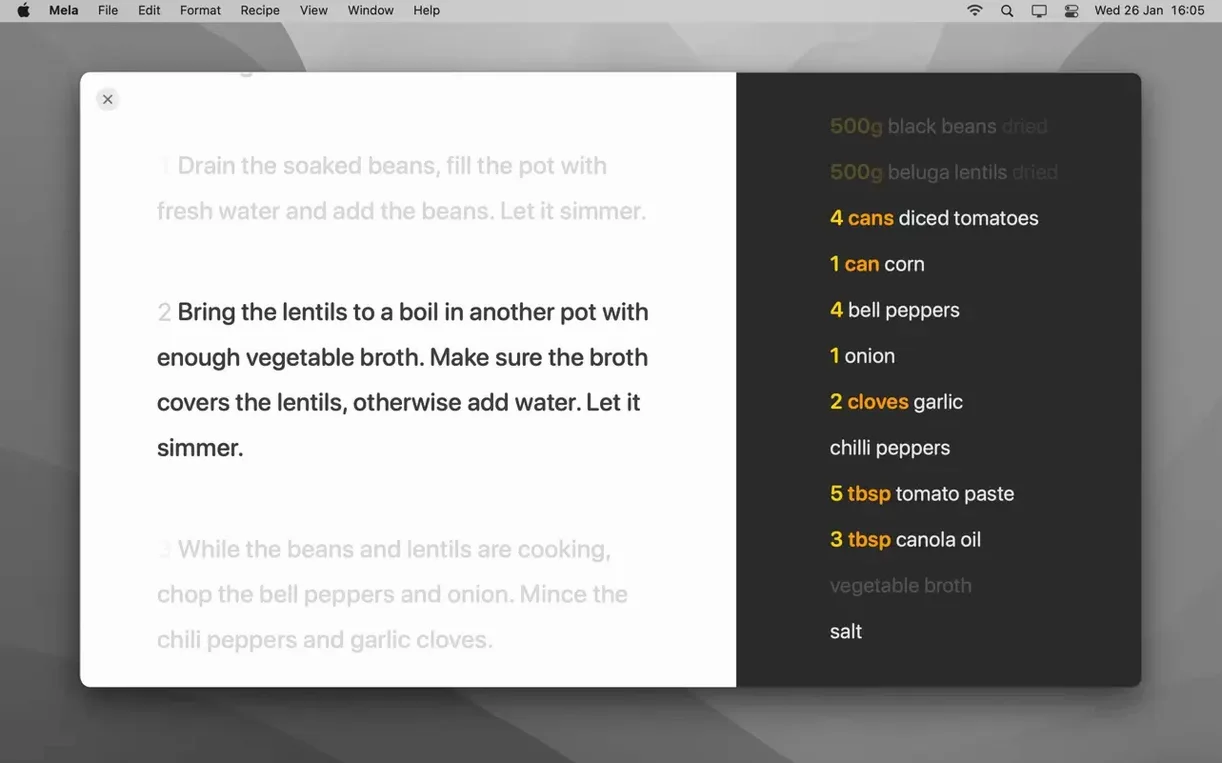
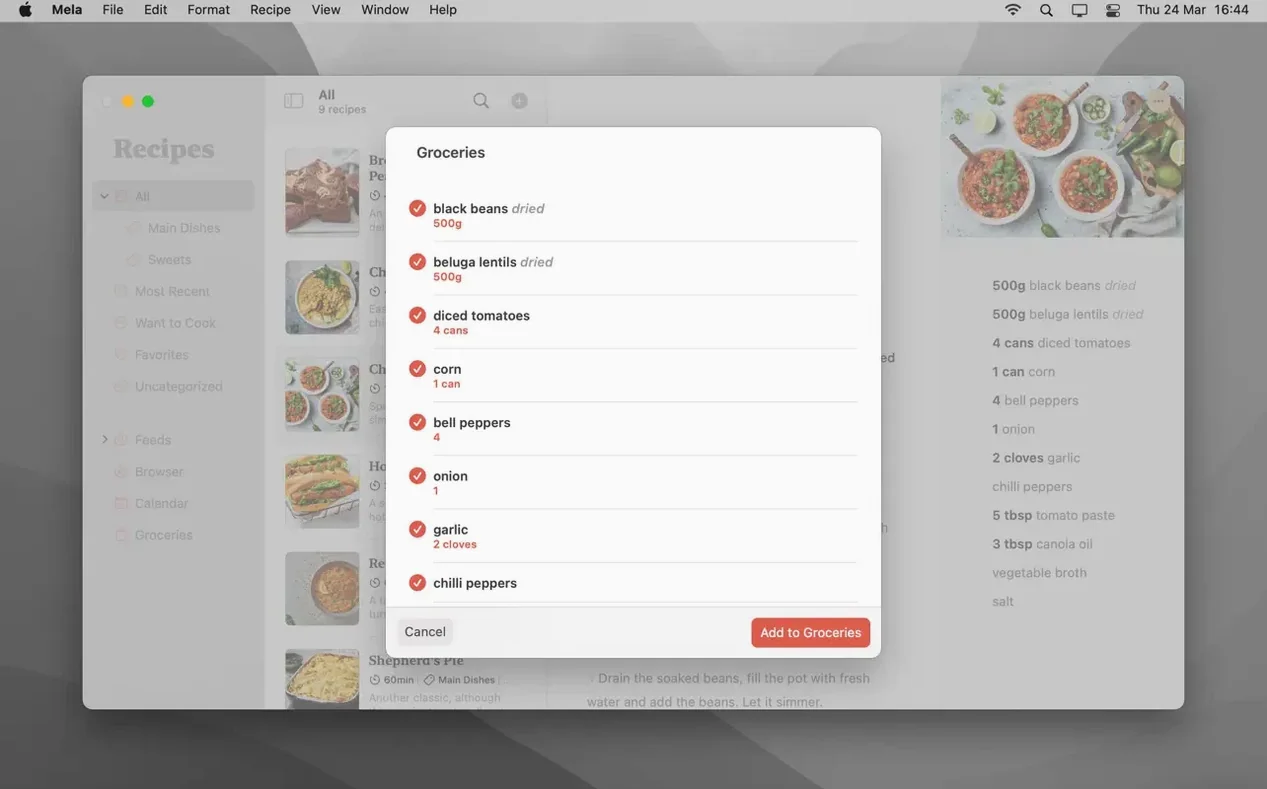
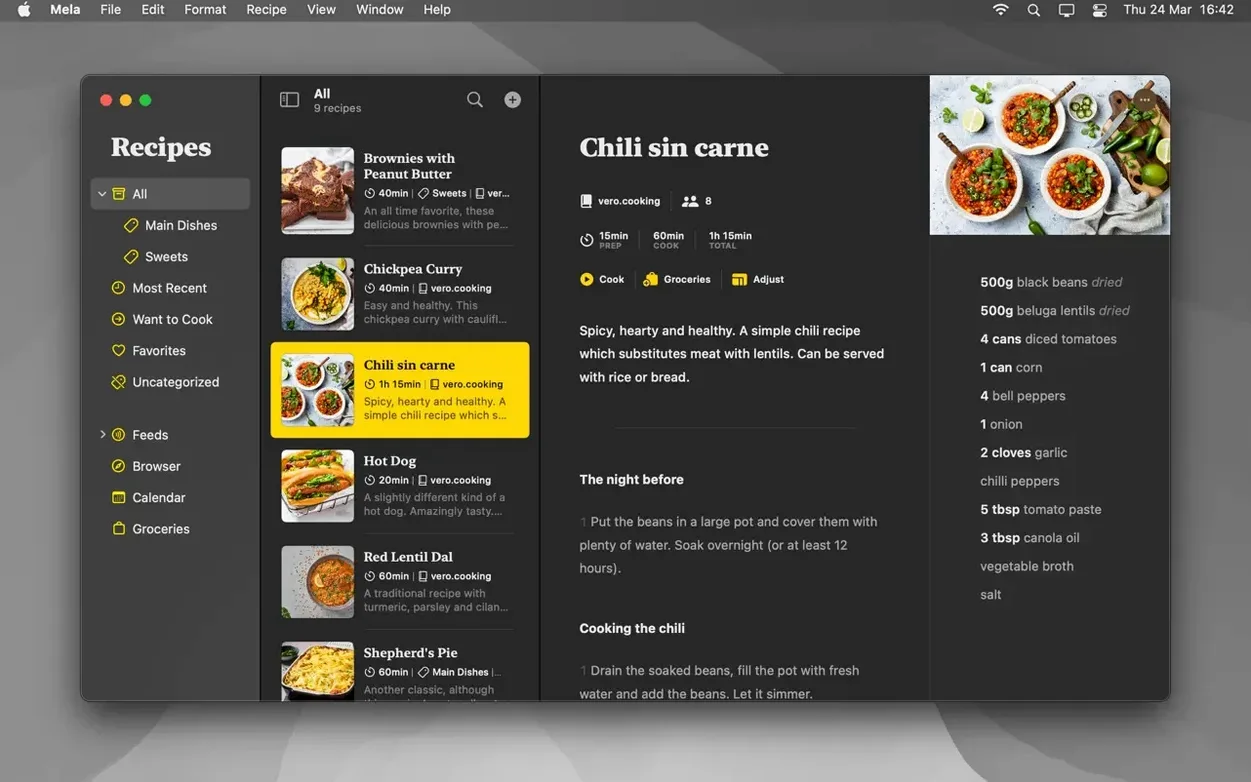
Version 2.6.1 is a maintenance release, so the feature set is exactly what Mela users already know. Recipes land in categories you define. The cooking mode bumps up the text and keeps the screen awake, and you can juggle multiple recipes side by side inside it — handy when the risotto and the roast finish at different times. A built-in timer lives right in that view, so you're not bouncing between apps with flour on your hands. Mark dishes as Want to Cook, build a meal plan on the calendar, or print and export to PDF when someone asks for the recipe.
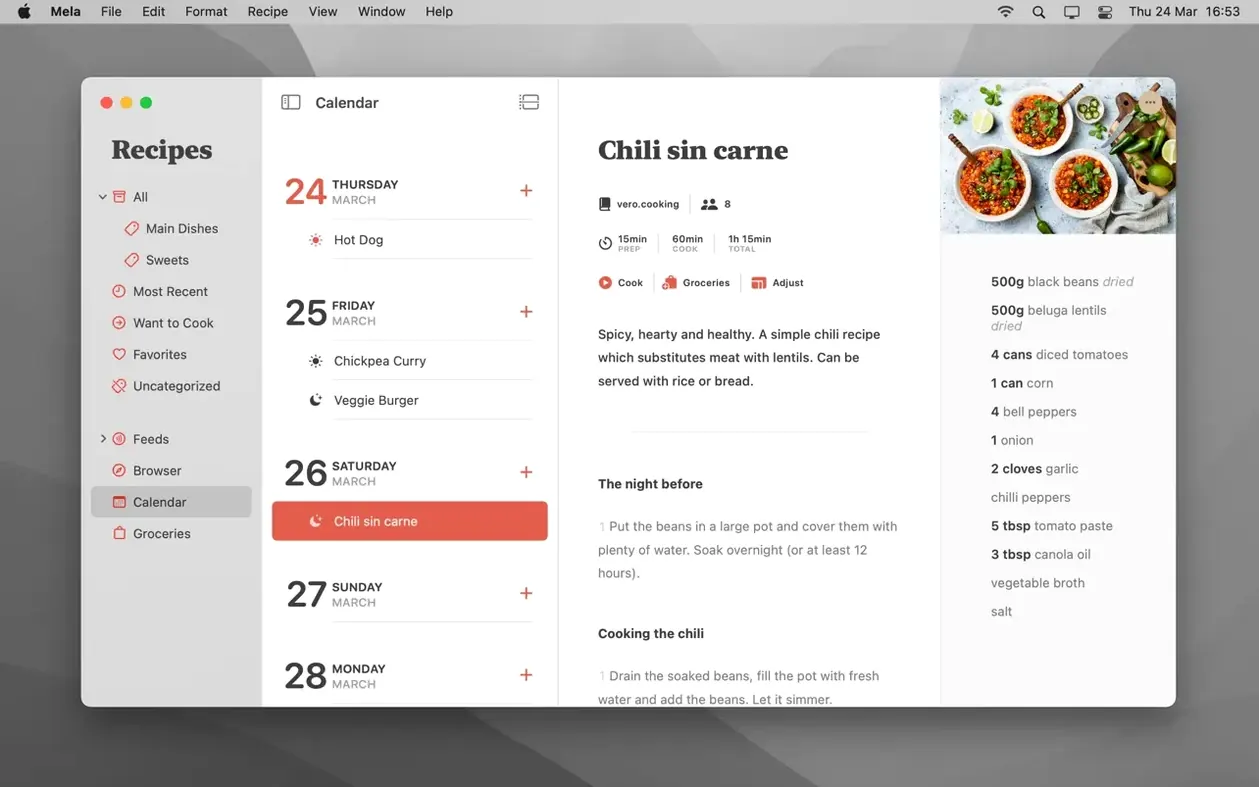
The calendar deserves a mention because it ties the library to a timeline. Drag a recipe onto a date, and Mela treats it as a plan, not just a bookmark. That shifts the app from a passive shoebox of clippings to something you actually consult midweek when the "what's for dinner" question hits.
Under the hood, things stay quiet. No flashy redesign, no feature bloat. Silvio Rizzi's apps tend to feel like they were carved down to the essentials, and Mela still reads that way. If you've been using it, nothing has moved. If you're looking for a recipe manager that syncs without fuss and doesn't bury the stovetop under menus, the current build holds the line.
Mela vs. the Competition
The recipe-manager space on macOS splits roughly into two camps: the big library apps and the scrappy indie tools. Paprika Recipe Manager sits in the first camp, with a grocery list, pantry tracker, and a meal planner that lives inside the app instead of leaning on Calendar. It imports from more sites, but it also feels heavier — more clicks to get to the ingredient list, more windows to manage. Mela wins on restraint. You open it, you see a recipe, you cook. Paprika gives you a database dashboard, which is great if you're curating 800 recipes and need cross-referencing; it is overkill if you just want tonight's chili front and center.
Crouton takes a different angle, using on-device recognition to pull recipes from photos and webpages without much cleanup. Its meal planner lives in Reminders, which is clever but means you lose the visual calendar Mela gives you. Crouton also leans into step-by-step guided cooking with Apple Watch integration — something Mela skips entirely. Where Mela counters is the shared library model. Crouton syncs with iCloud but keeps your library to yourself; Mela lets another iCloud user cook from the same set without exporting anything. For couples who split the week's cooking, that's not a minor difference.
Pestle is the closest in spirit — clean design, fast import, cooking mode. It does hands-free voice commands and can scale ingredient quantities automatically, two features Mela doesn't offer. But Pestle's sharing goes through a separate account system, not iCloud. If your household already runs on shared Apple Notes and Reminders, Mela's approach feels native in a way Pestle can't match.
When the In-App Browser Can’t Grab a Recipe
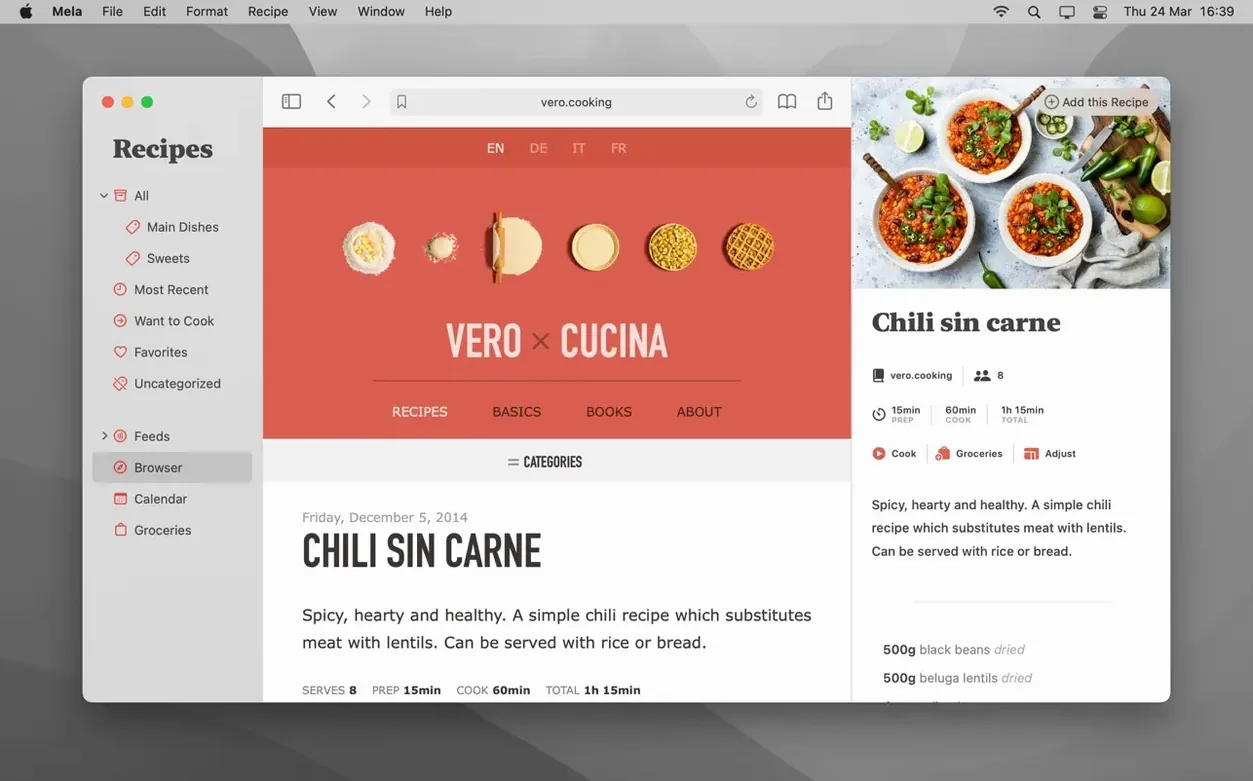
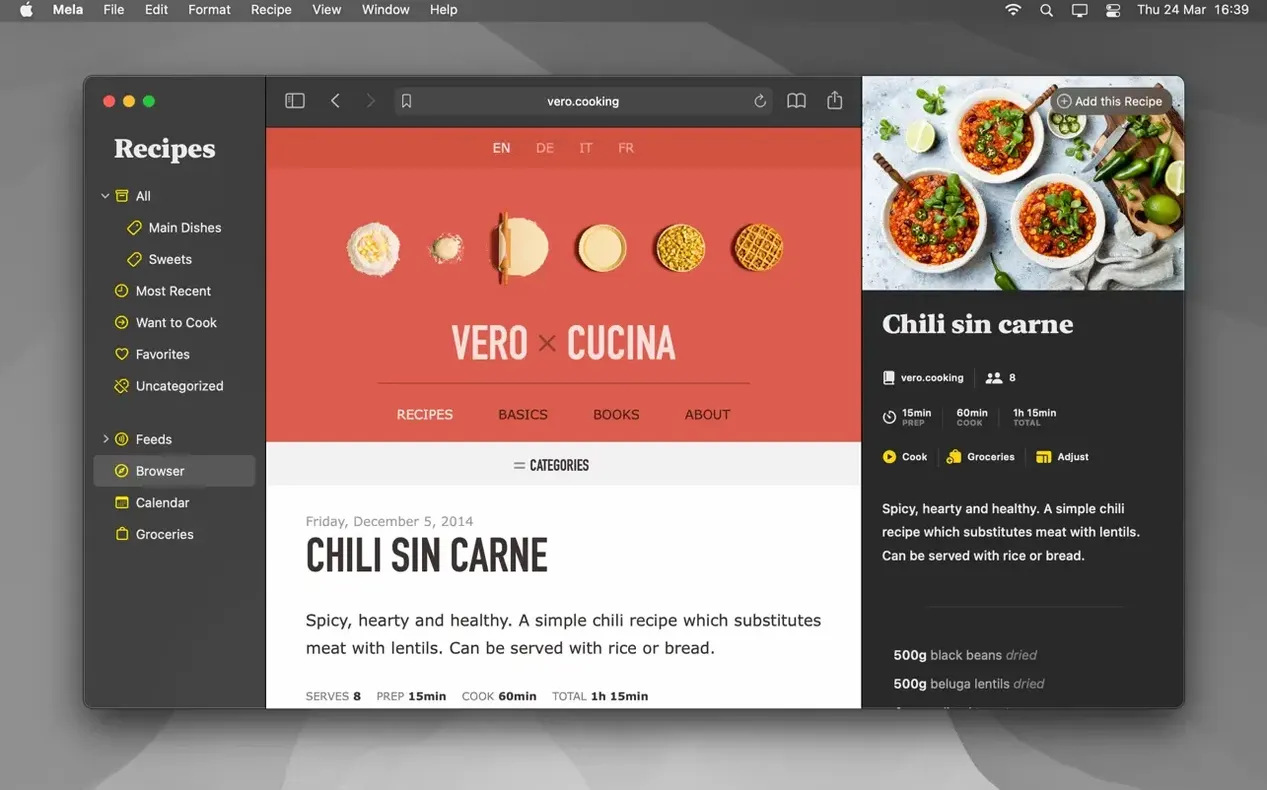
The in-app browser catches most recipe pages cleanly, but it occasionally chokes on sites that bury ingredients inside a carousel or load instructions via JavaScript after a scroll trigger. The fix is almost always the sharing extension: browse in Safari, hit share, and send the page to Mela. That path often extracts data the in-app browser misses.
Shared libraries sometimes stall on the first sync. Both users need macOS 12 or later, and both need iCloud Drive enabled for Mela in System Settings. If the invite doesn't show up, toggling Mela's iCloud switch off and on usually nudges it through — the data isn't lost, it just needs the handshake restarted.
The calendar integration trips up people who expect a two-way link. Mela pushes plans to Calendar.app, but deleting an event there doesn't remove it from Mela's planner. You unpublish from inside the app. Think of Calendar as the display layer, not the editor.
Scanning from a book works best with flat pages under even light. Glossy paper and angled shots confuse the text recognition, so laying the book flat and using a downward angle makes the difference between a clean import and a garbled ingredient list you'll spend five minutes fixing.
Into Your Calendar, Not a Siloed Planner
Mela plays nicely with the rest of the Mac because it doesn't try to own the whole workflow. The meal plan lives in Calendar, so it shows up on your lock screen widget and in your work calendar — no separate app check needed. Safari handles the browsing; Mela handles the clipping. The sharing extension means you can send a recipe straight from a food blog without leaving the page. On the output side, print and PDF export mean you can hand a physical copy to someone who never touches a recipe app, or stash a backup outside iCloud.
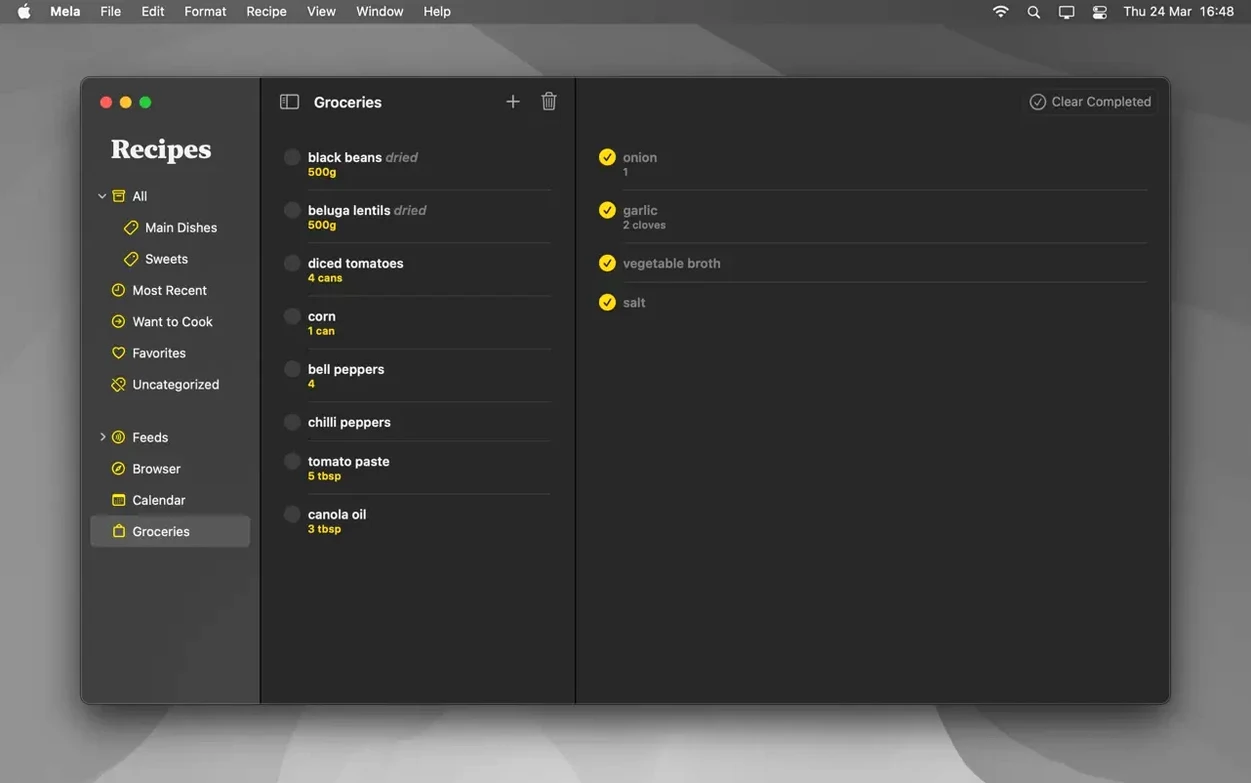
For cooks who already keep notes in Bear or Obsidian, Mela's PDF route works as a bridge — export the recipe, drop it into a note, and link it to a meal plan entry. It's not automated, but it is simple. The timer in cooking mode reduces the temptation to reach for your phone, which keeps the screen cleaner and the focus on the stovetop. If you use Reminders for grocery lists, Mela doesn't integrate there directly, so you're still typing ingredients manually. That's the one gap that sends people toward Paprika. For everyone else, Mela slots into the Mac's built-in apps without demanding new accounts or new habits.
- macOS 11 or later
- Apple Silicon or Intel 64-bit
Questions I actually get
Does Mela sync recipes between Macs?
Yes, it uses private iCloud syncing by default so your recipe library stays up to date across all your Macs without a separate account.
Can I plan meals in Mela?
Absolutely. Mela includes a calendar where you can drag recipes onto specific dates for meal planning, and you can mark dishes as Want to Cook before scheduling them.
What does cooking mode do?
Cooking mode enlarges the text for easy reading at a distance, keeps the screen awake, holds multiple recipes at once, and includes built-in timers.
Notes from the edit bay · 0
Sign in or get an edit-bay pass to leave a note.
No notes from the edit bay yet. They go up after I read them.