
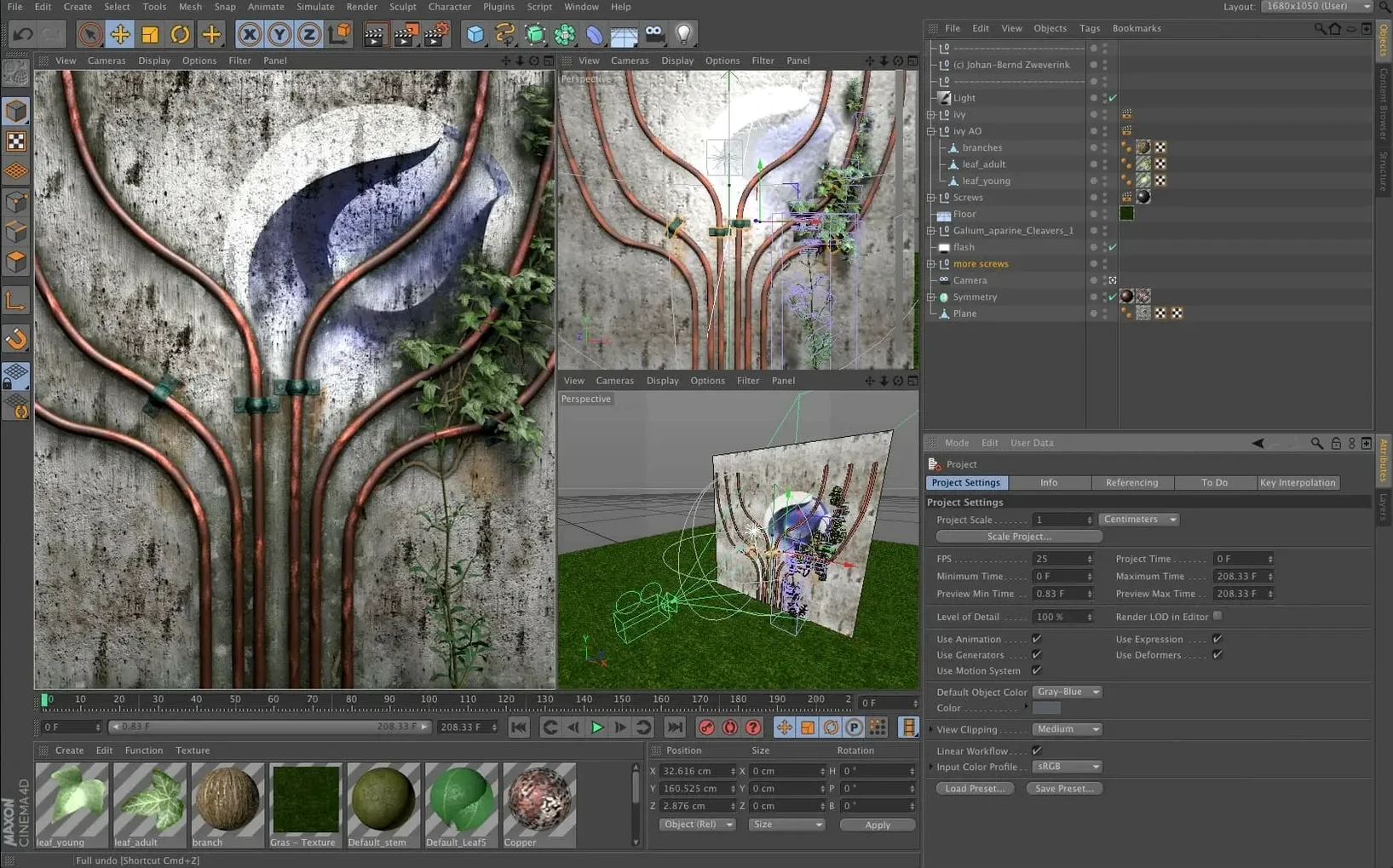
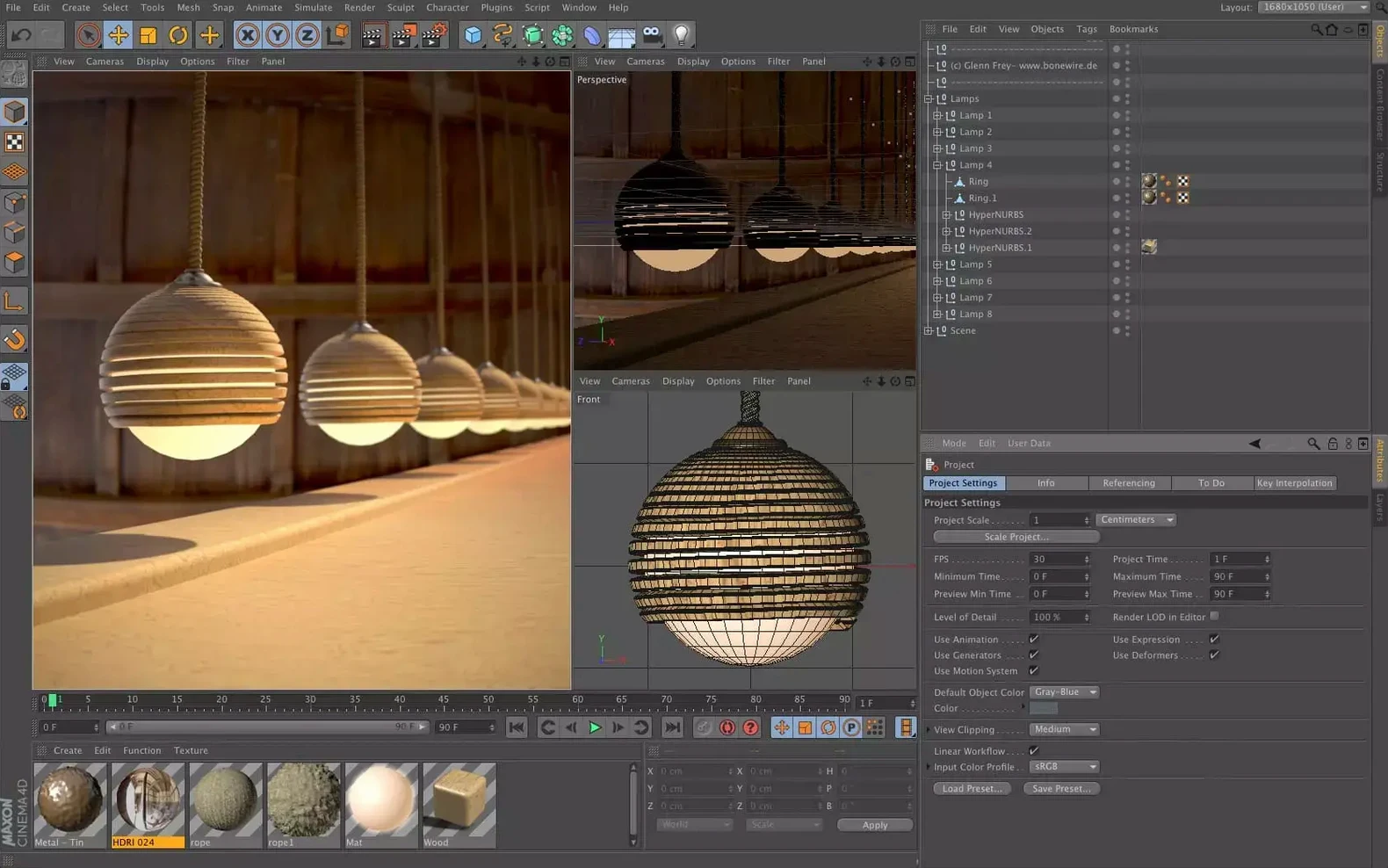
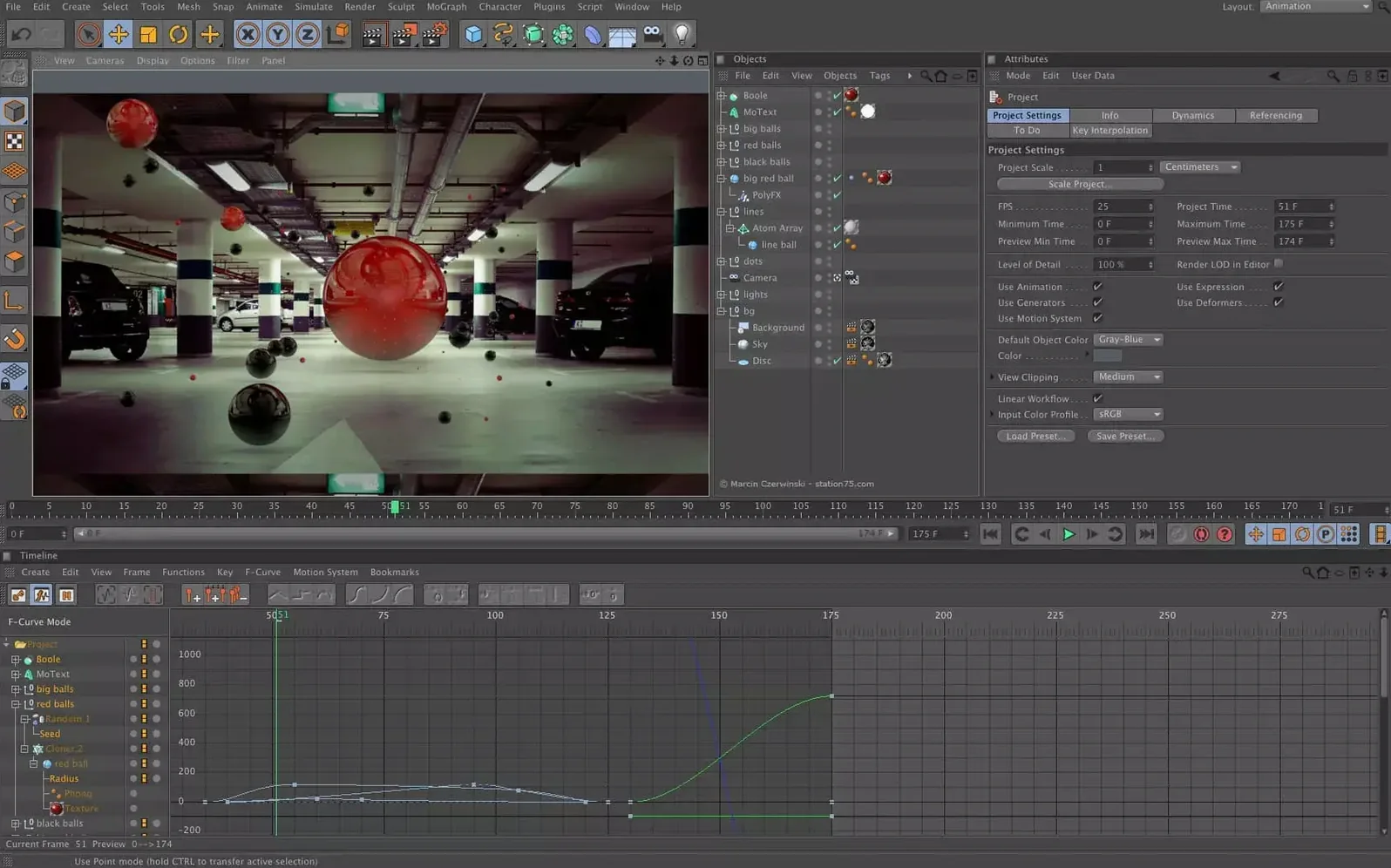
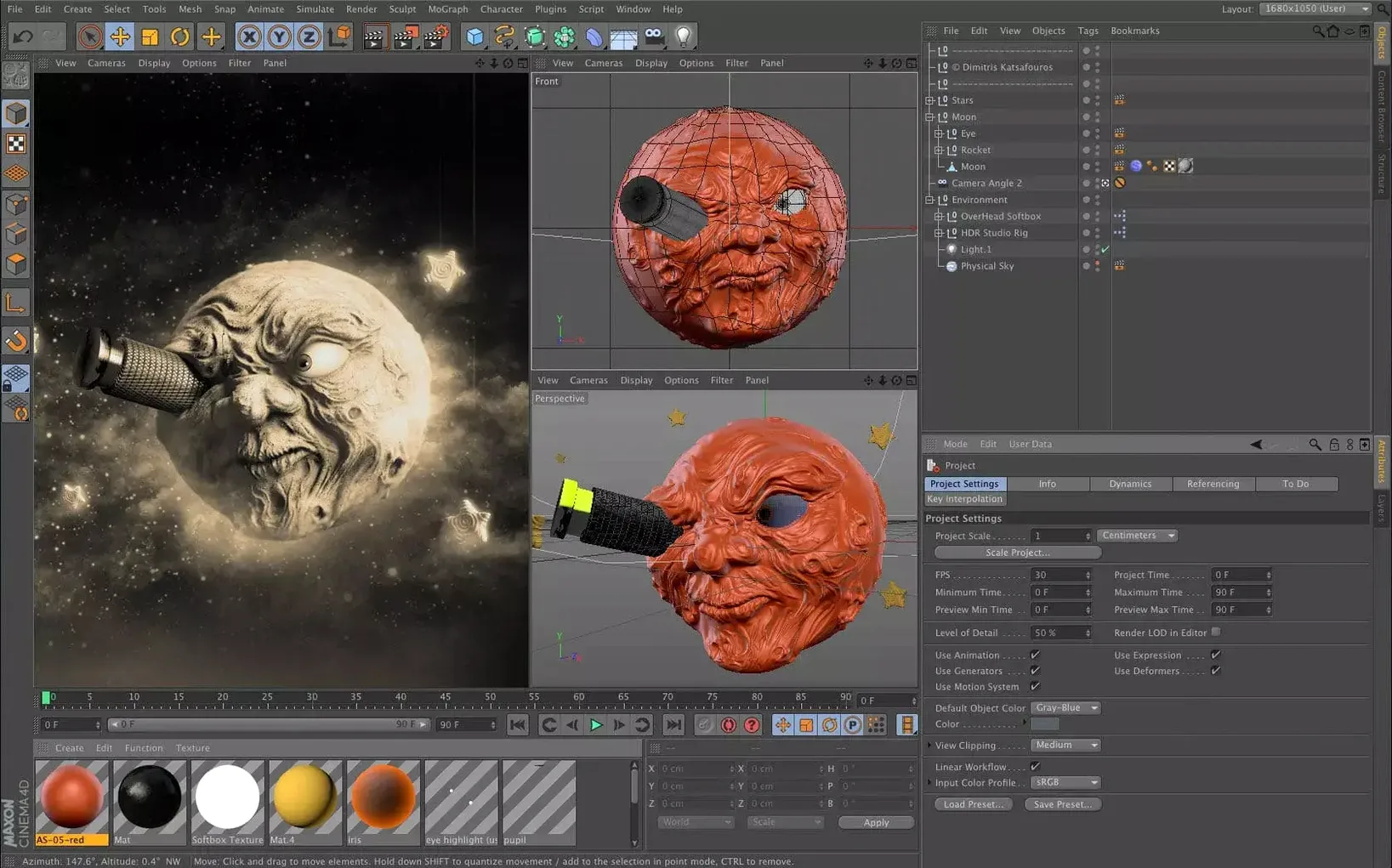
When a Client Logo Shatters into a Thousand Reflective Tiles
Motion graphics artists live here. The kind of person who needs a client logo to shatter into a thousand reflective tiles, then reassemble while a camera arcs through the scene — that's a Tuesday in 4d cinema maxon. The MoGraph toolset, with its cloners, effectors, and fields, turns tedious keyframe grunt work into a few parameter tweaks. You spend your afternoon dialing in the feel instead of placing objects by hand.
VFX generalists who bounce between programs also lean hard on Cinema 4D. It imports camera tracks, nulls, and geometry from After Effects or Nuke without a fuss. You can pull a tracked scene in, drop a dynamic simulation onto a foreground element, and send a beauty pass back to your compositor before the render farm even warms up. The interchange is tight enough that "round-tripping" stops being a dirty word.
Game developers and visualization pros benefit from the modeling and UV tool refinements. You're not always making a final-frame masterpiece — sometimes you need clean, efficient geometry that survives an export to Unreal or Unity. The scene node system lets you build parametric props that stay adjustable until the last build, which saves re-exporting a dozen variants manually.
If your work is purely 2D illustration or audio post-production, Cinema 4D is overkill. But for anyone whose timeline ends with a render queue, the fit is immediate.
Will an M1 MacBook Air Chew Through Your Scenes?
Can my Mac actually run this without melting? The system requirement lands at macOS 11, and the binary runs native on both Apple Silicon and Intel. That means an M1 MacBook Air chews through lighter scenes, while a Mac Studio with a beefy GPU handles Redshift renders at speed. The viewport is responsive enough that you can orbit a moderately complex scene on integrated graphics, though you'll want a discrete GPU for simulation-heavy work.
Do I need to learn nodes, or can I stick to what I know? Capsules mean you don't have to choose. You can operate entirely inside the Object Manager — the classic stack-based workflow — and still use node-driven generators and modifiers as black-box Capsules. Over time, you might peek inside to tweak a network, but there's no forced migration. The old way and the new way coexist.
What about Redshift — is it bundled or separate? Redshift is the renderer that ships alongside Cinema 4D. It's a biased GPU engine, so it makes smart trade-offs between physical accuracy and speed. When a client needs 600 frames by morning, those trade-offs matter. You get the renderer, the material nodes, and the IPR (interactive preview region) all in one place.
How steep is the learning curve from other 3D apps? Artists coming from Blender or Maya face a few weeks of rewiring muscle memory, but the interface philosophy is different — fewer floating panels, more contextual controls. The preset-based workflow means you can drag a material, a light rig, or a simulation preset into a scene and get 80% of the result immediately. The last 20% is where you learn the craft.
A Workflow: Animated Product Reveal from Scratch
Start with an imported CAD model — an .STEP file of a camera body, dropped into an empty scene. The geometry comes in as a single polygonal chunk, so the first move is splitting it into logical parts: lens housing, body shell, shutter button. A few Polygon Selection tags and a Split command later, each piece sits in its own null.
Next, lay out the reveal sequence. A Plain Effector driven by a linear field slides each part into frame over 90 frames. You adjust the field falloff so pieces arrive with a staggered rhythm — body first, then the lens telescopes outward, then the tiny screws settle in around frame 75. The graph editor gets a quick visit to soften the default linear interpolation into eased curves.
Lighting is a three-point setup inside a softbox-style studio environment. A key light with an area shape, a rim light catching the lens edges, and a fill light that keeps the shadows from crushing to black. Redshift's IPR window stays open on a second monitor so you catch reflections and adjust intensities without test-rendering.
Materials come from the Asset Browser: anodized aluminum for the body, rubberized black for the grip, glass with a subtle coating for the lens elements. Each material gets a quick roughness tweak — factory-fresh, not sterile. The final ten frames add a slow camera orbit so the product turns slightly, catching the rim light across its edges.
Render settings: 1920x1080, Redshift, motion blur enabled, 256 samples with OptiX denoising. The queue runs overnight. In the morning, a folder of EXRs waits for compositing, and the client sees their product looking like it already exists.
Where MoGraph Leaves Blender’s Motion Tools Behind
Blender is the obvious comparison. It's a full 3D suite — modeling, sculpting, animation, simulation, compositing — and the price tag is famously absent. Where Cinema 4D pulls ahead is in motion graphics and the tightness of its MoGraph module. Blender's geometry nodes are powerful but feel like a technical tool; Cinema 4D's effectors and fields feel like a creative instrument. The trade-off is breadth versus polish. Blender does more, but adobe cinema 4d workflows — especially when paired with After Effects — require fewer workarounds and fewer trips to the manual.
Autodesk Maya dominates character animation and large VFX pipelines. Its rigging and animation tools are deeper, and studios with established pipelines often default to Maya for those tasks. But for a solo motion designer or a small team turning around broadcast packages, Maya's interface is heavier, its learning curve steeper, and its integration with After Effects requires more steps. Cinema 4D wins on speed from concept to render in a short-turnaround environment.
Houdini is the procedural powerhouse. If you're simulating a city being torn apart by a tornado, Houdini is where you go. Cinema 4D's simulation and node tools are more approachable — less control at the extreme end, but a faster path to a good result. You can build a dynamic fractured object with a few clicks where Houdini would have you wiring nodes for an hour. For artists who need simulation as a spice, not the whole dish, Cinema 4D delivers without the overhead.
In practice, many Mac artists keep two of these installed. Cinema 4D handles the motion design and rapid prototyping; the other tool handles its specialty. When a torrent cinema 4d search leads here, it's usually because the project demands that particular speed-to-elegance ratio that Maxon's app provides — especially with Redshift humming alongside it.
- macOS 11 or later
- Apple Silicon or 64-bit Intel processor
Questions I actually get
Can I use the Scene Nodes system without abandoning my existing workflow?
Yes. Capsules let you use the procedural power of the Scene Node system directly inside the classic Object Manager, blending new tools with a familiar setup.
Notes from the edit bay · 0
Sign in or get an edit-bay pass to leave a note.
No notes from the edit bay yet. They go up after I read them.