

Version 4.02 landed in early 2021 as a stability sweep. The fixes are specific — tooltips no longer crash across mixed-resolution displays, window elements stay on screen for widescreen users, and DPI scaling changes don't introduce flicker or blurry text at 125% and 175% scales. It's a polish pass that keeps the viewport predictable.
A Viewport That Reacts Like a Camera, Not a Render Button
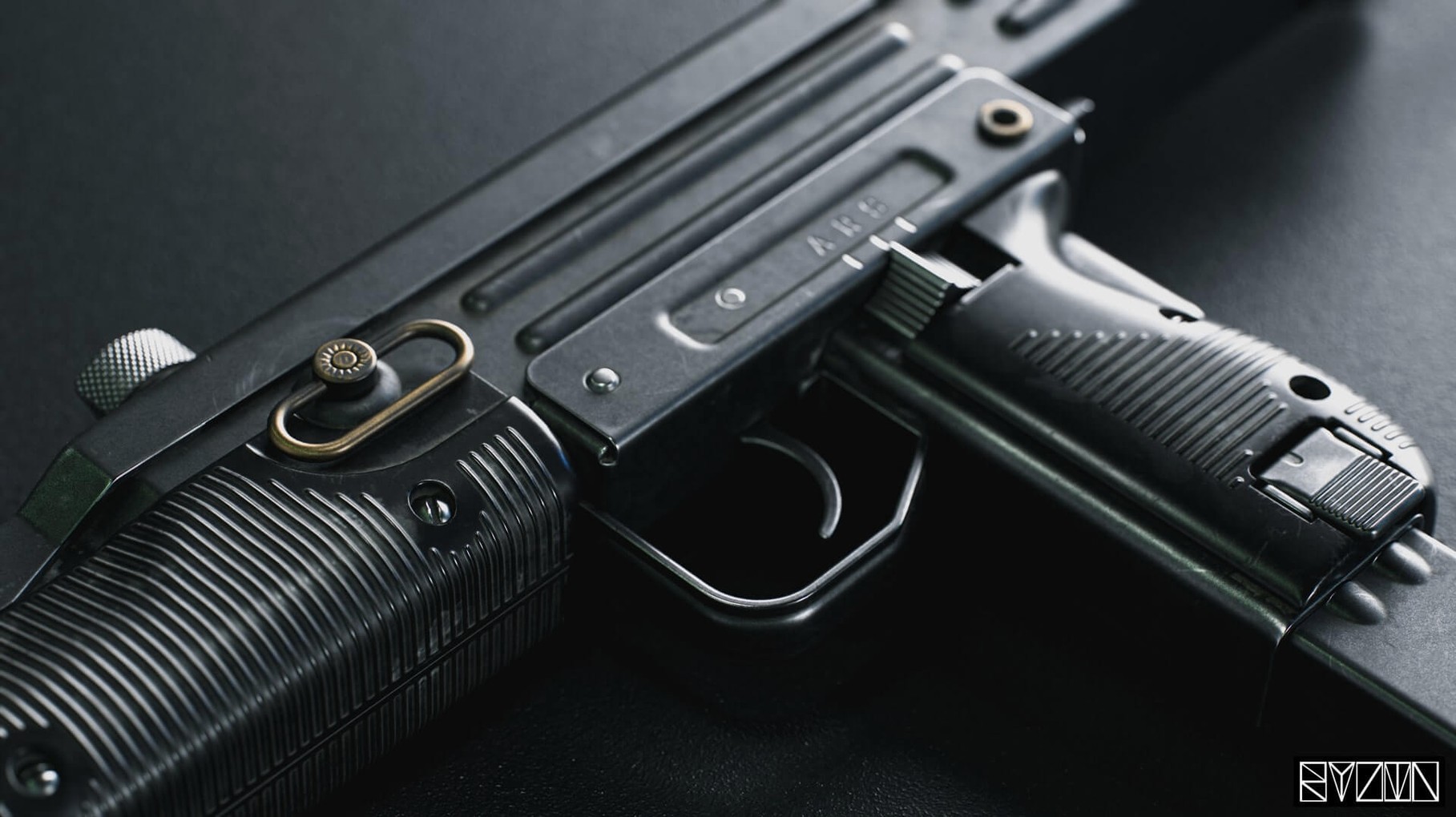
It's a real-time rendering suite built around a viewport that reacts as you adjust materials, lights, and cameras. You import a 3D model, drop in HDRI maps to set the environment, and fine-tune the surface response. The render updates live, so you see specular, roughness, and normal detail change without waiting for a frame bar.
Which file formats does it understand?
It reads common 3D model formats and displays texture maps directly in the viewer. AO maps and lossless normal maps show up correctly, which matters when you're checking bake quality or hunting for compression artifacts before export.
Is this a modeling tool?
No. Think of it as a lighting stage and material lab. You bring in a finished or in-progress mesh — the software updates it automatically if you re-export from your DCC — and then build the presentation around it. Animation, retouching, and rendering controls are there, but vertex-level modeling stays outside.
What about export and variants?
Texture warping and variant filtering are part of the export workflow, so you can push out multiple looks from a single scene setup without re-authoring every map by hand.
Heavy Shader Graphs Stay Smooth Until You Pile on Volumetrics
The viewport stays responsive even with complex shader graphs and multiple HDRIs loaded. On Intel Macs from the 2019–2020 era, you'll feel the GPU working, but the real-time preview rarely stutters unless you stack volumetric fog on top of a dense mesh with 8K texture sets. The 4.02 patch cleaned up the DPI-related glitches that used to make window management a headache on multi-monitor desks — I bounce between a 1440p reference display and a 4K panel, and the interface no longer throws elements off-screen when I drag it across.
Memory use sits around 2–4 GB for a typical scene with three or four props, a full lighting rig, and post-effects enabled. That's manageable on 16 GB machines, though you'll want to close other GPU-hungry apps if you're rendering turntable animations. Render exports for stills finish fast — a 4K frame with transparency takes under a minute on decent hardware. Animations, naturally, ask for patience.
Beginner Pitfalls That Cost Time
The biggest mistake new users make is treating Toolbag like a render queue and ignoring the material editor entirely. They'll drop in a model with flat diffuse maps from their DCC, pick a default HDRI sky, and wonder why the result looks like plastic. The whole point is layering roughness, metalness, and normal detail inside the app — the real-time feedback is what makes it worth using.
Another common stumble: forgetting that the mesh auto-updates only when the file path stays consistent. If you tweak a model in Blender or Maya and save it to a new folder, the scene won't pick it up. Beginners also tend to crank the emissive shader without checking which UV set it's referencing, then scratch their heads when the glow lands on the wrong part of the model. And volumetric fog looks incredible, but turning it on before dialing in your primary lights just buries the scene in murk.
Fix Flickering Shadows with a Single Probe and Shadow Cascade Bump
Flickering shadows or noisy reflections. This usually traces back to low shadow map resolution or a sky preset with aggressive indirect bounce. Bump the shadow cascade resolution up one notch and drop a reflection probe near the trouble area. The viewport updates immediately — you'll know within seconds if it worked.
Exported Viewer scenes looking washed out. Check the camera limits and additive background blending settings before export. If you've pushed exposure in Toolbag's post-stack but the Viewer ignores it, the scene's tone curve probably needs a tweak, not the lights. AO maps sometimes vanish in Viewer exports too; re-baking them from the texture menu inside Toolbag, rather than importing a pre-baked map, tends to stick.
Window scaling weirdness after a monitor swap. The 4.02 release squashed most of these, but if you still see blurry text at non-standard scales, toggle the interface scale in preferences, restart the app, then set it back. That forces a redraw that clears up lingering font raster issues on Intel GPUs.
Slow FBX imports with lights and cameras included. The importer grabs everything, which is convenient but heavy. If the file carries forty lights from your DCC, delete the unnecessary ones in your modeling app first. Toolbag will respect what's left and the scene loads in half the time.
Tooltips behave again — no more crashes when your displays run at different scaling percentages. The tooltip display toggle in preferences actually sticks now. Widescreen users get window elements that stay within bounds, and the UI no longer flickers after a DPI change. Text sharpness is back at 125% and 175% scale levels.
- macOS 10.15 or later
- Intel 64-bit processor
Questions I actually get
Does it run on Apple Silicon Macs?
Version 4.02 lists Intel architecture only and requires macOS 10.15. It runs under Rosetta 2 on Apple Silicon, but native support isn't part of this build.
Can I preview animations inside Toolbag?
Yes. The software includes animation controls alongside its rendering and retouching tools, so you can check timing and camera moves directly in the real-time viewport.
Notes from the edit bay · 0
Sign in or get an edit-bay pass to leave a note.
No notes from the edit bay yet. They go up after I read them.