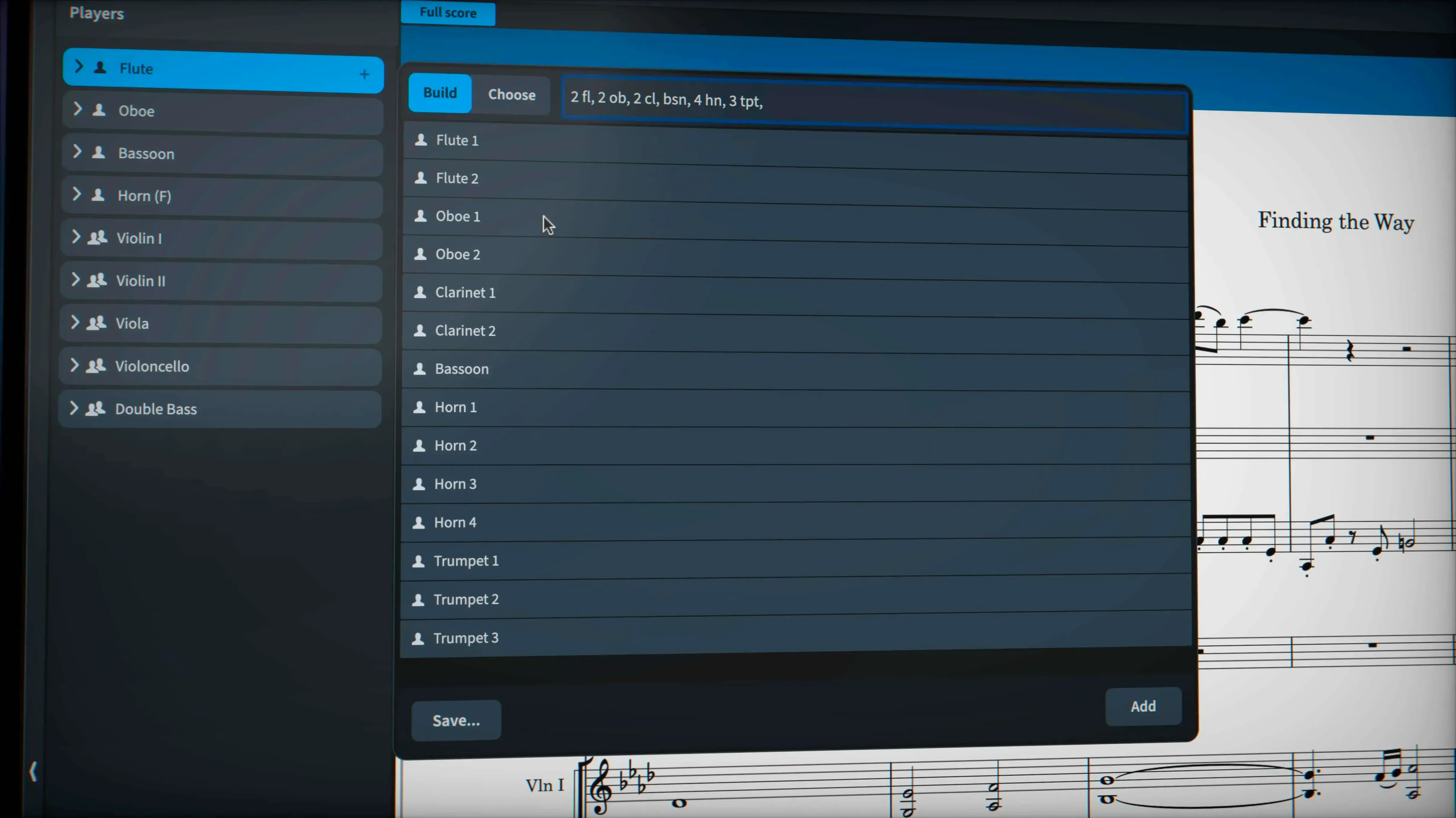
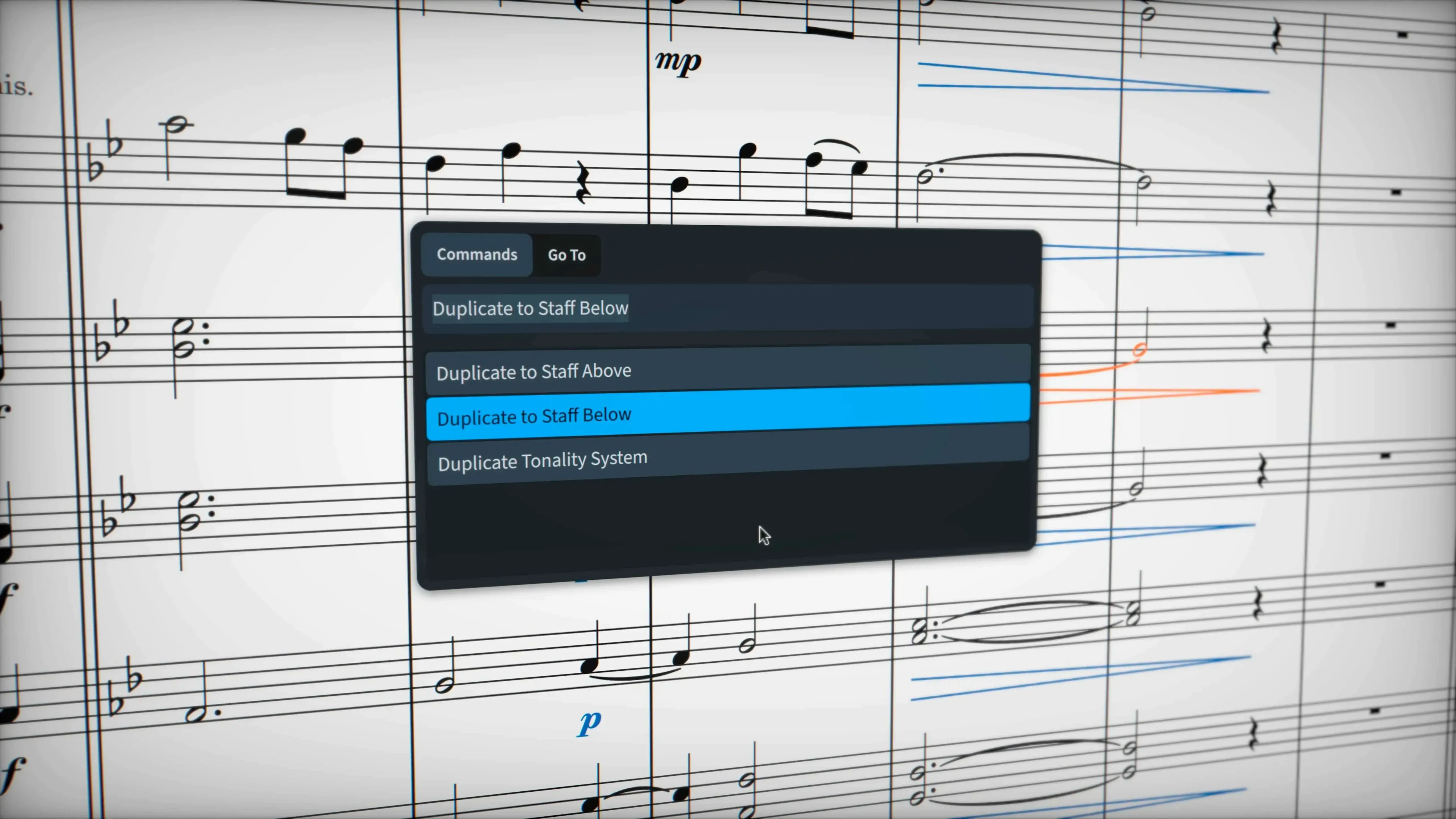
Composers working on a feature score, arrangers prepping charts for a session, and engravers who obsess over every slur contour all end up here. Dorico Pro is a music notation powerhouse from Steinberg that thinks the way a score does, not the way a word processor does. It understands musical relationships by default, which means tuplets across barlines, microtonal accidentals, and stemless contemporary notation don't require a pile of manual workarounds.
- Automatic engraving that actually works. Collision avoidance and page layout run without constant babysitting. You can override a single glissando line's appearance via a line style property when the default isn't right.
- Independent voice playback. When routing instruments to Cantai, you can enable per-voice control straight from the Track Inspector in Play mode. No clunky aux tracks needed.
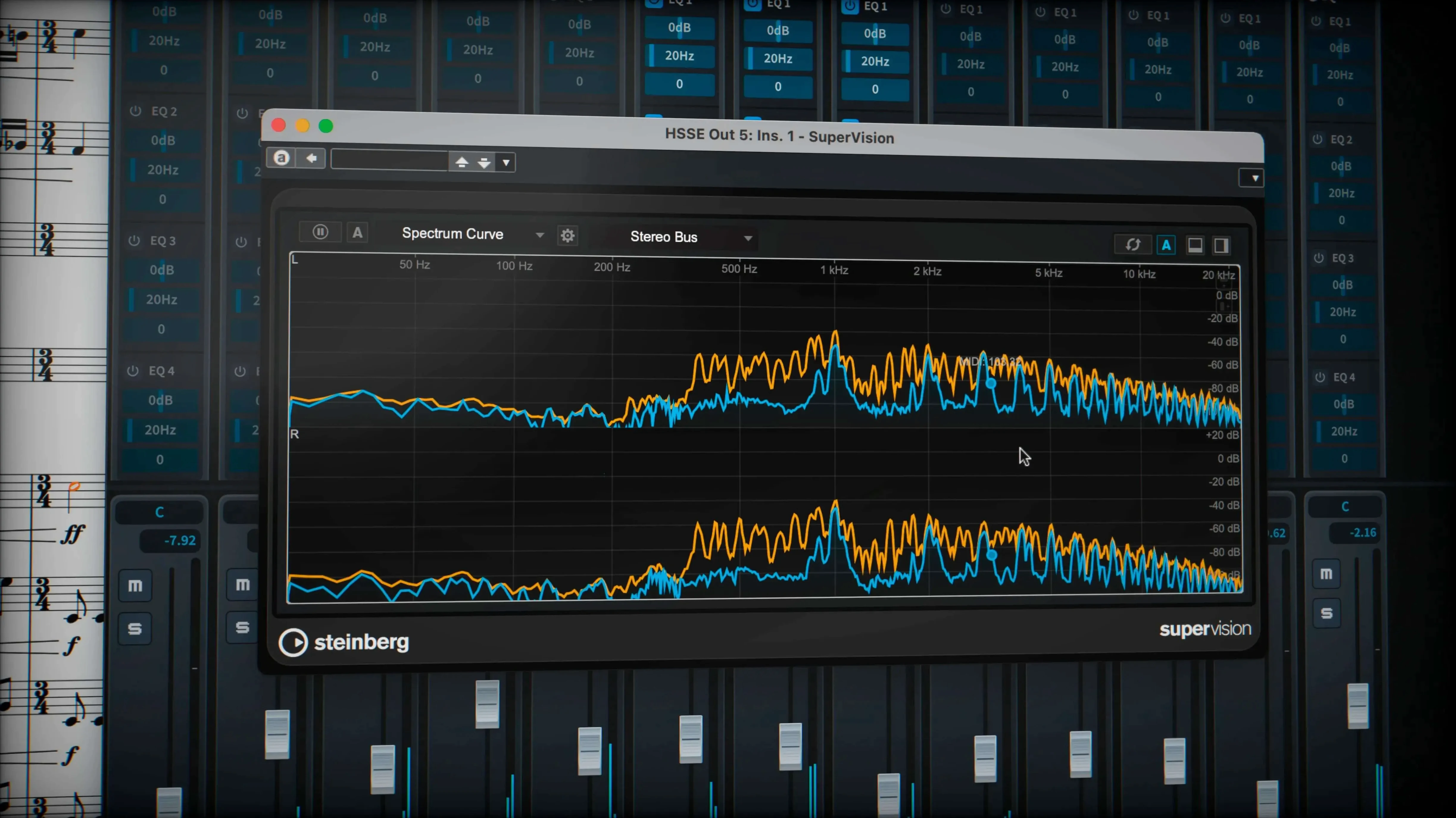
- Nearly 1,500 sounds in the box. Enough to mock up a convincing orchestral sketch before a single live player walks into the room.
- Pedal lines that survive export. The latest build exports sustain and sostenuto pedal markings correctly, so your piano part doesn't lose its feet on the way to another application.
- Cleaner MusicXML round trips. Recent fixes mean fewer surprises when moving a score between Dorico and a DAW or another notation tool.
It runs on macOS 12 and up, native on both Apple Silicon and Intel. For the Mac user who already lives in Logic Pro for production, Dorico slots in as the dedicated writing desk—the place where the ink hits the page before the faders move.
Runs Cool on a MacBook Air, Even With a Full Orchestra
Does it feel heavy on a MacBook Air? Surprisingly, no. Native Apple Silicon support means Dorico 6.2.30 stays responsive even on fanless machines. Large orchestral projects with the full HALion library loaded will nudge memory, but the app doesn't punish you with beachballs during note entry. The real weight is drive space—those 1,500 sounds need room to breathe.
Can I open a Sibelius or Finale file and just keep working? MusicXML import is the bridge, and the recent 6.2.30 fixes make those trips smoother than they were six months ago. Tuplet brackets and hidden-note handling that used to break during import now survive intact. It's not a one-click clone of your old score—some layout adjustments are inevitable—but the musical data lands where it should.
What if I don't read notation fluently? The piano-roll MIDI editor in the lower zone is a proper sequencer-style view, not an afterthought. You can click in pitches, drag velocities, and tweak controller data without ever touching a five-line staff. Educators who teach composition to students with mixed reading skills lean on this constantly.
Does playback sound convincing out of the box, or do I need a separate sample library? The built-in HALion library covers the essentials well enough to evaluate voicing and balance. Brass shorts have bite, strings connect under a legato line. For final mockups you'll eventually reach for third-party VST 3 instruments, but the factory sounds are a genuine working toolkit, not a demo reel.
How Dorico Pro Stacks Up Against the Field
MuseScore. The open-source contender has grown significantly, and its interface borrows ideas Dorico pioneered. For a student writing a piano piece or a lead sheet, MuseScore does the job without friction. The gap opens when you hit professional engraving demands: collision avoidance that doesn't need manual nudging, independent voice playback routing, and the kind of tuplet-across-barlines handling that Dorico considers basic arithmetic. Dorico's VST 3 support and 30 included processors also put it in a different league for playback. If you're delivering parts to a recording session, you'll feel the difference in the margins, the beam angles, the way slurs taper.
Finale. Gone but not forgotten. Many Mac composers still have Finale projects archived, and the MusicXML path from Finale to Dorico is well-trodden. Where Finale required plug-ins and manual tweaks for things like stemless notation or microtonal accidentals, Dorico treats them as first-class features. The mental shift is the bigger hurdle: Finale thought like a drawing program, Dorico thinks like a musician who knows what key you're in. Longtime Finale users who switch often say the first week is disorienting, then something clicks and they stop missing the old tool.
Logic Pro's Score Editor. It's right there, free with the DAW you already use. For a quick lead sheet or a single-staff part to hand a player, Logic's score editor is fast and requires no new software. The limitation shows when you need linked dynamics across a full orchestral score, or parts that extract cleanly, or page turns that make sense. Dorico becomes the dedicated notation environment that feeds into Logic, not a replacement for it. Compose and engrave in Dorico, export MusicXML or stems, mix in Logic. The two apps share a Steinberg-adjacent sensibility about VST instruments, which helps.
From Piano Sketch to Stand-Ready Parts in One Push
You've sketched the piece on piano. Now you need four player parts that look professional and a score that won't embarrass you on the stand. Here's how it rolls in Dorico Pro.
Set up the project. From the Hub, pick the string quartet template. It loads four players with the right instruments, transpositions, and a default layout. Before you touch a note, open Layout Options and check your page size—US Letter or A4—and staff size. 6 mm is comfortable for parts, 4.5 mm for a conductor's score.
Enter notes by playing, not clicking. With a MIDI keyboard connected, hit Record in the transport. Dorico's notation engine interprets your playing in real time, quantizing to the grid without stripping the musical intent. If your phrasing is loose, adjust the quantization preset before recording—the piano-roll editor is right there in the lower zone for cleaning up timing afterward.
Dynamics and articulation in one pass. Select a passage, open the dynamics popover with Shift-D, and type p or mf. They snap to the correct staff position and link to the note they belong to. Add slurs during playback by holding S and dragging across the notes. Because Dorico understands voice independence, a slur in the viola line won't collide with a dynamic in the cello.
Extract the parts. Switch to Print mode. Each player already has a part layout generated automatically. Click through them to verify page turns—Dorico flags awkward breaks with amber warnings. If a turn lands mid-phrase, drag the frame break earlier. Then export all parts as a single PDF, or print directly. When you send these to the players, nobody will ask "what's this marking supposed to be?"
Switch Off Accidental Selection Unless You Write Chromatic
The defaults are sane, but a few tweaks make the app feel like yours. Open Preferences and hit these first:
- Note input > Select accidental on input. Turn this off unless you write heavily chromatic music. It prevents Dorico from guessing sharps versus flats mid-phrase—you'll call them explicitly with the popover when needed.
- Play > Follow playback. Switch from "None" to "Page" view. The score scrolls with the playback cursor, which is essential when you're checking a long piece for wrong notes.
- Key commands. Search for "dynamics popover" and assign it to a single keystroke if Shift-D doesn't feel natural. The same goes for the tempo popover. Your hands should never leave the keyboard during entry.
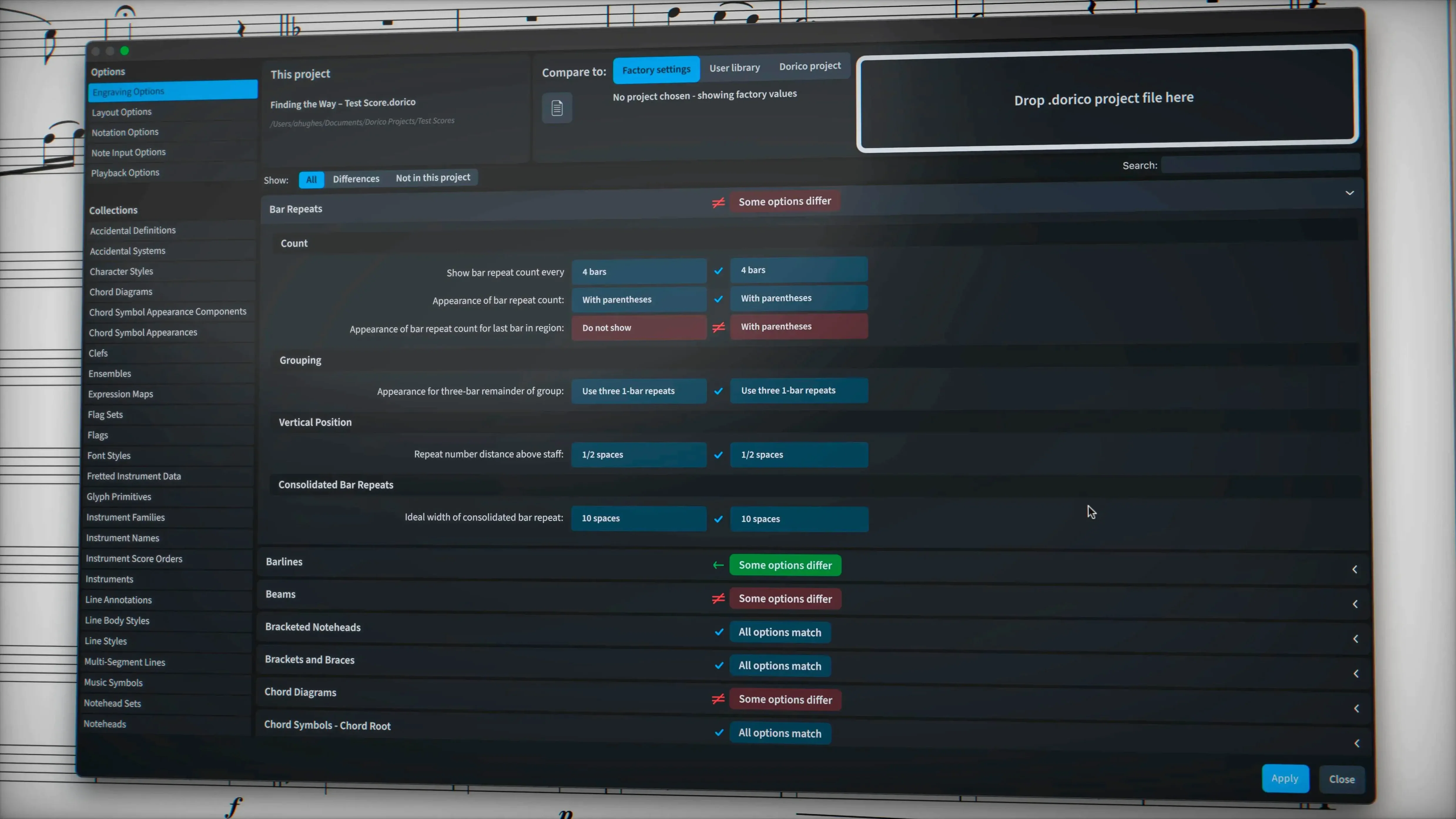
- Engraving options > Tuplets. Bracket display defaults to "always" above a certain ratio. If you write music where triplets are the norm, not the exception, change this to "never" and add brackets manually only where ambiguity creeps in. Your scores will breathe better.
- Note spacing. In Layout Options, not Preferences, find Note Spacing and reduce the default space for grace notes. The factory setting pushes them too far from their parent note for contemporary music.
- macOS 12 or later
- Apple Silicon or Intel
Notes from the edit bay · 0
Sign in or get an edit-bay pass to leave a note.
No notes from the edit bay yet. They go up after I read them.