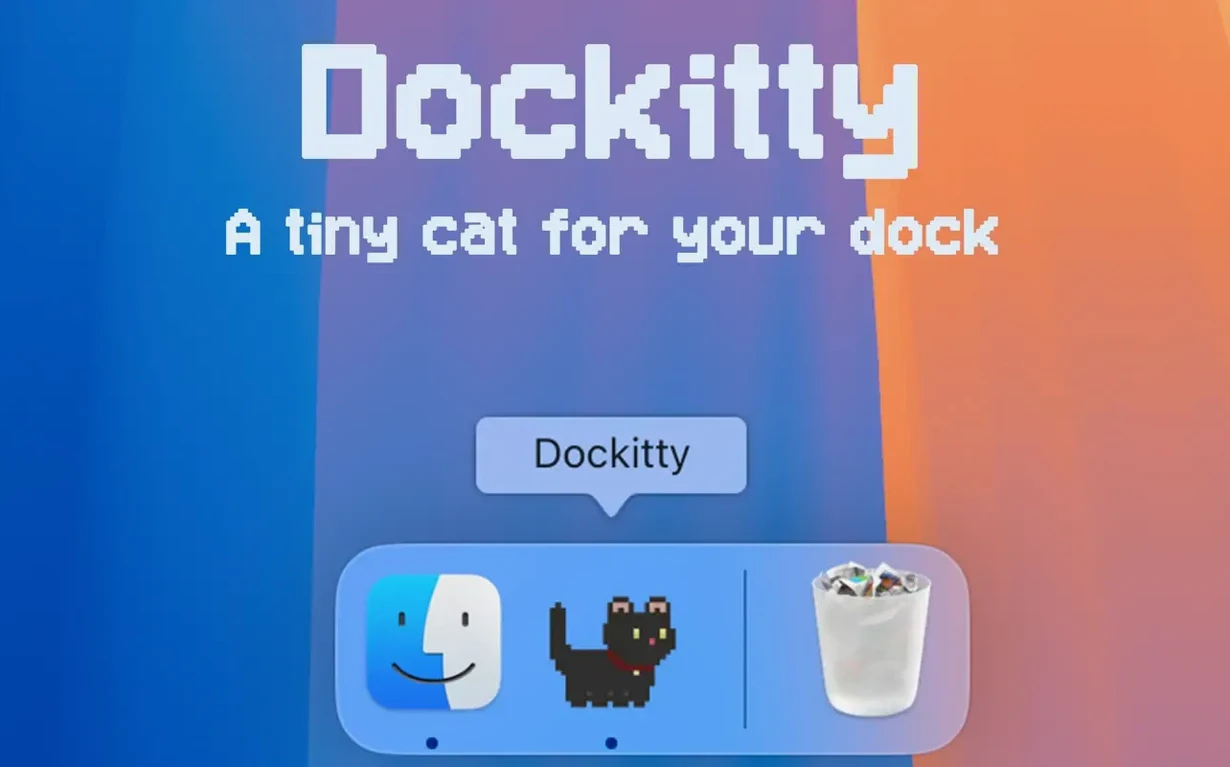
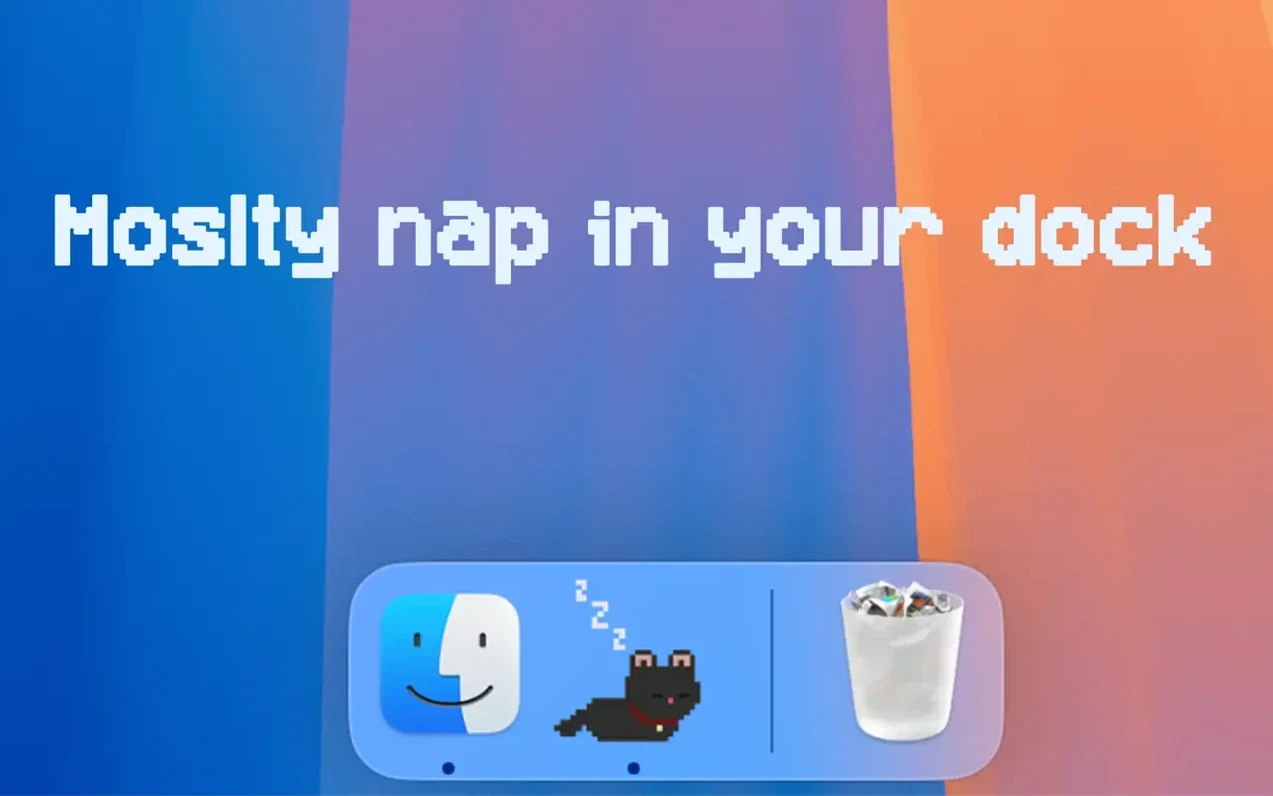
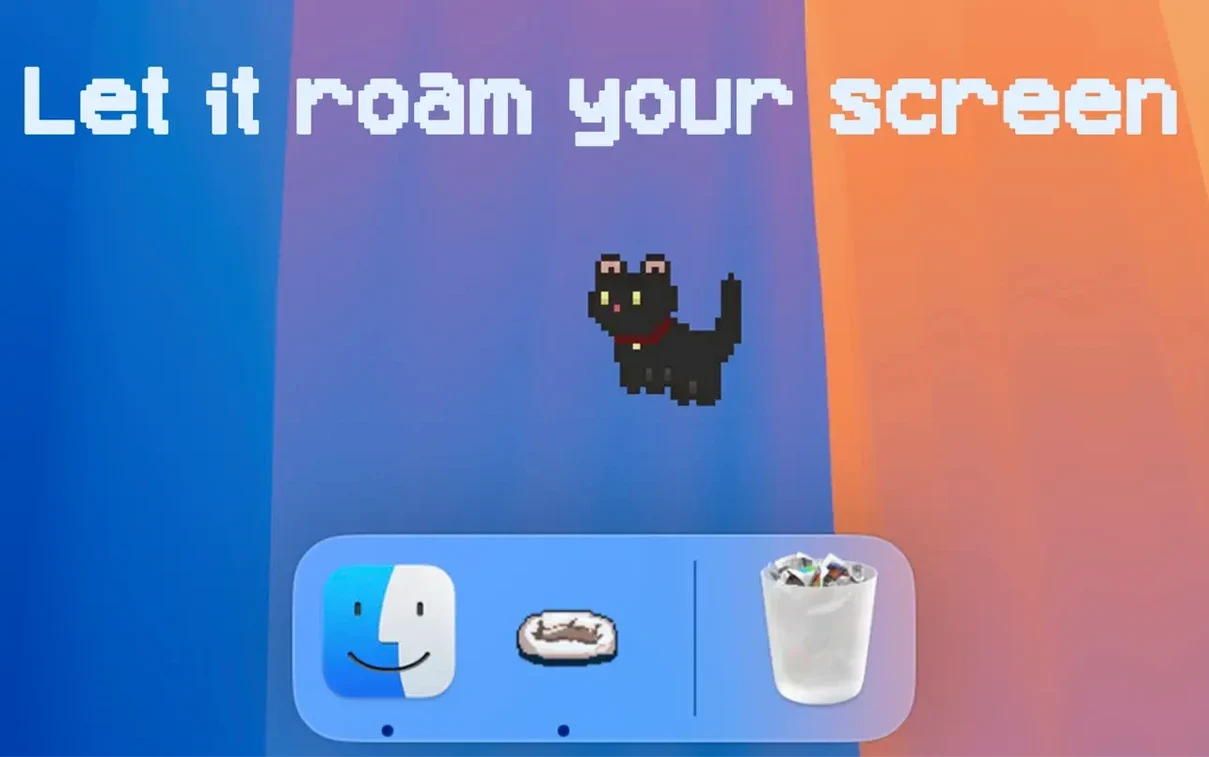
Version 1.2.6 finally gives our little pixel companion a proper walk mode. Window Napper sends the cat on a stroll across your screen, a fitting upgrade for an app that never took itself too seriously. It’s also the update where Dockitty learned 30 new languages and got a settings panel that doesn’t look like a programmer’s afterthought.
| What | The Detail |
|---|---|
| Core trick | Replaces your Dock icon with an animated 8‑bit cat |
| New in 1.2.6 | Window Napper walk mode, modernized settings |
| Runs on | macOS 14.6+, Apple Silicon & Intel |
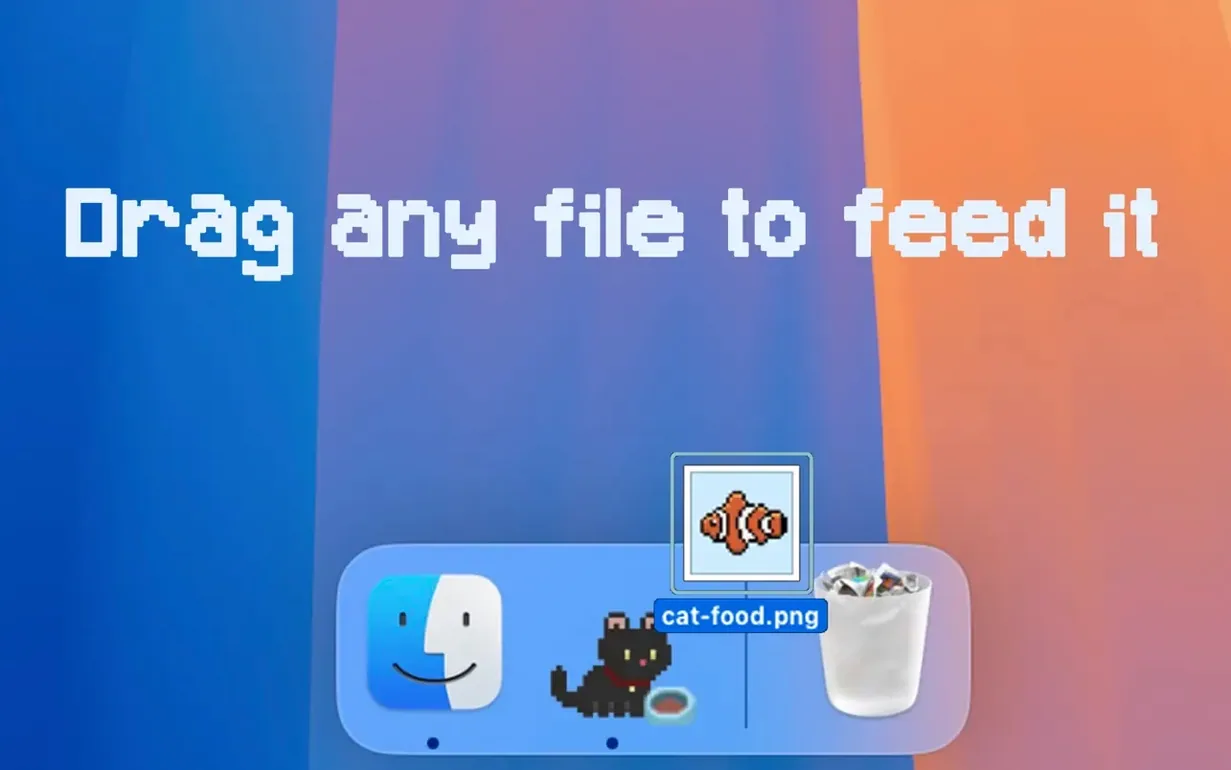
Dockitty is a one‑purpose creature: it puts a small, animated cat right in your Dock. The icon responds — the cat tracks your cursor, and dragging a file onto it counts as feeding. There’s even a bath mode, because internet cats need internet baths. You can launch multiple cats at once, which turns your Dock into a tiny pixel clowder. It’s not a utility and it won’t speed up a render, but when a deadline’s breathing down your neck, watching an 8‑bit tabby chase your pointer for four seconds is a surprisingly effective reset. The 1.2.6 language list now covers Russian, Arabic, Vietnamese, Hindi, and a dozen more, so the joke travels well.
The Cat Climbs Out of the Dock
Before this update, the cat lived strictly in the Dock. You launched it, it did its thing, and that was the deal. Window Napper breaks that boundary. Flip it on in the modernized settings panel and the cat climbs out of the Dock entirely — it roams the screen, pokes around your app windows, and eventually settles on top of one for a nap. The first time it curled up on a Final Cut timeline I laughed out loud. It’s a small behavior shift that makes the app feel less like a Dock ornament and more like a desktop companion with its own agenda.
The settings UI got a proper redesign too. The old panel worked but felt like a debug window. The new one uses clean toggles and dropdowns grouped by behavior — walk mode, reactions, number of cats. Switching languages no longer requires squinting at truncated labels, which matters when the list spans 30 options from German to Korean.
Also fixed: the cat no longer gets stuck in its death animation when you drag a large file onto it mid-jump. That was a niche bug, but a funny one to explain to a client looking over your shoulder.
Start with One Cat and Drop a Small File First
Start with one cat. Running three immediately is tempting, but they interact with each other and the Dock can get chaotic fast — especially if you’re dragging files around. Get a feel for the feeding response first. Drop a small PNG onto the icon and watch the cat pounce; it’s the fastest way to understand the reaction system.
Window Napper works best on a second monitor. On a single display, a napping cat can obscure toolbar buttons in compact apps. The setting to confine it to screen edges solves that — the cat patrols the perimeter and only wanders inward when it spots cursor movement. If you use Stage Manager, the cat respects window layering and won’t disrupt your stacks.
Bath mode is hidden in the right-click menu. It’s pure novelty, but it’s also the quickest way to reset the cat’s state if an animation glitches. Right-click, give it a bath, and it emerges ready to behave again.
About 0.1% CPU with a Single Cat
Dockitty sips resources. On an Apple Silicon machine, a single cat idles at roughly 0.1% CPU and sits under 30 MB of RAM. Three cats push that closer to 90 MB, still negligible for a modern Mac. The real metric is GPU — the pixel animations are SpriteKit under the hood, and the Metal renderer barely registers. I’ve left it running through overnight exports with no dropped frames in the timeline.
Window Napper adds a tiny CPU bump when the cat is actively walking, but it throttles back the moment the cat settles for a nap. The app has never caused a beachball here, and the 1.2.6 build feels noticeably tighter than earlier versions — menus open without that half-second hitch the old settings panel sometimes introduced.
Intel Macs handle it identically. The 64-bit binary is lean, launch time is under a second, and the cat doesn’t care whether you’re on a Mac Pro or a base-model MacBook Air. For something that exists purely to brighten the Dock — a Dockitty - A Cat in Your Dock Mac torrent that you install in under a minute — the stability is unexpectedly solid. It never forgets it’s a toy, but it’s a toy built by someone who cares about memory pressure.
- macOS 14.6 or later
- Apple Silicon and Intel 64‑bit Macs
Questions I actually get
Can I run more than one cat at the same time?
Yes. You can launch multiple instances, and each one gets its own animated pixel cat in the Dock.
What does dragging a file onto the cat do?
The app treats it as feeding the cat — a small interaction that fits the playful nature of the tool.
Notes from the edit bay · 0
Sign in or get an edit-bay pass to leave a note.
No notes from the edit bay yet. They go up after I read them.