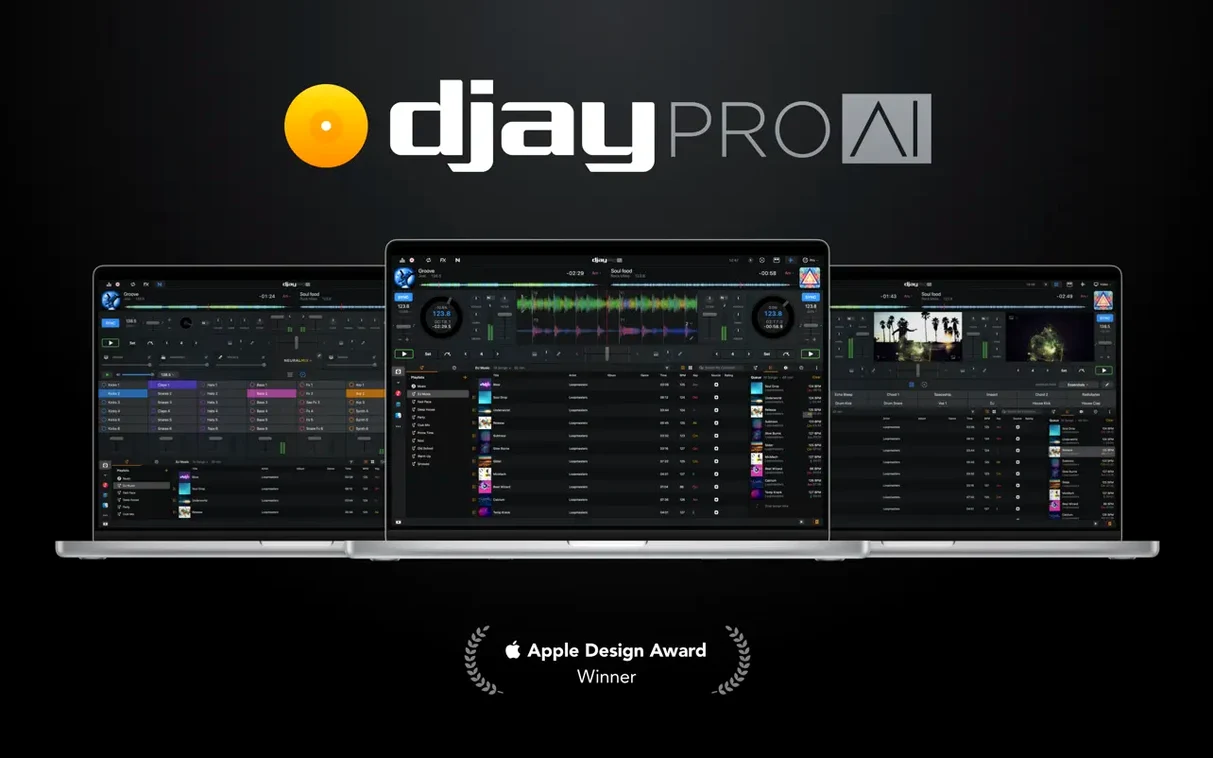
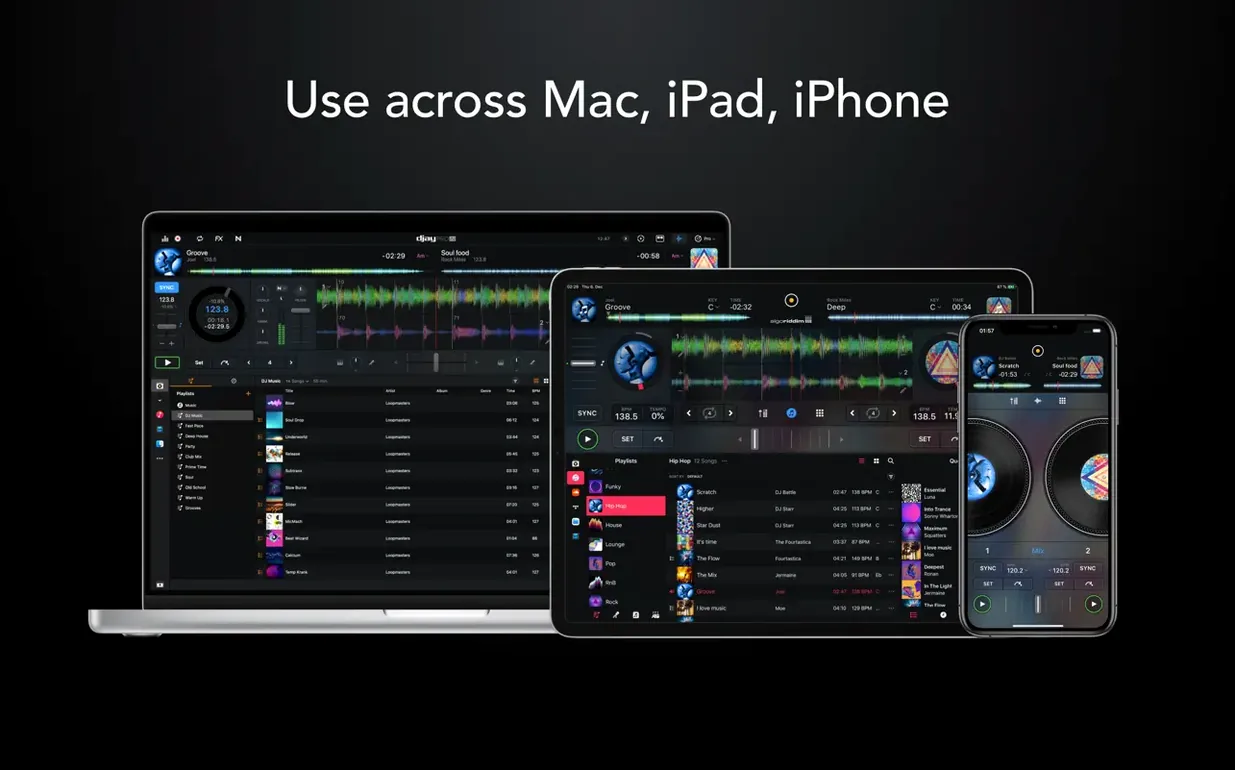
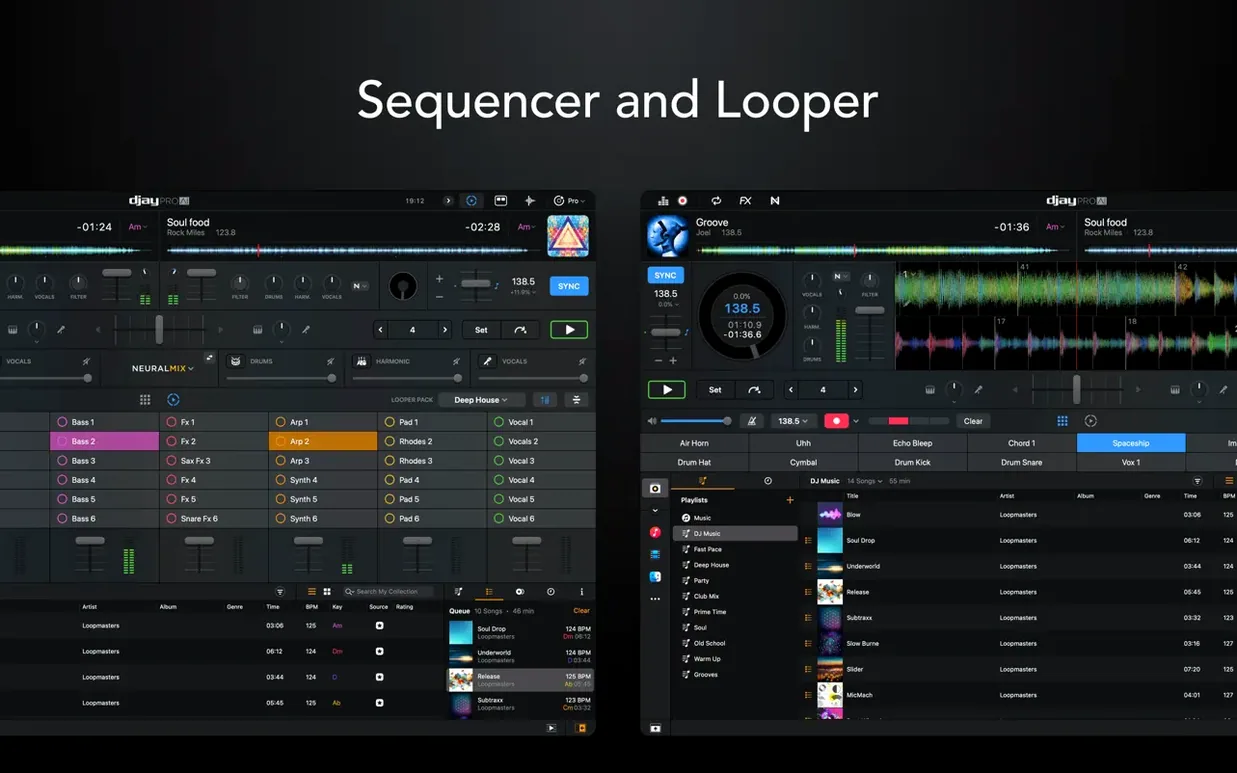
If you know your way around a timeline in Final Cut Pro, you already understand the core of djay Pro. It’s a set of parallel tracks you sculpt in real time. The difference is the audience is right there, and there’s no “render and export” safety net. Version 5.6.9 opens the door wide enough to step through immediately.
Pull Out Vocals While the Track Plays
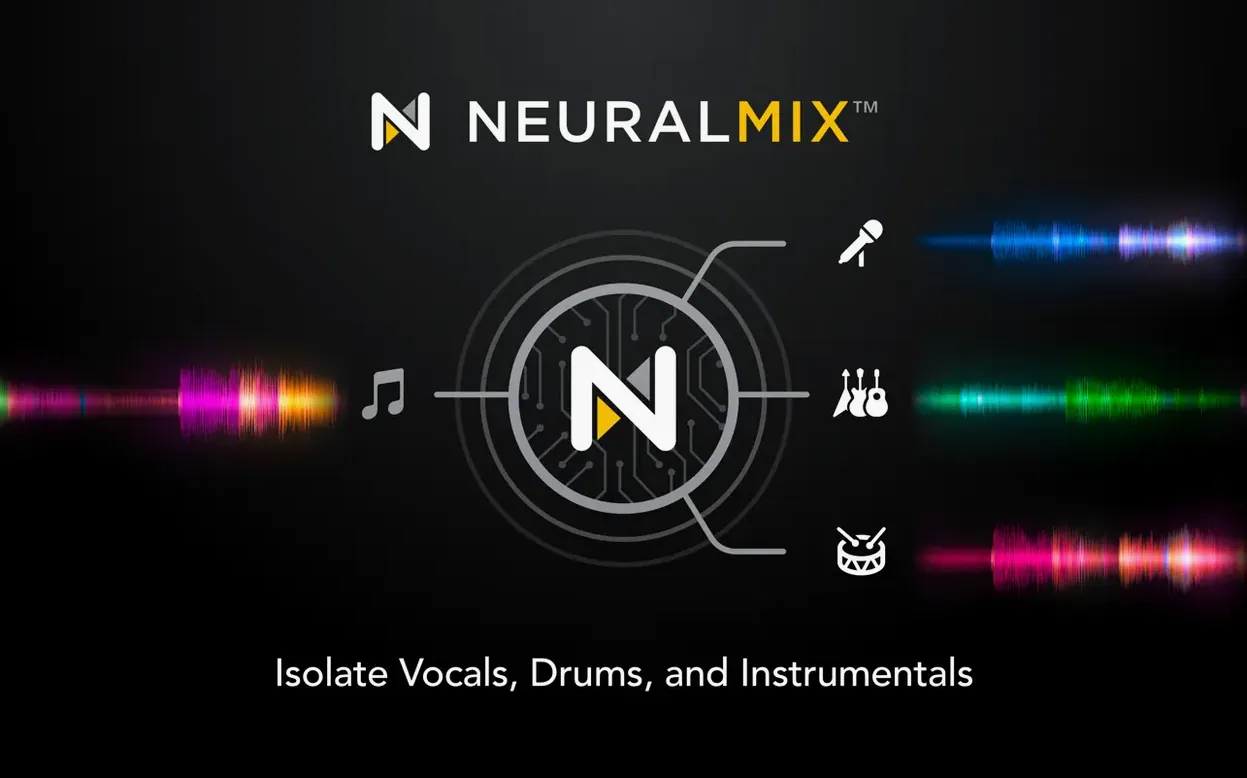
Hit the Neural Mix button and pull the vocals out of any track while it plays. Kill the drums, isolate the bassline, or drop an instrumental bed for someone to rap over. It’s the closest thing to having the master tapes, and it works on tracks you just dragged in.
Can I Just Add My Own Drums?
Open the sequencer and tap out a kick and hi-hat pattern over a playing loop. It’s a fast way to personalize a transition or double the energy of a breakdown without hunting for a remix.
How Does It Talk to My Other Gear?
Turn on Ableton Link and the app locks tempo with any other software or hardware that speaks it. For physical decks, this update adds RANE System One integration with its displays, and improves 45 RPM handling on motorized platters.
A Workflow That Actually Finishes: Vocal-Drop Edit for a Video Montage
I get asked to cut three-minute highlight reels with tightly synced music changes. Here's the exact path I used last week with a client's parkour footage.
I pulled a high-energy track into deck A and a sparse instrumental into deck B. The brief called for the vocals to hit exactly when the athlete clears a gap, then drop to just the beat and the original ambient sound. With Neural Mix I isolated the vocals on deck A in real time — not an offline bounce, not a round-trip to another app. I dragged the vocal stem onto deck C, the instrumental bed from deck B onto deck D, and crossfaded between them over eight bars.
The sequencer gave me a kick-snare pattern that filled the two-bar silence before the drop. I recorded the whole thing as a live take into the internal recorder, pulled the WAV into Final Cut, and lined it up on the timeline. No re-edits. The stems were clean enough that I didn't need to mask any bleed in the original track. From pulling the first file to dropping the mix into the timeline: twenty-two minutes.
Hide Every Feature Except the One You Need First
Out of the box, djay Pro shows you every feature at once. That's useful on day thirty. On day one, it's noise. Here's what I'd do in your first two hours.
Sort your library view first. The media browser pulls from your Music app and the Finder, but the default grouping isn't always useful. Switch to list view, sort by BPM, and hide columns you don't need. If you're a video mixer, enable the video preview column now — it saves hunting later.
Pre-analyze a batch of tracks before you touch a deck. Highlight a playlist, right-click, and tell it to analyze. The waveform generation and BPM detection run in the background, but they run faster when you're not also playing two decks and triggering effects. Let it chew through fifty tracks while you set up your controller mapping.
Map the three controls you actually touch. The MIDI learn mode is straightforward: click the parameter on screen, twist the knob on your controller, done. Don't try to map everything. Map the channel faders, the Neural Mix wet/dry for vocals, and a beat jump of four bars. Those three cover eighty percent of what you'll reach for in a hurry.
Set your automix preferences early. Even if you never use automix for a performance, it's a fast way to audition playlist flow while you're doing something else. Set the transition style to something that matches your genre, dial the duration down to eight seconds, and let it run in the background while you organize crates.
Video Editors Who Deliver Their Own Sound
Not every Mac user needs four decks and stem separation. The people who'll feel the return fastest fall into a few specific camps.
The video editor who also delivers sound. If you've ever cut a montage and wished you could pull the vocal out of a track without sending it to a friend with an audio degree, djay Pro fills that gap. The Neural Mix exports are clean enough for timeline use, and the real-time nature means you audition changes before committing.
The mobile DJ who brings a laptop and a controller. Plug in a RANE System One and the displays mirror what's on screen. Cue points, waveforms, track info — it's all there without glancing at the MacBook. Version 5.6.9 tightened that integration, and the platter spin-down behavior with motorized decks feels closer to vinyl now.
The producer who builds live sets from stems. If you already work in a DAW and want to bring parts of your tracks into a performance, the four-deck layout and sequencer let you reconstruct arrangements on the fly. You can strip a track to its core and rebuild it with your own patterns while the previous track plays out.
The streamer who needs video mixing without a separate app. The video engine handles transitions and overlays without leaving the DJ interface. If you're broadcasting a set and want visuals that react to the crossfader, it's all in one window.
A Session That Actually Happened
Friday evening, 6:30 p.m. A friend texts: "Can you play at the opening tomorrow? The booked DJ got stuck in Denver." I had no crate ready, no set list, and about fourteen hours to pull something together.
I opened djay Pro and pointed the media browser at a folder of unreleased edits I'd been collecting. The analysis ran while I made coffee. By the time I sat back down, eighty tracks had waveforms and BPM tags. I dragged the first ten into a playlist called "opener" and hit automix just to hear how they flowed. Two tracks clashed in key and tempo. I swapped one out.
I built three small sequences in the sequencer: a kick-clap pattern for transitions, a hi-hat roll for building tension, and a stripped-down breakbeat loop for when I needed to reset the energy. Each one took under two minutes. I saved them to the pads on deck C so I could trigger them with a finger while both hands stayed on the mixer.
I ran through the first fifteen minutes of the set once, live, recording the output. The recording showed a rough spot where the vocal isolation on a transition sounded thin. I adjusted the Neural Mix crossover frequency for that track, saved it as a cue point setting, and ran the section again. Clean this time.
By 11 p.m. I had a forty-minute set mapped out with cue points, three sequencer patterns, and a backup playlist in case the crowd wanted something different. The whole prep happened inside one app. I closed the lid, slept, and plugged into the house system the next day with no surprises.
Cold Launch in Four Seconds on an M1 Air
On an M1 MacBook Air with 16 GB of RAM, djay Pro launches cold in about four seconds. Loading a four-minute track with waveform generation takes under a second. The Neural Mix analysis — the heavy lift — runs in real time during playback, which means you don't wait for a progress bar before you can use the feature. There's a tiny CPU spike when you engage stem separation on a deck that's already playing, but it's a blip, not a dropout.
Memory usage sits around 600 MB with two decks running and effects active. Add the sequencer and a video output and it climbs toward 900 MB. That's modest for what it's doing. I've never seen it trigger swap on a machine with 16 GB, even with Safari and Final Cut open in the background.
The real test is sustained use. I ran a four-deck session with Neural Mix active on two decks, the looper capturing eight bars, and the sequencer firing patterns every sixteen beats. After two hours, the app was still responsive. Waveform scrolling stayed smooth. No audio dropouts, no UI lag. The fans on the Air never spun up, which tells me the thermal envelope isn't being pushed hard.
On Intel machines, the experience depends on the generation. A 2019 16-inch MacBook Pro handles two decks with stems without breaking stride. Push it to four decks with video mixing and you'll hear the fans, but the audio engine doesn't crack. The app's been around long enough that the Intel code path isn't an afterthought.
One stability note worth mentioning: the 5.6.9 build hasn't crashed on me across three different sessions. That's not a guarantee, but it's a data point. The only quirk I've seen is that the media library playlist presentation on CDJs — which this update specifically improved — still occasionally re-sorts itself after a disconnect. It's cosmetic and doesn't affect playback.
If you're working with a large library, let the initial analysis finish before you start mixing. The background thread that calculates BPM and waveforms shares resources with the audio engine, and on older Intel hardware you might hear a brief stutter if you're scrubbing a track while a batch analysis runs. It's not a dealbreaker; it's just a scheduling reality.
RANE System One mixers now show track data on their native displays—no extra mapping required. A new set of MIDI actions lets you change beat jump size from a controller. Also fixed: cue point jumping during scratching and platter spindown, playlist presentation on CDJs, and 45 RPM tracking on motorized controllers.
- macOS 10.15 (Catalina) or later
- Apple Silicon or Intel 64-bit processor
Questions I actually get
What does Neural Mix actually separate?
Neural Mix splits a track into vocals, drums, bass, and instrumental parts in real time, letting you mute or isolate each component on the fly.
Notes from the edit bay · 0
Sign in or get an edit-bay pass to leave a note.
No notes from the edit bay yet. They go up after I read them.