
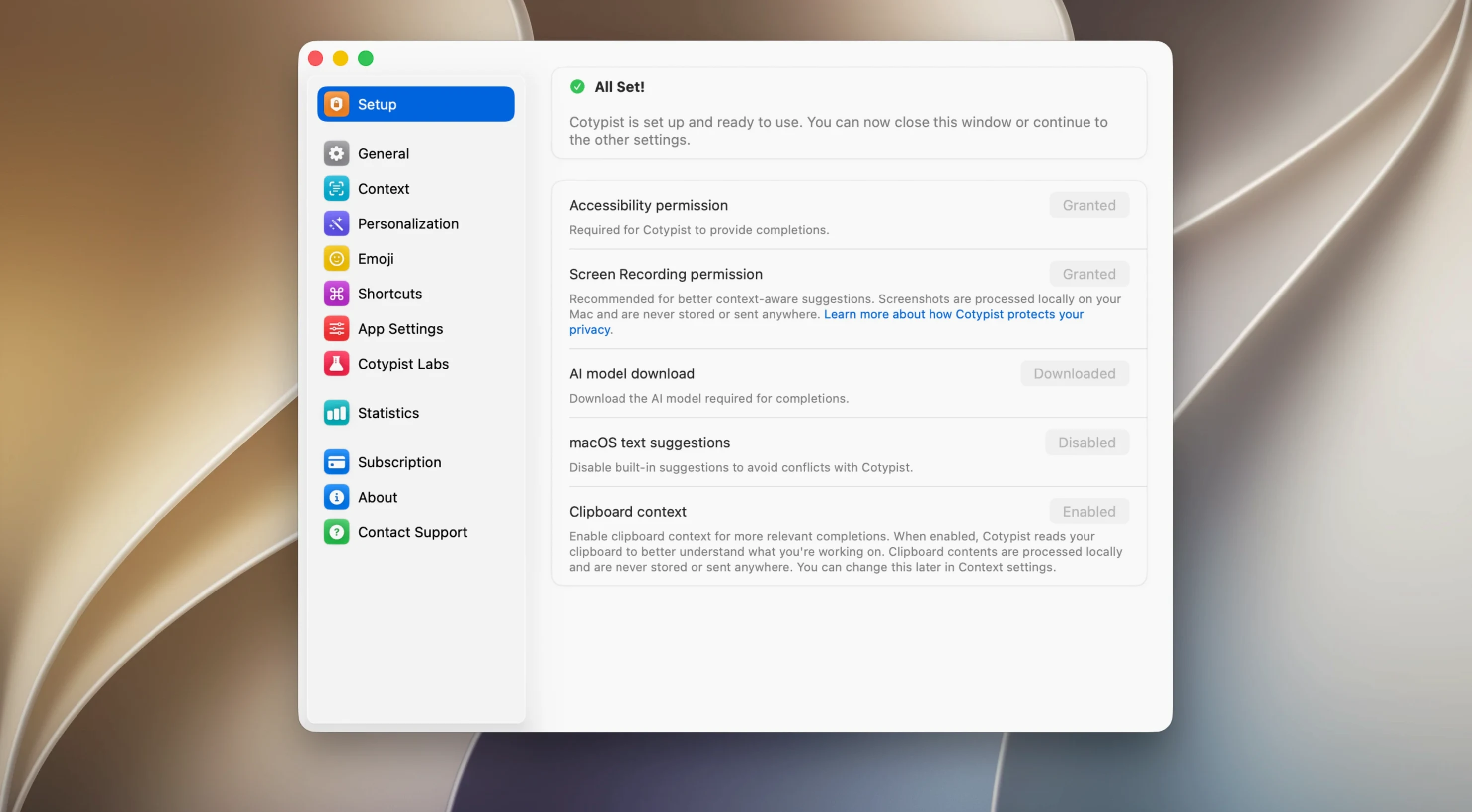
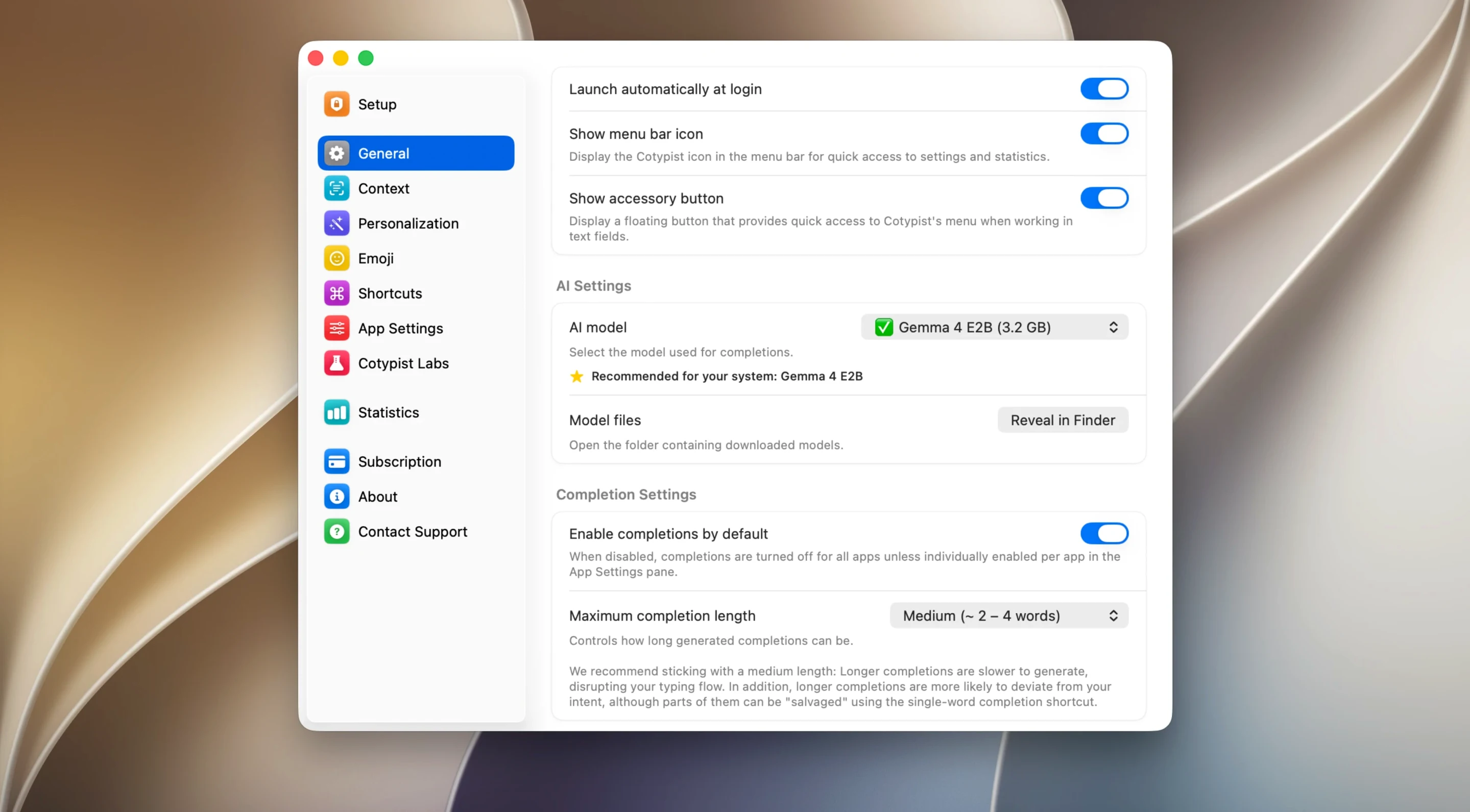
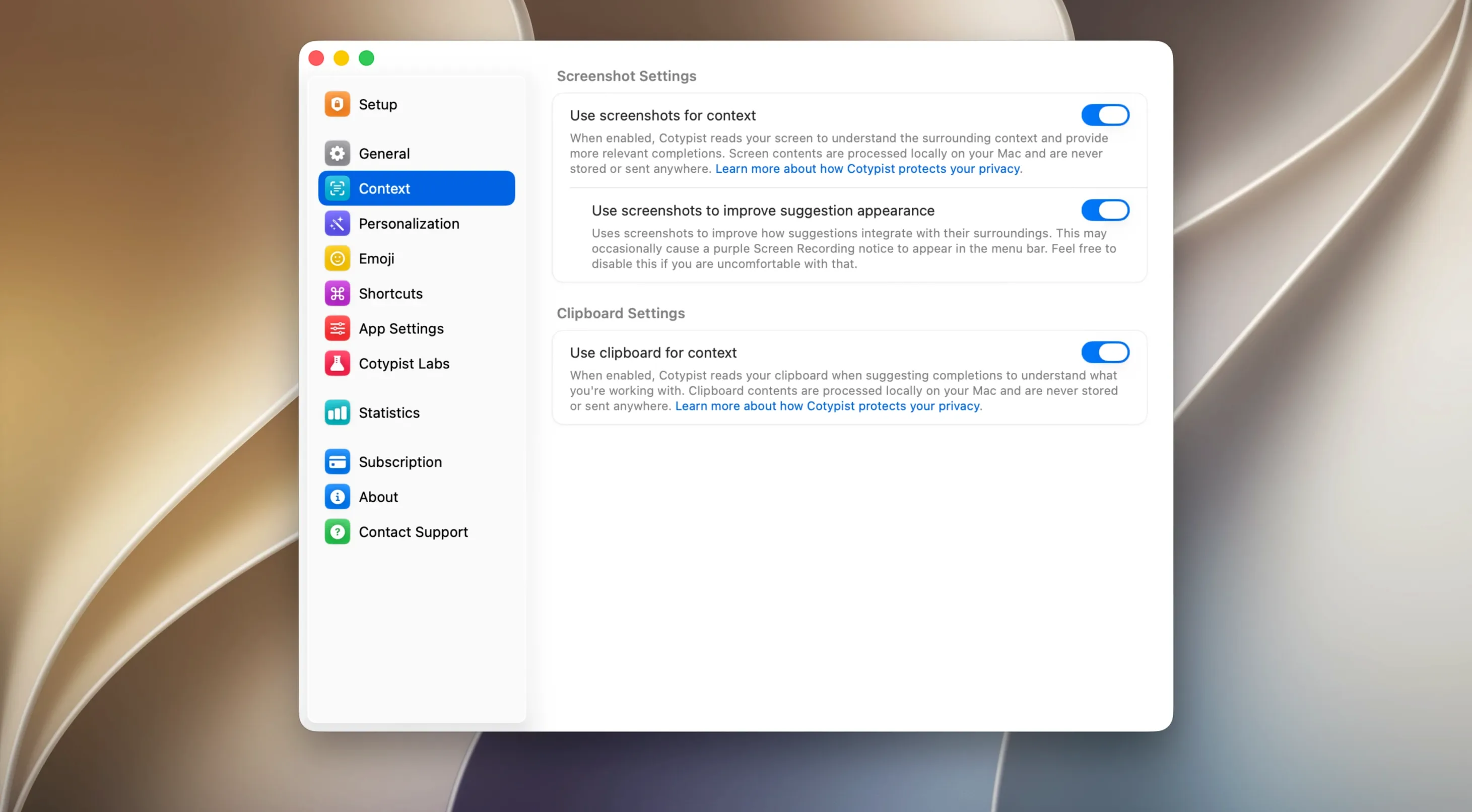
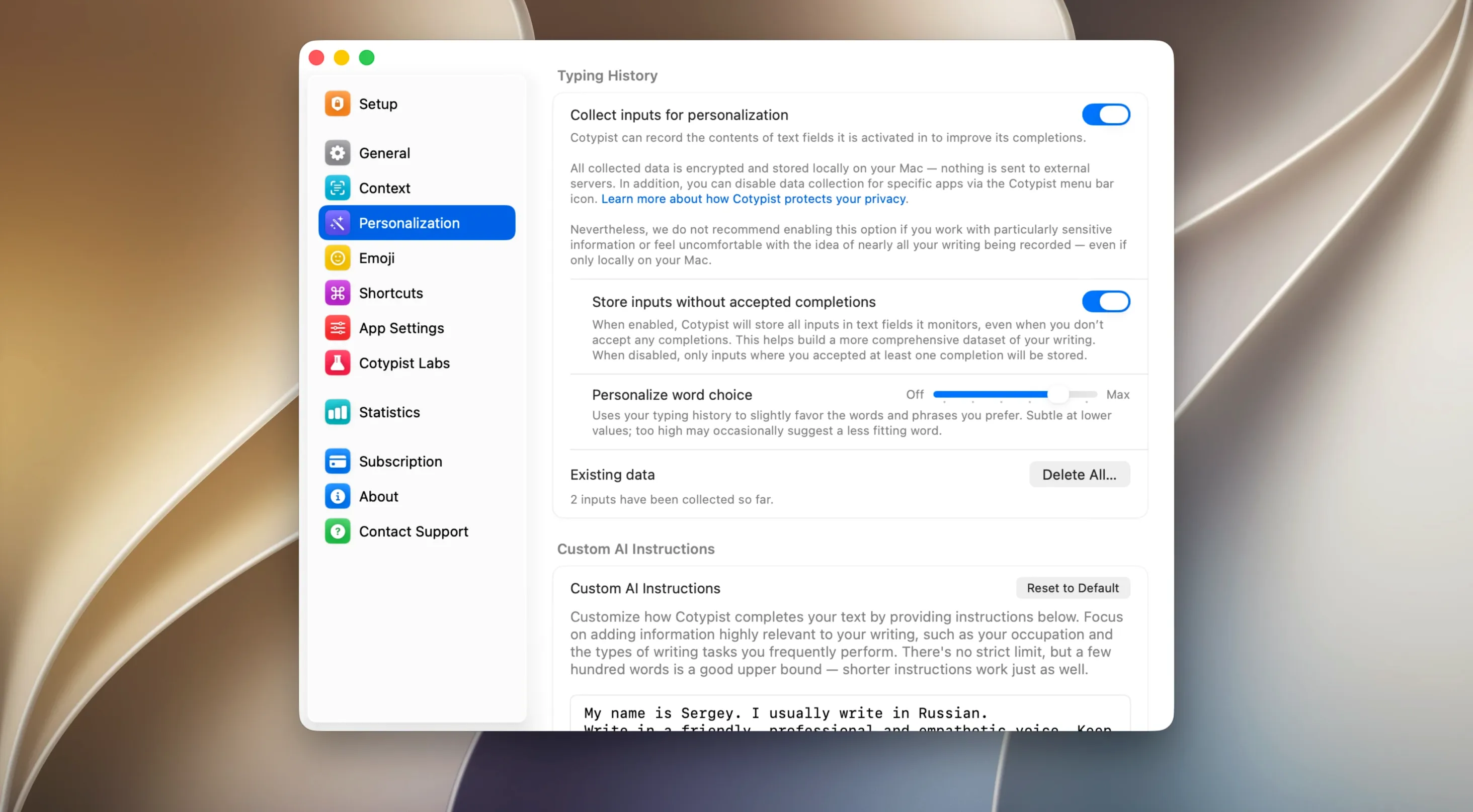
If you've ever used the inline predictive text on an iPhone, you already know the feeling. You're typing, and the keyboard throws out a suggestion for the next word you're about to write. Cotypist brings that same impulse to the Mac, but it lives outside any single keyboard or app. It works in Apple Mail, Slack, Notion, Obsidian, a browser text field—pretty much anywhere you can place a cursor. It's a lightweight layer that sits on top of macOS, watching what you type and quietly offering one word at a time.
Newcomers should start with the colon trigger for emoji. Type a colon followed by a word like ":fire" and the suggestion panel shifts from text to the matching emoji. It's a small thing that saves a trip to the character viewer. The bigger payoff comes from letting the local language model get familiar with your phrasing. Set aside twenty minutes of natural typing and you'll see the predictions tighten up. Because everything runs on the Mac's own silicon, there's no lag waiting for a server, and no account to fuss with.
The suggestions appear inline in a small popover—grayed-out text that you accept with the tab key or ignore and type over. Unlike a snippet expander, there's nothing to memorize. It's reactive, not prescriptive. If a download for the initial language model stalls, the developer notes that a VPN can help push it through. Once that's done, the app stays quiet until you're mid-sentence, then slips a word onto the screen as if it read your mind.
Settings to Change First
Out of the box, Cotypist is eager. It fires suggestions after every keystroke, which can feel like a backseat driver in your sentence. I head straight into preferences and bump the Minimum Word Length to three or four characters. Short words like "the" or "is" don't need help, and the extra breathing room makes the popover less twitchy.
Next, I turn off Show Suggestions While Typing Numbers. If you're in a spreadsheet or a date field, the last thing you want is the app guessing you meant "November" when you typed "11." It's a tiny checkbox that prevents a lot of noise. While you're there, check the Enabled Apps list. Cotypist works everywhere by default, but you might want to disable it in coding editors or terminal windows where autocomplete has its own vocabulary.
In Practice: A Moderator's Afternoon
Picture someone running a live Q&A in a Slack channel for a tech conference. Fifty questions roll in over two hours, and the moderator fires back the same kind of reply again and again: "Thanks for the question, we'll pass that along to the panel." By the third response, Cotypist has absorbed the rhythm. Typing "Than" offers Thanks for the question in gray, and tab completes it. The moderator is not searching a snippet library or copying from a sticky note—the phrase simply appears at the cursor.
Later, a typo creeps in while typing "attendees." The inline correction highlights it without a separate dialog, and a single tab swaps in the fix before the message goes out. It's a small save, maybe two seconds, but across an afternoon of rapid-fire replies, those seconds stack up. The app isn't rewriting their voice; it's catching the drift and filling in the predictable bits so they can focus on what actually needs a human answer.
If you're setting up for the first time, grab the cotypist mac download, drop it in Applications, and give the language model a few minutes to settle in—once it learns your patterns, the suggestions start to feel less like a guess and more like a nudge in the right direction.
- macOS 14 or later
- Apple Silicon Mac
- A VPN may be needed for the initial language model download
Questions I actually get
Will Cotypist work on an Intel Mac?
It requires an Apple Silicon Mac running macOS 14 or later, so Intel machines are not supported.
Do I need to create an account to use the app?
No, the developer states that no account is required. Everything runs locally on your Mac.
Notes from the edit bay · 0
Sign in or get an edit-bay pass to leave a note.
No notes from the edit bay yet. They go up after I read them.