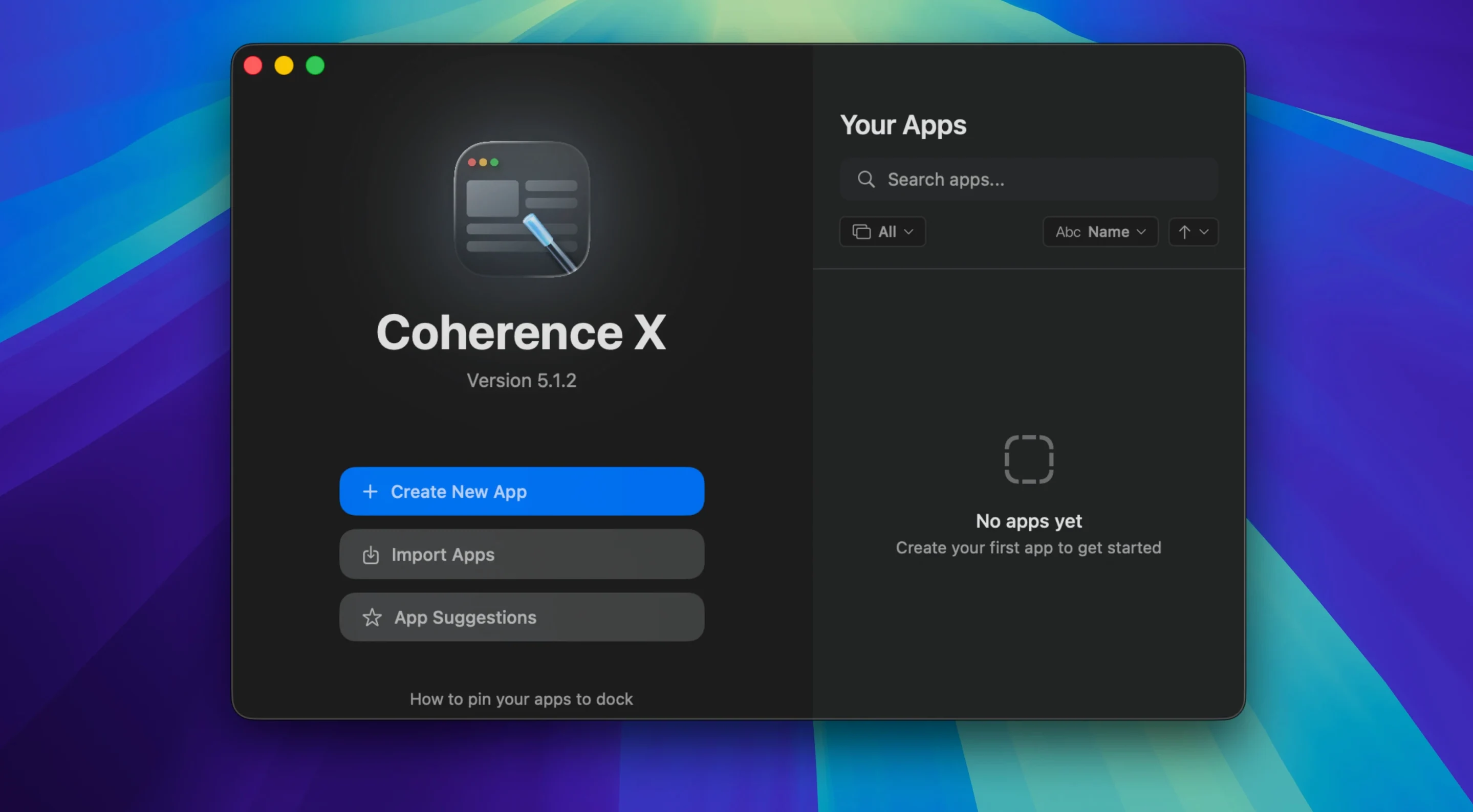
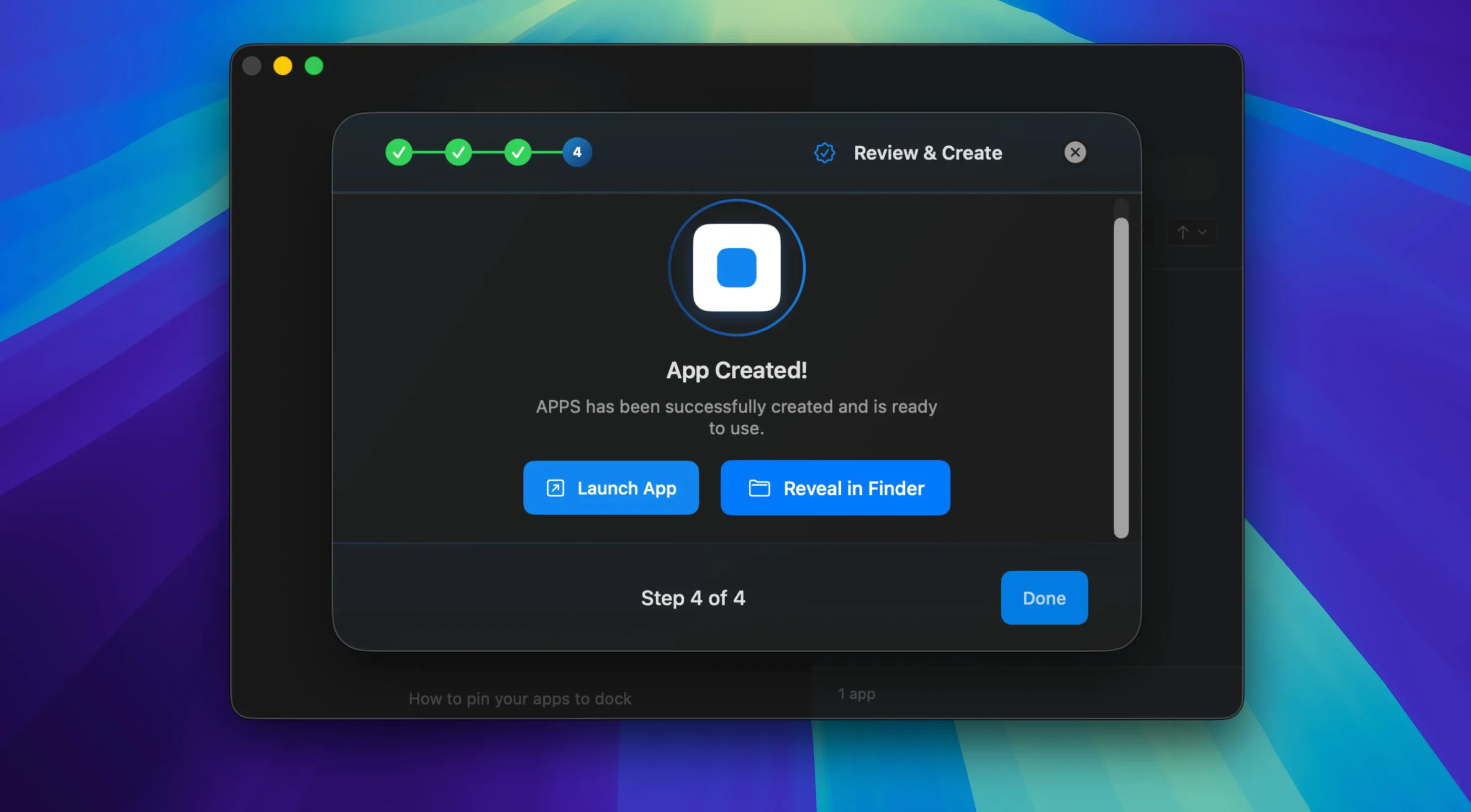
You’ve got Slack in a browser tab, Figma in another, and Notion buried somewhere. Every time you restart, you spend five minutes fishing them out. Coherence X grabs a site and wraps it into its own Mac app, separate from your main browser, with its own Dock icon and its own set of rules.
Tabbed Apps Without the Browser Baggage
- Tabbed web apps. Some services feel cramped in a single window. Coherence X lets your created app open multiple tabs, each treated as part of the same isolated workspace.
- Chrome extensions, without Chrome clutter. You can install and manage extensions straight from the Chrome Web Store inside any app you build. Grammarly, password managers, whatever you need — right where you expect them.
- Sharing setups with a team. Once you dial in the settings, extensions, and profile for a web tool, export the app. Someone else imports it and gets the exact same configuration.
- Link routing that knows where you want to go. Clicks on some domains should stay in the app; others belong in your browser. Version 6.1 lets you add multiple domains to a rule at once, with a suggested destination ready when you create it.
Chrome Engine Means Chrome-Sized Memory Use
- Runs on the Chrome engine, so an app’s memory footprint is comparable to a Chrome window.
- Appearance and routing changes now save without a full rebuild, but deeper setting changes still need one.
- The extension’s “Manage in Coherence” button got a reliability fix in 6.1; it now opens the correct app more consistently.
Five Apps In, the RAM Story Is Clear
After a week of running five Coherence apps side by side — Gmail, Figma, Spotify, Notion, and a CMS backend — the first thing you notice is the RAM. Each app behaves like its own Chrome window, so Activity Monitor shows a handful of separate processes. On a 16 GB MacBook Air, that’s comfortable. On an 8 GB machine with a dozen other apps open, you’ll feel it. The tradeoff is isolation: one misbehaving web app won’t beachball the others. I’ve had a Figma file with 40 artboards freeze its Coherence window while Spotify kept playing and Gmail kept syncing. That’s the whole point.
Launch speed is Chrome-quick, not Safari-quick. Cold-starting a Coherence app takes a beat longer than opening a pinned tab, but once it’s warm, switching between apps is instant. In 6.1, the change that saves appearance and routing tweaks without a rebuild is a genuine time-saver. Before, adjusting a link rule meant watching a progress bar. Now it’s a settings change, a close, and a reopen. Feels closer to tweaking a native app’s preferences than fussing with a build tool.
Stability has been uneventful, which is the best kind. No crashes across two weeks of daily use. The one hiccup: the Chrome extension’s connection can occasionally drop after waking the Mac from sleep, and version 6.1 now shows a clear message when that happens instead of silently failing. Small quality-of-life fix, big difference in trust.
Turning Your Slack App Into a Browser by Accident
Treating the created app like a mini browser. You build an app for Slack, then start opening random URLs inside it. Soon your “Slack” app has tabs for GitHub, YouTube, and a recipe blog. Coherence lets you do this, but it defeats the purpose — you’re back to tab sprawl, just in a different window. Pick a mode: single-site app, or a tabbed workspace for a cluster of related services. Stick to it.
Ignoring link routing until links break. The default behavior sends clicked links back to your system browser. For many apps, that’s fine. But if your Coherence app is Gmail and you click a Google Docs link, watching it open in Safari instead of the Gmail app feels broken. Spend ten minutes setting up routing rules. With 6.1’s multi-domain entry, it’s faster than ever.
Adding too many extensions. Yes, the Chrome Web Store is right there. No, your Trello app does not need five shopping-coupon extensions and a dark-mode plugin layered on top of another dark-mode plugin. Each extension adds overhead and a potential point of failure. Install only what that specific workflow demands.
Forgetting about profiles. A Coherence app built without a dedicated profile shares cookie space with your main Chrome installation. If you need a clean login for a client’s CMS or a second Slack workspace, create a separate profile for that app from the start. Retrofitting it means rebuilding.
Match the Window Chrome to Your Mental Model
Open any app you’ve built and dig into its settings panel. A few defaults are worth flipping immediately:
- Appearance. The default window chrome might not match your mental model for that service. Set a custom title bar color, hide the toolbar if you don’t need navigation controls, and pick an icon that reads clearly in the Dock. You’ll see it dozens of times a day — make it recognizable at a glance.
- Dock click behavior. The default reopens a minimized window or creates a new one if none exists. That’s usually correct, but for a music player or a timer app, you may want a single persistent window. Test it on day one so muscle memory doesn’t fight the software.
- Link routing rules. Before you accumulate broken workflows, add the two or three domains that should stay inside the app. Version 6.1 suggests a destination when you create a new rule, which nudges you in the right direction. Accept the suggestion or tweak it — either way, do it early.
- Incognito mode. For banking, client dashboards, or anything you don’t want cached, toggle this on during creation or editing. It’s easy to overlook and annoying to rebuild an app just to switch this later.
Build the One Tab You Keep Closing First
Start with one app. Pick the web service that annoys you most in a browser tab — the one you accidentally close, or the one that gets lost among fifteen others. Build it clean: name it simply, pick a profile, install only the essential extensions, set link routing. Use it for a full workday. Feel where it fits and where it rubs.
On day two, build a second app for a different category of work. A messaging tool plus a project tracker, each in its own Coherence shell, give you a sense of how the isolation works across contexts. You’ll notice that muscle memory starts treating them like real apps — Cmd-Tab switching, Dock clicking, separate notification badges.
By day three, export the one you configured best. Save the .app file somewhere safe. If you ever nuke your Mac or set up a new one, dragging that file back into Coherence X restores everything: icon, extensions, profile, routing rules. It’s the kind of thing you don’t appreciate until you need it.
If you grabbed the coherence torrent download to try it out, the installer is straightforward: open the disk image, drag the app into Applications, launch from Launchpad. No activation dance, no accounts. The whole setup from download to first working app takes under five minutes.
One last practical note: the coherence torrent version is self-contained. You don’t need Chrome installed separately — Coherence X bundles its own engine. That matters if you normally use Safari or Firefox and don’t want a full Chrome installation eating space just to run a few web apps.
Link routing gets the headline change: you can now throw in several domains under one rule instead of setting each up individually. Every new routing rule also starts with a sensible destination suggestion, so you’re not clicking into empty fields.
Also fixed: appearance tweaks and routing changes save directly — no rebuild required. The extension’s “Manage in Coherence” button now connects more reliably, and a message appears when the extension can’t reach the app.
- macOS 13 or later
- Apple Silicon and Intel Macs
- Interface: English, German, Spanish
Questions I actually get
Can I share a Coherence X app with someone who doesn’t own the app?
Yes, exported apps work independently. The recipient double-clicks the file and gets the full app with the settings, extensions, and profile you configured.
Notes from the edit bay · 0
Sign in or get an edit-bay pass to leave a note.
No notes from the edit bay yet. They go up after I read them.