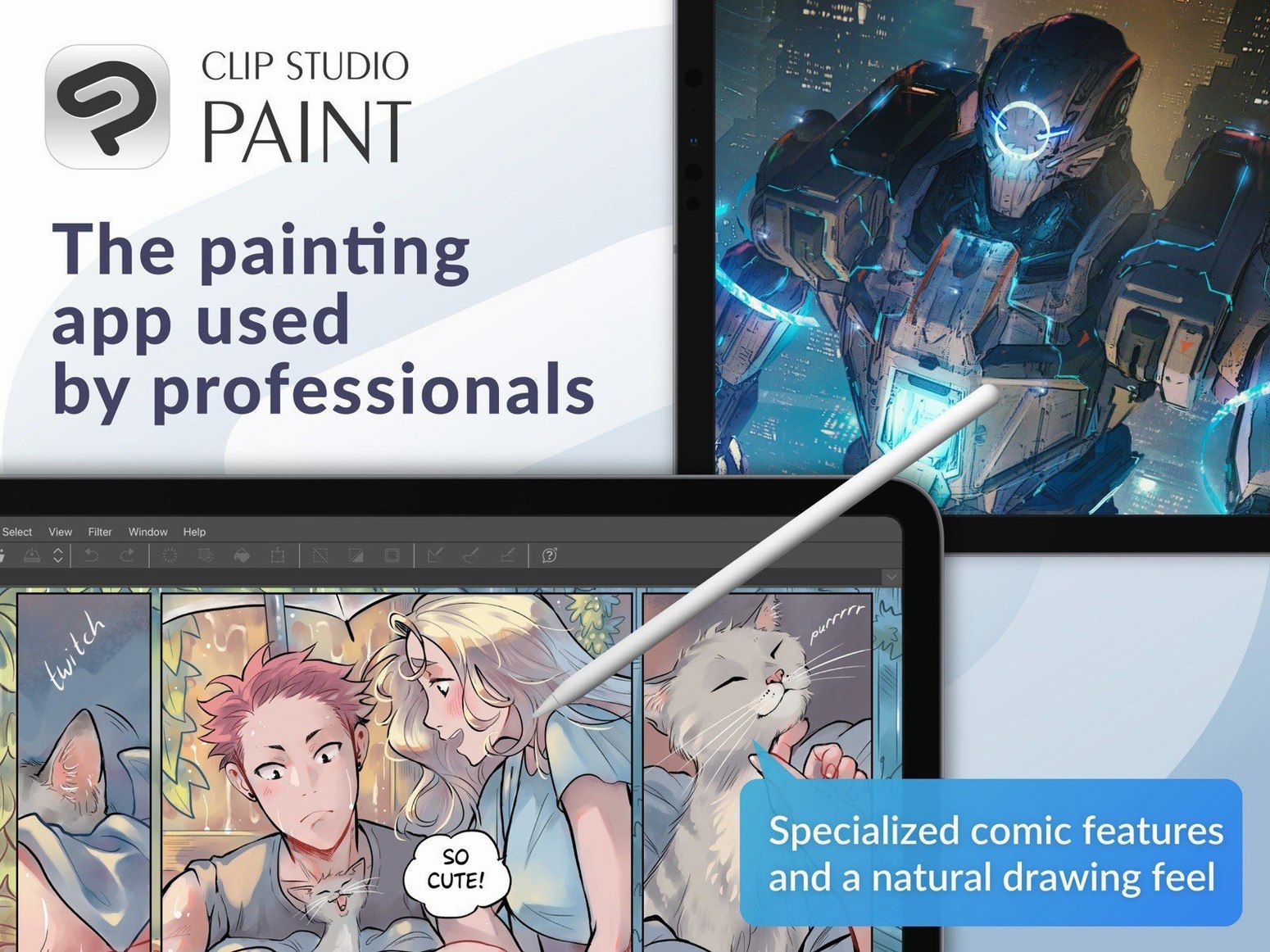
The Light Table is exactly where you go when your roughs feel disconnected. Flip between frames, see your onion skin, and tighten the movement before you touch the timeline. It's a simple panel that saves hours of guesswork, and it's sitting right next to the animation controls that let you sequence everything with frame-by-frame precision.
Check the Specs First
This build needs macOS 14 or later, a GPU that speaks OpenGL 3.3, and at least 2 GB of memory—though 8 GB is where it stops tapping the desk impatiently. It runs natively on Apple Silicon, so your M-series machine won't break a sweat on large canvases.
Story Tools Worth the Canvas Space
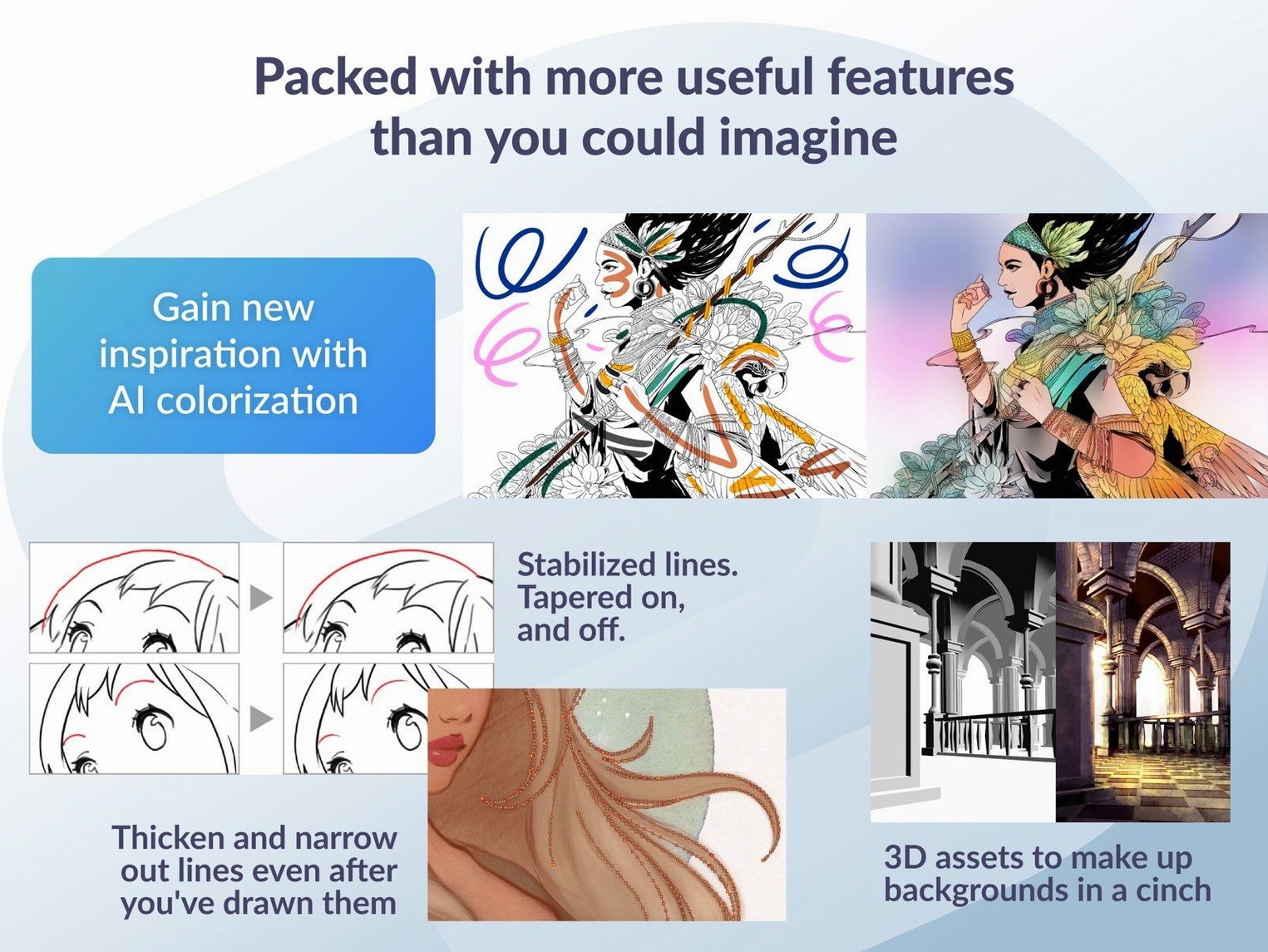
You can stack multiple pages, manage a full story layout, and import layered PSDs without flattening your work. The EX featureset turns the app into a page manager for comics, not just a drawing board. Export finished sequences as GIFs, movie files, or numbered images, and the latest patch keeps those PSD previews looking right in Finder on macOS 15.
One Patch, Less Friction
Version 4.1.4 stopped a force-close tied to Running color mixing and cleaned up edge artifacts from Quick Filters. The drag-and-drop logic for 3D materials behaves better now, and Simplified Chinese joins the interface languages. It's a maintenance release that fixes the exact spots where a deadline gets derailed.
Throwing 600 dpi B4 Spreads at It Without a Crash
I throw a lot at this app — 600 dpi B4 spreads with a dozen vector layers, a handful of 3D reference figures, maybe a timeline running at 24 frames per second. On an M2 Max with 32 GB of RAM, the brush engine keeps up without dropping a single stroke. The vector tools redraw cleanly even when I’m zooming in and out at 300%, and the canvas rotation is fluid enough that I forget it’s software and not paper.
Memory use sits around 4 to 6 GB for a heavy page file, which is reasonable when you consider it’s holding full-resolution raster and vector data in the same document. The real test is switching between Story Editor and a 120-frame animation block — no stutter, no beach ball, just a half-second pause while the timeline repopulates. That’s where the native Apple Silicon build earns its keep. On an Intel machine with 8 GB, you’ll feel it breathe hard on complex EX files with multiple page spreads, but the 3D material system is smarter about unloading unused figures than it was two versions ago.
What’s less obvious is the autosave behavior. It writes silently in the background and doesn’t lock the canvas the way some creative apps do. If you’ve ever lost an hour of inking to a crash that never saved, you’ll notice the absence of that panic.
Opening Three New .clip Files and Beating a Friday Deadline
Picture this: a colorist wakes up to a Dropbox folder with three new page files. The line art is finished, the flats are blocked in, and the deadline is Friday. She opens the first .clip file, checks the layer structure — line art locked at the top, flat color layers underneath, a few gradient maps already applied — and gets to work.
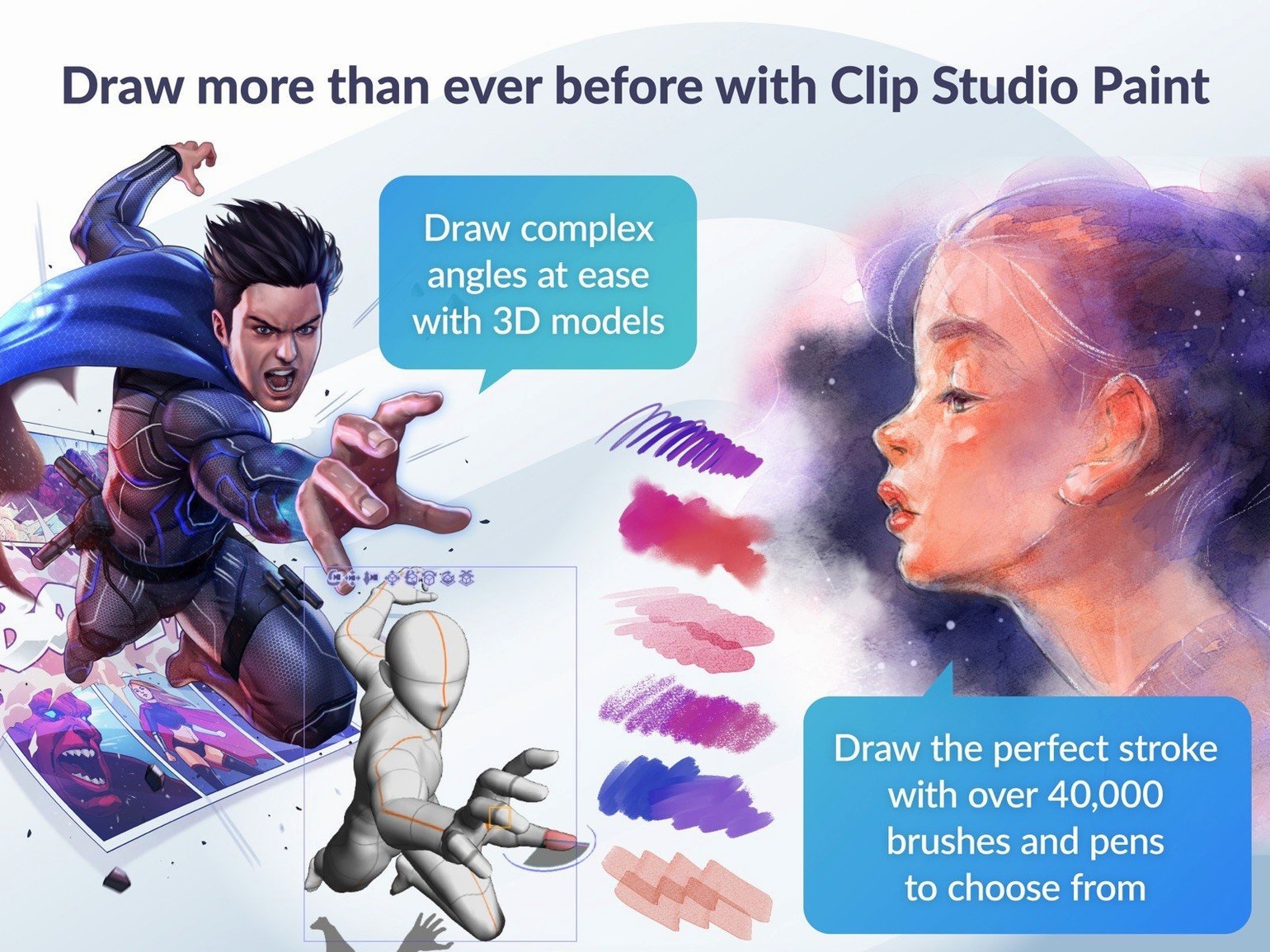
She grabs a 3D figure from the Materials palette, drops it onto a reference layer, and rotates the head to match the panel’s camera angle. Drag-and-drop now respects whether she’s inside a frame folder or outside it, so the model lands exactly where she needs it. She samples a shadow color with the Eyedropper, sets a soft watercolor brush to low opacity, and starts building depth across the page.
By lunch, two pages are done. She exports layered PSDs for the letterer, checks the Finder previews on macOS 15 to confirm the thumbnails look right, and drags a Quick Filter onto a panel that needs a warm tint. No edge artifacts, no force-closes. The patch notes from 4.1.4 aren’t abstract bullet points — they’re the reason her afternoon stays on schedule.
If she needs to pull down a standard clip mac crack setup on a second machine to keep working while traveling, the workflow transfers cleanly. Same brush settings, same layer masks, same timeline data. Nothing breaks between machines.
Why Your Brush Feels Dead on a Vector Layer
The most common mistake I see: ignoring the Layer Property panel. New users paint on a vector layer and wonder why the brush feels dead — no pressure sensitivity, no tapering. The truth is the brush engine ties its behavior to the layer type and the brush shape settings together. If you’re on a raster layer with a vector brush, you get a flat line. If you’re on a vector layer with a raster brush, you get a pixel stamp. Check both before you blame the tablet driver.
Another trap is the Timeline palette. Beginners delete a clip, resize the remaining animation, and don’t understand why orphaned cels or keyframes keep appearing in the Light Table. The 4.1.4 fix cleaned up a lot of that, but the root cause is workflow: always clear your onion skin cache before you alter the timeline length, and don’t delete frames by just cutting them from the timeline — use the Cel menu to scrub them properly.
3D materials cause their own headaches. Dragging a figure onto the canvas while a frame folder is active used to produce unpredictable placement, and even with the improved behavior in this release, beginners forget to deselect the frame folder before dropping in a reference model. The figure lands inside the panel mask instead of on the drawing area, and suddenly you can’t see it. Simple fix: click outside any frame boundary first, then drag.
And please, if you’re coming from Photoshop, stop flattening everything. Clip Studio Paint reads layered PSDs beautifully, and the EX edition’s story tools rely on page-level layer separation. Export as PSD for the colorist, sure — but keep your master file as .clip so you don’t lose frame folders, text objects, and vector data that Photoshop can’t store.
Some users grab a gold clip mac torrent build and dive straight into animation without reading the frame rate settings. The default is 24 fps, which is standard, but if your storyboard was drawn at 12 fps or 8 fps for a limited-animation look, changing the rate after you’ve placed keyframes will shift your timing. Set it before you draw frame one, or use the timeline’s speed curve editor to compensate.
Skipping Photoshop and After Effects for the Whole Comic
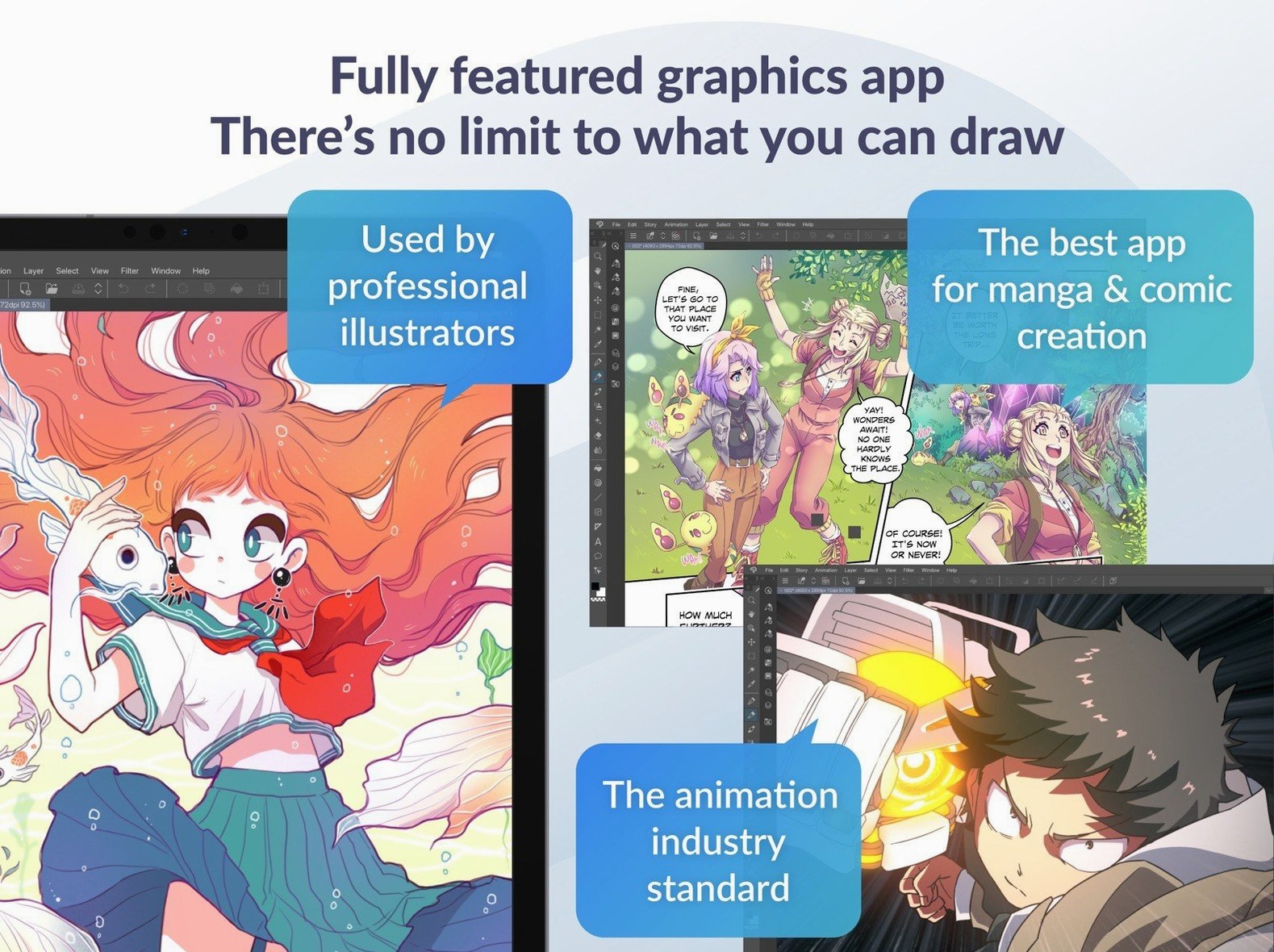
Clip Studio Paint doesn’t try to replace Photoshop or After Effects, and that’s why it works. For a comic artist, the typical chain looks like this: roughs in CSP, inks in CSP, flats and colors in CSP, export layered PSD for the letterer who works in Photoshop, final assembly back in CSP for print-ready spreads. The .psd round-trip keeps blend modes and opacity intact, and the EX edition’s Page Manager handles multi-chapter exports that Preview or Quick Look can browse by thumbnail — especially now that Finder handles the previews correctly on macOS 15.
For animation, the pipeline is similarly clean. Animate the rough cut in CSP with the timeline and Light Table, export PNG sequences, bring the frames into DaVinci Resolve or Final Cut for compositing and sound, and keep the master .clip file as your source-of-truth for revisions. The onion skin and vector eraser are faster for hand-drawn cleanup than any video editor’s paint tools, so do the frame-by-frame work here, not in the NLE.
macOS integration is solid. Quick Look now previews .clip files properly in Sequoia, so you can browse thumbnails in Finder without launching the app. Handoff and Universal Clipboard work for copying color codes or text between CSP and a notes app. The pressure curve for Wacom and iPad Sidecar connections reads through the system driver, not a proprietary override, which means fewer conflicts with other tablet software.
If someone searches for a clip studio paint 4.1.4 crack because they need the EX feature set on a tight budget, they’ll find that the page management tools sit comfortably alongside Scrivener for script drafting and Blender for 3D reference blockouts. The Materials library accepts OBJ and FBX files, so a background artist can rough out a scene in Blender, import the mesh as a poseable 3D layer, trace over it with vector pens, and never leave the page. That kind of interoperability is what turns a drawing app into a production tool.
Simplified Chinese joins the interface, and .clip files finally preview correctly with Quick Look in macOS 15. Also fixed: a force-close when Color mixing was set to Running color, edge artifacts from Quick Filters and Quick Effects in the canvas preview, PSD exports appearing correctly in Finder on macOS 15, and 3D material drag-and-drop behavior when a 3D layer sits outside a frame folder.
- macOS 14 or later
- Intel or Apple Silicon Mac
- 2 GB memory (8 GB or more recommended)
- OpenGL 3.3 compatible GPU
- Tablet and pressure-sensitive stylus supported
- Internet connection for license verification and some functions
Questions I actually get
Does Clip Studio Paint support animation exports?
Yes, you can export your timeline work as sequential images, animated GIFs, or movie files directly from the app.
What's the difference between PRO and EX?
EX adds professional story creation tools like multiple-page layout management and full book organization features beyond what PRO offers.
Notes from the edit bay · 0
Sign in or get an edit-bay pass to leave a note.
No notes from the edit bay yet. They go up after I read them.