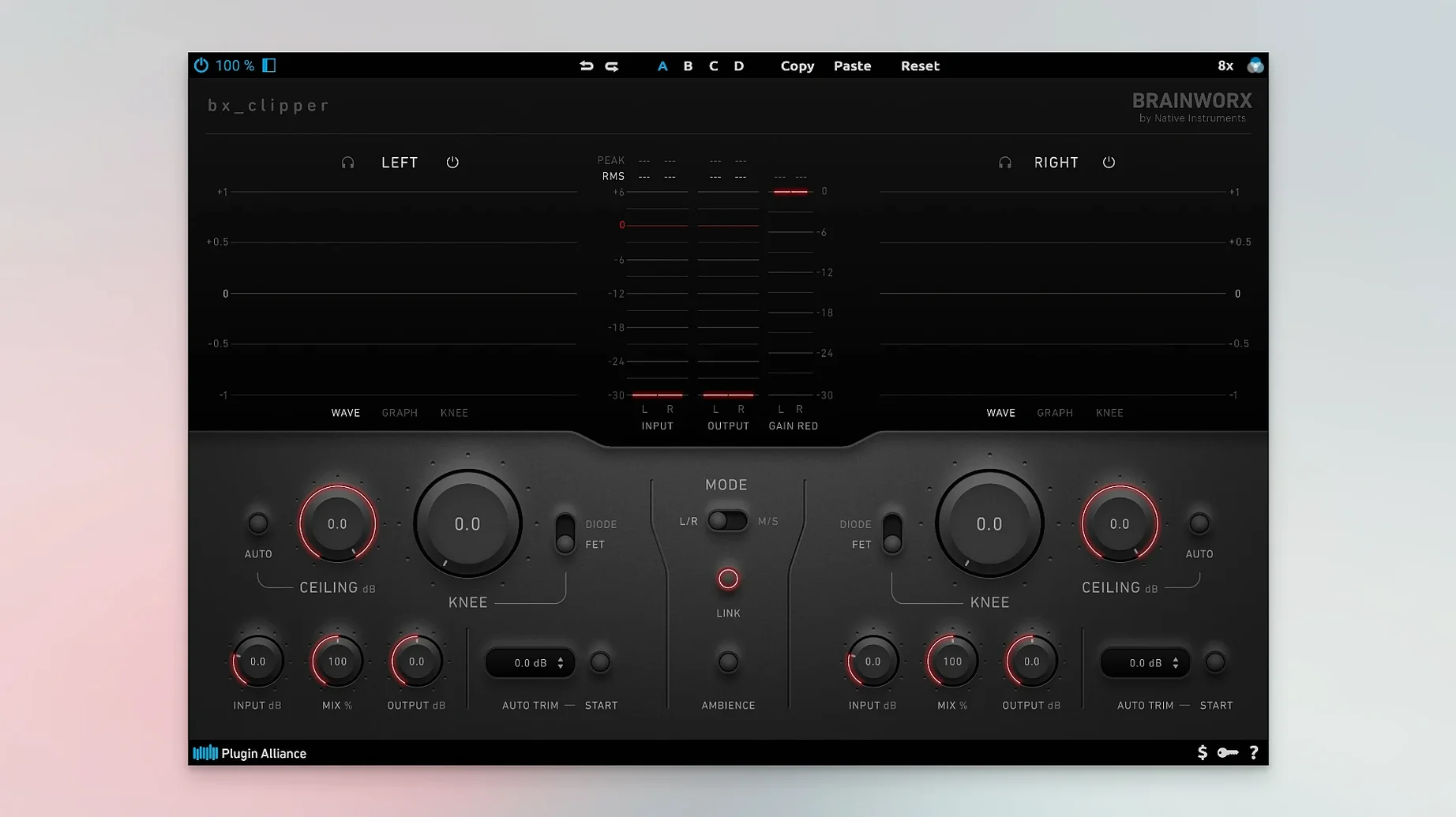
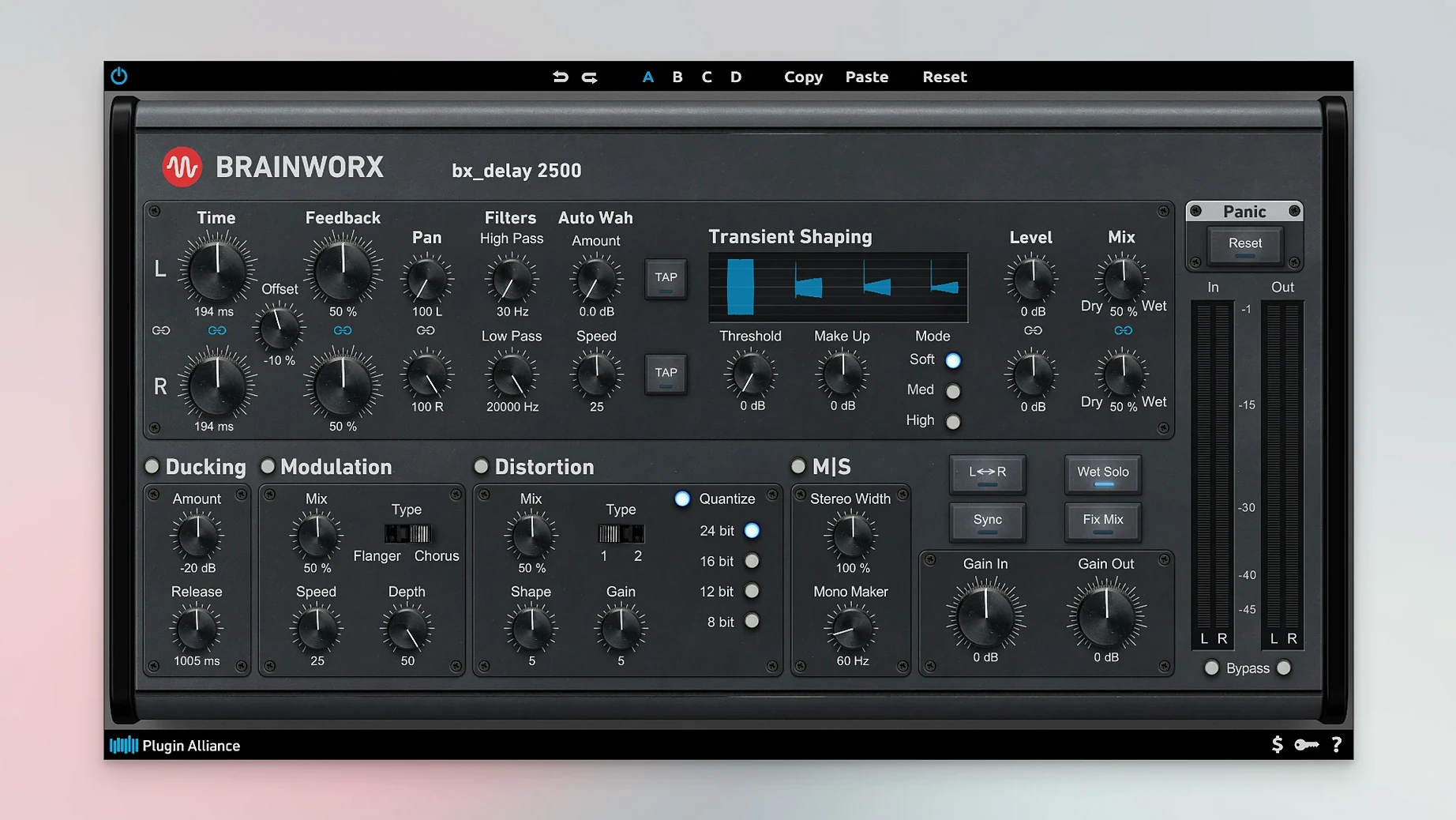
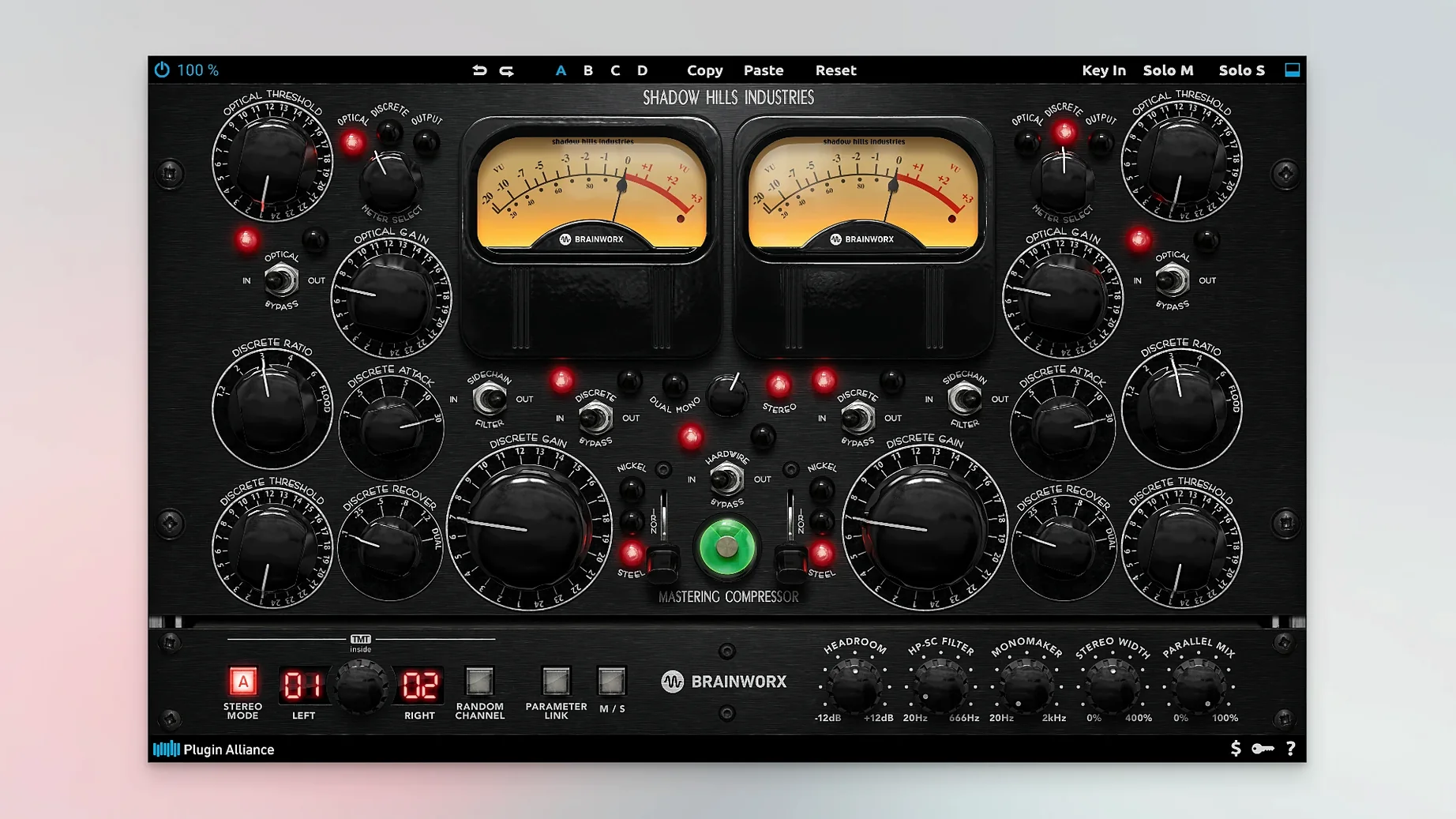
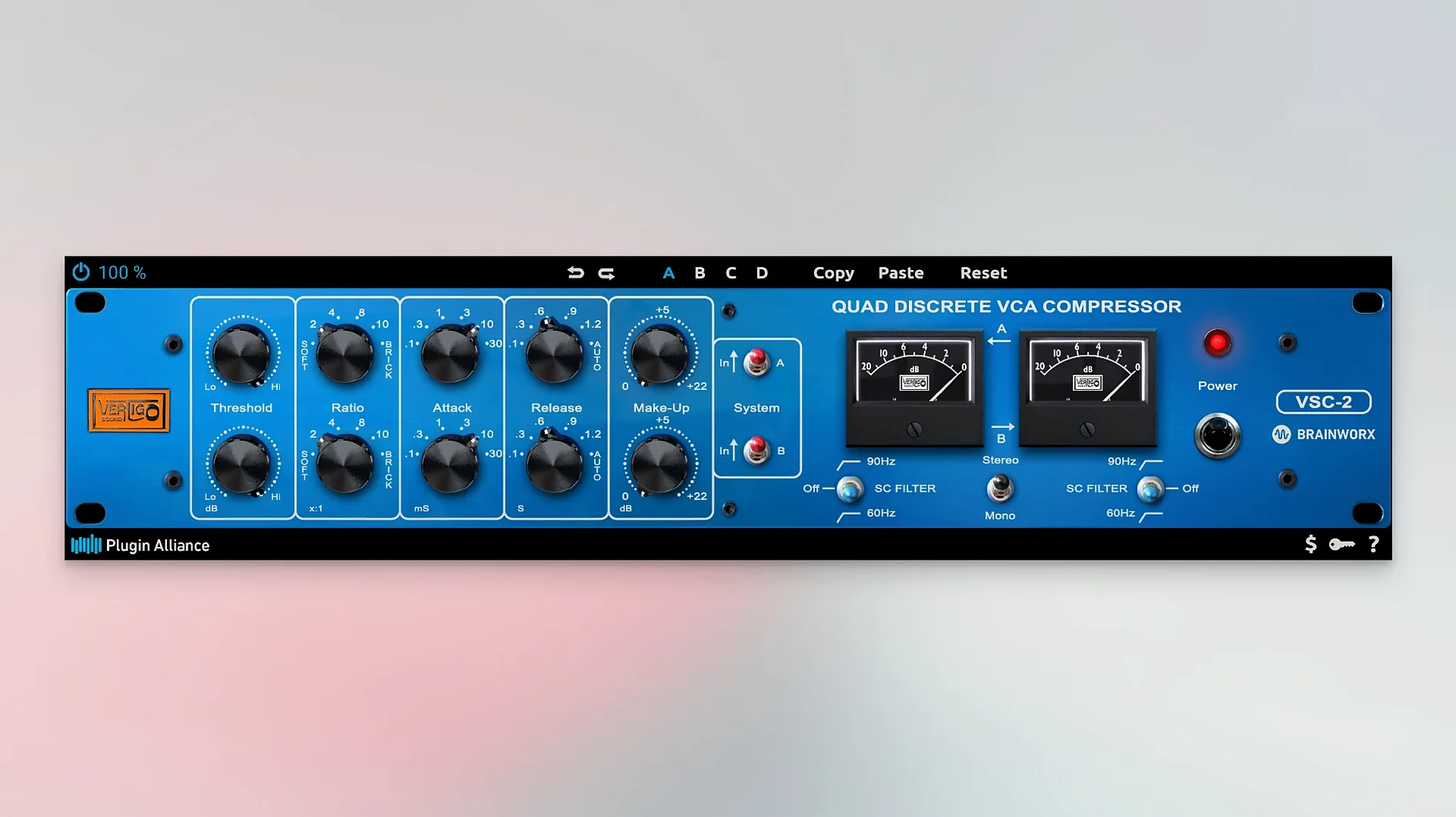
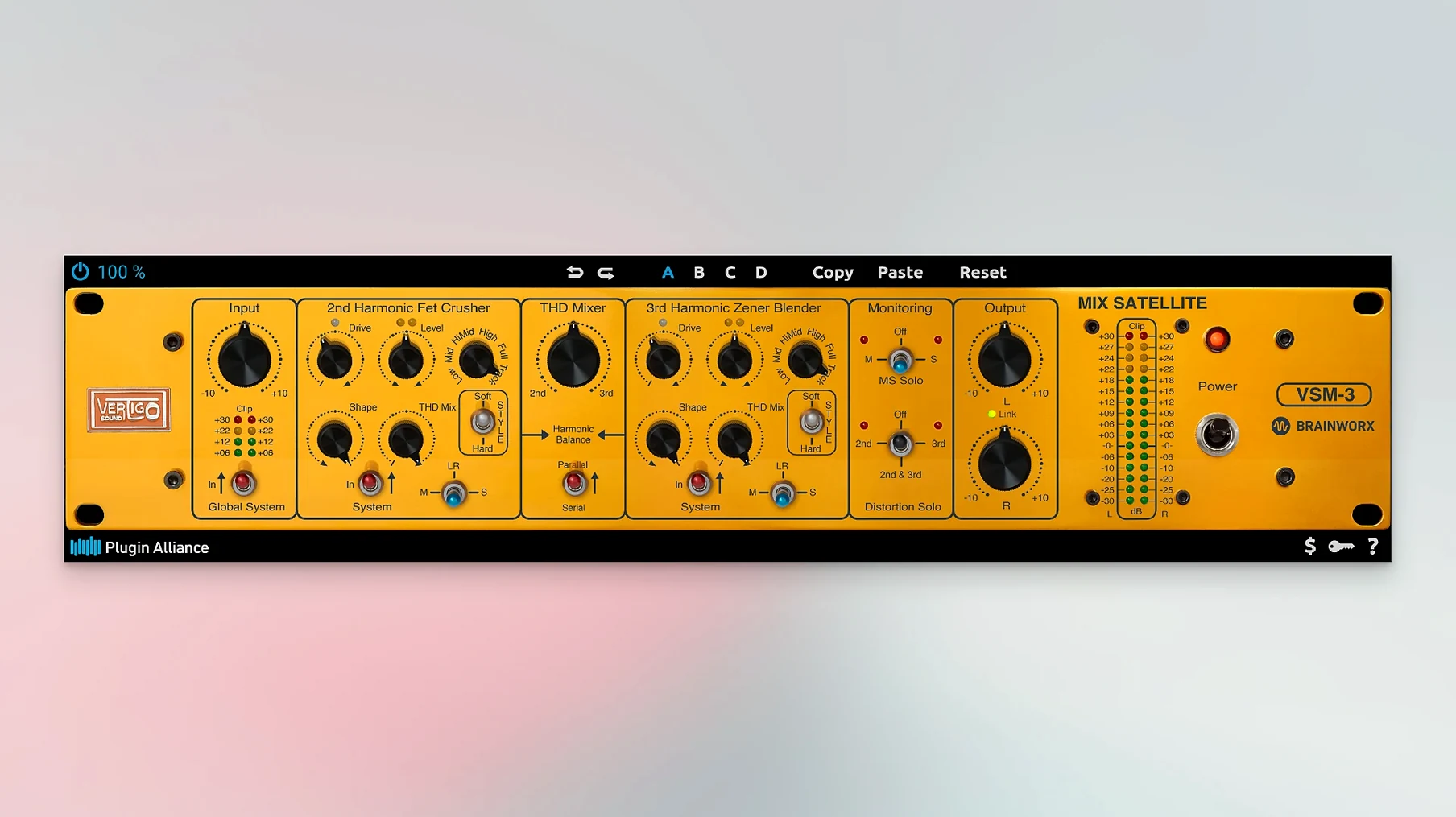
This thing runs on Apple Silicon and Intel Macs sticking to macOS 13 Ventura or later. Format support is strictly AU and VST3 — AAX and VST2 won't show up in your DAW, so plan your host accordingly. Logic Pro users are covered natively via Audio Units; Ableton Live and Cubase folks will route through the VST3 versions. The bundle pulls from 40-plus premium brands under one roof, which means you're not learning forty different installers.
| Detail | Info |
|---|---|
| Version | 1.2.4 |
| Architecture | Apple Silicon & Intel |
| macOS | 13 (Ventura) and later |
| Formats | AU, VST3 |
The sound lives in analog-modeled warmth and precise digital tools. Brainworx consoles sit next to gritty saturation boxes and surgical EQs. You can push a vocal through a vintage channel strip, widen a synth with a stereo tool from a boutique developer, then tame the low end with a mastering-grade dynamic EQ — all without leaving the same plugin folder. It's a playground for mixing engineers who want variety, from single tracks to final mix finishing. Guitar amps and virtual instruments are in the mix too. Just know your DAW needs to scan AU or VST3 paths, nothing else.
The heavyweight emulations — the Brainworx console strips, the Lindell compressors, the Ampeg bass rigs — sit surprisingly light on the CPU for what they're modeling. On an M1 Max I see about four to six instances of a full BX_Console strip spread across a 48-track session before the buffer needs a nudge upward. That's workable. A session loaded with 22 instances of various Alliance plugins idles around 28% CPU in Logic at a 128-sample buffer, leaving headroom for virtual instruments and reverbs. The lighter utility plugs — the SPL Transient Designer, the bx_masterdesk components — barely register a blip. Stability has been uneventful in Logic 10.8 and Ableton Live 11 on Ventura and Sonoma; no sudden validation failures after OS point updates, no AU cache corruption so far. RAM use is modest for the monster plugins; the Shadow Hills compressor eats a few hundred megabytes but won't spike on bypass. One quirk: the first AU scan after installing the whole bundle is long. Grab coffee, let it run, and it won't bother you again.
Plugin Alliance doesn't drown you in its own ecosystem. No dongle, no iLok Manager required, and activation follows the included instructions once. After that the plugins sit in your Components and VST3 folders like any other AU. That's the quiet convenience — no background service, no license daemon phoning home while you work. A few workflow touches I'd hate to lose now: the TMT channel randomization inside the Brainworx consoles means every instance of the same strip on twelve drum tracks behaves slightly differently, which is the fastest way to fake console summing without a summing mixer. The mix knob on nearly every saturation and compressor plugin makes parallel processing a one-dial move. And the bx_cleansweep high-pass filter is rated for a single job — cleaning subsonic rumble — but its keyboard shortcut slot in any DAW's plugin favorites saves more time than it should.
Dialing in a drum bus with the plugin alliance mega bundle mac full version
Here's a practical chain that takes a flat drum bus to finished in about four minutes. Start with the plugin alliance mega bundle mac full version already scanned in your DAW. Step one: insert the SPL Transient Designer on the drum bus. Push the attack knob to +3.5 dB and pull sustain to -2 dB — your kick and snare transients snap forward while room bleed tucks itself in. Step two: follow with the Lindell 80 Series channel strip. Roll off everything below 40 Hz with the high-pass filter, add 1.5 dB at 10 kHz on the shelf for air, then engage the compressor at a 2:1 ratio with a medium attack. The needle barely moves; it's just kissing the peaks. Step three: finish with the bx_townhouse bus compressor. Set the ratio to 4:1, attack at 10 ms, auto release, and aim for 2–3 dB of gain reduction. The needle breathes with the groove instead of pumping against it. That chain took fifteen seconds to instantiate and about three minutes of tweaking while the chorus looped. The result: a drum bus that punches without sounding processed, with headroom still available for the mix bus chain downstream.
Small move that pays off: save that three-plugin chain as a DAW preset. Next session you drag one preset onto a drum bus and adjust two knobs instead of rebuilding the signal flow from scratch. Also fixed: the bx_rooMS and bx_delay plugins now recall their tempo-sync states correctly after a project reload, which was a headache in earlier builds.
- macOS 13 (Ventura) or later
- Apple Silicon or Intel Mac
- DAW that hosts AU or VST3 plugins
- ZIP-compatible archiver for extraction
Questions I actually get
Which plugin formats actually work in this bundle?
Only VST3 and AU formats work. Make sure your DAW supports one of these before you start.
Does this run natively on Apple Silicon Macs?
Yes, the bundle supports both Apple Silicon and Intel Macs running macOS 13 Ventura or later.
How many plugins and brands are packed in?
Plugin Alliance's full catalog spans 200+ plugins from more than 40 brands; the set bundles many of them at version 1.2.4.
Notes from the edit bay · 0
Sign in or get an edit-bay pass to leave a note.
No notes from the edit bay yet. They go up after I read them.