Every preset lands as a Motion Template title file — no new plugin engine, no universal binary to worry about. You drop them into Final Cut Pro and they show up in the Titles browser, ready to stretch across any timeline length without a render hiccup. That simplicity is the real compatibility story here.
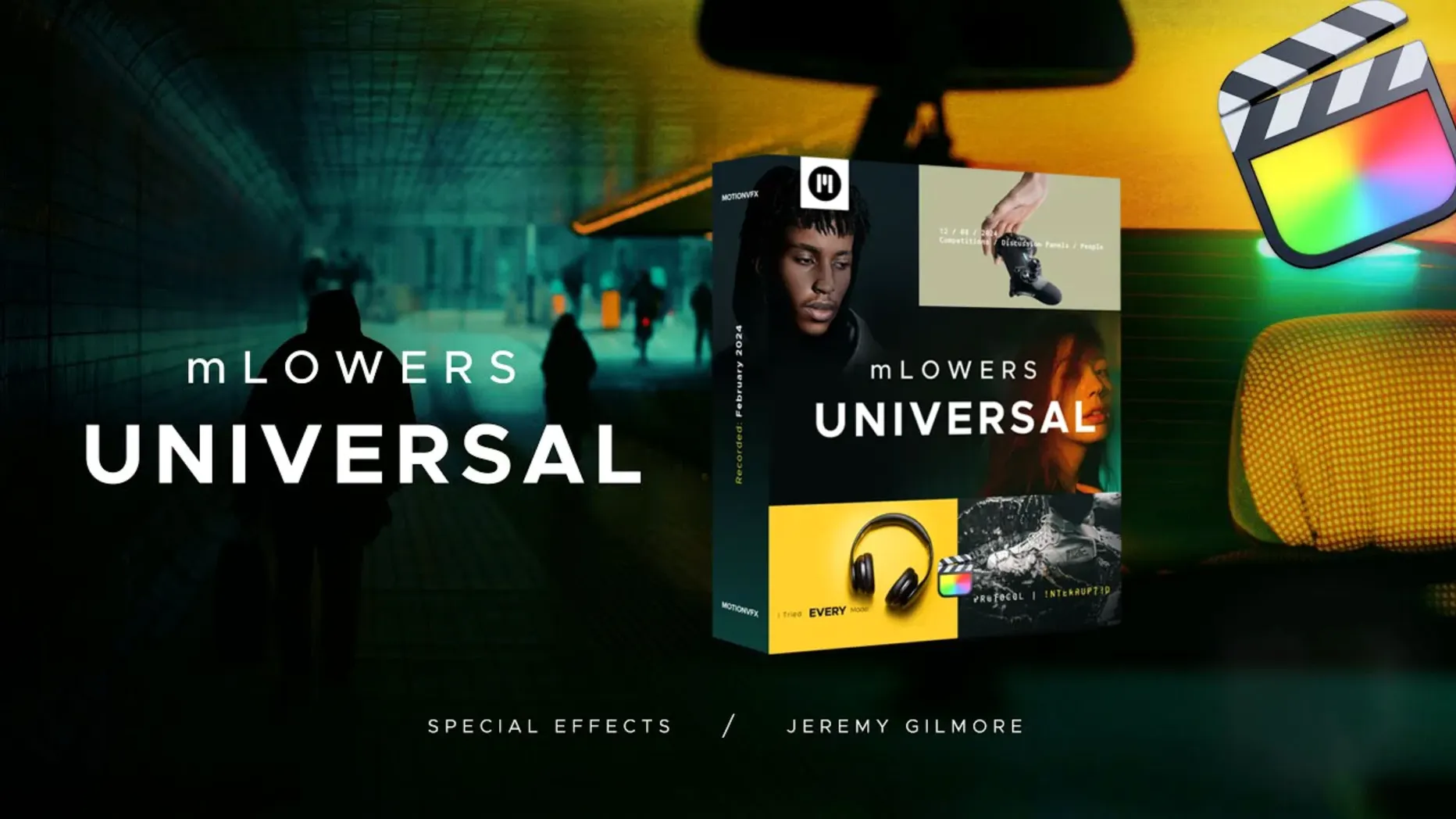
motionVFX built mLowers Universal as 70 animated lower thirds across four design families: dynamic glitch-style effects, high-tech designs that sit cleanly over corporate B-roll, retro treatments, and designs inspired by movie screens. Social media markers round it out, handy when the same cut has to promote a channel across platforms.
Because the pack is title-template-based, it works on any Mac that runs a current version of Final Cut Pro. The only file format you touch is the one FCP already reads.
A Session With mLowers Universal
You’ve just wrapped a rough cut for a tech client. The timeline sits there, timed out, color grade barely baked in, but the lower thirds are still a blank row of placeholder text. That’s the moment mLowers Universal gets dropped into the project.
First move: head to the Titles browser. The presets are all there, sorted into families. You skim the high-tech set, looking for something that won’t fight the clean white-on-gray interview backdrop. One thumbnail catches your eye — a thin animated line that sweeps in, reveals a name and title, then collapses into a subtle corner marker. You drag it above the B-roll clip where the CTO first speaks.
Final Cut’s inspector unlocks the template’s parameters immediately. Text fields for name and job title sit at the top. You type them in, hit Return, and watch the preview update. The motion hits in two beats: a fast glitch flicker, then the text landing solid. It feels urgent without being busy. You pull the duration handle to three seconds — the animation breathes a little more. Then you copy the clip, paste it over the next two speakers, and change the text. Three lower thirds, maybe 90 seconds of work.
One speaker has a long title that wraps awkwardly. You nudge the font size slider in the inspector until it settles. No round-tripping to Motion. No rebuild. The template just adapts.
Next, the social media marker. The client wants their YouTube handle visible during the demo reel section. You grab one of the marker presets, drop it in the top-right safe zone, and type the handle. It animates in — a quick wipe with a colored accent — and sits there for the duration of the clip. You drop the opacity a few points so it doesn’t steal focus from the product shots. Done.
By the time the render bar finishes its first pass, the project looks finished — not like something that still needed a motion designer’s pass. That’s the rhythm of a session with this pack: drag, type, tweak, move on.
Built for Five-Projects-a-Week Editors
Corporate video editors who cut five client projects a week live inside the high-tech and clean cinematic presets. The animations feel polished enough for a SaaS explainer or an internal comms piece without veering into flashy territory. When you’re delivering three revisions before lunch, hunting through template menus is a time tax. mLowers Universal gives you a contained set of 70 options — enough variety, not so much that you scroll past the same design six times.
Social media producers who need cross-platform consistency grab the marker presets and the glitch-style thirds. A TikTok cut and a LinkedIn version of the same video can share the same visual language. The markers sit in the corner without intruding, and the glitch animations match the pacing of short-form edits. No need to build overlays in a separate motion graphics pass.
Editors who avoid Motion and After Effects benefit the most. The templates expose their controls entirely inside Final Cut’s inspector — text strings, color wells, size sliders, opacity. If you’re comfortable staying in FCP’s ecosystem for a whole project, this pack lets you finish title work without leaving it. That’s the line between a tool you use and a tool you forget you installed.
A Curated Set Versus a Grab Bag
Compared to Pixel Film Studios’ lower third packs, mLowers Universal feels less like a grab bag and more like a curated set. Pixel Film Studios ships huge bundles with hundreds of presets, but the design quality varies wildly, and some templates ship with their own plugin engine that breaks across macOS updates. mLowers Universal keeps things as raw Motion Template files — no extra framework to maintain. If you’ve ever had a Pixel Film plugin stop working after a point update, the simplicity here matters.
Against Envato Market template packs, the difference is integration. Envato templates often come as .motn files you open in Motion, render out, and bring back to FCP. That workflow works, but it’s slow when you need to change a name at 11 p.m. before an upload. mLowers Universal templates live in the Titles browser and stay editable. You change text directly on the timeline. No round trip. That’s the comparison that counts when you hear “just one more revision.”
Next to building your own lower thirds in Apple Motion, mLowers Universal saves days. Motion is powerful, and a custom template you build will match your project perfectly, but the time cost is real. For editors who don’t have a dedicated motion designer — or who are the motion designer but also the editor, colorist, and audio mixer — 70 pre-animated options cover most scenarios. You can still open any template in Motion and tweak the animation curves if you want. The pack doesn’t lock you out. It just gives you a running start.
When the Template Stays Hidden in the Browser
Template doesn’t show up in the Titles browser. This is almost always a path issue. The .moef files or the containing folder need to sit in /Users/Your Name/Movies/Motion Templates/Titles. If you dropped them one level deeper — say, inside a subfolder within Titles — FCP won’t see them. Move everything directly into the Titles folder, restart Final Cut, and they’ll populate.
Animation stutters on playback. The glitch-style presets layer several moving elements. If your timeline is already heavy with 4K clips and color corrections, drop the playback quality to “Better Performance” in the View menu while you work. The final export will render at full quality regardless.
Text field won’t accept enough characters. A few presets have character limits baked into the template parameters. If a job title runs long, open the template in Motion (right-click the title clip, choose “Open in Motion”) and adjust the text box width or the parameter slider range. Save, and the change flows back to your timeline. It’s a five-minute fix if you know where to look.
Colors clash with your grade. The inspector exposes color wells for accent elements on most presets. If the default cyan doesn’t fit your palette, sample a color from your footage and drop it in. The change applies across the entire title duration. For presets with multiple color zones, check the inspector’s parameter list — some hide a secondary color control further down.
One last thing worth knowing: because these are standard Motion Template files, they survive macOS updates and Final Cut Pro version bumps better than plugin-dependent packs. If you’ve ever hunted for a universal audio plugins torrent or tried to revive a defunct plugin after an OS upgrade, you know the value of templates that just keep working. Same principle applies — no activation, no engine, no compatibility chains to break.
- Final Cut Pro
Questions I actually get
What styles are included in the pack?
It covers glitch, high-tech, retro and movie-screen-inspired lower thirds, plus social media markers. No activation is needed.
Notes from the edit bay · 0
Sign in or get an edit-bay pass to leave a note.
No notes from the edit bay yet. They go up after I read them.