
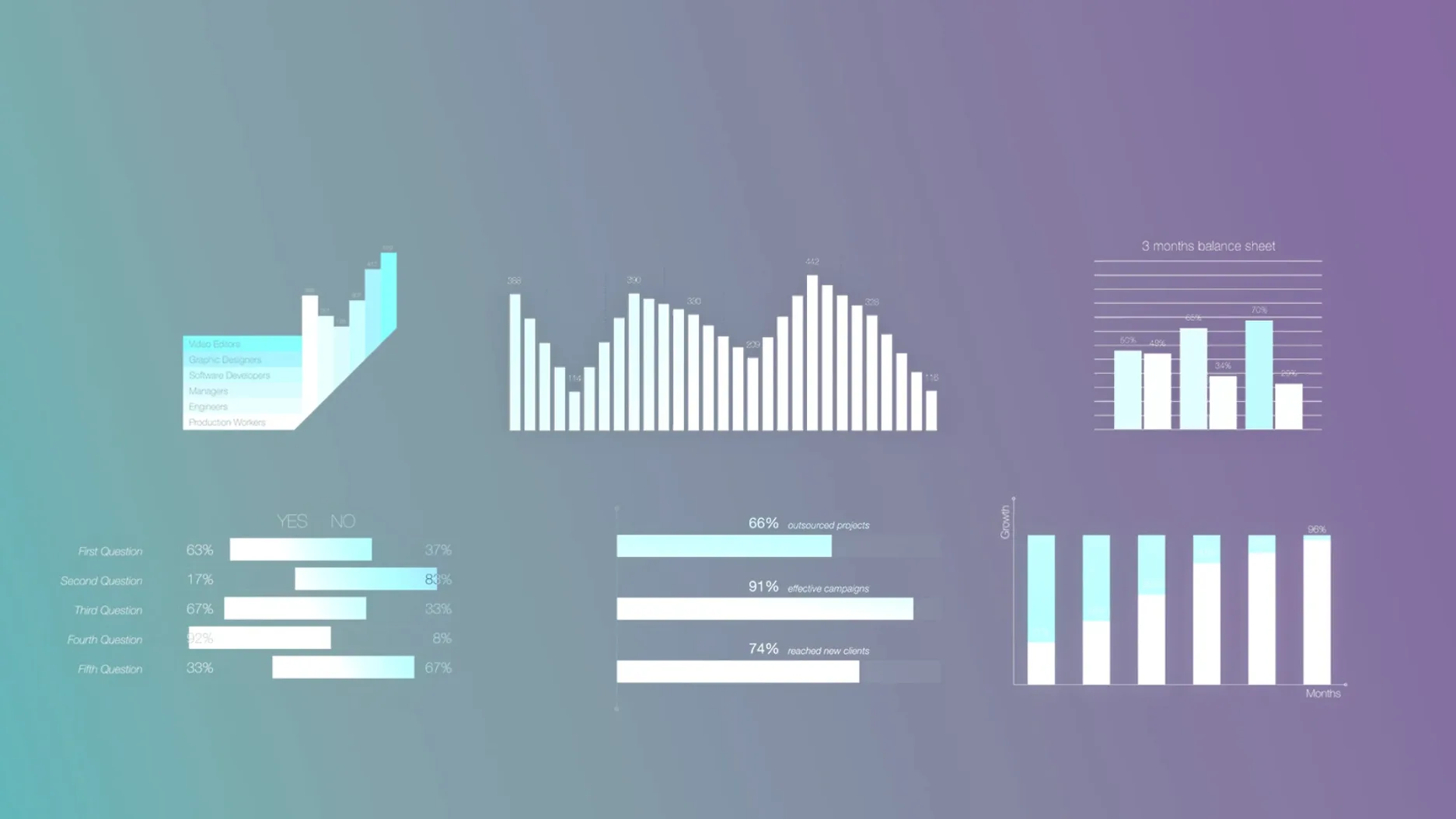
mInfographics is a Final Cut Pro plugin from motionVFX that drops customizable infographic elements straight into your timeline.
| Format | Host | Compatibility |
|---|---|---|
| FCP Titles | Final Cut Pro | Intel & Apple Silicon |
The pack lands as Motion Templates in the Titles browser. All 60 elements — charts, graphs and typographic captions — let you edit numbers and descriptions without leaving FCP. That means no roundtrips to Motion, just a few clicks in the inspector while the render bar does its thing. MotionVFX built these specifically for editors who need on-screen data to look polished but can't blow a deadline tweaking keyframes. On-screen controls keep the learning curve flat, and there's no activation step, so you're pulling clean stat graphics over interview b-roll within minutes of unpacking the folder.
Templates Run Natively in Final Cut Pro, No Motion Required
Do these templates require Motion, or can I use them in Final Cut Pro alone? They work inside Final Cut Pro without Apple Motion installed. The templates show up in the Titles browser once you move the folders to the right place. If you want to alter the underlying design beyond what the inspector offers, you'd need Motion — but for everyday data changes, FCP handles everything.
Will the graphics scale cleanly to 4K timelines? Yes. The elements are vector-based Motion Templates, so they hold up at any resolution your project uses. No pixelation when you punch in on a percentage bar during a highlight reel. The typography stays crisp too, which matters when a lower third hangs on screen for ten seconds of a client interview.
Does the plugin slow down an older Mac? The templates aren't heavy simulations or particle systems. They're graphic overlays, so playback performance depends more on your timeline's media than on an animated chart. An Intel Mac running a recent macOS version handles them fine in a 1080p project. Drop forty of them into a multicam 8K timeline and you'll feel it, but that's true of any generator stack.
Typing Numbers in the Inspector, Not Hooking Up a Spreadsheet
One of the first stumbles is dragging a template onto the timeline and expecting the data to be live-linked to a spreadsheet. These are static infographics — you type the numbers in the inspector. A new editor sometimes spends twenty minutes hunting for an import button that doesn't exist. The fix takes ten seconds: select the clip, open the inspector, and fill in the published parameters.
Another common slip: dumping all 60 templates into the Titles folder without looking inside the subfolders. The pack arrives organized by category. Keeping that structure intact helps FCP populate the browser cleanly, so you're not scrolling past "Chart_01" through "Chart_60" with no grouping. Take the extra minute to preserve the folder hierarchy during install.
Beginners also over-animate what's already animated. Several elements include subtle build-in motion — a bar graph that grows from zero, a percentage ring that draws on. Layering a manual keyframe fade on top creates a double-bake effect that looks amateurish. Preview the template's default timing first, then decide whether it needs anything extra.
Turning a CEO Interview Into a Quarterly SaaS Growth Chart
Austin's tech sector runs on quarterly updates, and the editor cutting them gets a slide deck on Tuesday and a deadline on Thursday. This week it's a SaaS company reporting user growth. The raw footage is a CEO interview against a gray backdrop, a screen recording of the dashboard, and some b-roll of the office. The editor pulls mInfographics from the Titles browser and drops a percentage ring over the CEO's shoulder while she talks about adoption rates. Three clicks in the inspector change the ring from 72% to 84% to match the updated numbers marketing emailed ten minutes ago.
Next, a bar chart compares last year's revenue to this year's. The editor types the figures directly into FCP's inspector, adjusts the bar colors to the brand palette using the on-screen controls, and adds an informational caption that labels the spike in Q3 without obscuring the bars themselves. The whole infographic segment for a two-minute video takes under fifteen minutes. The render finishes before the coffee does, and the export goes to the client with a clean stat pack that looks custom-built — even though it was a motionvfx free download unpacked into a templates folder two projects ago.
Parameter Sliders Now Snap Without Overshooting
The latest build tightened on-screen control behavior. Dragging a parameter slider now snaps more predictably, so nudging a chart segment into place doesn't overshoot. That sounds minor until you're dialing in six bar heights on a tight timeline and every extra second of fiddling compounds. The inspector layout also groups related controls more logically — numbers sit with descriptions, color pickers stay near opacity settings. Less tab-switching, fewer misclicks.
Stability improved around template previews in the FCP browser. Earlier versions occasionally showed a blank thumbnail until you scrubbed over the icon. Now the previews populate reliably, which speeds up the "what does this chart type look like" scan when you're building a sequence. For editors who grabbed the motionvfx torrent and keep a lean template library, that faster thumbnailing cuts down the guesswork during assembly.
- Final Cut Pro
- Intel or Apple Silicon Mac
Questions I actually get
How do I customize the numbers and text in mInfographics?
You edit them directly in Final Cut Pro with the inspector and on-screen controls—no need to open Apple Motion.
Notes from the edit bay · 0
Sign in or get an edit-bay pass to leave a note.
No notes from the edit bay yet. They go up after I read them.