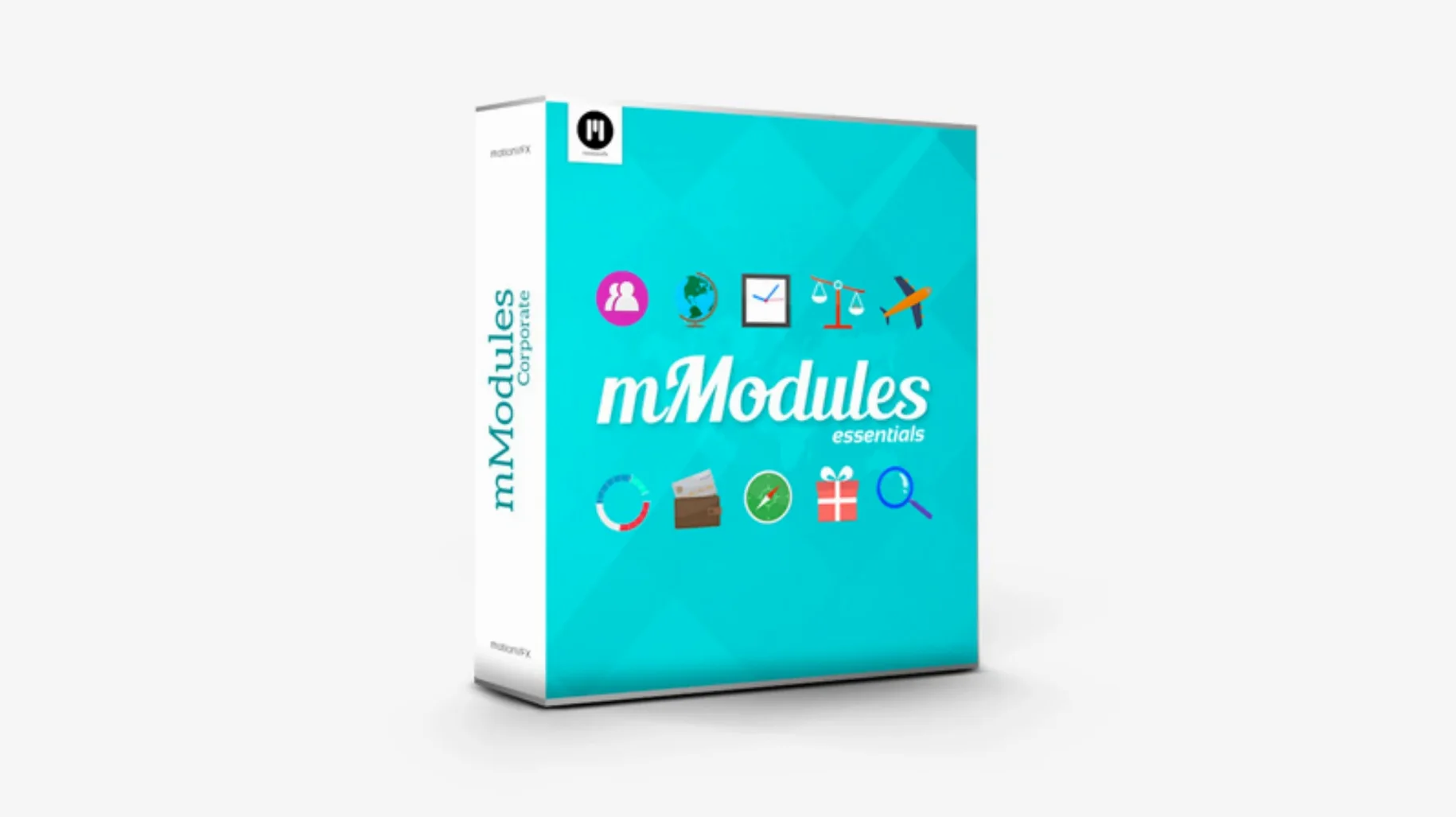
Final Cut editors who live in the timeline and hate round-tripping graphics to Motion reach for mModules. It skips the round trip and drops 60 elements straight into your browser that you can stack and tweak without leaving FCP.
Where Do the Elements Land?
Installing mModules plants the goods in your Motion Templates/Titles folder, which means they show up in both the Titles Browser and the Generators Browser under the motionVFX category. That dual-location trick matters when you're flying through an edit: a lower-third lives in Titles, a full-screen light leak lives in Generators, and you don't have to remember which is which. Drag one onto the timeline, adjust it in the inspector, and move on.
Why Does It Save Time?
Sixty elements sounds like a spec-sheet number until you're on a deadline. Everything is used directly inside Final Cut Pro, there's no activation step, and the pieces sit in the same browsers you already use for titles and generators. For an editor cutting corporate recaps or music videos, that speed is the whole point.
Building a Glitch Transition From Scratch
A client sends over a music video rough cut. The bridge between verse and chorus needs energy, something that feels unstable for two seconds before the drop hits. The timeline already has the two clips butted together. Open the Titles Browser, click the motionVFX category, and find a glitch element. Drag it onto the upper track directly above the cut point. Trim its edges to cover the transition window, then open the Inspector. Crank the distortion, nudge the RGB split slider, and set the block size to something that reads on a phone screen. Play it back. The edit jumps from clean to shredded and back. No Motion project, no exported movie, no reimport. The client approves it before lunch.
That's the real workflow with mModules. You're not constructing effects from scratch—you're seasoning a timeline that's already 80% locked. Each element behaves like a title or generator you already know, so keyframing opacity to fade the glitch in and out takes seconds. Stack a light-leak generator underneath and the whole transition breathes differently.
Postponing the Trip to Motion—and Compressor’s Clean Handoff
mModules doesn't replace Motion. It postpones the moment you need to open it. For editors who use Compressor for output, the relationship is even cleaner: build the timeline with mModules elements inside FCP, send the project to Compressor as usual, and nothing breaks. The templates are baked into the render pipeline because they live where FCP expects all Motion Templates to live.
macOS features play along too. Since the elements sit in ~/Movies/Motion Templates/Titles, Time Machine backs them up with the rest of your user folder. Spotlight won't search inside template files, but tagging the folder in Finder makes it easy to grab when migrating to a new machine. And because there's no activation, moving the folder to another Mac just works—drop it in the same path and Final Cut picks it up on relaunch.
Scrubbing a Title Card Before the Noon Review
9:15 AM. The timeline holds a corporate sizzle reel, five minutes of talking heads and b-roll, due for review at noon. The opening needs a title card with weight. Hit the Titles Browser, find the motionVFX category, and scrub through the 60 thumbnails. A heavy cinematic title catches the eye. Drag it to the timeline, type the company name in the Inspector, and adjust the tracking. The text lands with a metallic sheen that took zero effort.
9:40 AM. The CEO's quote needs emphasis. Drop a lower-third beneath the clip, match the brand blue with the color picker, and shorten the duration to the length of the sentence. Three other lower-thirds follow, each dragged from the same category and tweaked individually.
10:20 AM. B-roll montage feels static. Open the Generators Browser, pull a particle element onto an upper track, and set blend mode to Add. The particles drift behind drone footage of the office building. Opacity comes down to 40% so they don't fight the main image.
11:00 AM. Render and watch the full piece. One transition between segments feels abrupt. A quick light-leak generator over the cut, two seconds long, no adjustment needed. The render bar churns for under a minute. File goes to the client by 11:30.
No Activation, No Relinking: What the Lean Design Actually Saves
motionVFX has kept mModules lean across its lifespan. The consistent install path—always Motion Templates/Titles, always the same motionVFX category in both browsers—means editors who update their libraries don't waste time relinking assets. The no-activation design cuts out a whole class of support requests: no license dialogs popping up mid-session, no reauthorization after a macOS point update.
The 60-element count hasn't ballooned, and that restraint matters. When a tool stays focused, the browser doesn't become a junk drawer. You scroll, you find, you use. Editors who rely on motionvfx plugins free download know the pattern: install once, appear in FCP, and stay out of the way. The elements themselves saw refinements to inspector controls over time—more slider granularity, better default values—so pulling a template onto the timeline looks right before you even touch a parameter.
From a Colorist's Chair
A colorist in a post house gets a graded timeline back from DaVinci Resolve. The director wants three interstitial title cards that match the mood of the grade—desaturated, cool shadows, warm highlights. The colorist doesn't want to jump back to Resolve for graphics. Inside FCP, the motionVFX category delivers a set of clean, minimal titles. She drops one between each section, types the location names, and adjusts the tint in the Inspector to pull shadows toward teal. The titles render in the same timeline that just came back from round-tripping, and the export goes straight to the client. The whole graphics pass takes twelve minutes.
Stacking for Depth
A single mModule rarely finishes a shot. The trick that shows up in real sessions is layering. A lower-third over interview footage might feel flat until you drop a subtle vignette generator underneath it, pulling the eye toward the text. A title card gains dimension when a dust-and-scratches element sits on the track above, blend mode set to Overlay at 15% opacity. Because every piece lives in FCP's native browser structure, you stack them the same way you stack audio tracks or adjustment layers. The mental model doesn't shift. You're an editor, not a compositor, until you need to be both for thirty seconds.
For editors hunting down a motionvfx torrent or looking for motionvfx crack workarounds, the appeal is obvious: 60 usable elements that drop into a familiar workflow without friction. The real value, though, is how little attention they demand. You install them, they appear in your browsers, and they show up for work every morning like a good assistant editor—silent, fast, and exactly where you expect them.
- Final Cut Pro X
Notes from the edit bay · 0
Sign in or get an edit-bay pass to leave a note.
No notes from the edit bay yet. They go up after I read them.