
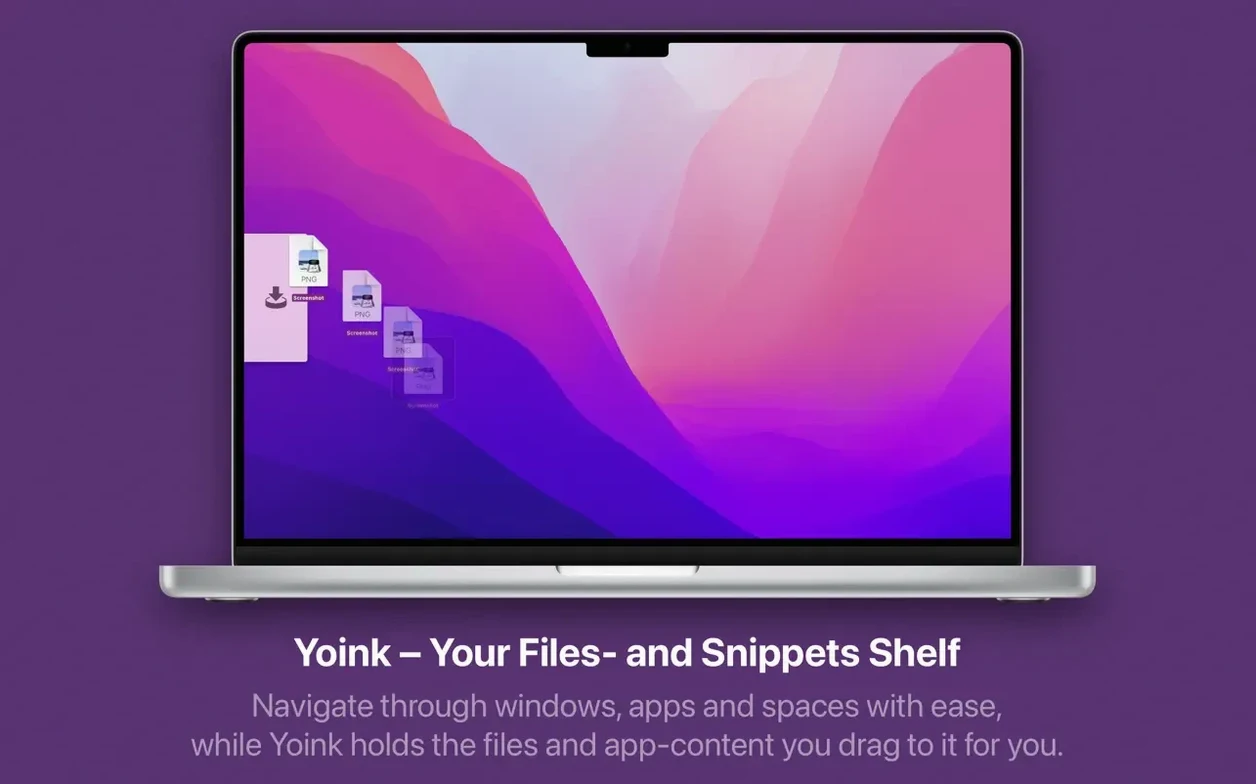
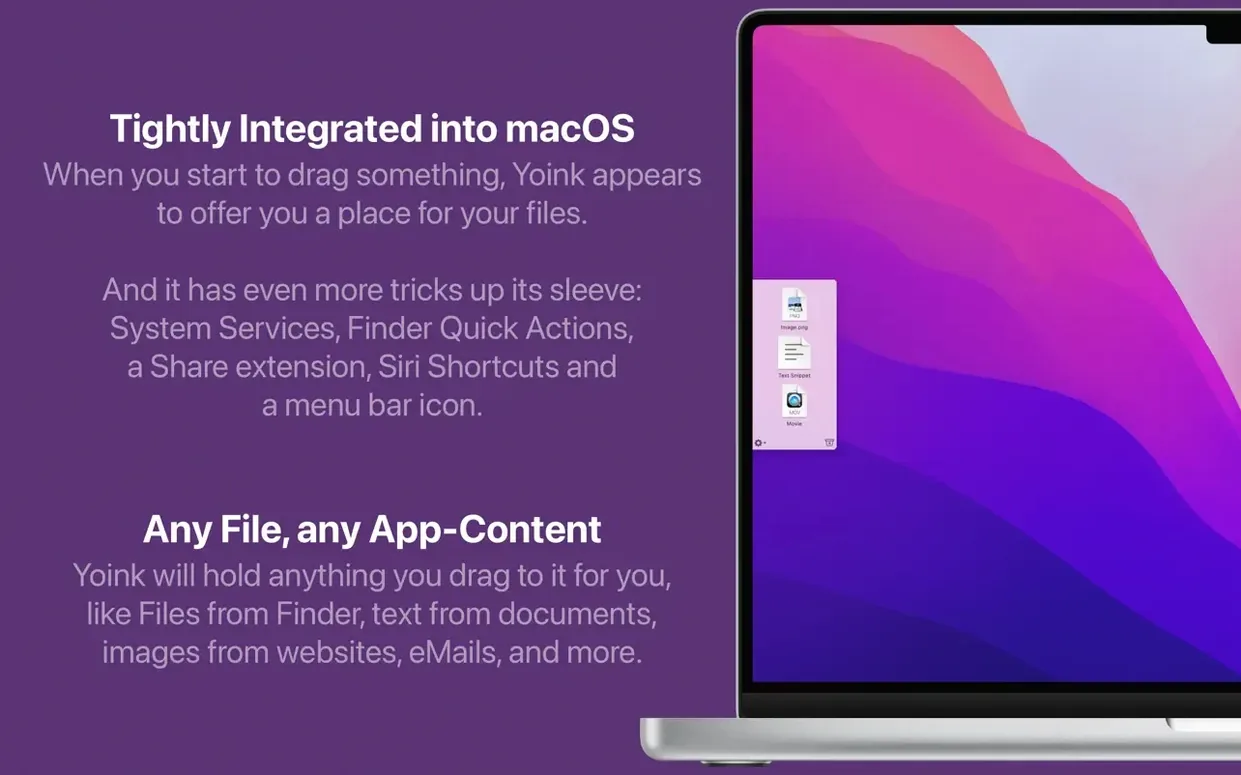
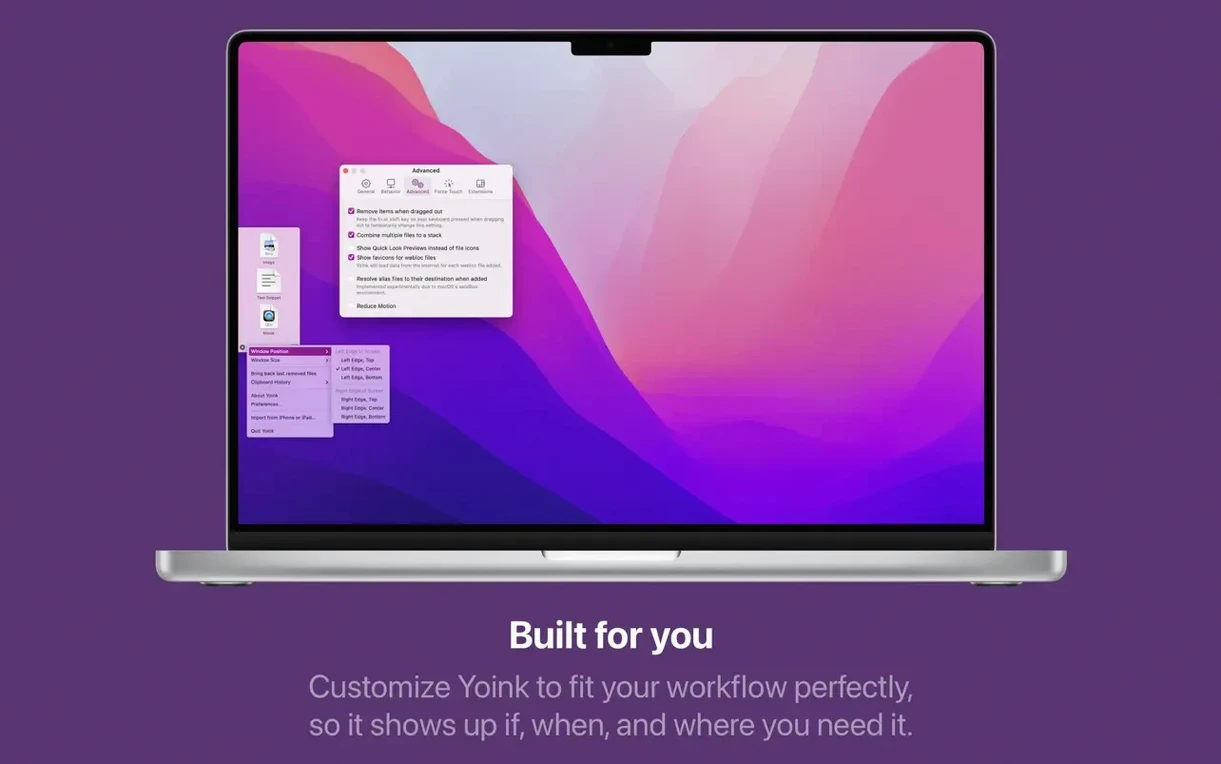
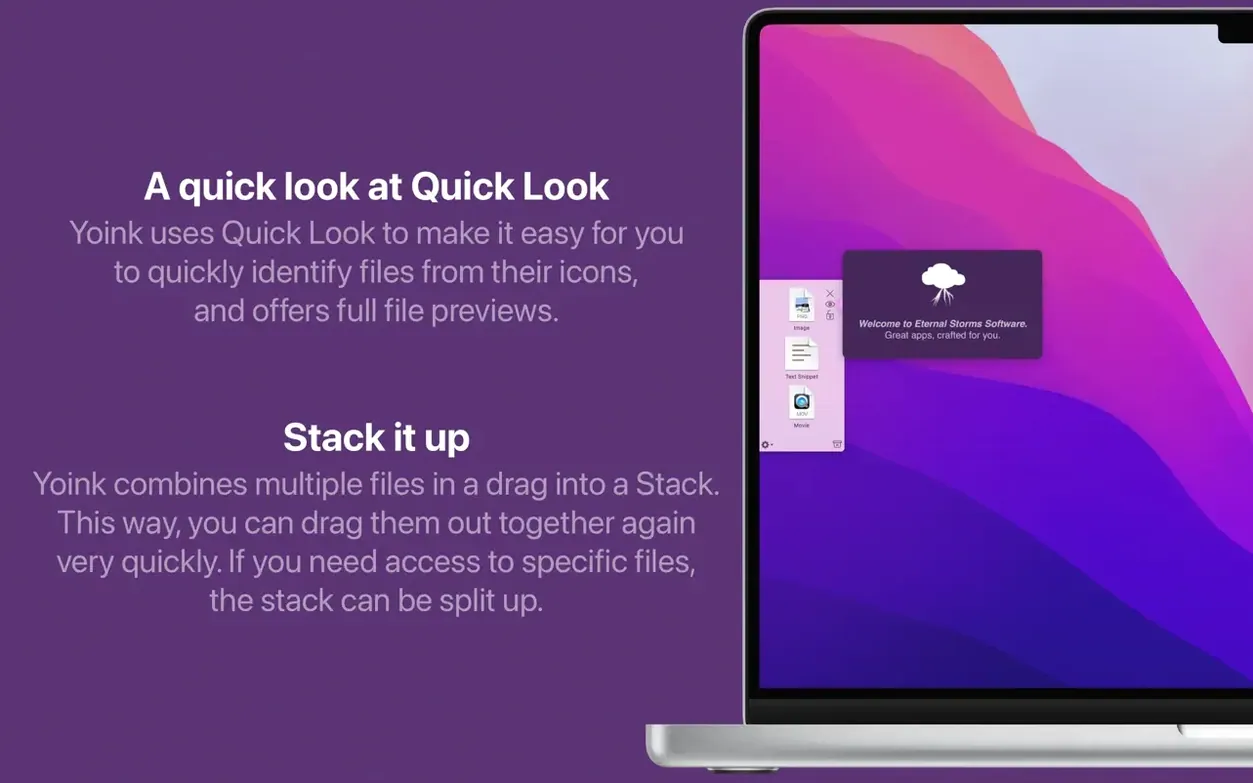
Dragging a file across three spaces and a full-screen app is the macOS equivalent of a trapeze act where the net is missing. One slip and your file vanishes into the wrong folder. That’s the problem Yoink solves. It gives you a temporary shelf that slides out when you start a drag, catches whatever you’re moving, and waits until you reach the real destination.
Who Needs a Shelf Instead of the Clipboard?
The clipboard holds one item. Yoink holds as many as you throw at it — files, app aliases, text clippings, even batches. Drag them in one by one, then place them where they belong when you’re ready. It follows Finder-like drag-and-copy behavior, so holding Option forces a copy exactly as you’d expect.
Where Does the Clipboard History Fit?
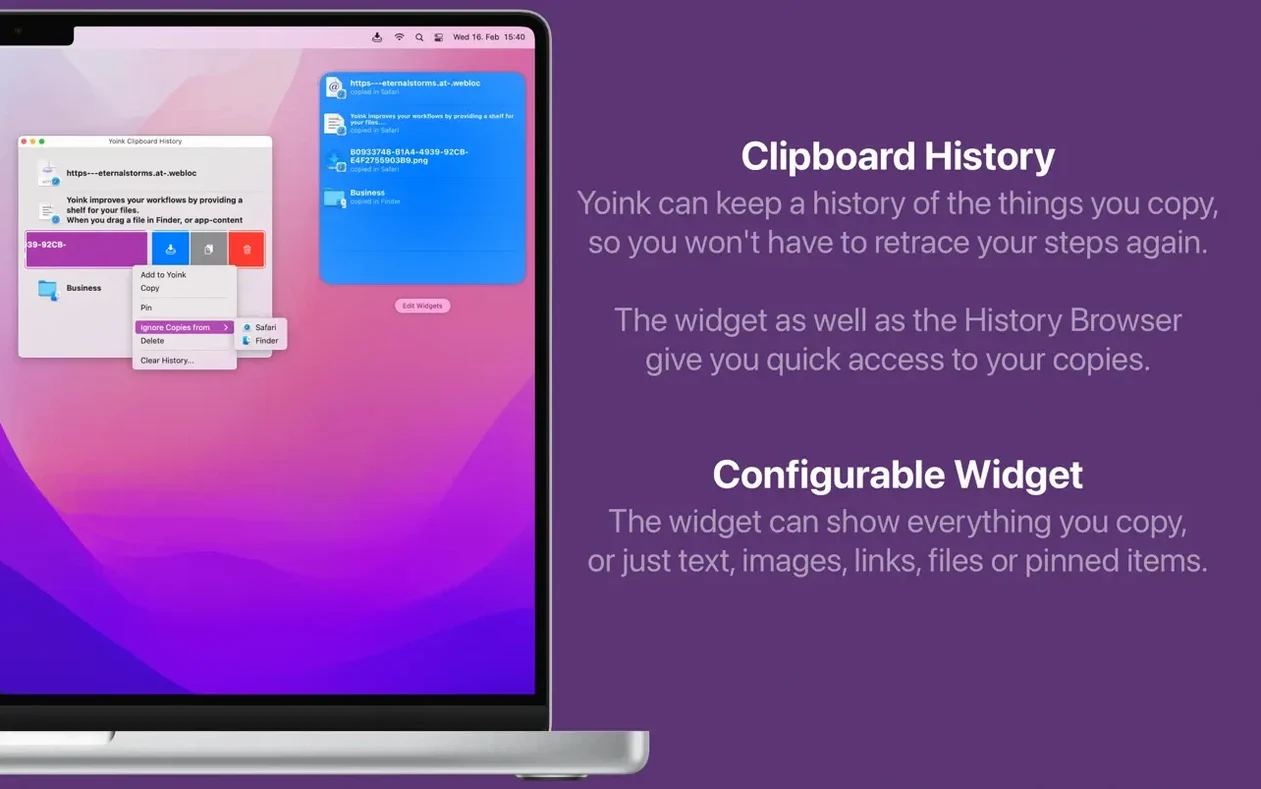
Turn on the Notification Center widget and you get a scrollable clipboard history right in your sidebar. It’s a quick-access lane for things you’ve cut or copied, separate from the drag shelf but just as easy to reach.
What If You Remove Something by Accident?
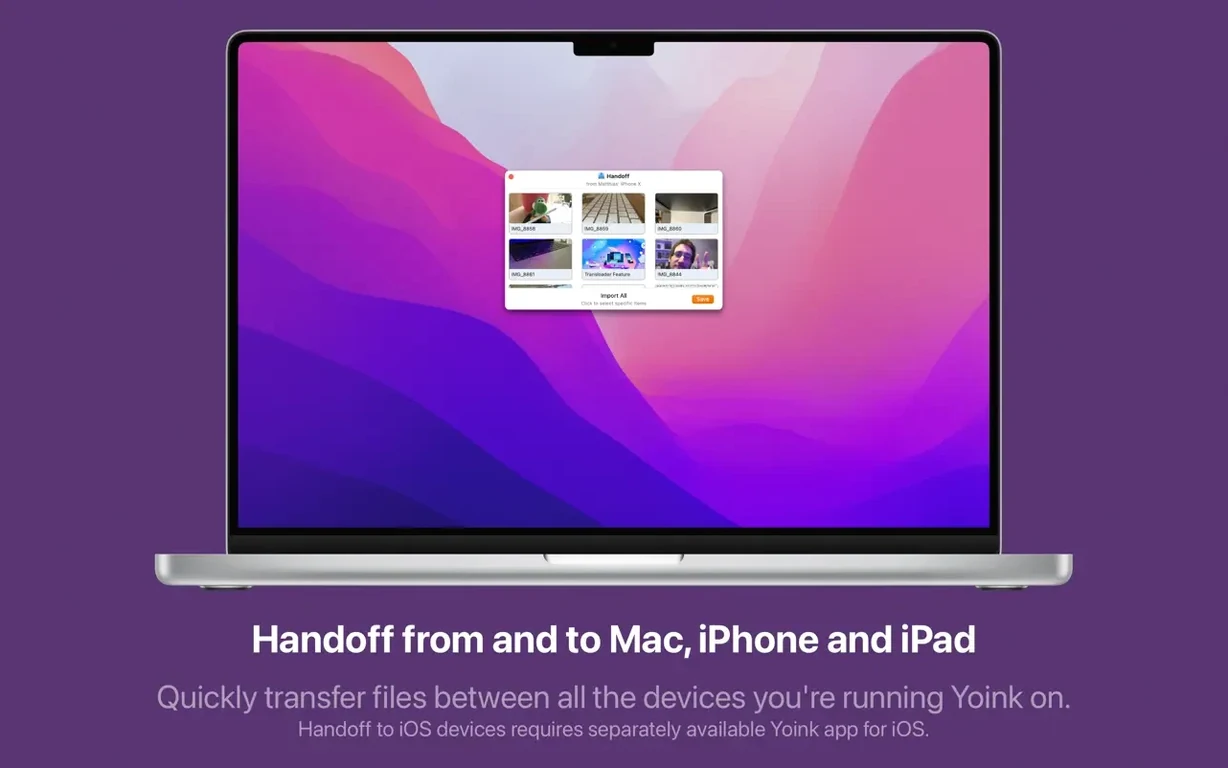
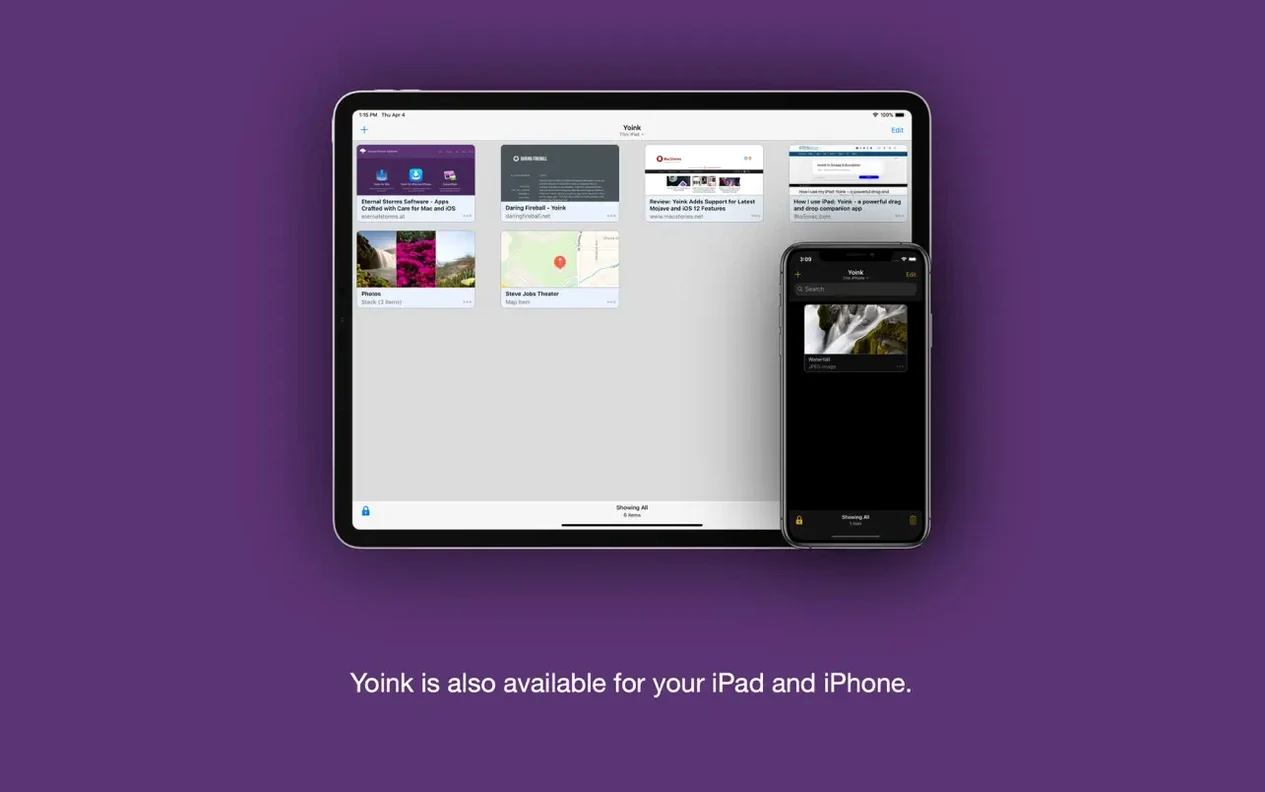
A long press on the Yoink window brings back the last item you cleared. It’s a simple undo for deletions that saves you from hunting down the file again. Together with Handoff support for the iPhone and iPad versions, the shelf moves with you across devices.
The Shelf Won’t Appear During a Drag
Half the people who grab a yoink download run into the same three hiccups in the first week. The shelf won't appear during a drag — check System Settings. macOS treats Yoink as an accessibility tool, so it needs permission under Privacy & Security > Accessibility. Toggle it off and on if the permission looks correct but the window still hides.
Stack behavior trips up the rest. Drop five images onto the shelf and they collapse into one bundle. That's by design, not a bug. Right-click the stack and choose Split Stack if you need them separated. Or hold Command while dragging the stack to pull out just the top item. The counter on the stack badge tells you what's inside before you split.
Browser drags sometimes produce files named "image" or "download" instead of the real filename. That's a known quirk with certain Chromium-based browsers, addressed in part by the 3.7.6 update. If you're still seeing it, drag from the browser tab's favicon instead of the page content — Yoink reads the actual filename from that source more reliably.
Collecting Assets for a Video Edit
Say you're pulling together b-roll for a music video. The client sent a folder of drone shots, you found four stock clips on a reference site, and there's a folder on an external drive you need to cherry-pick from. Dragging each one straight into Final Cut means switching windows eight times.
Here's the cleaner path. Open the drone folder, drag all four clips to Yoink. Switch to the browser, find the stock clips — drag them straight from the browser window onto the shelf. Now plug in the external drive, navigate to the footage folder, and drag the selects in. Yoink stacks everything automatically, but you can split the stacks by source folder if you want visual separation. Now launch Final Cut, create a new event, and drag the entire shelf contents into the browser in one motion.
Those clips stay on the shelf until you clear them, so if the import hiccups you're not re-collecting anything. Long-press to recover anything you accidentally swiped away. For a yoink macos free workflow that gets out of your way, that's the pattern — gather first, place once.
Blank Thumbnails from Dia and Vivaldi Are Fixed
The jump to 3.7.6 tightened up browser support in ways you'll notice if you drag from the web a lot. Drops from Dia and Vivaldi now behave the same as Safari or Firefox — no more blank thumbnails or items that refuse to leave the shelf. File naming from browsers got a polish pass too, so you're less likely to see those generic "Untitled" labels on downloads you dragged mid-render.
There's also a small but welcome fix for anyone who inspects log files: the Quick Look panel no longer opens in a postage-stamp size when previewing .log and .txt files from the shelf. The panel now sizes itself to the content properly. Nothing dramatic, but the kind of papercut that adds up when you're debugging a render queue at 2 a.m.
Version 3.7.6 tightens up a few loose ends. Browser drags from Dia and Vivaldi now behave themselves, and file names pulled from any browser come through cleaner. Also fixed: the Quick Look panel no longer scrunches up log files.
- macOS 10.13 or later
- Runs on Intel and Apple Silicon Macs
Questions I actually get
Does Yoink work with the iPhone and iPad apps?
Yes. Handoff support lets you start a drag on your Mac and pick it up on your iPhone or iPad, or the other way around.
Can I force a copy instead of a move?
Hold the Option key while dragging out of Yoink. It switches the action from move to copy, same as Finder behavior.
Notes from the edit bay · 0
Sign in or get an edit-bay pass to leave a note.
No notes from the edit bay yet. They go up after I read them.