AutoCAD 2027 for Mac ditches OpenGL entirely. The graphics engine is now pure Metal, so 3D orbit, pan, and zoom feel snappier on Apple silicon. It is a cleaner, more responsive drafting experience than the legacy Mac releases.
Draft and Document in 2D
The new Geometry Cleanup scans your linework and fixes gaps, duplicates, and dangling segments before they trip up your hatching or dimensions. Hatching got a quiet upgrade too—you can now shade a contour without needing a closed boundary first.
Build a Smarter Block Library
Autodesk AI scans your drawing and flags objects that could become blocks, which saves you from manually picking apart a messy file. When you create blocks, scaling and rotation are right there in the dialogue, so you define the insertion behavior on the spot.
Move Between Mac and Windows
DWG is DWG. The file format stays identical across platforms, and palette layouts now migrate by default when you switch workspaces or machines. If you customize your crosshair color per layout, that travels with the drawing too.
420 MB Site Plans Resolve in Under Four Seconds
I open a site plan from last year—420 MB, xrefs scattered across a network folder—and AutoCAD 2027 doesn't blink. The drawing resolves in under four seconds on an M3 MacBook Pro with 18 GB of RAM. Activity Monitor shows it holding steady around 2.8 GB of memory. Not lightweight, but predictable. When I switch layout tabs, the redraw happens before I can move my hand back to the mouse. That layout tab switching fix in the release notes? It shows.
I orbit a 3D mechanical assembly with shaded visual style on. Previous Mac releases would stutter when the model grew complex, but Metal makes the difference here—the frame rate stays smooth enough that I don't think about it. I just work. The large coordinate scene optimization quietly throttles detail on objects far from the origin, so the GPU fan never spins up during a client walkthrough. That is the kind of invisible polish that makes a deadline tolerable.
Stability is solid. Over a week of daily use, I crash once—and it happens while closing a drawing that had a corrupt hatch pattern from an old Windows file. Not AutoCAD's fault. Recovery saves a backup before the crash dialogue even appears. Autosave defaults to ten-minute intervals, and the temp files are right where you expect them.
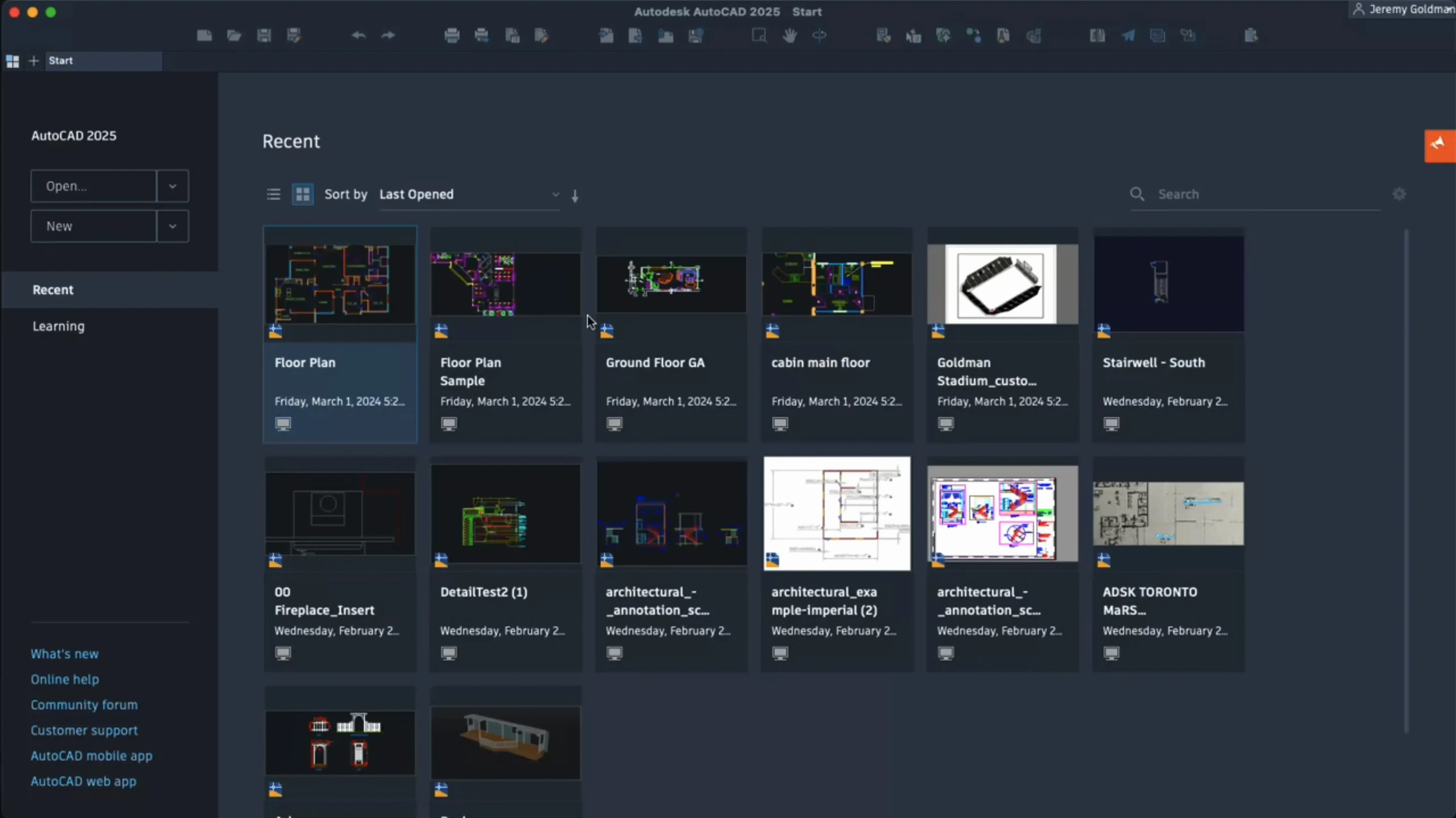
Where you feel the resource cost is during a fresh cold launch. The app takes about 18 seconds to reach the Start tab on Apple silicon. After that, subsequent drawings open fast. If you keep AutoCAD running all day—and most CAD users do—it hums along without memory creep or gradual slowdown. I have left it open for three days with six drawings loaded and came back to the same responsiveness.
Cleaning Up a Messy DWG Full of Gaps and Overlaps
2:15 PM. A client sends a DWG with a note: "Can you clean this up and show me where the new racking fits?" I open the file. It is a mess—short lines overlapping, gaps where arcs should meet straight segments, and a block for a forklift that someone exploded four times.
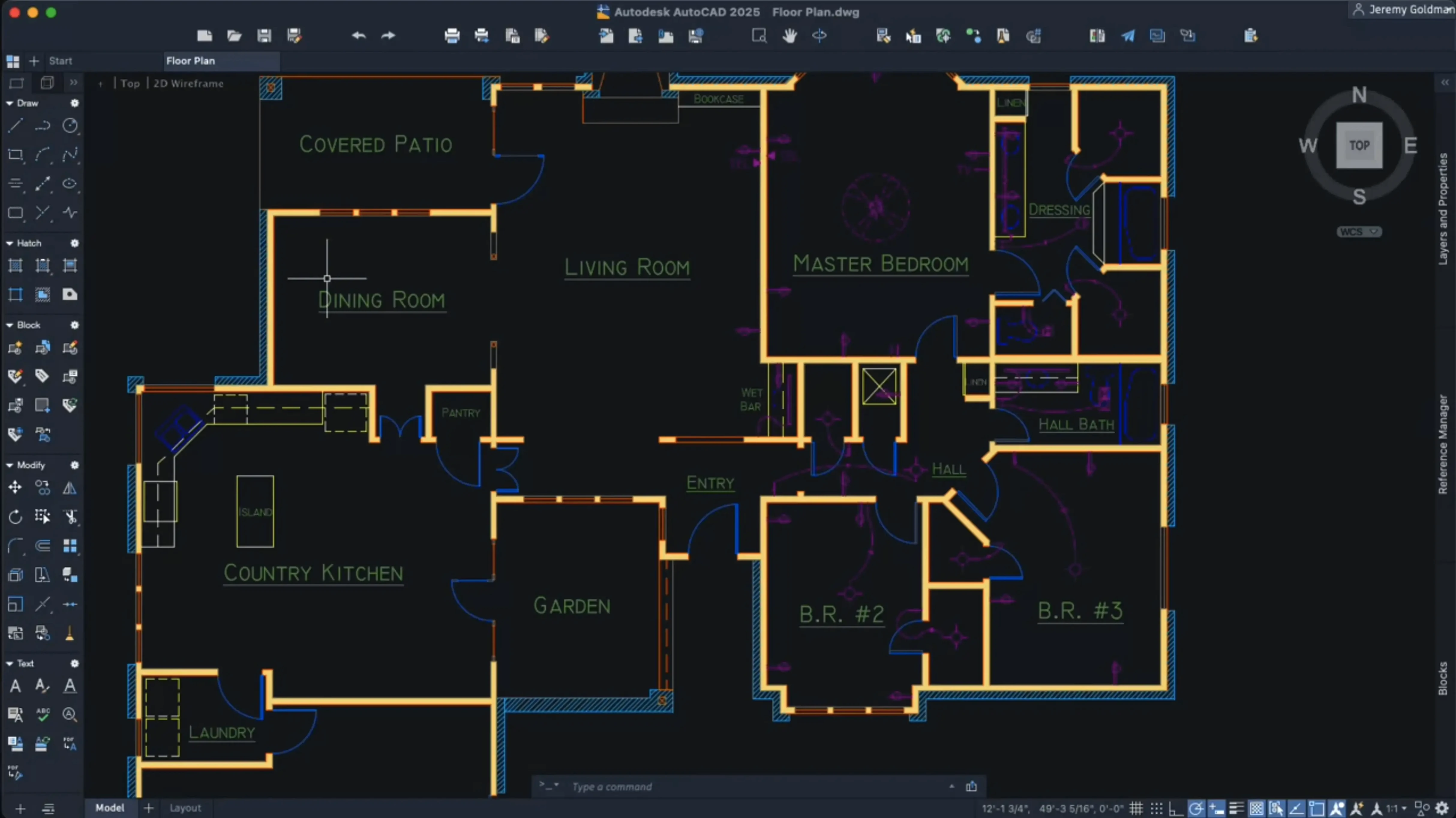
First step: I run Geometry Cleanup. I select the whole floor plan, and AutoCAD highlights 47 problem spots—duplicate lines mostly, three dangling segments near the loading dock. I click through them with the arrow keys, hitting Fix on each. Ninety seconds later the geometry is clean enough to hatch without errors.
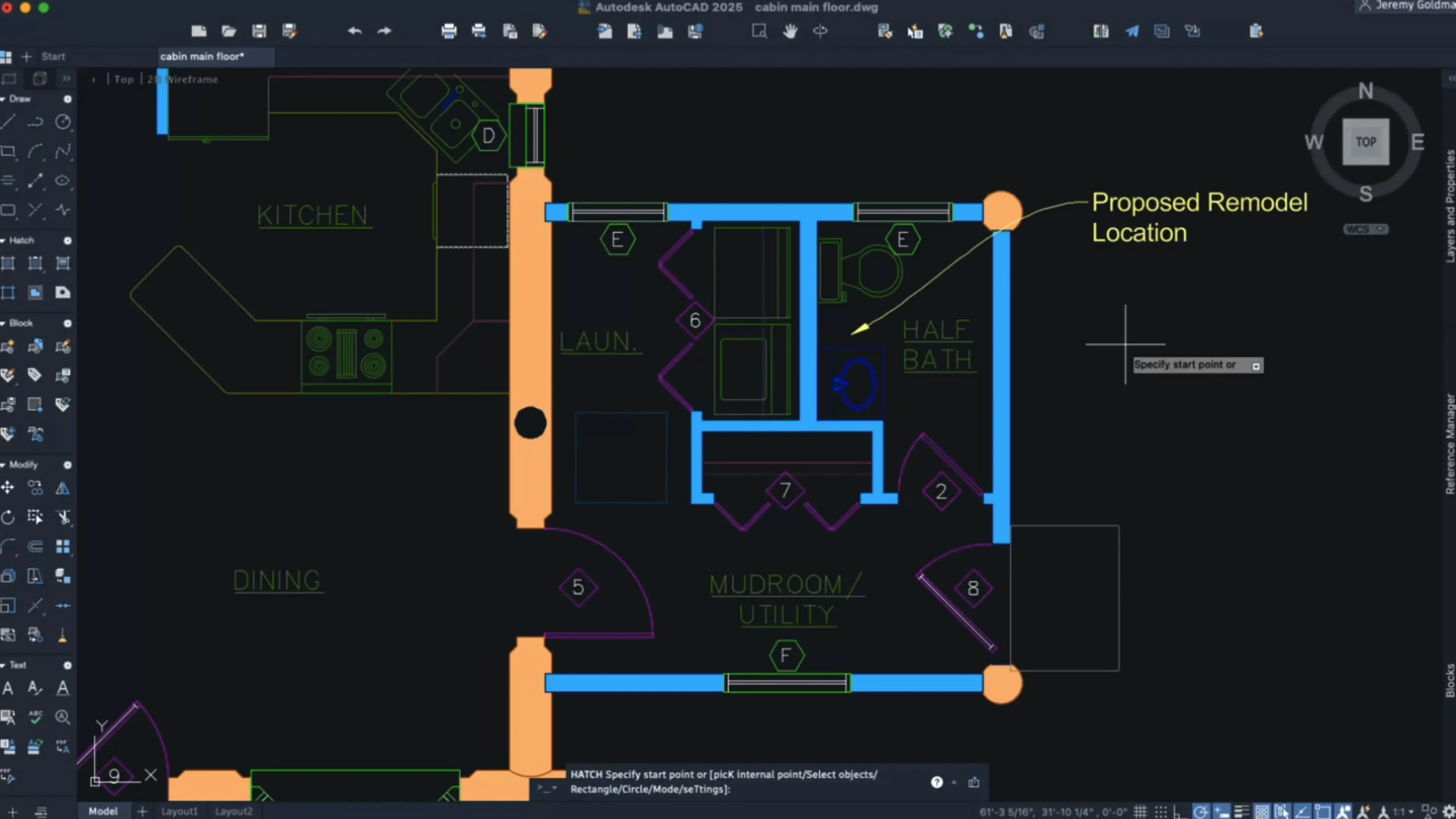
Next, I draw the racking outline. I use the new shaded hatching on a contour that does not quite close—there is a gap where a column interrupts the boundary, and AutoCAD fills the shape anyway. That saves me from drawing a dummy polyline just to trick the hatch engine. The shaded fill reads instantly on a black layout background.
Now for the forklift mess. I select the exploded remnants and right-click. The shortcut menu pops up, and I have already customized it to show Block Convert as the third item. AutoCAD's AI scans the selection and suggests converting it into a block with a descriptive name: "Forklift_Toyota_8FGCU25." I accept, set the scale to uniform, add a rotation grip at the base point, and hit Create. The scattered lines become one intelligent object in under a minute.
3:40 PM. I switch to the layout tab where my title block lives. The crosshair is a muted orange against the dark sheet background—I set that color per layout last week, and it stuck. I drop in two viewports, lock them, and plot to PDF. By 4:00 PM the email is sent.
That session—cleanup, drafting, block conversion, plotting—never left one application. No workarounds. No exporting to Windows. That is the quiet promise of the 2027 release.
Exchanging DWGs With Structural Engineers, No Exploding Required
Architects who collaborate across platforms. If your structural engineer runs Windows and you prefer a Mac, the DWG fidelity matters. No translation layers, no "please explode everything before sending." You exchange files and they open.
Facilities managers and space planners. The block conversion AI shines when you inherit drawings from five different contractors, each with their own exploded furniture symbols. You can rebuild a block library from chaos in an afternoon instead of a week.
Freelance drafters juggling multiple clients. Palette migration means your toolset follows you from project to project without manual setup. Custom shortcut menus carry your most-used commands—Match Properties, Block Convert, Hatch—right where your muscle memory expects them.
Students and educators in mixed-OS labs. The Metal-only engine means predictable performance on any Mac from an M1 Air upward. No OpenGL driver quirks to troubleshoot when a student's orbit command lags during a critique.
Who might find it overkill? Someone drawing simple floor plans with no xrefs, no blocks, and no 3D. For that crowd, the torque in this engine is more than the frame needs.
Block Conversion AI That Skips the Parameter Setup
Versus BricsCAD. BricsCAD offers a similar DWG-native experience and its own AI-driven tools like BIMIFY and Propagate. It feels lighter on system resources during 2D drafting. But AutoCAD's block conversion AI is more direct—BricsCAD asks you to set parameters first, while AutoCAD just scans and suggests. If you need the deepest compatibility with third-party AutoLISP routines and Windows plugins, AutoCAD still sets the standard. BricsCAD is a strong alternative for pure 2D work, but the moment a client sends a file with custom objects created in vertical Autodesk products, you miss the native environment.
Versus SketchUp Pro. SketchUp is a different animal—push-pull modeling first, documentation second. For early-stage massing studies, SketchUp wins on speed. But when you need dimensioned, annotated construction documents with sheet sets, AutoCAD pulls ahead. Layout in SketchUp has improved, but it still cannot match the viewport, annotation scaling, and plotting muscle that AutoCAD has refined for decades. Many architects run both: SketchUp for design development, AutoCAD for the drawing set.
Versus FreeCAD. FreeCAD is open-source, parametric, and surprisingly capable for mechanical design. It runs on Mac without fuss. But the UI feels like a research project, and DWG support requires an external converter. If you are a hobbyist building a 3D-printable part, FreeCAD is a noble choice. If you are a professional sending files to a fabrication shop that demands native DWG, AutoCAD is the tool that does not introduce friction into the chain.
Why Everything Disappears When You Turn Off the Furniture
Drawing everything on Layer 0. It is the default, so new users sketch walls, furniture, and dimensions all on the same layer. Then they try to turn off the furniture in a viewport and everything disappears. Create layers before you draw. Name them like you will still understand them six months later.
Ignoring annotation scale. You place text and dimensions in model space, then wonder why they are microscopic in the layout. Set the annotation scale before you annotate. AutoCAD 2027 handles this more smoothly than old releases, but it will not guess your intended plot scale.
Exploding blocks out of habit. Someone taught you that exploding makes editing easier. It does not. It makes your file larger, your revisions slower, and your block replacement impossible. The AI block conversion tool can rescue exploded geometry, but it is a repair tool, not a workflow. Keep blocks intact.
Running without disabling SIP first. The package notes are clear: SIP must be off before installation. A newcomer who skips that step will hit a wall of permission errors and assume the app is broken. The install sequence matters here.
Neglecting the right-click customization. The default shortcut menu is fine, but customizing it puts your top five commands one click away. Beginners who leave it stock spend more time hunting through the ribbon. Spend ten minutes setting it up once, and you reclaim those seconds hundreds of times a week.
Metal is the only graphics engine now—OpenGL support is gone, and 3D navigation performance gets a real lift from the tighter hardware integration. The new Autodesk AI scans your drawings and suggests objects that could be converted into blocks, which cuts cleanup time on inherited files. Geometry Cleanup joins the toolkit to fix gaps and duplicates in one pass.
- macOS 12 or later
- Apple silicon or Intel Mac
- English interface
Questions I actually get
Does AutoCAD 2027 run on Apple silicon?
Yes, it runs natively on Apple silicon and uses the Metal graphics engine for better 3D navigation performance.
What is the new Geometry Cleanup tool?
It scans a drawing for common geometry errors like duplicates and gaps, then fixes them so hatching and dimensioning work predictably.
Can I open Windows DWG files on the Mac version?
Absolutely. AutoCAD for Mac uses the same DWG file format as the Windows version, so files move between both without conversion.
Notes from the edit bay · 0
Sign in or get an edit-bay pass to leave a note.
No notes from the edit bay yet. They go up after I read them.