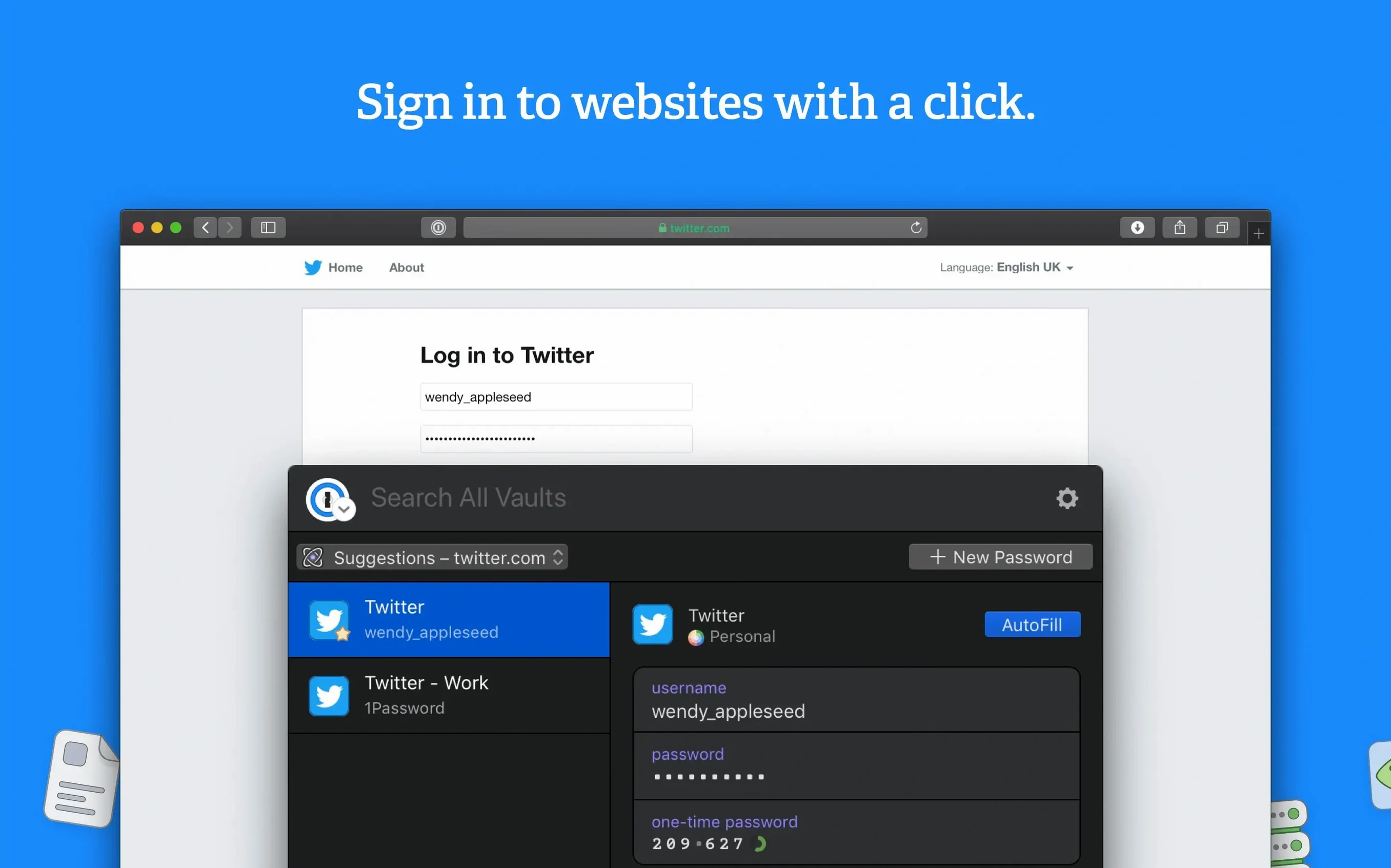
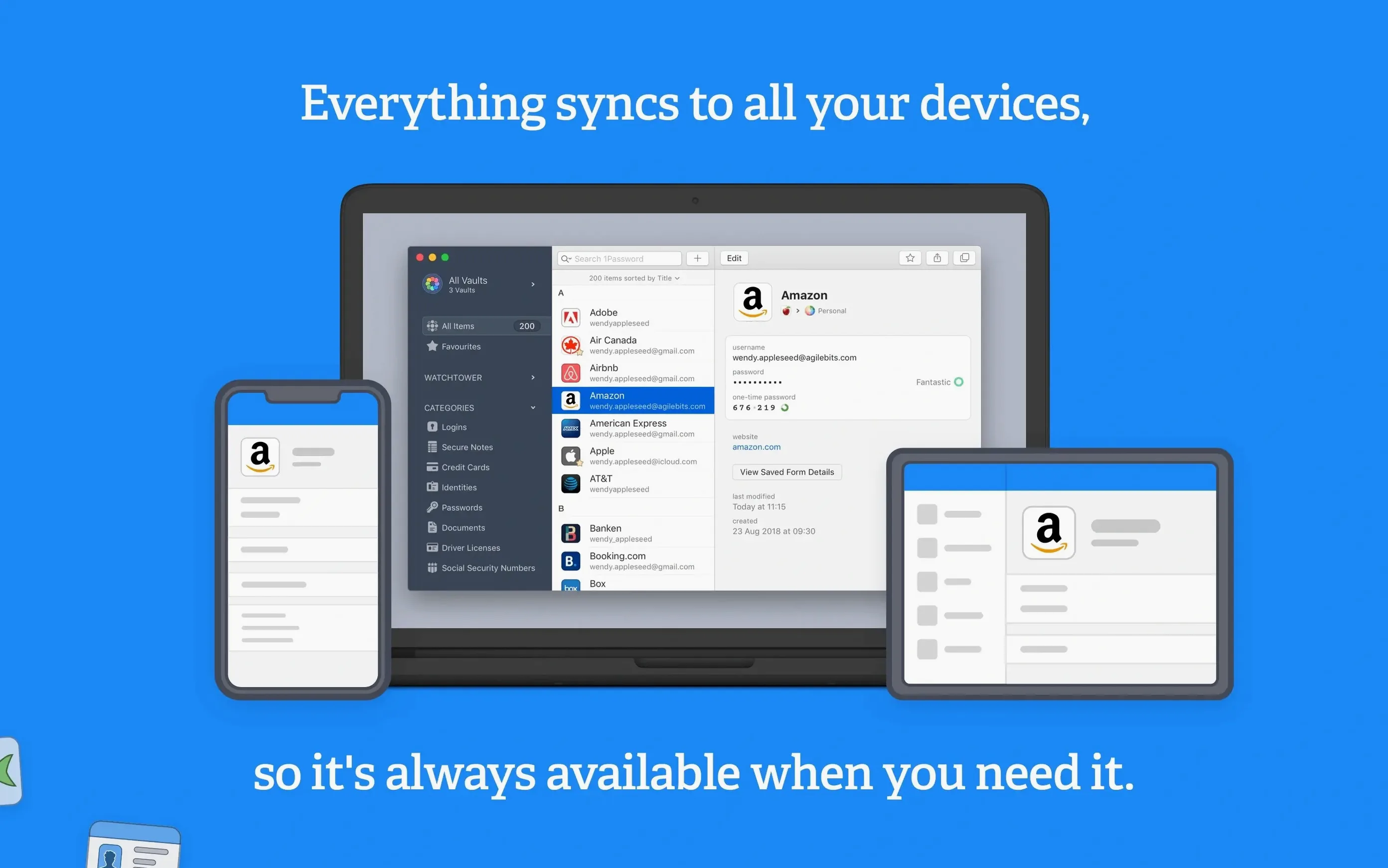
You keep signing up, resetting, importing, and eventually your vault feels like a junk drawer. One login for the bank, another with a typo, a third imported from an old browser. The real headache isn't storing secrets—it's finding the right one when autofill grabs the wrong entry.
First Moves After the Install
- Let it catch your first login. Browse to any site and sign in. 1Password asks to save. Let it. That one action links the app to your browser and teaches you how the save dialog works without reading a manual.
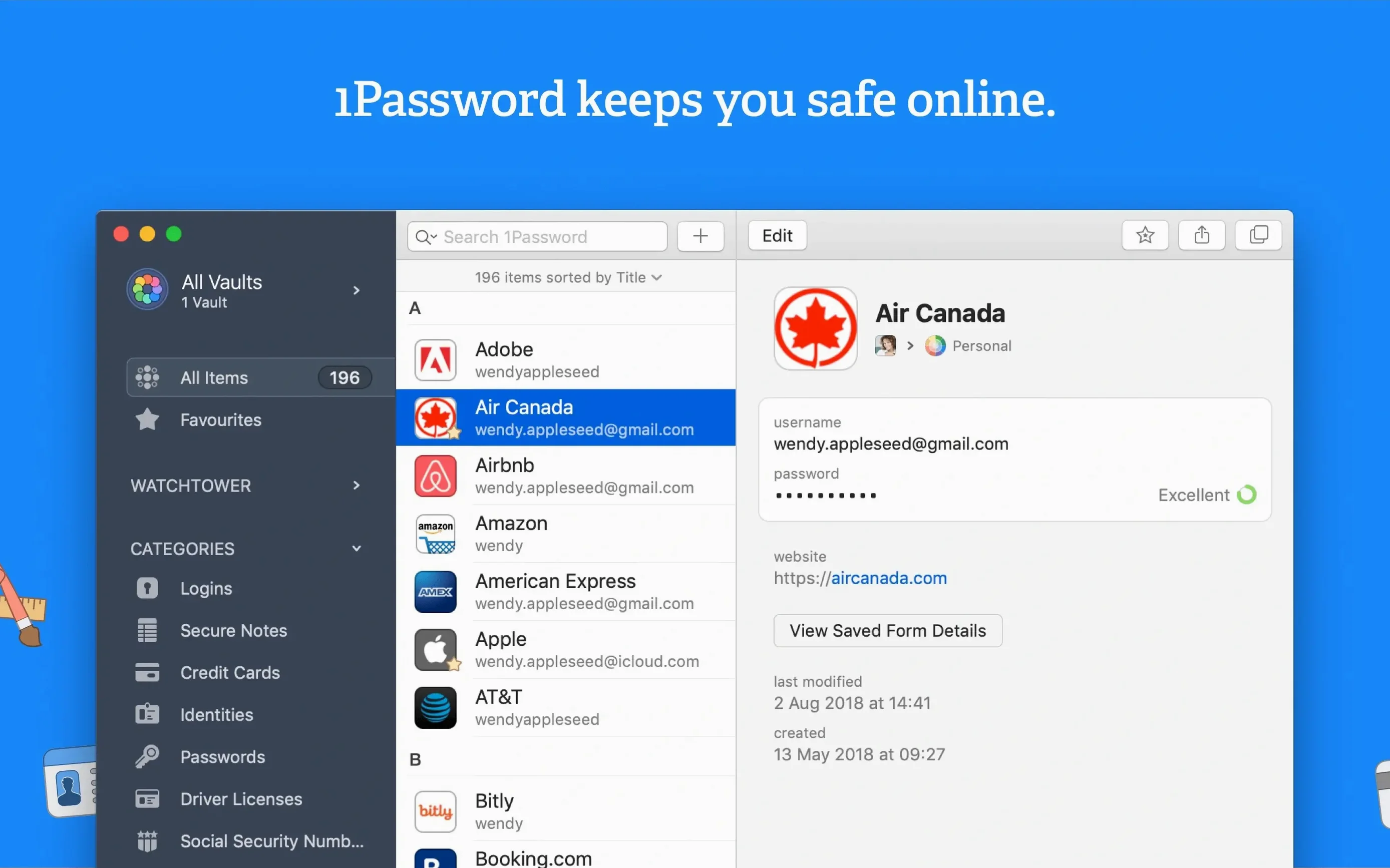
- Check Watchtower once. Open the app, click Watchtower in the sidebar. It flags reused passwords and sites missing two‑factor auth. Fix the red flags first. It's the fastest security win you can get this afternoon.
- Save something non‑digital. Hit
⌘N, pick Secure Note. Store your Wi‑Fi router’s serial number or a photo of your passport. It reminds you the app holds more than passwords—credit cards, software licences, door codes—and building that habit early keeps things tidy. - Hunt down a 1password duplicate item. Find a login you know shows up twice. Check both entries for the correct password, copy it to the good one, then delete the impostor. It’s a five‑second task that teaches you the item editor and prevents future autofill misfires.
Run those four steps on day one and the vault stays usable. You’ll know how to save, assess, broaden, and de‑clutter—before the junk drawer even forms.
Mistakes That Turn a Vault Into a Headache
Most people install a 1password download mac package, dump every login they own into it, and walk away. That’s the first mistake. A vault needs curation or autofill becomes a guessing game. The second mistake is ignoring the item title field. "Bank" isn't a title, and when you have three banks, the browser extension picks one at random. Rename items the moment they land: "Chase Business," "TD Mortgage," "PayPal US." It costs three seconds and saves thirty later.
Another classic: storing a password but not the email or username that goes with it. The login works once, then six months later you're staring at a reset screen because you don't remember which address you used. Fill every field—email, username, phone if the site asks for it. And stop putting two‑factor recovery codes inside the same login item. If someone gets into your vault, that single entry hands them the keys and the spare. Keep recovery codes in a separate Secure Note with a label like "2FA Fallbacks."
The biggest time‑waster, though, is treating Watchtower like a scoreboard. People see the red number, feel guilty, and close the tab. Open it weekly, fix one thing. A 1password duplicate item purge alone will make your autofill smarter. Weak passwords can wait if you fix reuses first—reused credentials are how most accounts get breached. Hunt duplicates before you upgrade strength; one clean item beats two strong ones.
The Browser Slowdown Question, Answered by Intel Mac Reality
"Will this slow down my browser?" The extension adds a thin layer between you and the login form, and on an Intel Mac it's light. I notice it most on pages with thirty form fields, where it pauses a beat to decide what to fill. On standard logins, the delay is under a second. Firefox and Chrome both play nice. Safari's integration runs a little deeper—the app hooks into the native autofill engine there.
"What happens if I forget the master password?" Nothing good. The vault encrypts everything, and AgileBits doesn't keep a copy of your key. You set a hint during setup—make it personal but not obvious. A street name you lived on, not a pet's name anyone can guess. If you're running 1password 6 or earlier, recovery options were thinner, so upgrading to 7.9.4 matters for that alone.
"Can I move my data from another manager?" CSV imports work for logins. Secure notes and attachments usually need manual migration. Plan an hour to clean up after import—field mapping isn't perfect, and you'll find your old manager's naming habits follow you. Rename, dedupe, then trust the vault.
"Does it work offline?" Yes. The encrypted database lives on your drive. Sync waits for a connection, but opening and using the app doesn't. I've grabbed door codes from a Secure Note on a plane with zero network. That local-first design is the whole reason a 1password for mac download feels responsive.
Daily Speed, Resource Draw, and Stability Notes
On an Intel Mac running Catalina or newer, 1Password 7.9.4 idles under 200 MB of RAM with a vault of about 400 items. Unlocking spikes CPU briefly—AES‑256 doesn't joke around—but once the vault opens, the process settles. The mini app in the menu bar sips resources; I forget it's there until I need a credit card number mid‑checkout.
Startup is faster than launching a browser. Cold open with Touch ID takes two to three seconds. Without biometrics, typing a long master password adds another two. The app never beachballed on me during a search, even with fuzzy matching scanning item titles, tags, and field labels. Search is the core speed feature—⌘\ in a browser, type three letters, hit enter.
Stability-wise, version 7.9.4 feels like end‑of‑cycle software: solid. Extension disconnections happen maybe once a month, usually after a macOS update. Killing the helper process and reopening the app fixes it in ten seconds. I've never lost a single item during a sync conflict, and I've thrown some weird merges at it—editing the same login on two Macs simultaneously, airplane mode toggling mid‑save. The vault always reconciles, even if it duplicates the item for safety. That's the behavior you want: it errs toward keeping data rather than losing it.
If you're coming from 1password 6, the migration to a 7.x vault is one‑way and permanent. Back up first. The newer vault format is slimmer and syncs faster, but you can't roll back. On a daily‑driver Intel Mac, the upgrade is worth it for Watchtower alone—version 6 never got the breach‑checking engine that now runs quietly in the background, flagging compromised sites without nagging you.
- macOS 10.12 or later
- Intel 64‑bit processor
Questions I actually get
Does 1Password on Mac support local vaults, or is it cloud‑only?
1Password supports both. You can store your vault entirely locally on your Mac, or sync it through AgileBits’ cloud service for access across your other devices.
How do I fix autofill grabbing the wrong login?
Open the problematic site, click the 1Password browser icon, and look at the suggestions. If a 1password duplicate item is causing the issue, delete the incorrect entry in the main app and autofill will target the right one from then on.
Notes from the edit bay · 0
Sign in or get an edit-bay pass to leave a note.
No notes from the edit bay yet. They go up after I read them.