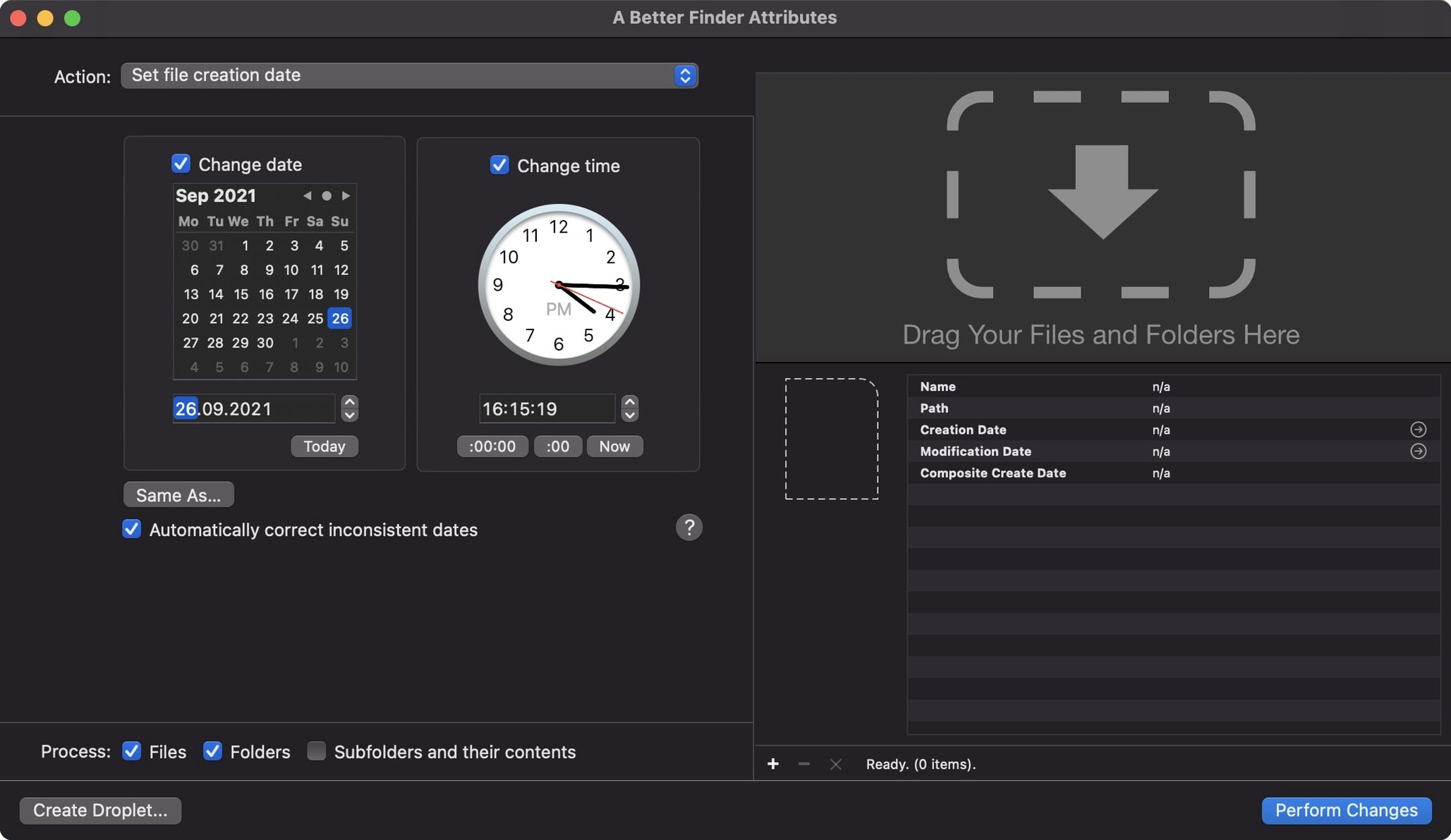
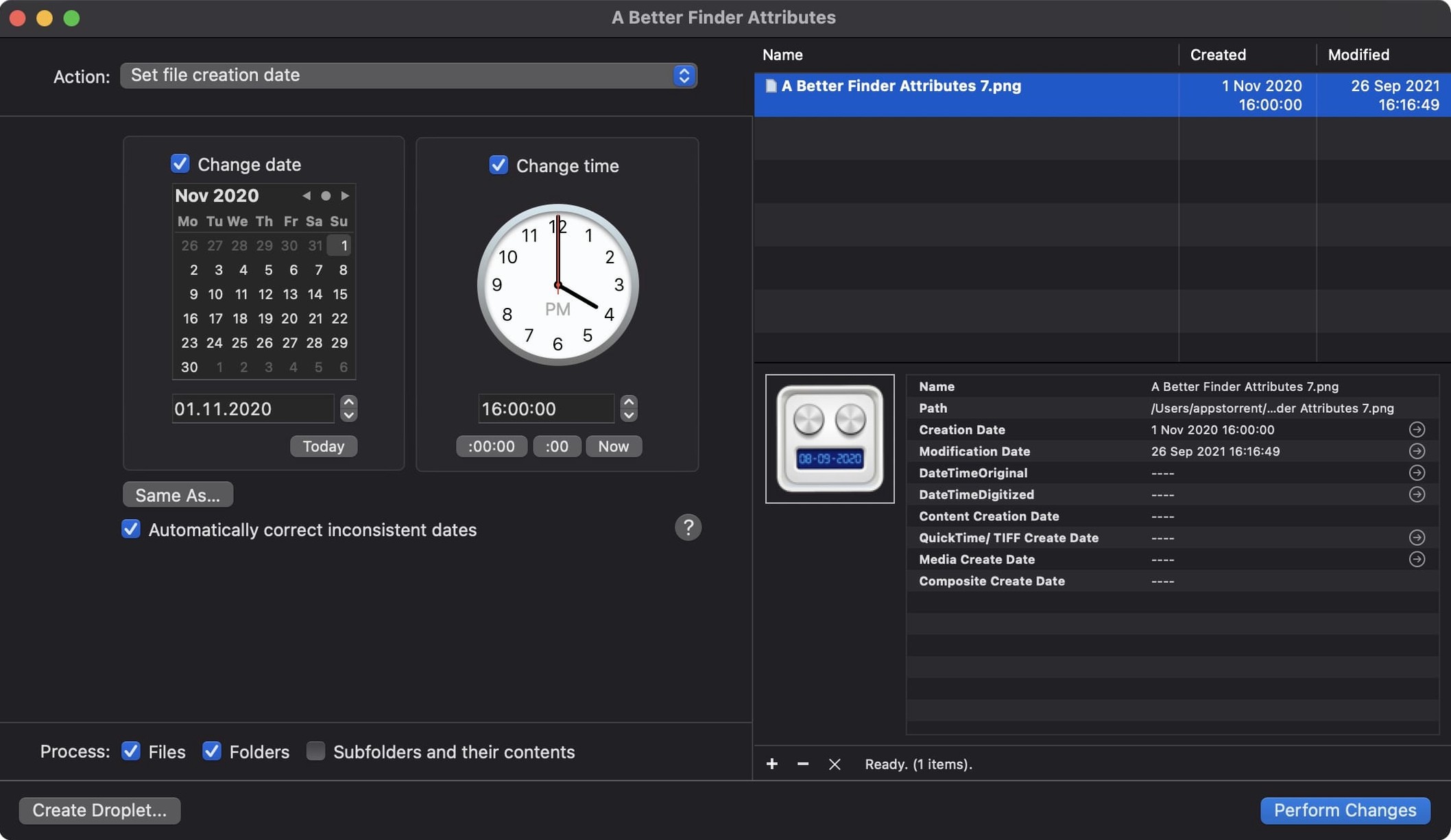
Over 10 raw photo formats, including CR2, CRW, NEF, and ARF, get date and time treatment in version 7.50. That’s the kind of depth a tool needs when a shoot spans time zones and camera clocks drift.
Native Apple Silicon Build Requires macOS 14.6 or Later
This is a native build for Apple Silicon and Intel 64-bit Macs. You need macOS 14.6 or later. No emulation, no hitching — it compiles for the chip inside your machine, so batch date changes on a few thousand files stay snappy.
One-Hour DST Drift When Writing QuickTime Dates Is Fixed
The big fix in 7.50 corrects a one-hour DST drift when writing QuickTime movie dates. If you’ve ever spotted a file timestamp exactly an hour off after daylight savings, that ghost is gone. The change tag action now accepts a wider spread of GPS coordinate formats, and an info button sits in the title bar for quick access to version and support details. IPTC Date Created and EXIF time zone offsets also stay locked together when you set embedded dates, so metadata stays consistent across Lightroom and other catalog tools.
Where Get Info Ends and Batch Rules Begin
A Better Finder Attributes isn't a library manager, and it doesn't want to be. It sits at the exact point where Finder's "Get Info" runs out of road. You dump a folder of files onto it, set your rules, and hit apply. The tool then hands the organized result back to whatever comes next — Lightroom, Final Cut Pro, a DAM, or a simple archive folder.
That matters when Finder's batch rename and date adjustment features can't touch embedded metadata. The app fills a gap between the file system and your photo catalog. For video editors, the QuickTime date fix in 7.50 means clips that arrive with wonky creation stamps now sort correctly on a Final Cut timeline without a roundtrip through Compressor. Photos.app also respects the QuickTime creation date this version writes, so movie files shot on a mirrorless camera finally line up chronologically beside the stills from the same hour.
If you use Lightroom or Capture One, the IPTC and EXIF sync keeps the Date Created field consistent when you bounce files between apps. And because the tool works at the file level, it doesn't care whether you organize with folders, albums, or collections — it just writes the data, and every app downstream reads it.
Practice Shifting EXIF Timestamps on Copies First
Start with a small batch of copies. The undo mechanism works, but muscle memory from other Mac apps makes people skip it. Pick ten RAW files from a shoot where the camera clock was wrong, and practice shifting their EXIF dates by the exact offset. Watch the preview column before you commit — it shows the before and after for every field you're about to change.
The "synchronize modification date with shooting date" action is the sleeper hit. Photographers who import into dated folder structures often find the Finder sorting falls apart because the file modification date drifts during copying. Run that sync action once, and your folders sort chronologically in any view.
For video pros, the first move should be checking those movie files with the new QuickTime date support. Grab a clip that Photos.app has been misplacing, apply the creation date adjustment, and re-import. It lands where it belongs.
Dig into the change tag action's new GPS format tolerance if you geotag with a separate logger. Older versions were picky about coordinate formatting — 7.50 swallows more variations without complaint. That alone can rescue a day's worth of tagged shots from manual editing.
Merging Timelines From Three Cameras Into One Sortable Sequence
Event and wedding photographers shooting with two or three bodies. Camera clocks diverge, and when you merge files from an A7R V, a backup A7 III, and a second shooter's Canon, the timeline is chaos. A Better Finder Attributes fixes the EXIF dates in bulk so the final gallery sorts by capture time, not by which card you imported first.
Archivists and file managers who inherit messy drives. When a client hands over a drive with creation dates from 1970 or modification stamps that reflect the copy date rather than the original shoot, the batch date tools rewrite the Finder-level attributes in one pass. No scripting, no terminal commands.
Video editors cutting in Final Cut Pro who need movie creation dates to survive a roundtrip through Photos.app. The QuickTime fix in 7.50 is aimed directly at that pipeline. If you pull B-roll from an iPhone library and mix it with camera footage, consistent creation dates keep the browser sorted.
Anyone searching "a better finder attributes alternative" has usually hit a wall with free utilities that handle Finder dates but choke on EXIF, or vice versa. The tool earns its place because it does both without forcing you into a database or a subscription.
- macOS 14.6 or later
- Apple Silicon or Intel 64-bit processor
Questions I actually get
Can it sync a photo's shooting date with the file's modification date?
Yes, the app can synchronize a file's modification date to match the EXIF shooting date embedded in the photo.
Does it support raw files from Canon and Nikon cameras?
It can adjust date and time data inside CR2, CRW, NEF, and ARF files, covering most popular raw formats from Canon, Nikon, and Sony.
Is the interface available in languages other than English?
The app runs in English, German, and French, selectable from the system preferences.
Notes from the edit bay · 0
Sign in or get an edit-bay pass to leave a note.
No notes from the edit bay yet. They go up after I read them.