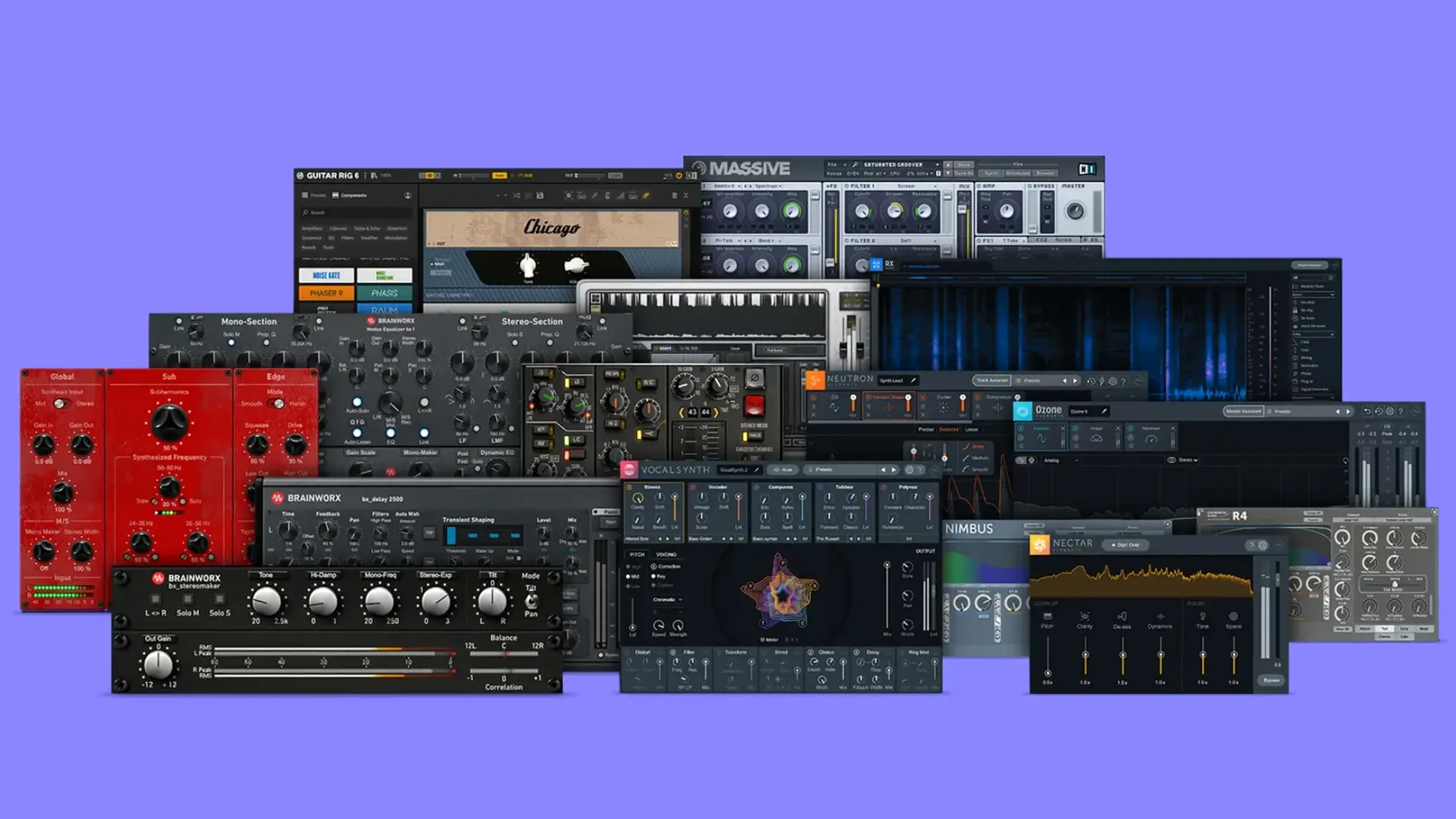
Grabbing the TMT channel selector on the bx_console SSL 4000 E and flipping through its 72 distinct, randomized analog paths immediately changes the weight of a kick drum. That tolerance modeling, where every channel on the desk has a slightly different component value, is the core of what makes the Brainworx plugins in this bundle connect in a mix. It’s not a static snapshot of a console; it’s the whole board.
Where the Controls Do the Heavy Lifting
The bx_2098 EQ is deceptively minimal. Just a few bands, but the proportional-Q design means a subtle boost on the high shelf opens up a vocal without ever sounding like you dialed in an effect. Pair it with the mid-side matrix in bx_digital V3, and you can clamp down the stereo low-end of a synth pad with the mono maker while widening the top two octaves — all from one window. The AMEK 200 console strip adds a different flavor: the gate is snappy enough to tighten tom mics, and the compressor’s auto-release keeps bass lines level without pumping.
Amp Tone That Stays Out of the Way
bx_rockrack V3 isn’t just a guitar plugin. Running a dull room mic through the Green amp model and blending the onboard cab IR just a touch into the direct signal has saved more than one drum overhead track. The bx_bassdude delivers that rounded, pushed-mid Ampeg-style response where the tone controls feel more like a post-EQ tilt than a surgical tool — you dial with your ears, not your eyes.
Start with a Blank Session, Not a Finished Mix
Don't load up eight instances on a finished mix and start tweaking. That path leads to ear fatigue and second-guessing decisions that were already solid. Instead, start with a blank session: drop in stems, busses, maybe a live drum loop you know well. Pull up the bx_townhouse Buss Compressor on the drum bus and just watch the needle. The way it grabs the kick and lets the snare crack through is a quick education in the compressor's personality — and a reminder that these aren't subtle tools.
Next, set up a proper A/B level-matched comparison for the channel strips. Instantiate the bx_console SSL 4000 E on one vocal channel and the AMEK 200 on another singing the same part. Switch between them. You'll hear the SSL push the upper mids forward, almost aggressively present, while the AMEK smooths that area out but adds a chestier low-mid weight. Knowing that difference early means you'll reach for the right strip six months from now without thinking.
Also, organize your component plugins. The bundle is large, so spend twenty minutes creating a custom folder in your DAW's plugin manager that groups only the Brainworx tools you'll actually use this week — maybe the mastering chain, two channel strips, and the amps. Keeping the list tight reduces the paralysis that comes from scrolling past a hundred options when a session is rolling and a client is watching the clock.
A Workflow: Shaping a Vocal from Raw to Radio-Ready
Imagine you've tracked a vocalist — solid performance, but the low-mids are boxy and the top feels closed. Start with bx_2098 EQ. Switch it to mid-side mode, leave the side channel flat, and pull 3 dB at 400 Hz on the mid, tight Q. The boxiness lifts but the body stays intact. Now engage the high shelf, set to 10 kHz, push it 2 dB. The vocal opens up without grabbing any sibilance; the proportional-Q means the shelf curve is broad enough to sound natural.
Instantiate the bx_console AMEK 200 after the EQ. Don't touch the gate — this is a held vocal line, no bleed. Engage the compressor, set the ratio to 3:1, attack around 10 ms, release on auto. Threshold down until the meter shows 4 dB of reduction on the loudest phrases. The auto-release rides the envelope so the tail of each phrase doesn't clamp down. Now drive the input gain slightly, just until the THD meter flickers amber on peaks. That's the console saturation filling in harmonics the raw recording lacked.
Send the vocal to a parallel bus. On the bus, insert bx_rockrack V3. Pick the Green amp, dial the gain to 3, master to match output, and use the built-in cab simulator with a 1x12 mic'd off-axis. Blend this parallel fader up until you feel the vocal thicken but not distort. The amp harmonics give the vocal a midrange density that an EQ boost alone can't produce. Finally, on the vocal group bus, strap bx_glue across the top. Slow attack, fast release, 2:1 ratio, barely a decibel of compression — just enough to catch the combined vocal and parallel bus so they move as one sound source.
Apple Silicon Efficiency and bx_masterdesk Pro CPU Load
Will these plugins eat my CPU? The modeling runs deep, but the current build is efficient on Apple Silicon. The bx_masterdesk Pro, which chains multiple processors in one window, sits at about the same load as a linear-phase EQ and a bus compressor running separately. On an M1 or later machine, you can run several console strips and a couple of the heavier mastering plugs before the buffer needs adjusting. Intel users with older chips will feel the bx_console strips more — plan to freeze or commit tracks if your session count is high.
How different are the two console strips, really? Dramatically, once you push into them. The SSL 4000 E is punchy, forward, with a midrange that can get aggressive when you drive the input. The AMEK 200 rounder, heavier in the lows, with a gentler top end. If you're mixing rock drums and want the kick to knock, the SSL is the first call. For a jazz record or an acoustic arrangement where you want weight without edge, the AMEK fits without needing much corrective EQ afterward.
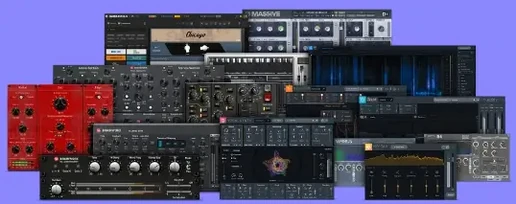
Do I need the full bundle, or are a few plugins enough? The bundle's logic is range across the production chain. If you only track guitars, you could live with bx_bassdude and bx_rockrack V3 alone. But the moment you start mixing — or mastering your own work — the EQ, compressor, and console strips become essential. Having bx_digital V3 for mid-side work and bx_masterdesk Pro for final polish means you're not patching holes with stock plugins that lack the analog modeling behavior. The bundle is designed so one tool's output feeds naturally into the next.
AU, VST3, AAX Across Logic, Live, Pro Tools, Reaper
The Brainworx plugins run inside any DAW that hosts AU, VST3, or AAX formats — Logic Pro, Ableton Live, Pro Tools, Reaper, you name it. They also integrate smoothly with macOS audio routing. Using the bx_masterdesk Pro as the final insert on a mix bus, then capturing that output with Audio Hijack for a quick reference file, bypasses a full bounce when you're iterating on a master. It's a fast way to print listening copies without leaving the creative headspace.
On the analysis side, bx_digital V3's mid-side solo buttons are more useful when paired with a spectrum analyzer like Voxengo SPAN routed after the plugin. Solo the mid channel, watch the analyzer, dial the mono maker up to 150 Hz, and you'll see the sub frequencies collapse to center instantly. The visual feedback confirms what your headphones are telling you — no phase guesswork.
For guitar tracking, the amp sims sit comfortably before a convolution reverb like Space Designer in Logic or a third-party IR loader. The bx_rockrack V3's onboard cabs are excellent for tone shaping, but disabling them and sending the preamp signal into a room reverb with a 0.7-second decay creates a pushed-amp-in-a-live-room effect that a cab sim alone doesn't achieve. The macOS Audio MIDI Setup utility also comes into play if you're reamping: create an aggregate device, route the dry DI out through bx_bassdude, and record the processed signal back on a new track. Latency on Apple Silicon is low enough that you can monitor through the plugin while playing.
- macOS 11 or later
- Apple Silicon or 64-bit Intel Mac
- Interface language: English
Notes from the edit bay · 0
Sign in or get an edit-bay pass to leave a note.
No notes from the edit bay yet. They go up after I read them.