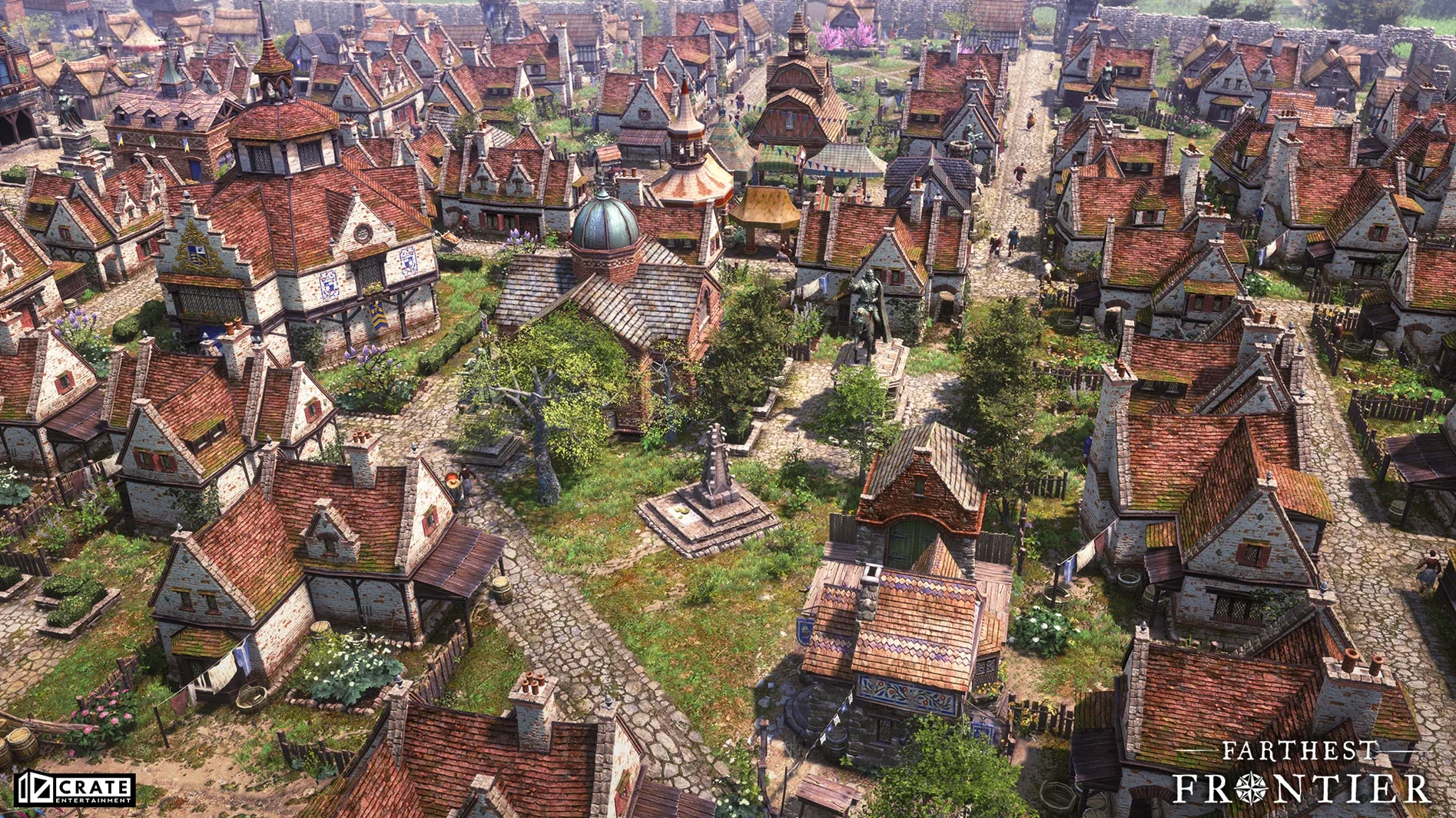
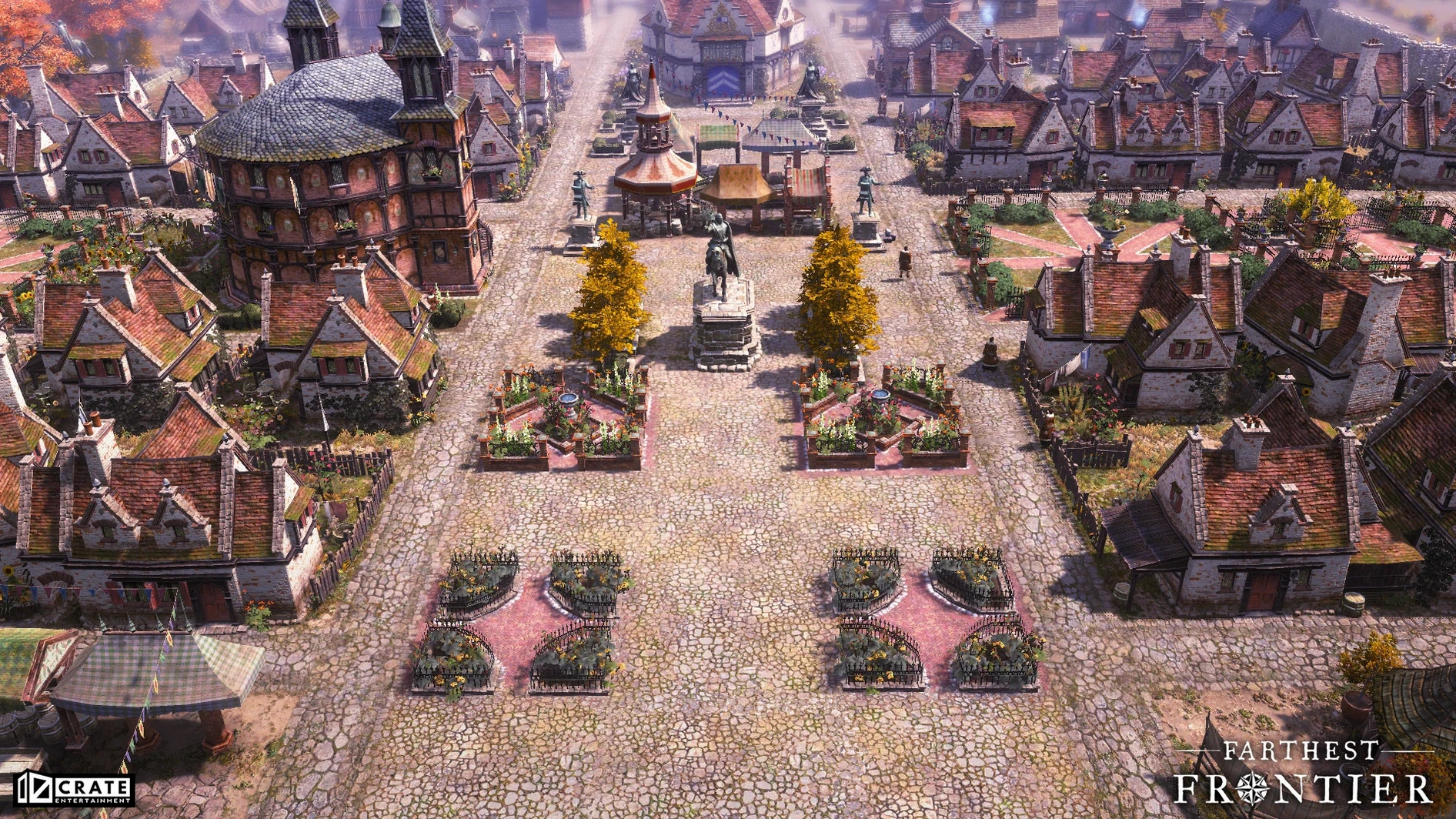
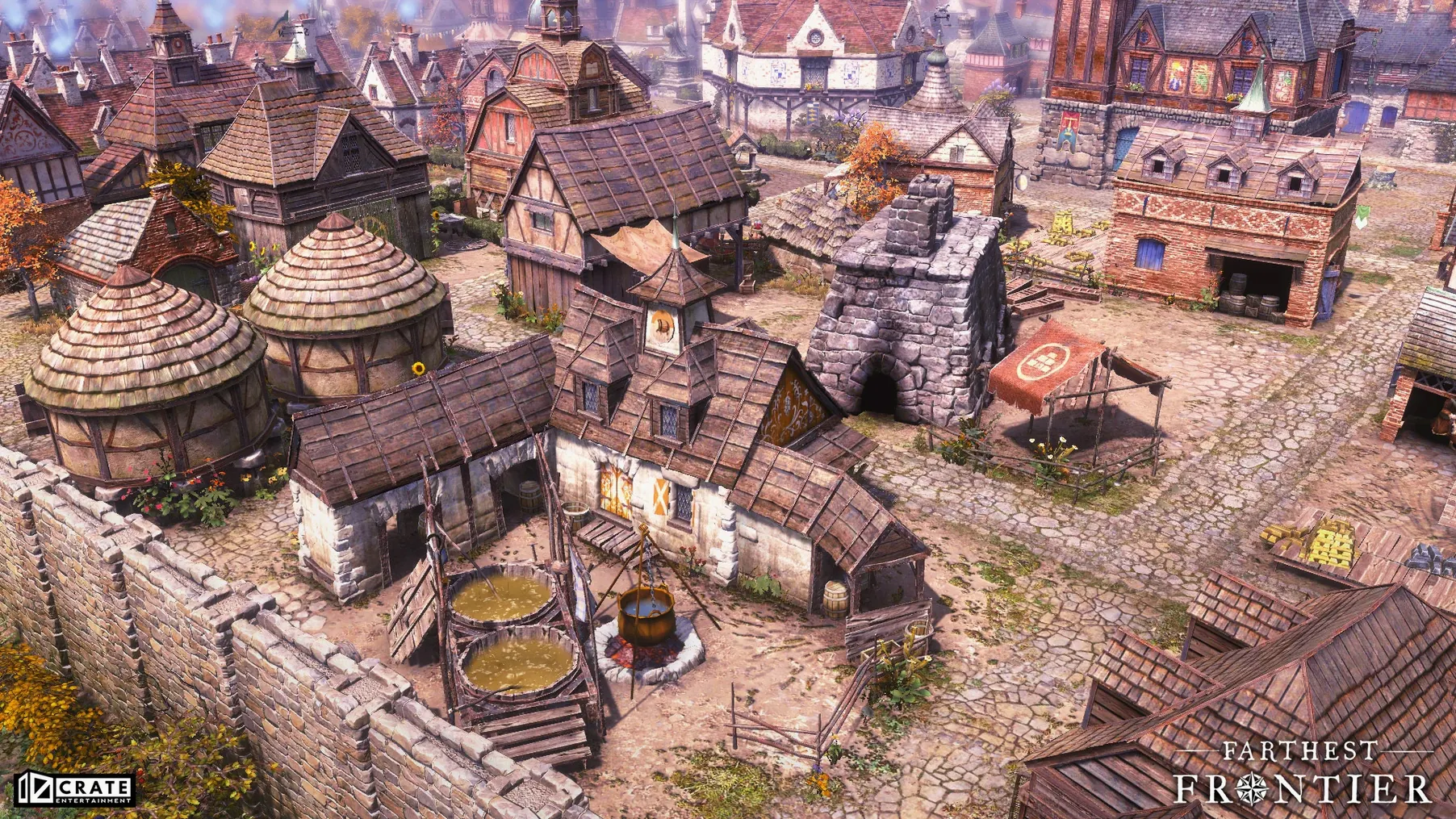
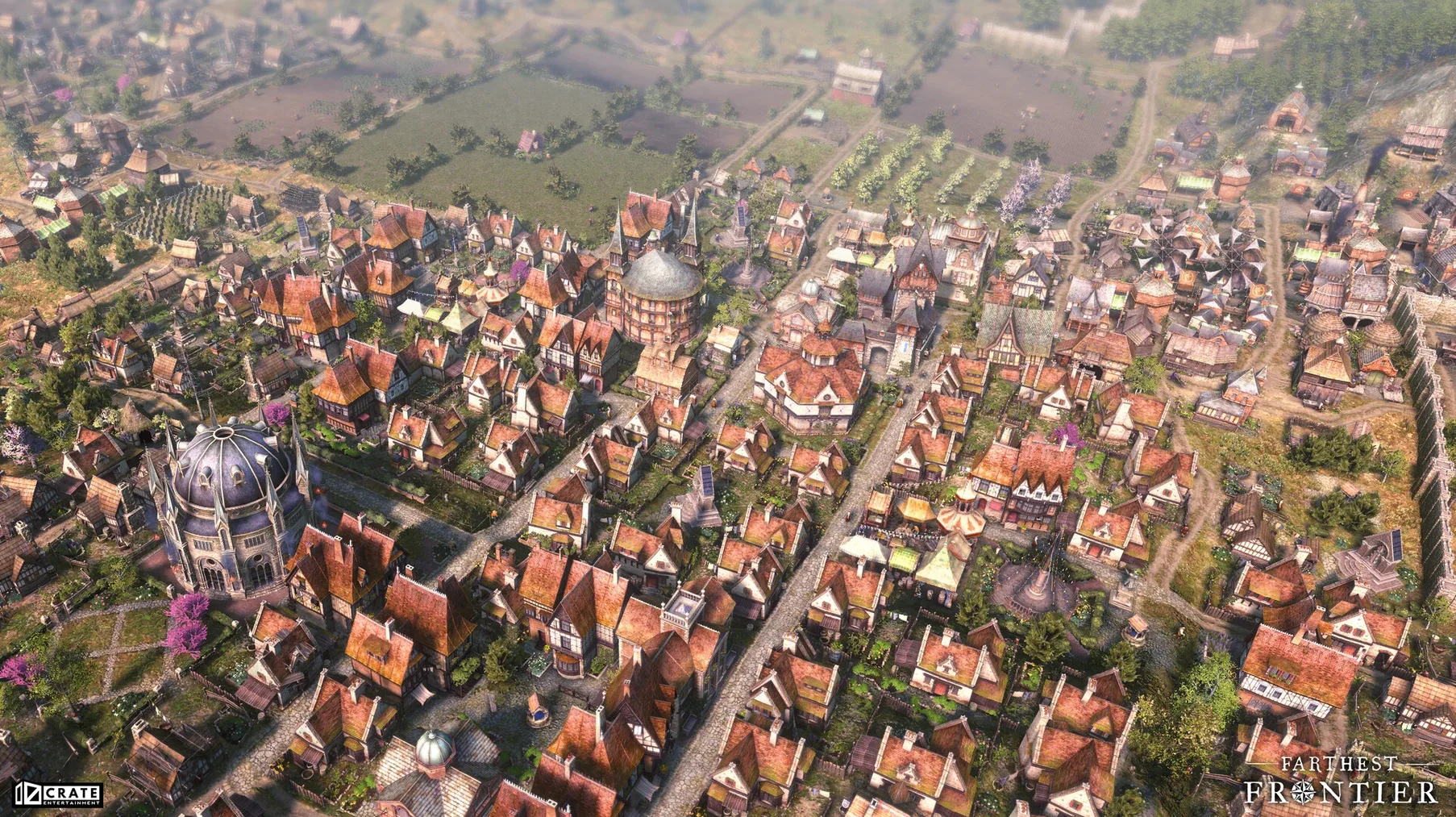
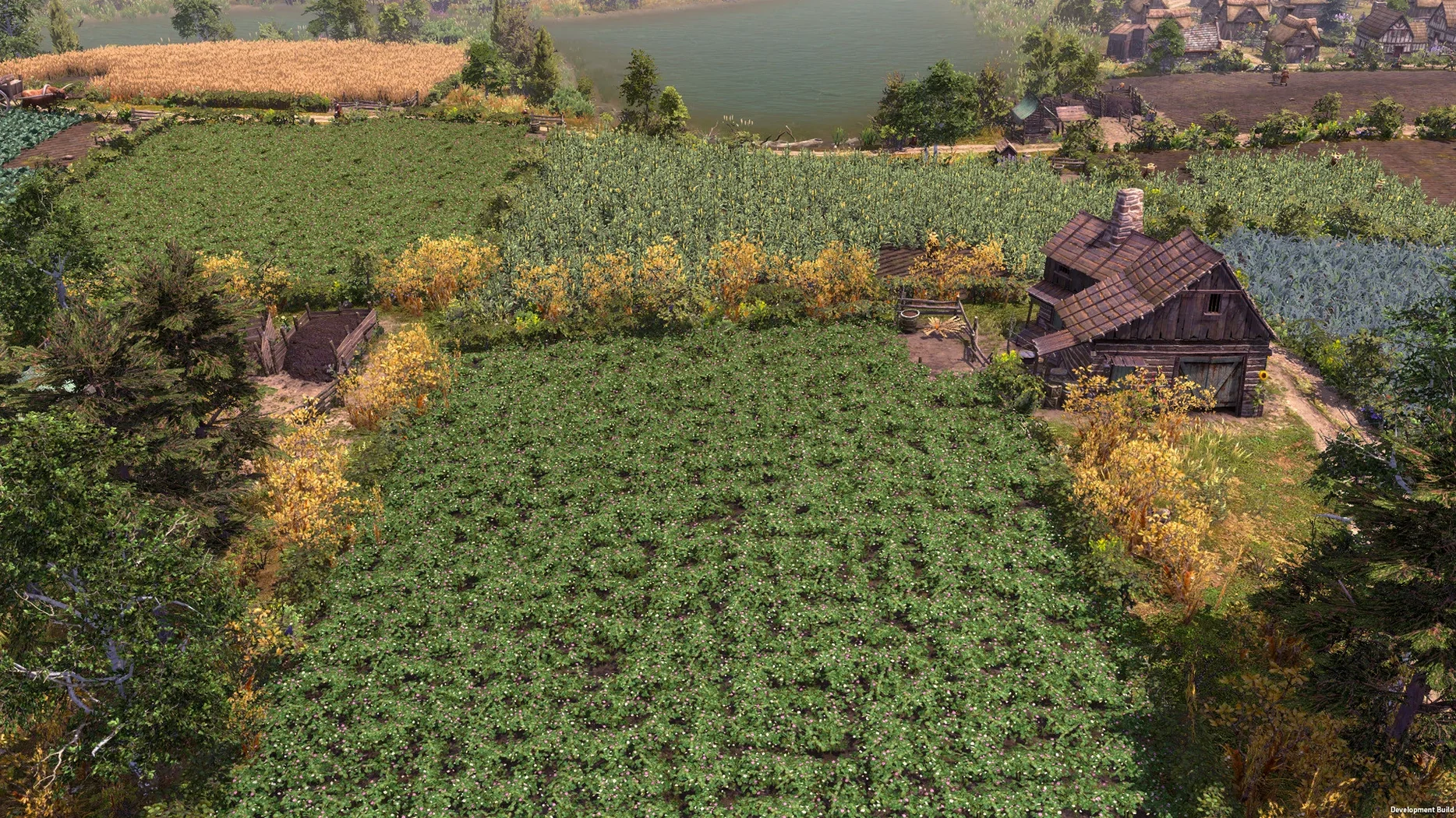
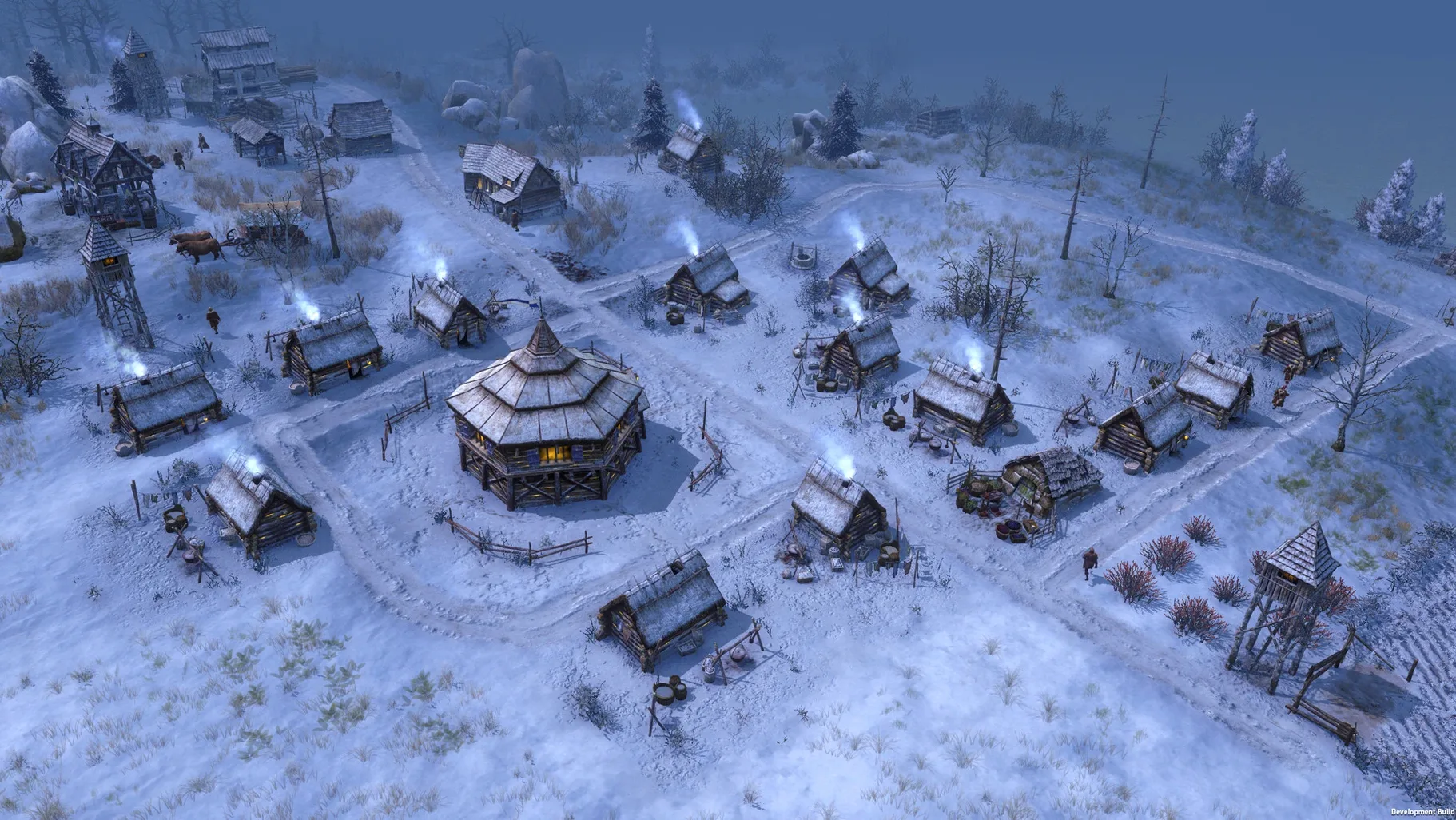
Random map generation meaning no two starts feel the same — that's where Farthest Frontier sinks its hooks in.
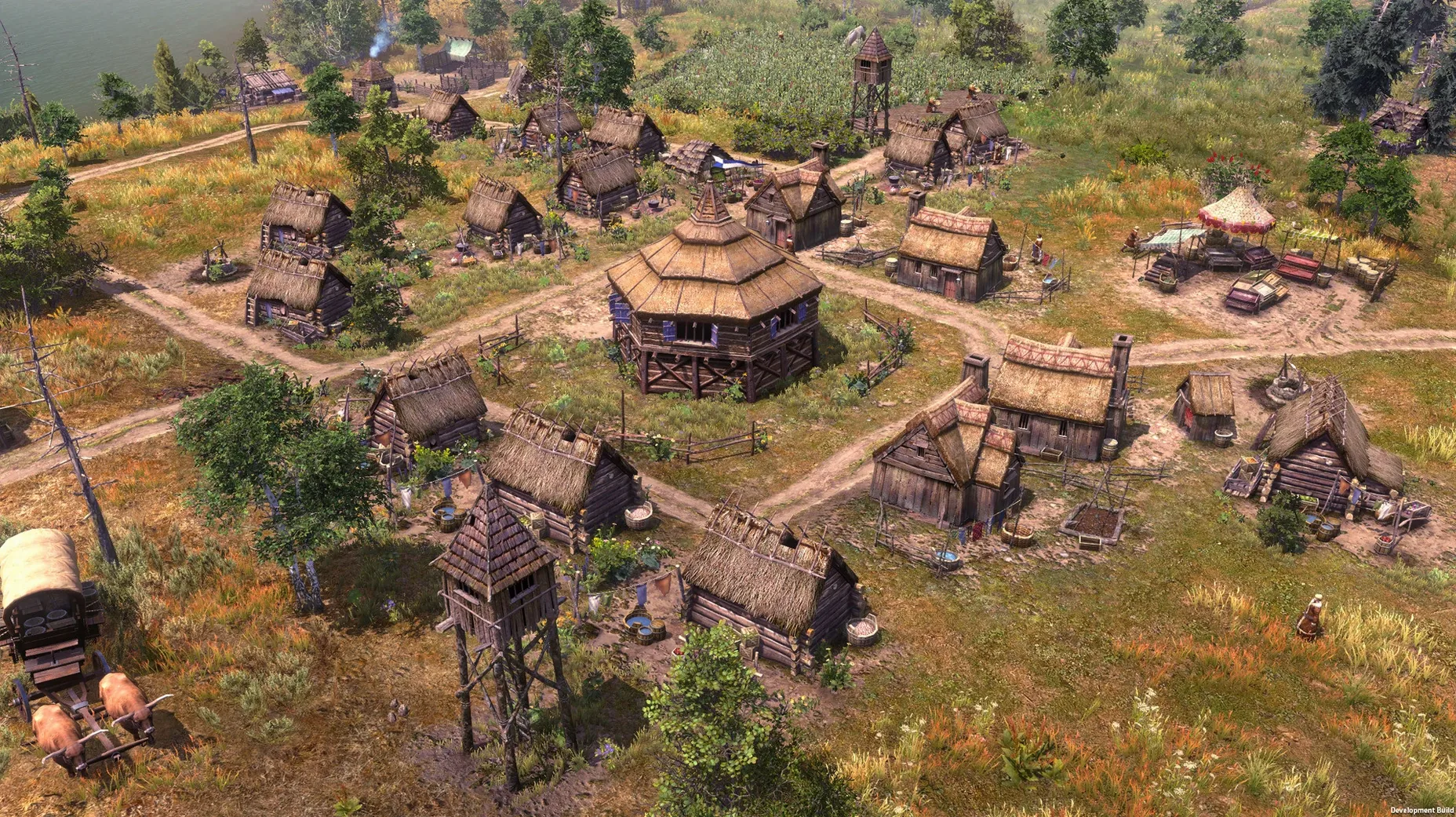
Wilderness settlement — lead a handful of settlers, scrape raw materials from the land, and shape a functioning town at the edge of the known world.
14 raw materials, 17 food types — the supply chain runs deep. Foraging and farming feed into production buildings; neglect variety and winter hits hard.
50+ buildings, 32 craftable items — from a basic saw pit to advanced workshops, the build tree rewards planning. Every structure pulls from the town's labor pool and material stock.
Difficulty tuning — invasions and epidemics can be disabled for a pure city-building session, or left on when you want the wilderness to push back.
Wineskin 1.0.5 on Apple Silicon — the port runs smoothly on a Mac mini M4 under macOS Tahoe. Controls map naturally; expect occasional launch quirk, handled by the included Fix file.
Small Conveniences You'd Miss on the First Run
Camera controls don't get a tutorial pop-up, but double-tapping the number keys (1–4) jumps to preset zoom levels that feel more useful than the scroll wheel. Tap F to snap to a selected building or settler instantly — muscle memory forms after the second winter when you're bouncing between a blizzard warning and the firewood stockpile.
The resource overlay, toggled with R, paints every harvestable node on the map. Deer herds, berry bushes, ore veins — the icon clutter is actually readable, and it stays active while you place buildings. No more guessing whether a fishing shack's radius catches that patch of deep water.
Shift-clicking a building queues it into construction even if the materials aren't stockpiled yet. The laborers gather what's missing and start when ready. For road networks, hold Shift while dragging draws a straight line across uneven terrain — small thing, but it spares you the wobbly path the default placement loves to suggest.
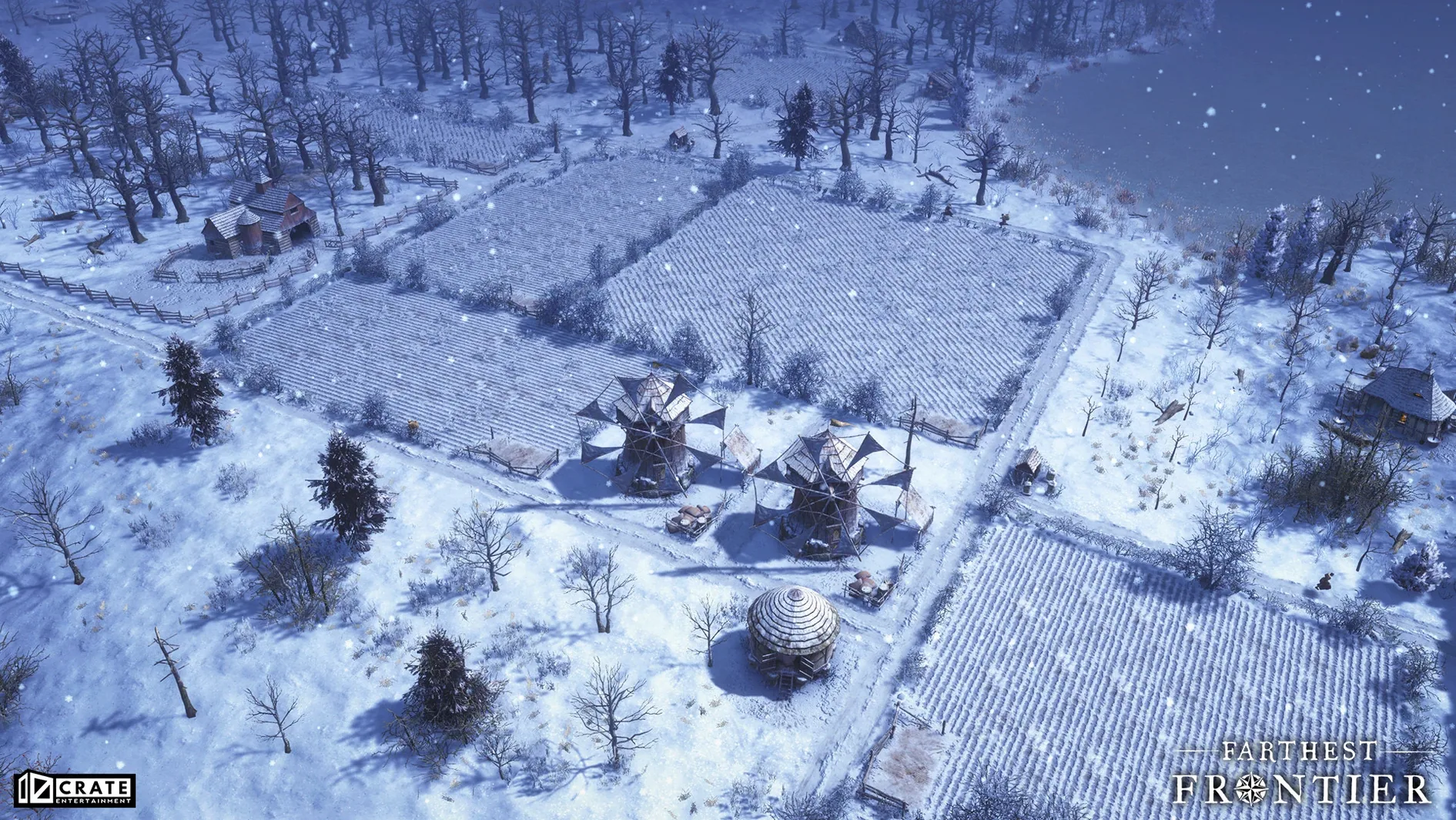
One that saves a village: the harvest prioritization button on crop fields sits tiny in the field's info panel. Click it before an early frost warning, and farmers drop everything to bring that crop in. Ignored it my first three towns and lost half the cabbage yield each time.
Swiping Desktops Doesn’t Break the Render
Because the build lives inside a Wineskin wrapper, Mission Control and Spaces treat it as a single window. Swipe between desktops without the render hiccup that some ports suffer — the game state freezes cleanly when it's not the active space. On a multi-monitor setup, it respects the display it launched on and doesn't fight for cursor ownership.
Game saves land inside the app bundle — specifically under SharedSupport/prefix/ — which means Time Machine backs them up automatically if you're snapshotting your Applications folder. Worth knowing when you're a dozen hours into a town and the map throws a dysentery outbreak that cascades into a famine. Roll back the whole save folder.
If Farthest Frontier mac runs alongside Discord or OBS for a streaming setup, the audio routing is clean — the port doesn't grab system output exclusivity the way some older Wineskin builds do. Background music ducks when a system notification fires, and the volume keys on Apple keyboards adjust the game's output without needing to alt-tab into Sound preferences.
Turn Off Edge Scrolling Before You Pan by Accident
Open the options menu before you generate a map. A handful of defaults fight against how Farthest Frontier on mac actually feels to play:
- Disable "Camera Edge Scrolling" unless you enjoy accidentally panning when the cursor drifts to the edge of the screen while mousing through the build menu. Middle-mouse drag does the same job with fewer surprises.
- Turn off "Auto-Follow Camera on Events" — raiders, fires, and births all steal the camera mid-action. The notification icons at the top of the screen are enough; you'll check them on your own time.
- Set "Show Resource Depletion Warnings" to On — it's off by default, and the first sign a mine is running dry should not be a collapsed shaft and three dead miners.
- Bump "Autosave Interval" to 10 minutes — the default is generous, but winter months compress time and a lot of bad decisions stack up fast. Ten minutes is a safety net, not a crutch.
Language support covers fourteen options — Russian, German, Spanish, Italian, both Chinese scripts, Korean, Polish, Portuguese, French, Czech, Swedish, Japanese, and English. The game loads the system language if it's in that list; switch it manually in the settings if you want the English voice track with a different UI. The voice work is English-only regardless.
If the Farthest Frontier Mac torrent build throws a launch error — a one-time quirk on first open — the Fix file on the disk image resets the Wineskin prefix without touching your saves. Run it once and forget it exists.
- Apple Silicon Mac
Notes from the edit bay · 0
Sign in or get an edit-bay pass to leave a note.
No notes from the edit bay yet. They go up after I read them.