
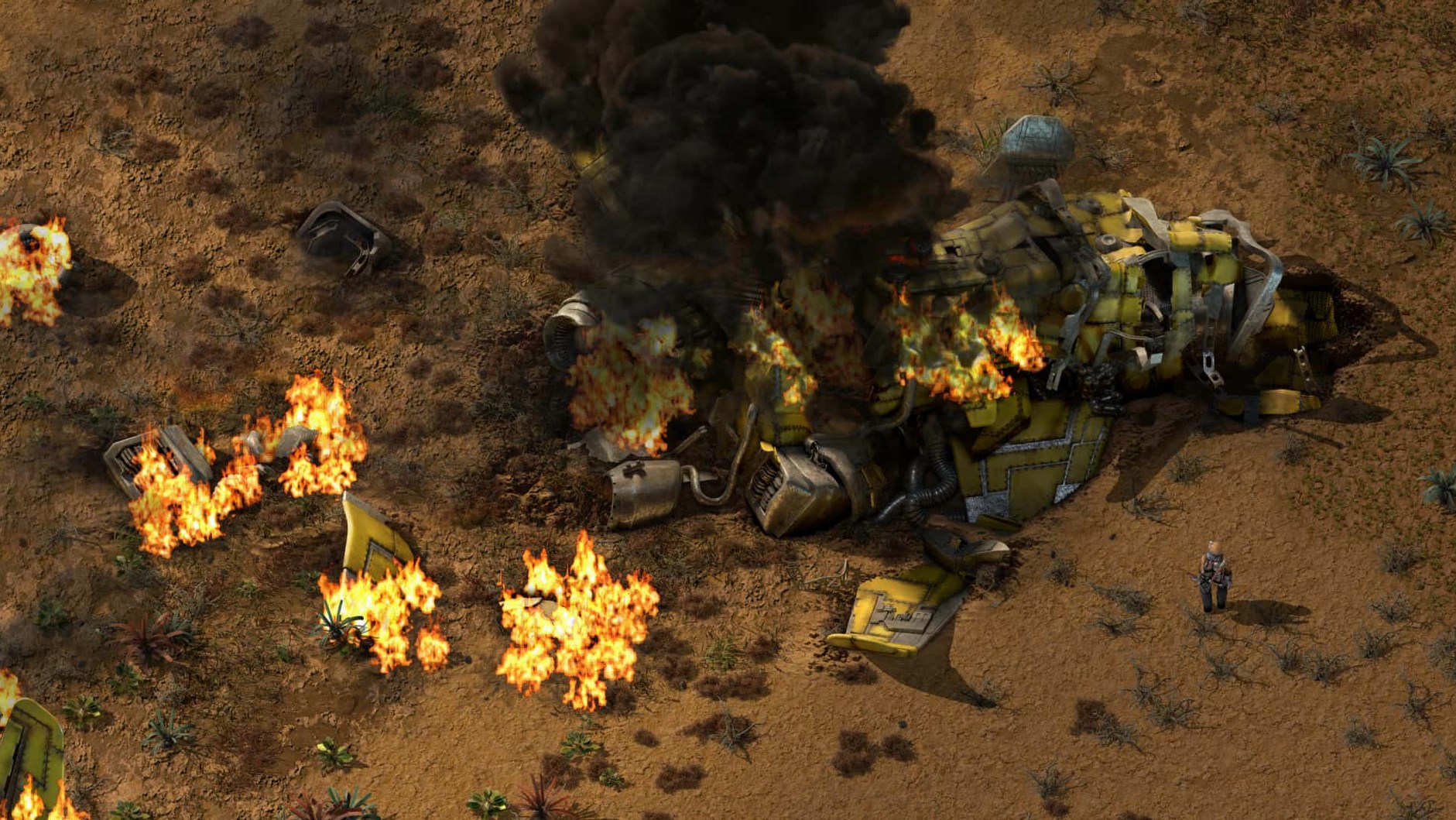
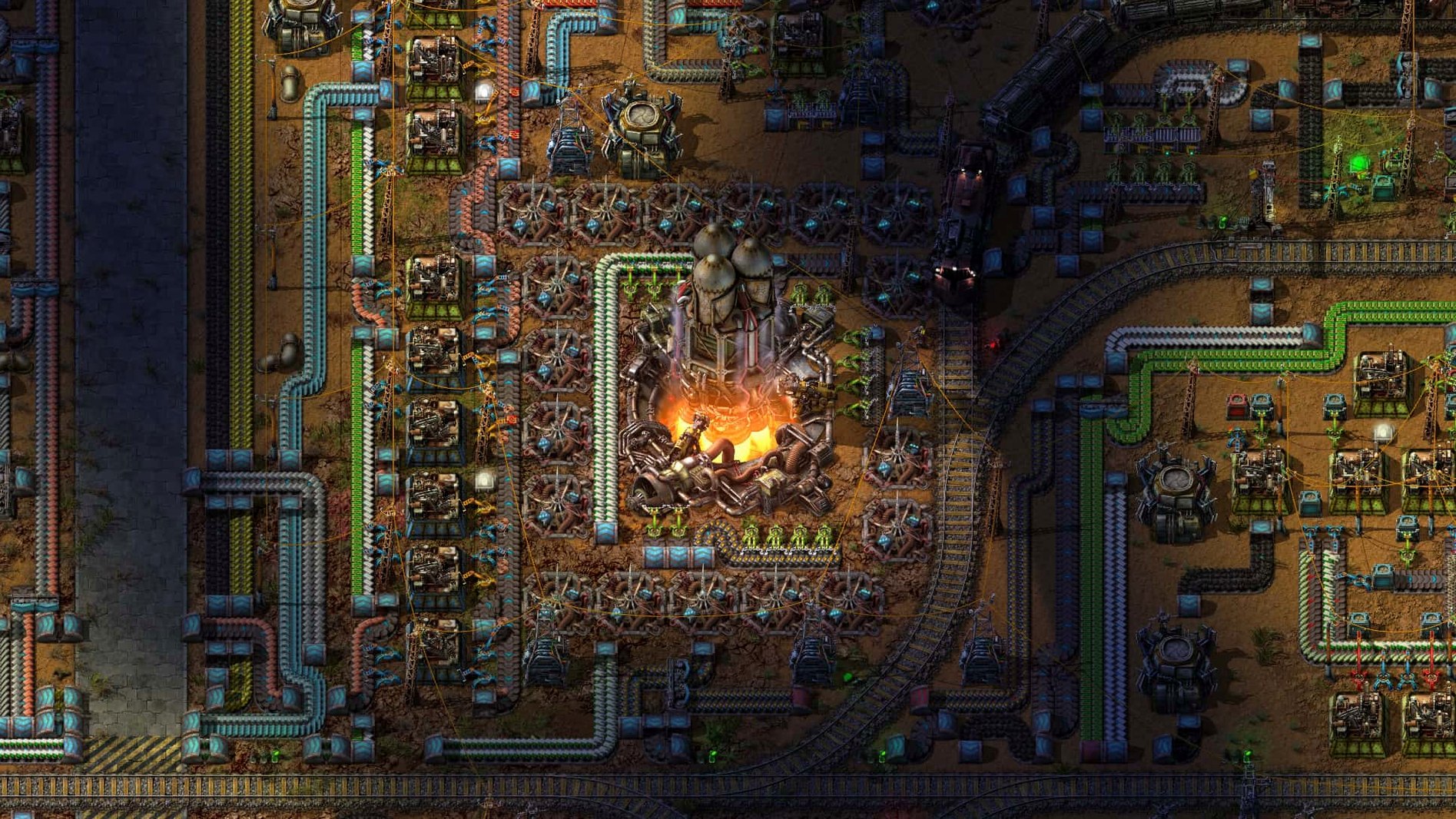
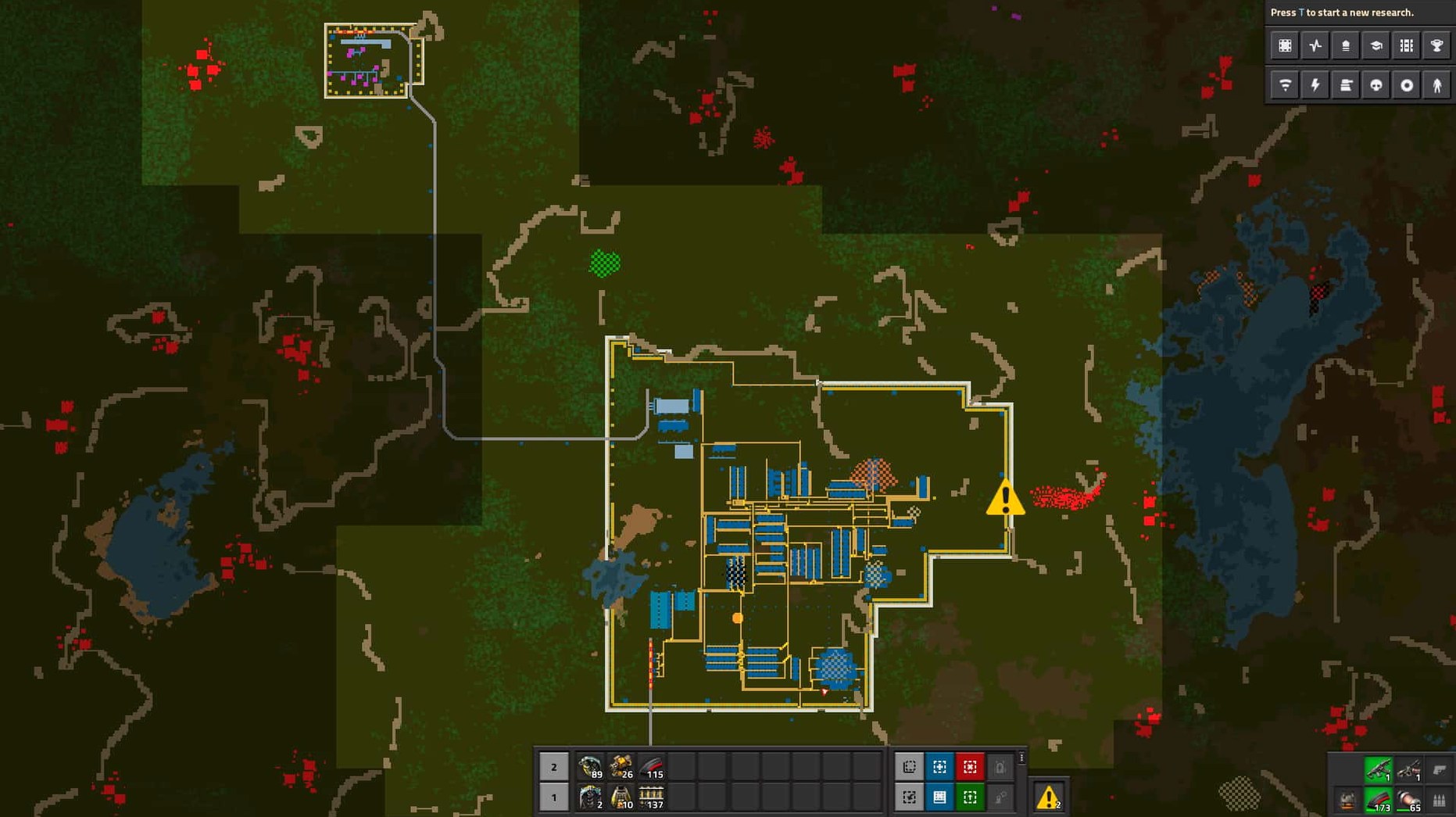
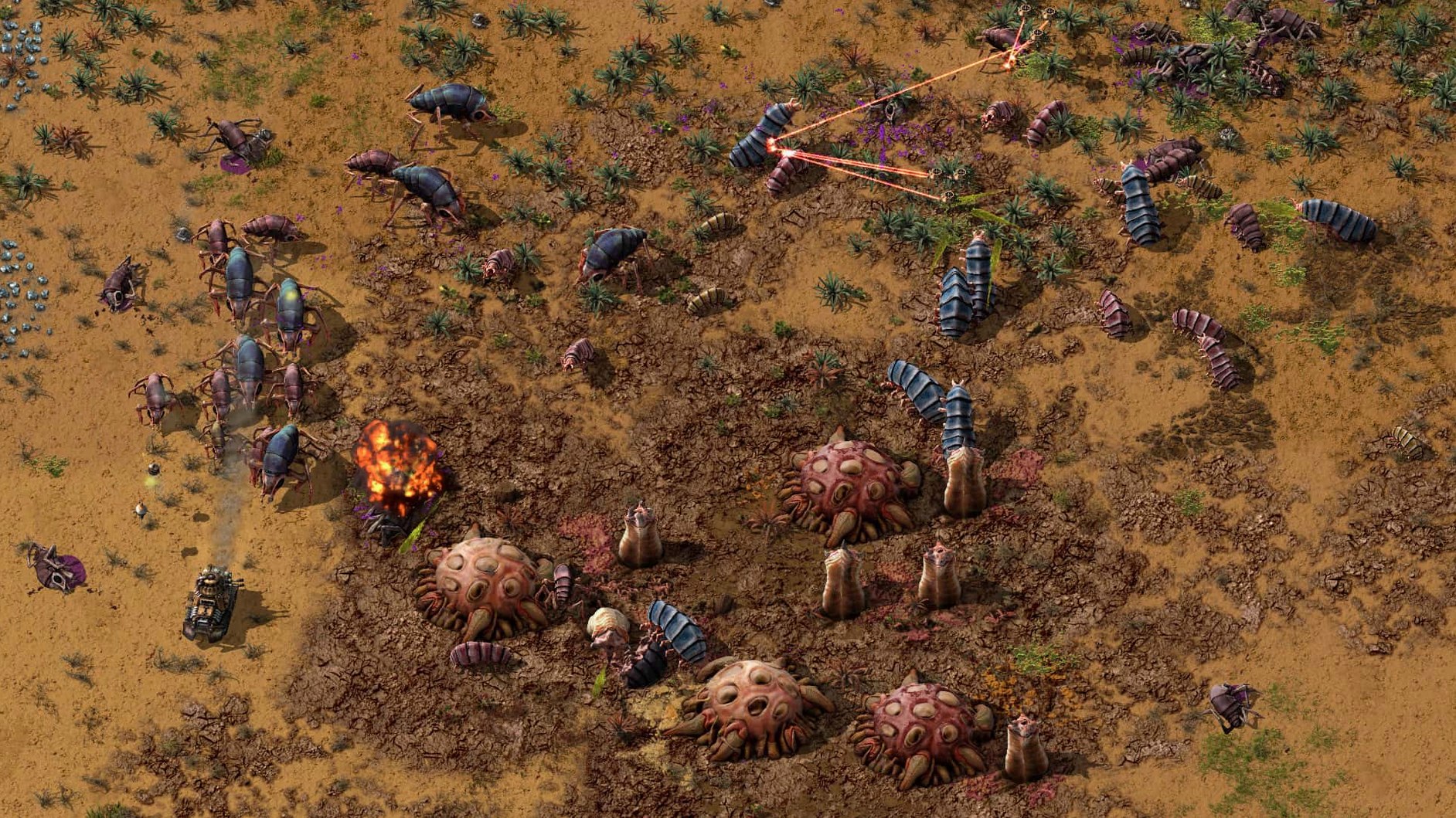
Factorio runs on any Mac with Apple Silicon or a 64-bit Intel chip. The sandbox is the whole point — you land in an endless 2D world with nothing, chop trees, pick at ore, and slowly wire together a factory that thinks for itself. Inserters grab items off transport belts, assemblers stitch components into gears and circuits, and before long you're managing oil refineries, rail networks, and rocket silos. The map editor lets you sculpt the terrain or cook up puzzle scenarios, and the mods folder at ~/Library/Application Support/factorio/mods means the community has already rebuilt the game five different ways.
Untangling Belt Spaghetti for Fun
- System builders. You enjoy creating complex, self-correcting systems and then watching them hum. The fun is in untangling a belt spaghetti that backs up three production lines at once.
- Mod tinkerers. Vanilla Factorio is deep, but the mods turn it into a different beast — overhaul packs, quality-of-life tweaks, new resources. You like a game that morphs to fit your obsession.
- Long-haul players. A map can swallow a hundred hours. You want a game that respects your time while still dangling one more upgrade, one more outpost, one more efficiency tweak before bed.
No Story, Just the Sandbox You Design
- No guided narrative. There's no story pushing you forward. The only goal is the one you set, and the open sandbox can feel aimless if you prefer a directed campaign.
- Brain-burn factor. Late-game production chains are genuinely demanding. If you want to unwind with something light after work, Factorio at hour 60 is the opposite of that.
Cramped Furnaces Leave No Room for More Belts
Every Factorio player builds a monument to poor planning at least once. I've been there. The most common trap is cramming furnaces and assemblers too close together, leaving zero room for the extra belt lanes, splitters, and undergrounds you'll need when copper demand triples. Spread out. Land is free. The second mistake is ignoring ratios — slapping down three gear assemblers for every red science assembler and wondering why half the factory sits idle. A gear assembler can feed ten red science machines. Look at the recipe times and output counts; the math isn't hard, and it stops you from building a parking lot of useless machines.
Biter neglect rounds out the top three. Newcomers treat military science as optional until a wave of medium spitters chews through a smelting column. Keep an eye on the pollution cloud in the map view. If it brushes a nest, that nest is coming for you. Turrets and a wall go up before the cloud touches, not after.
Tapping a Distant Iron Patch Without Babysitting
Let's say your starting iron patch is running thin and the nearest fresh deposit is a good distance east, near an oil field you haven't tapped. The goal is to get ore trains rolling without babysitting the outpost.
Step one: lay a two-lane rail from the main base out to the patch. Use rail signals at every intersection and chain signals before splits — this prevents a train from blocking the line while another waits. A single locomotive with four cargo wagons is plenty for early rail.
Step two: at the outpost, build a loop station so trains pull in, load, and leave without reversing. Drop a train stop, a steel chest buffer for the ore, and fast inserters that swing from the chests into the wagons. The miners feed the chests, the chests feed the train. Buffer chests mean miners never stop working while a train is in transit.
Step three: automate the train. Set its schedule to "Iron Outpost — wait until full cargo" and "Main Base — wait until empty cargo." Add a second train if the round trip is long enough that the outpost chests fill up between visits.
Step four: defend it. A perimeter wall, a handful of laser turrets fed by a small solar array and accumulators, and a radar dish so you can monitor the outpost from the map. The oil patch nearby gets its own pumpjacks, piped back to the base or refined on-site once you unlock advanced oil processing. Thirty minutes of setup saves hours of hand-carrying iron plates.
5,000 Bots and a Dozen Trains Without a Dip
This build 2.0.77 is remarkably light for how much it simulates. I've run maps with five thousand active logistics bots and a dozen trains in motion, and the frame rate barely dips on an M-series Mac. The game autosaves in the background without a stutter — something I wish more games figured out. Memory use creeps up with map size and mod count, but I've never seen it break past four gigs even on a heavily modded playthrough with the Space Exploration overhaul. The native Apple Silicon support means no Rosetta translation layer, so battery drain stays reasonable on a MacBook. I've done three-hour train-optimization sessions on a flight and landed with charge to spare.
Factorio's real resource is your attention, not your CPU. The game never stutters when thousands of items flow, and that smoothness keeps you in the flow state. The modding API adds a few milliseconds to the load time, nothing more. The factorio macos torrent scene has kept the Mac community current, and this DRM-free build means you can juggle versions for different mod packs without jumping through launcher hoops. If you grabbed the factorio mac torrent, you already know the install is a single drag to Applications and it just works on any 64-bit Intel or ARM Mac. I've seen people keep a second copy purely for multiplayer compatibility when a friend hasn't updated yet. The factorio download mac route through this catalog puts the same stable build on your machine with zero activation friction.
See Inside Every Assembler at a Glance
- Alt mode toggle. Bind it to something you can hit without thinking — I use a side mouse button. Alt mode shows what every assembler and chest contains as an icon overlay. Playing without it is like reading a circuit diagram blindfolded.
- Research queue. The game defaults to a single-research queue. Go into Settings → Interface and switch it to "always." You want to line up five technologies and let the labs chew through them while you build, not get a pop-up every three minutes asking what's next.
- Invert the scroll direction for blueprints. By default, scrolling cycles blueprint books one way. I reverse it so scrolling down goes forward in the book — it matches how my brain expects the list to move.
- Disable excessive autosaves. The default is three autosave slots every ten minutes. That's fine, but if you're making rapid blueprint tweaks and reloading often, bump it to five slots. If disk space is tight on a small MacBook, drop it to two. The saves are snappy either way.
- Enable the debug grid. Press F5 and flip on the tile grid. Lining up rail blueprints and belt balancers without a grid is a recipe for off-by-one frustration. The grid costs nothing and you'll stop noticing it after ten minutes.
Version 2.0.77 sweeps up several physics and logic bugs that could jam a factory. Cargo pods no longer clip through structures, inserters and rocket silos shake off deadlock states, and a few crash triggers — like killing an entity with no recorded source or building a loader with a stack size override — are fixed. The update also exposes new Lua prototype reads for quality-related values and a handful of entity and fluid properties.
- macOS (tested on Tahoe with an M4 Mac mini)
- Apple Silicon or 64-bit Intel processor
Questions I actually get
Does Factorio support mods on a Mac?
Yes. Drop mods into ~/Library/Application Support/factorio/mods and the game picks them up on launch.
Notes from the edit bay · 0
Sign in or get an edit-bay pass to leave a note.
No notes from the edit bay yet. They go up after I read them.