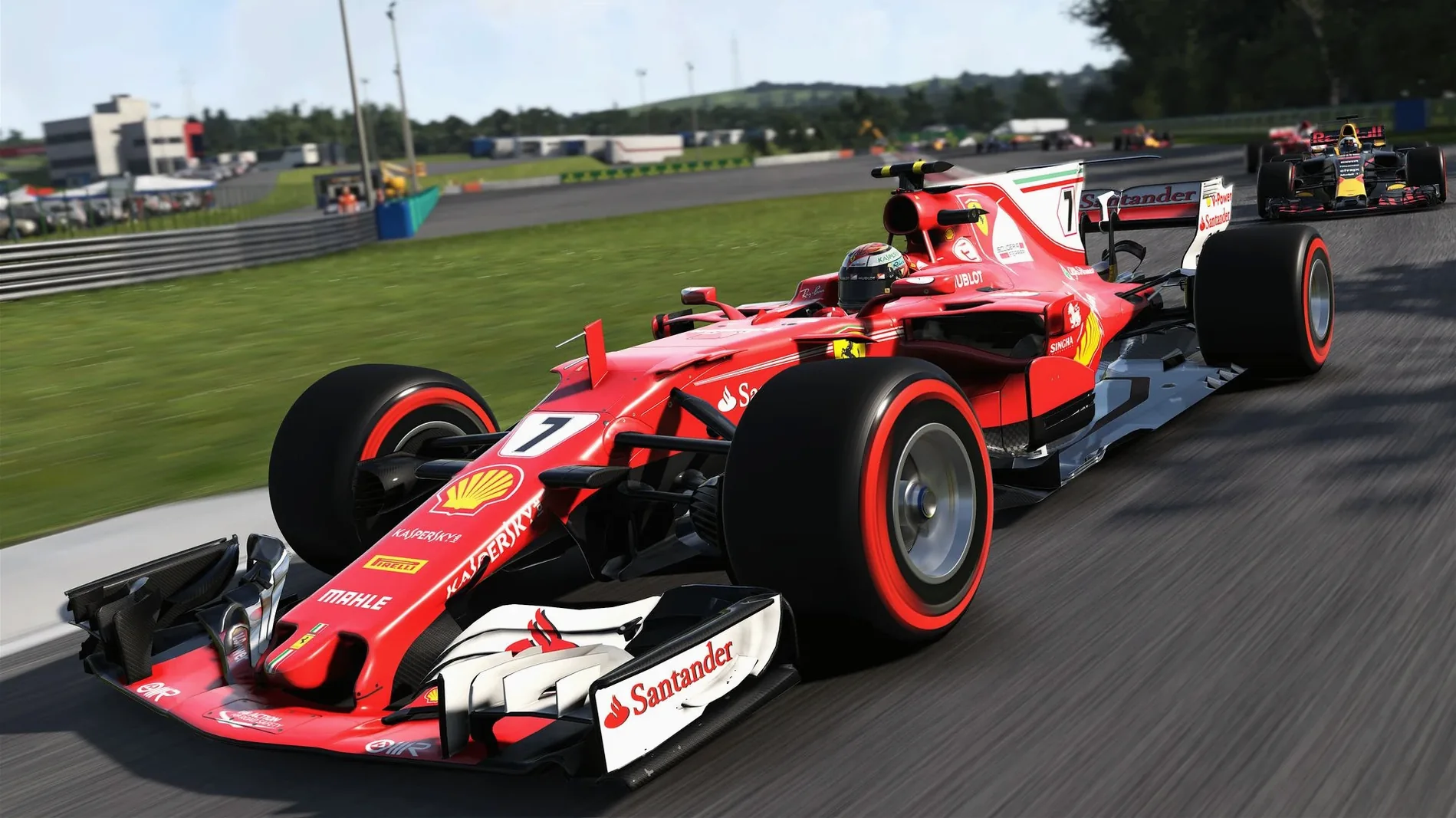
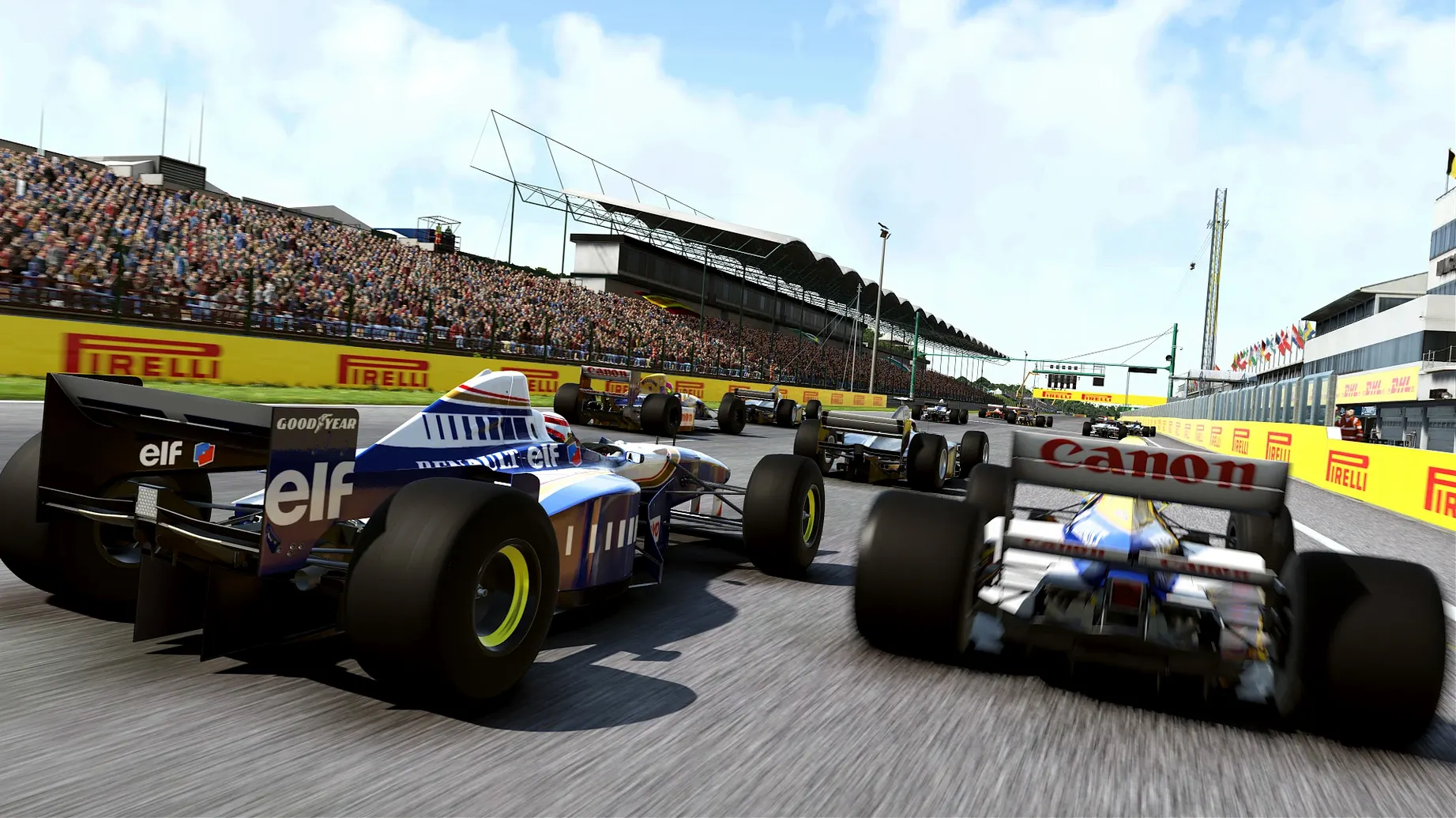
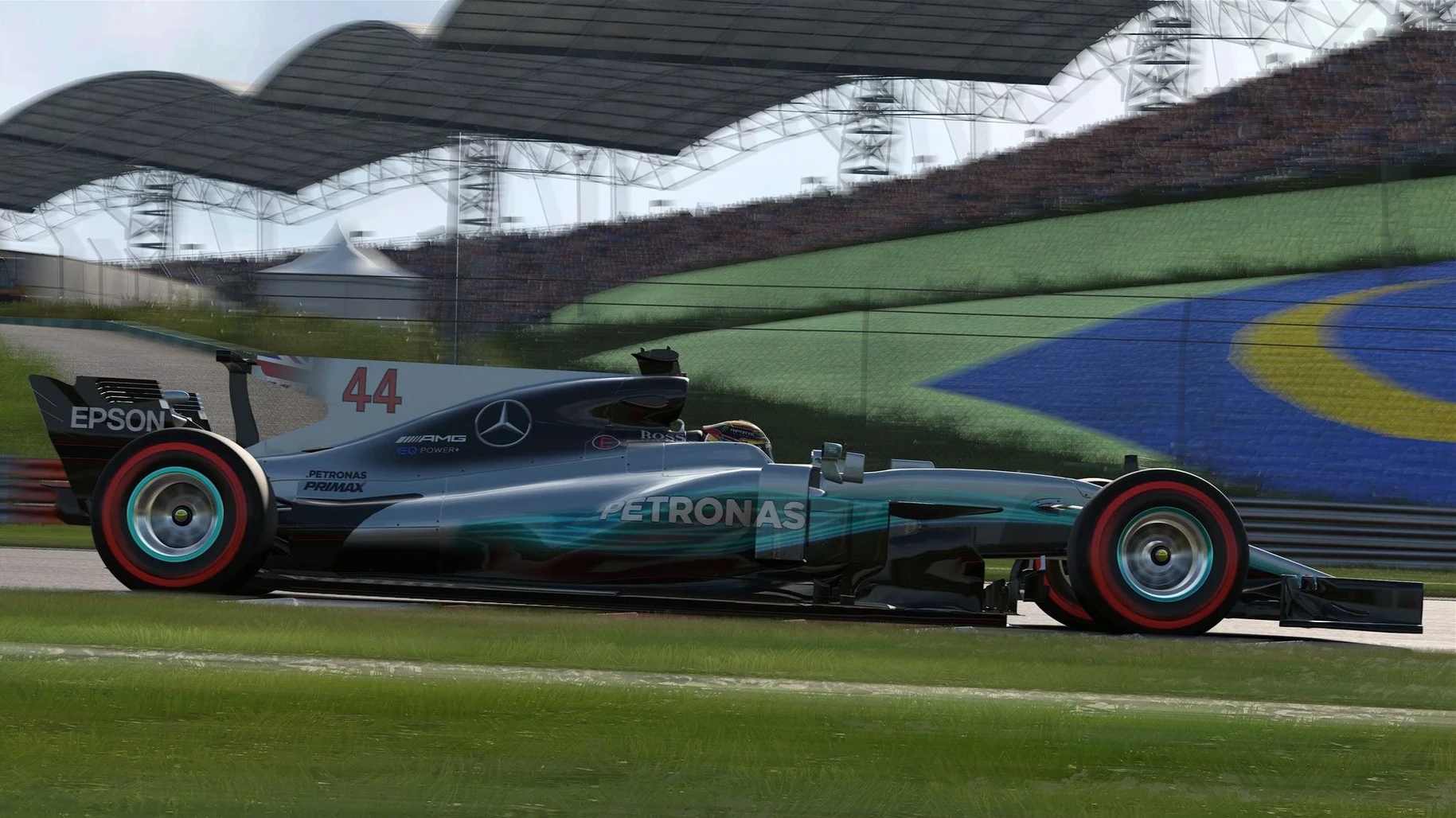
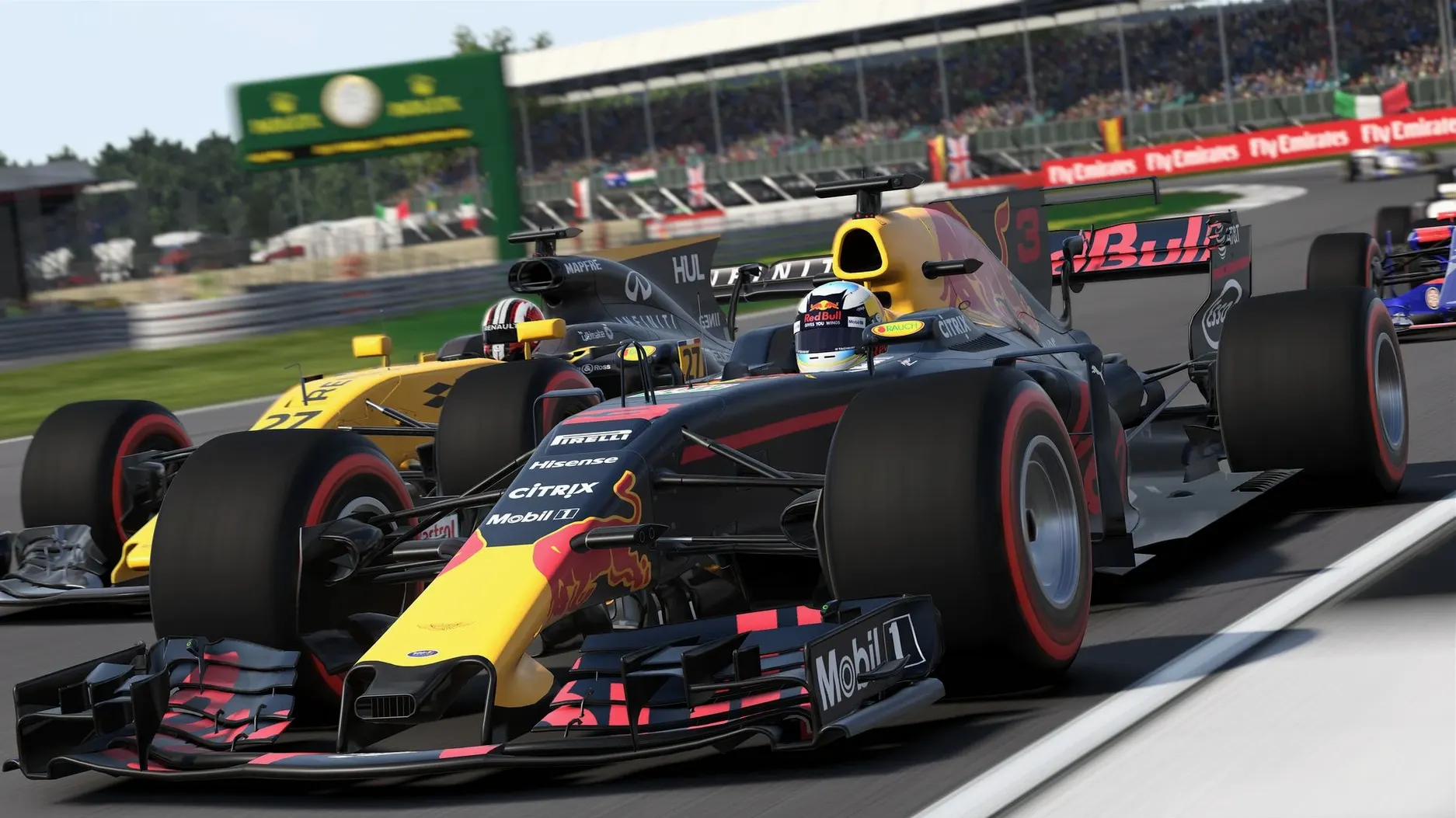
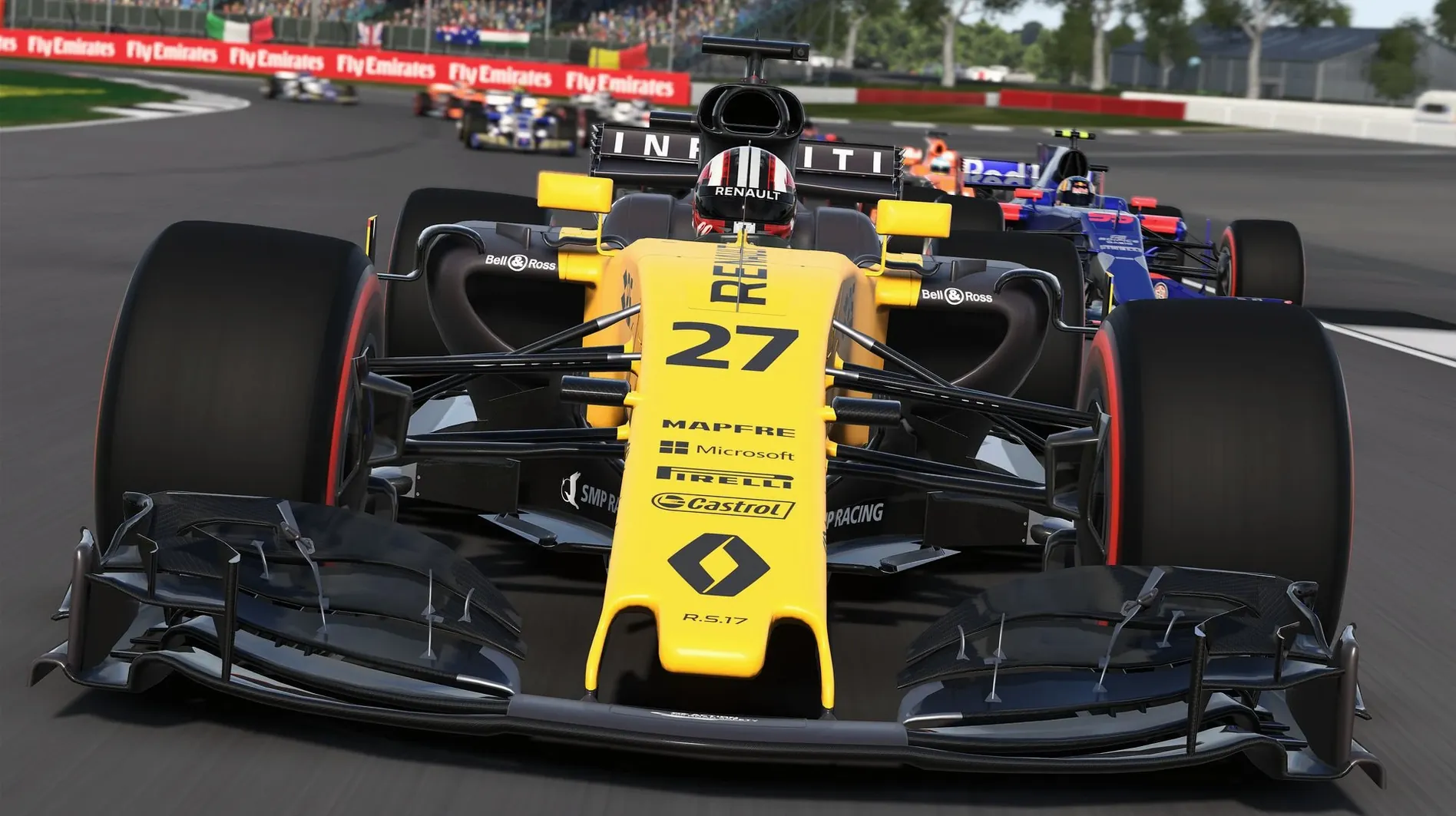
If you've ever cut a multicam edit on a machine that barely meets spec, you know the particular anxiety of a render bar crawling along. Launching F1 2017 on a Mac for the first time triggers a similar wait. The developers warn you up front: that initial boot is a marathon, not a sprint, so don't force-quit it.
Managing Engine Wear Across a Ten-Year Career
- Full ten-year career mode where you manage engineering development, engine wear, and gearbox changes across seasons.
- Championship mode with multiple rule sets, plus online and single-player racing.
- Officially supported on macOS 10.12.5 and later, running on Intel Macs with a 2.0GHz i5, 8GB of RAM, and 36GB of free space.
Your GPU Needs at Least 2 GB to Launch
- The minimum GPU is a 2GB AMD R9 M290 or a 1.5GB Intel Iris Pro 6200. Integrated graphics on older Airs or 13-inch Pros won't cut it.
- This is purely an Intel build. Apple Silicon Macs run it through Rosetta 2, which adds a translation layer—expect frame drops on anything below a high-clocked M1 Pro.
- A gamepad is almost mandatory. You can race on a keyboard, but managing throttle and brake without analog triggers is a fast track to the barriers.
Before You Hit the Track
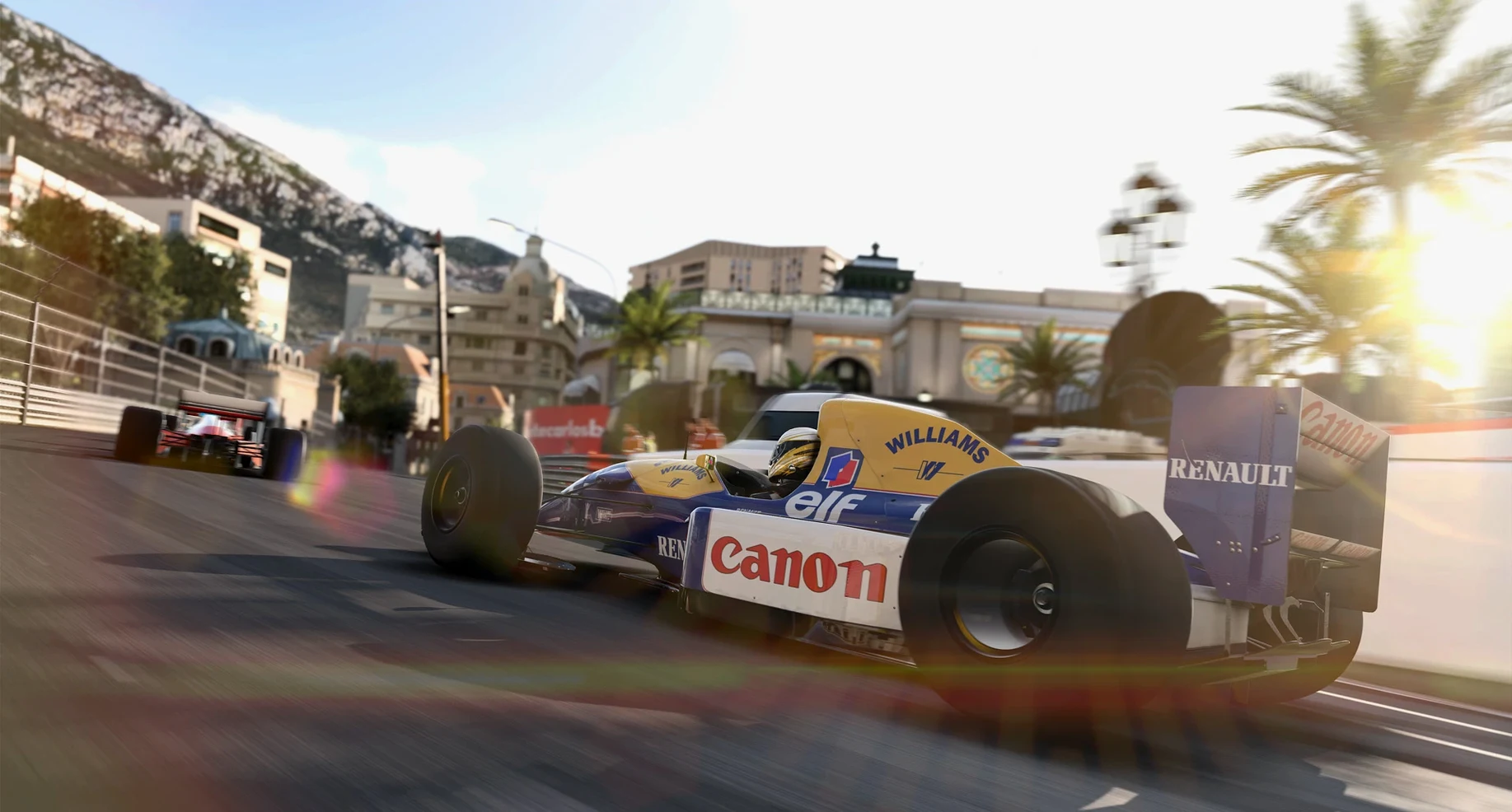
Two questions come up every time someone grabs this torrent. First: will it run on an M-series Mac? Yes, through Rosetta 2, but don't expect miracles on a base M1 Air. The game was built for Intel silicon with a discrete GPU, so a MacBook Pro with an M1 Pro or better holds a steady 60 fps at medium settings. A fanless Air will thermal-throttle within two laps at Monaco.
The second question is about multiplayer. The online servers for F1 2017 were never exactly bustling, and years later you're mostly looking at LAN parties or split-screen if you want to race a friend. The single-player career is the real draw here. Treat online as a bonus that might occasionally surprise you.
One more thing people ask: can you skip the long first launch? No. The game unpacks shaders and builds a cache that every subsequent session depends on. Let it sit. Go make coffee. Come back when the menu music kicks in.
The Crash-on-Exit Fix That Stopped System Hangs
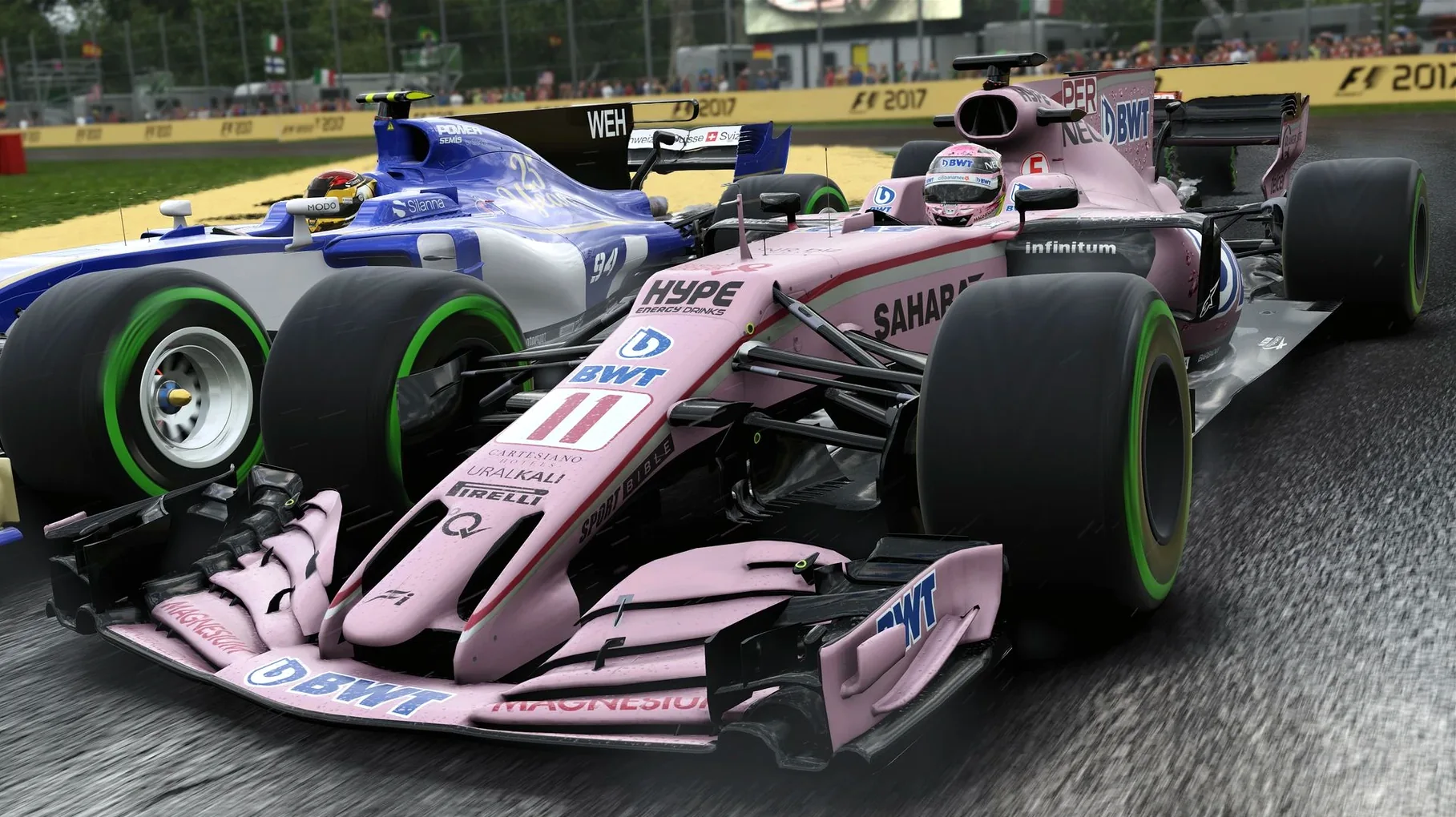
Version 1.13 fixed isn't a patch with flashy patch notes. It's a stability release that addressed crash-on-exit bugs that plagued earlier builds on macOS Sierra and High Sierra. Before this fix, quitting the game would occasionally hang the entire system—not ideal when you've just finished a 78-lap race and haven't saved. The update also cleaned up audio dropouts that happened when too many cars piled into Turn 1 at the start of a wet race.
In everyday use, the difference is invisible until it isn't. You won't notice the fix until you realize you've played four hours without a single quit to desktop. That's the point.
A Sunday League Driver's Workflow
Picture someone who runs a small sim-racing league on Discord. They're not a pro, just a dedicated hobbyist who hosts weekly races for eight friends spread across three time zones. Their Mac is a 2019 27-inch iMac with the Radeon Pro 580—comfortably above spec. They grab the F1 Mac torrent on a Tuesday, let that first launch cook while they build the race calendar in a spreadsheet, and by Wednesday they're two races deep into a career mode with McLaren.
Practice sessions become their lunch break ritual: they run the training programs to earn resource points, dump those points into chassis upgrades, and nurse a worn gearbox through Baku because they blew the budget on aero parts two races ago. The expanded research tree means they're constantly making trade-offs between short-term pace and long-term development. By Sunday, when the league gathers for a full-distance race at Spa, they've already learned the braking points from the career mode and shaved half a second off their sector two time. The game feeds their real hobby, and the installation was the easiest part of the week.
This release brings the full 2017 Formula One World Championship content to macOS, adding a deeper ten-year career mode and expanded championship options with multiple rule sets.
- OS: macOS 10.12.5 or later
- Processor: 2.0GHz Intel Core i5
- Memory: 8 GB RAM
- Storage: 36 GB available space
- Graphics: 2 GB AMD R9 M290 or 1.5 GB Intel Iris Pro 6200
- Architecture: Intel (Apple Silicon runs via Rosetta 2)
Questions I actually get
Why does the first launch take so long?
The game compiles shaders and runs initial hardware checks on first boot, a process that can take several minutes even on a fast SSD.
Can I play this on an Apple Silicon Mac?
Yes, but only through Rosetta 2 translation. Performance is not guaranteed, and you'll need a machine that significantly exceeds the original Intel specs for smooth racing.
Does the career mode include team management?
Yes, the ten-year career mode lets you manage engine and gearbox changes, allocate resources to engineering development, and handle team operations over multiple seasons.
Notes from the edit bay · 0
Sign in or get an edit-bay pass to leave a note.
No notes from the edit bay yet. They go up after I read them.