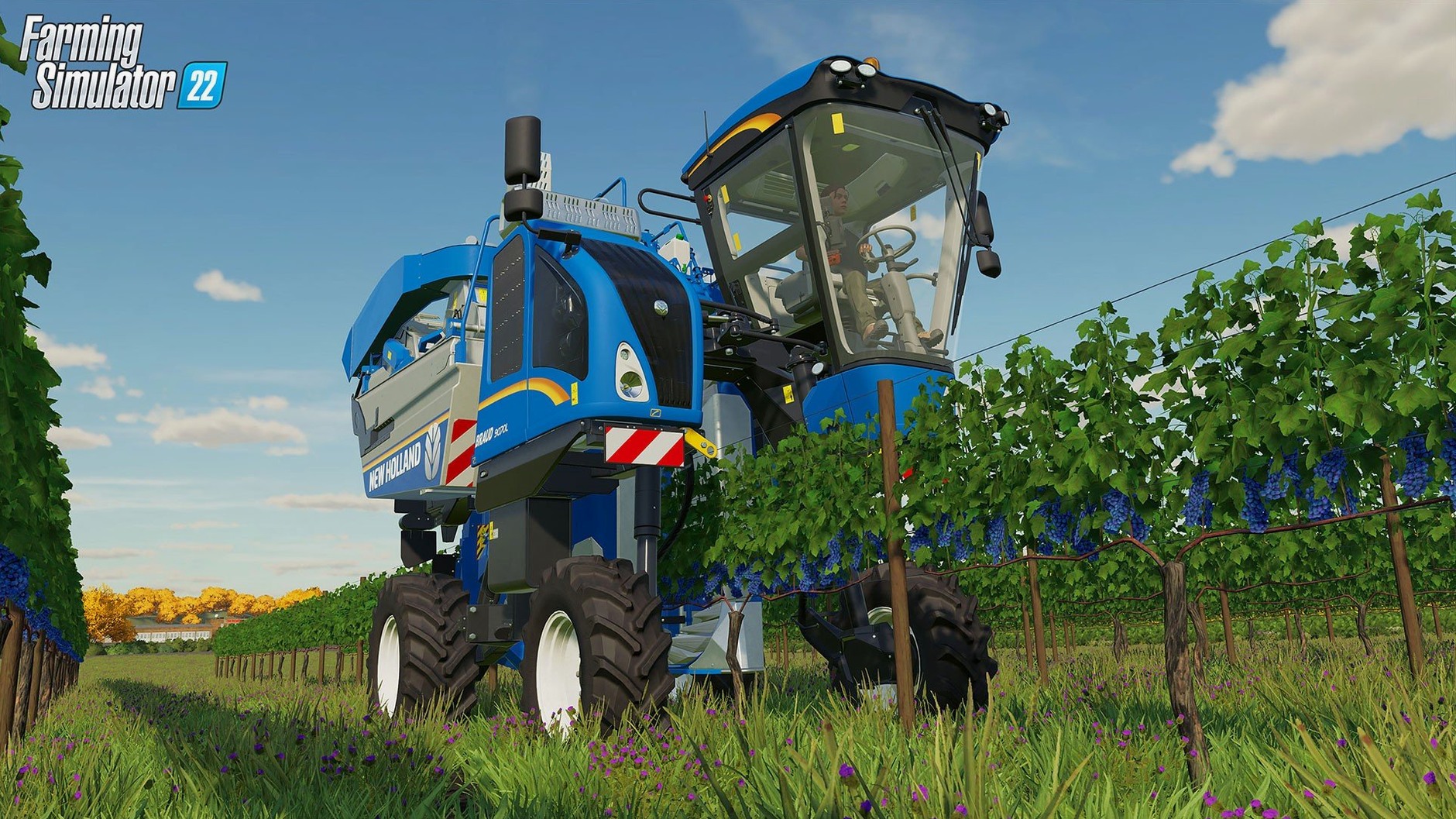
Get the Tractor Rolling
If your Mac runs macOS 10.14 or newer and has 8 GB of RAM plus 35 GB of free disk space, you’re set. It’s a native 64-bit app that works on both Intel and Apple Silicon machines, so hardware isn’t a barrier to starting your virtual farm.
Work With the Seasons
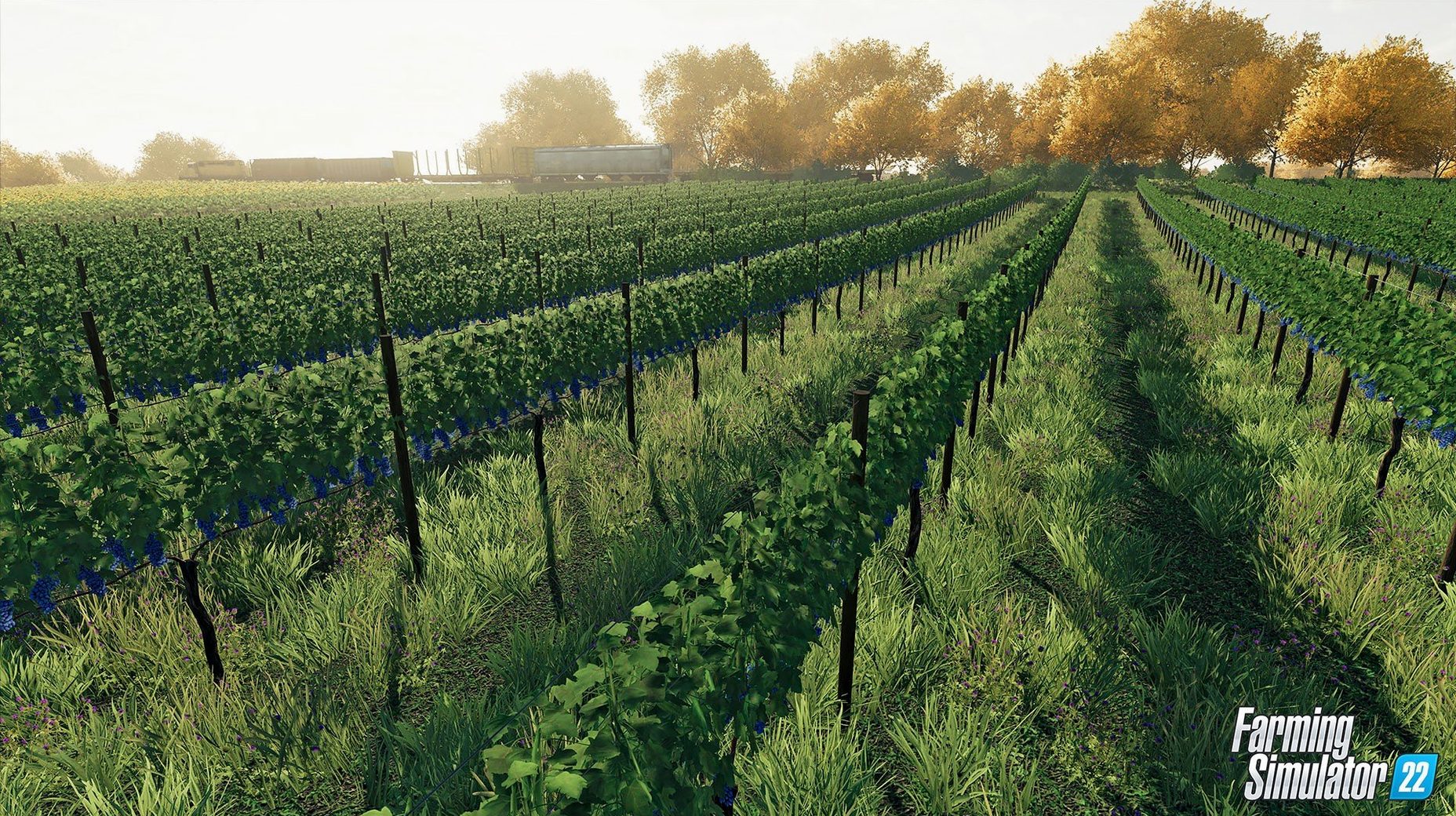
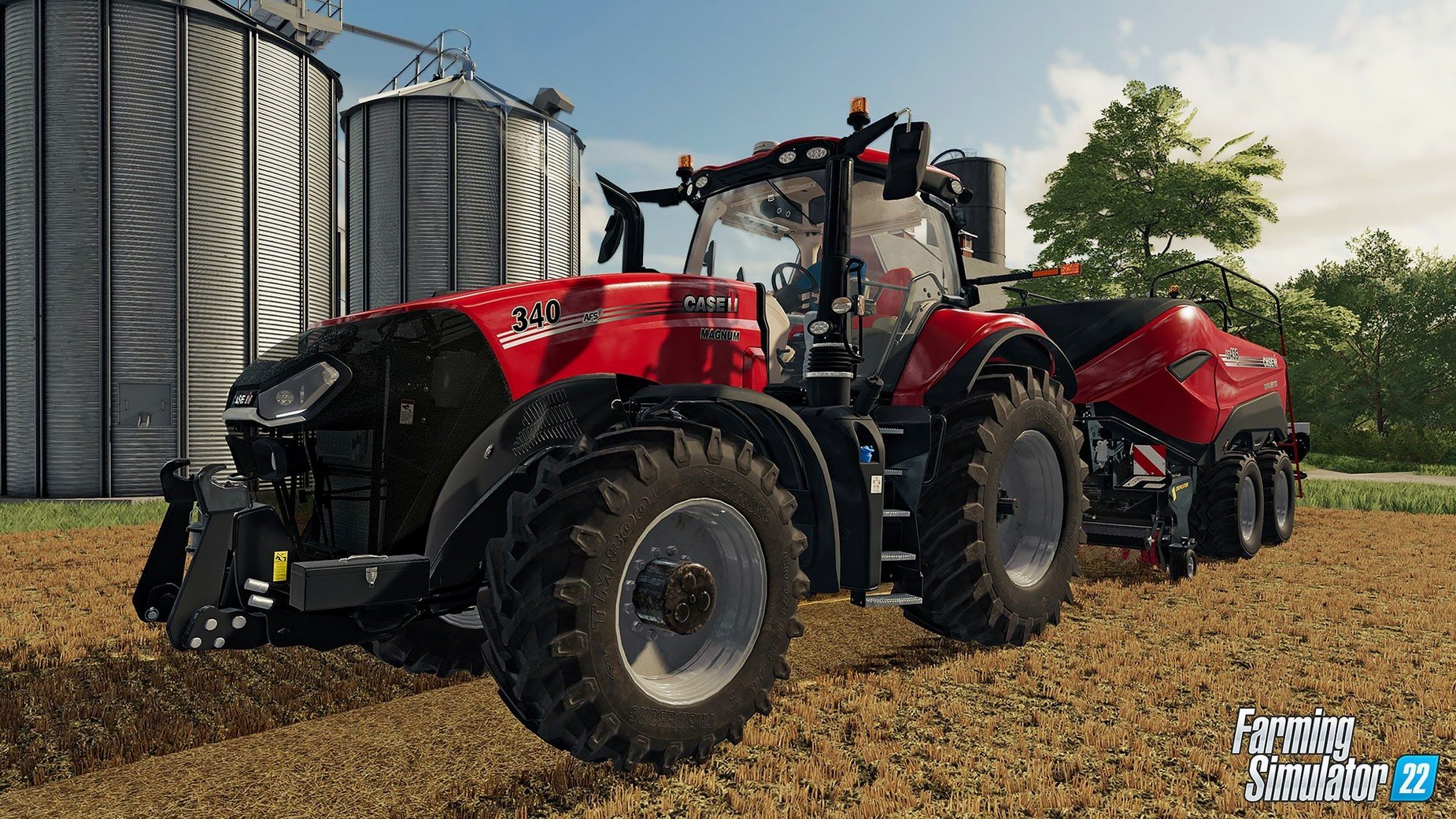
The seasonal cycle dictates your rhythm — planting wheat in the right window, harvesting potatoes before the frost hits. You’ll manage that across three distinct American and European maps, using over 400 licensed machines from brands you’d recognize at any ag dealership.
Build Beyond the Field
Production chains let you turn raw corn or cotton into higher-value goods, and when you want a new tractor or a different map, ModHub delivers community-made content straight into the game.
Why a Single Wheat Field Beats the Urge to Do Everything at Once
Start small. The game dumps you into a working farm with machinery already parked in the yard, but that doesn't mean you should tackle every crop at once. Pick a single field, plant wheat and follow that harvest from seeder to silo. You'll learn the equipment rhythm without drowning in loan interest.
Disable periodic plowing and weeds in the game settings until the controls feel second nature. Both are realistic, but losing a field to untended weeds while you're still figuring out the combine controls only breeds frustration. Turn them back on when you've got a season under your belt.
Grab a mod or two early — nothing complex, just a tractor you like the look of or a shed pack from ModHub. It builds the habit of browsing community content, and that habit pays off once you understand what your operation actually needs. The modding scene around farming simulator 22 mac is active enough that you'll never run out of options.
An M1 MacBook Air Chugs Only When You Pack the Yard With Mods
On an M1 MacBook Air the game settles into a comfortable groove. Loading a save with a medium-sized farm takes under twenty seconds, and the frame rate stays smooth until you pack a yard with modded equipment and hired workers. On Intel Macs with 8 GB RAM you'll hear the fans spin up during harvest — the physics calculations for six workers running combines and grain carts aren't trivial — but the game stays responsive.
Stability over long sessions is solid. The 1.14.0.0 fixed build resolved the inline bale crashes that used to plague hay operations, so you can stack bales for an hour without a sudden quit. Memory use creeps upward over a four-hour play session, but a save and reload clears it. Quick tip: restart the game before joining a multiplayer session, especially if you've been playing solo for hours.
Multiplayer itself is low-fuss. Hosting a co-op farm doesn't require port forwarding gymnastics, and joining a friend's session pulls mods automatically from ModHub. Latency in a three-player game with one host in the US and another in Europe was noticeable but playable — you're not shooting anyone, so the occasional stutter from a grain trailer doesn't matter.
Where the Crop-to-Sale Pipeline Feels Like a Factory Sim
Mac users who love systems-thinking games find the deepest groove here. If you enjoy tweaking production lines in factory sims or optimizing routes in transport games, the crop-to-sale pipeline scratches the same itch. The satisfaction isn't in driving tractors — it's in watching a field of corn become chaff, then silage, then a spike in your bank balance.
Co-op groups on MacBook hardware get surprising mileage from this title. A pair of friends running separate farms or one shared operation can fill a Sunday afternoon without ever touching Discord's push-to-talk. The game's pace gives you room to chat, plan and occasionally panic together when a harvester clogs three rows from the edge of the field.
Mod tinkerers benefit enormously. The Farming Simulator 22 Mac torrent scene and the official ModHub both feed a steady stream of maps and machines, and Mac users aren't second-class citizens — scripts run identically across platforms. If you've ever modded a game's XML files for fun, this one gives you plenty to open and tweak.
Version 1.14.0.0 drops the Kubota M7 with a frontloader and a Volvo 120H wheelloader — two solid additions to the equipment shed. Modders get a new vehicle LOD debug viewer. Also fixed: connection hoses on the Grimme GL860 and crashes triggered by long inline bales.
- macOS 10.14 or later
- 8 GB RAM
- 35 GB available disk space
- 64-bit processor and OS
Notes from the edit bay · 0
Sign in or get an edit-bay pass to leave a note.
No notes from the edit bay yet. They go up after I read them.