Update 1.23.1.0, released 2026-09-09, rolls in bug fixes and gameplay improvements that keep the fields turning over smoothly.
GIANTS Engine 10 — the simulation backbone, tuned for Apple Silicon to push draw distances and weather effects without choking on a harvest day.
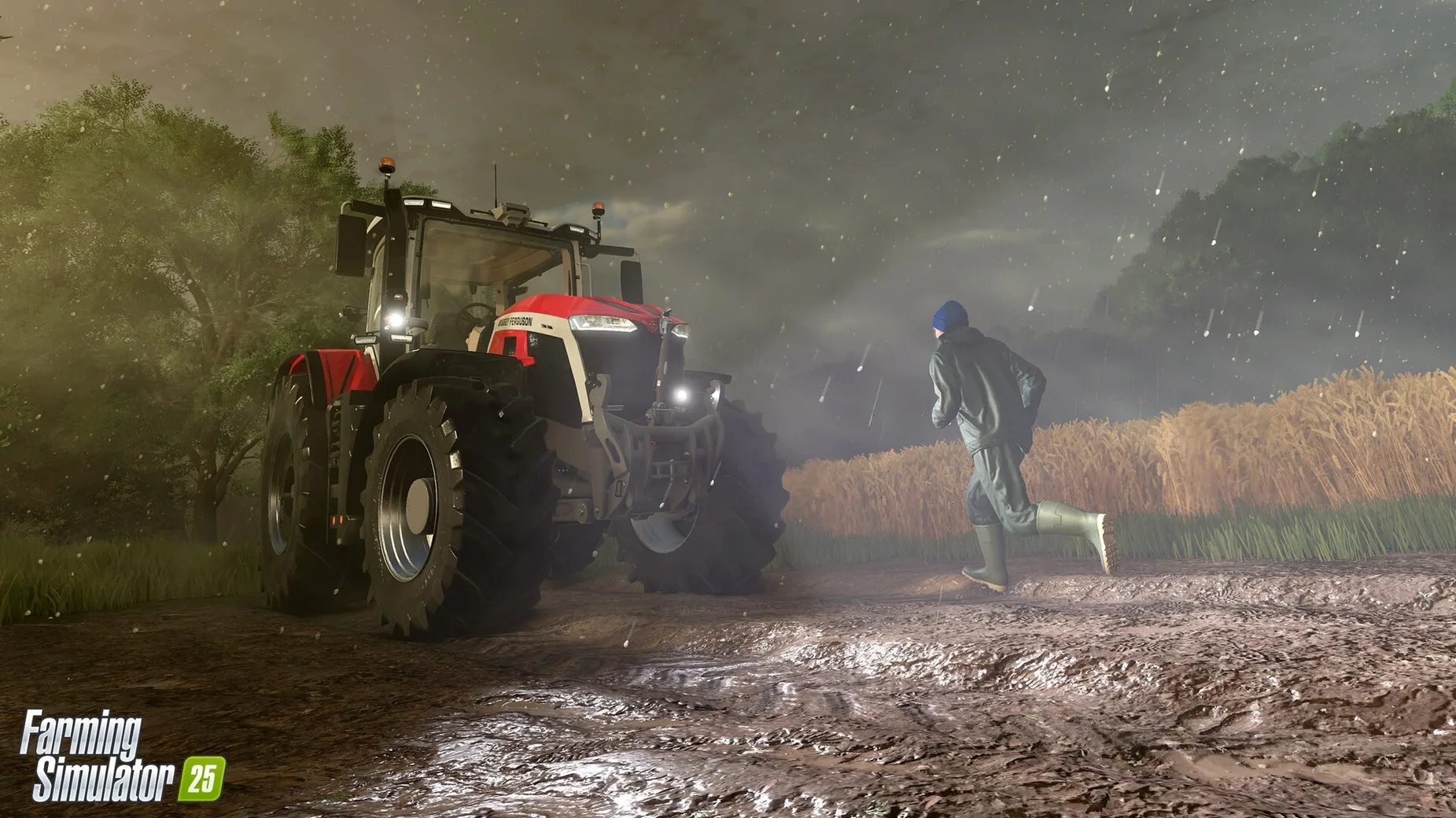
M1 or later — the hard floor. Intel Macs technically run it, but an M-series chip with 8 GB RAM keeps the frame pacing steady when a hurricane rolls through your wheat.
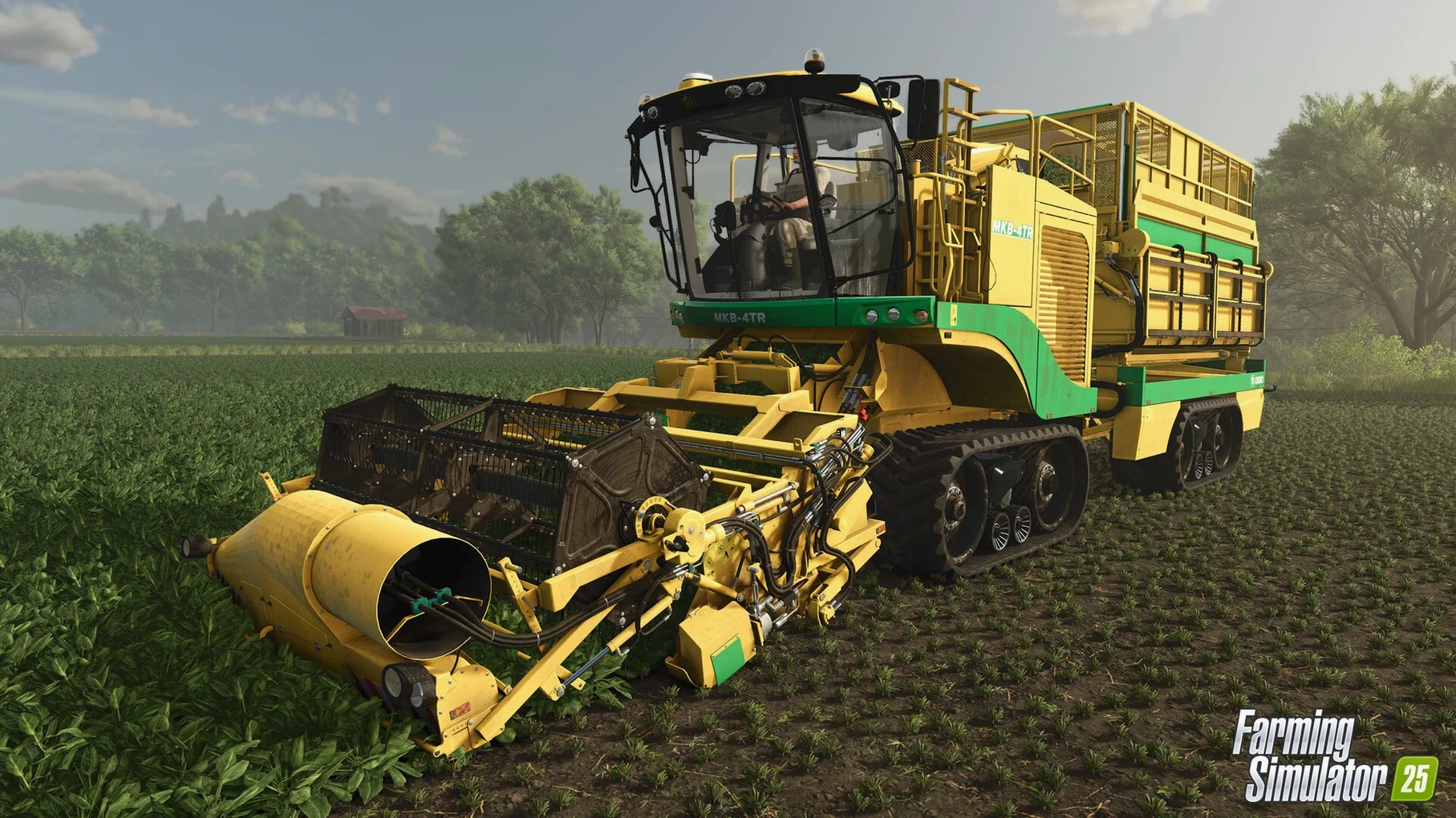
GPS-assisted steering — a line-holding helper baked into the tractor cab. Dial it in, follow a contour, and focus on the header instead of the wheel.
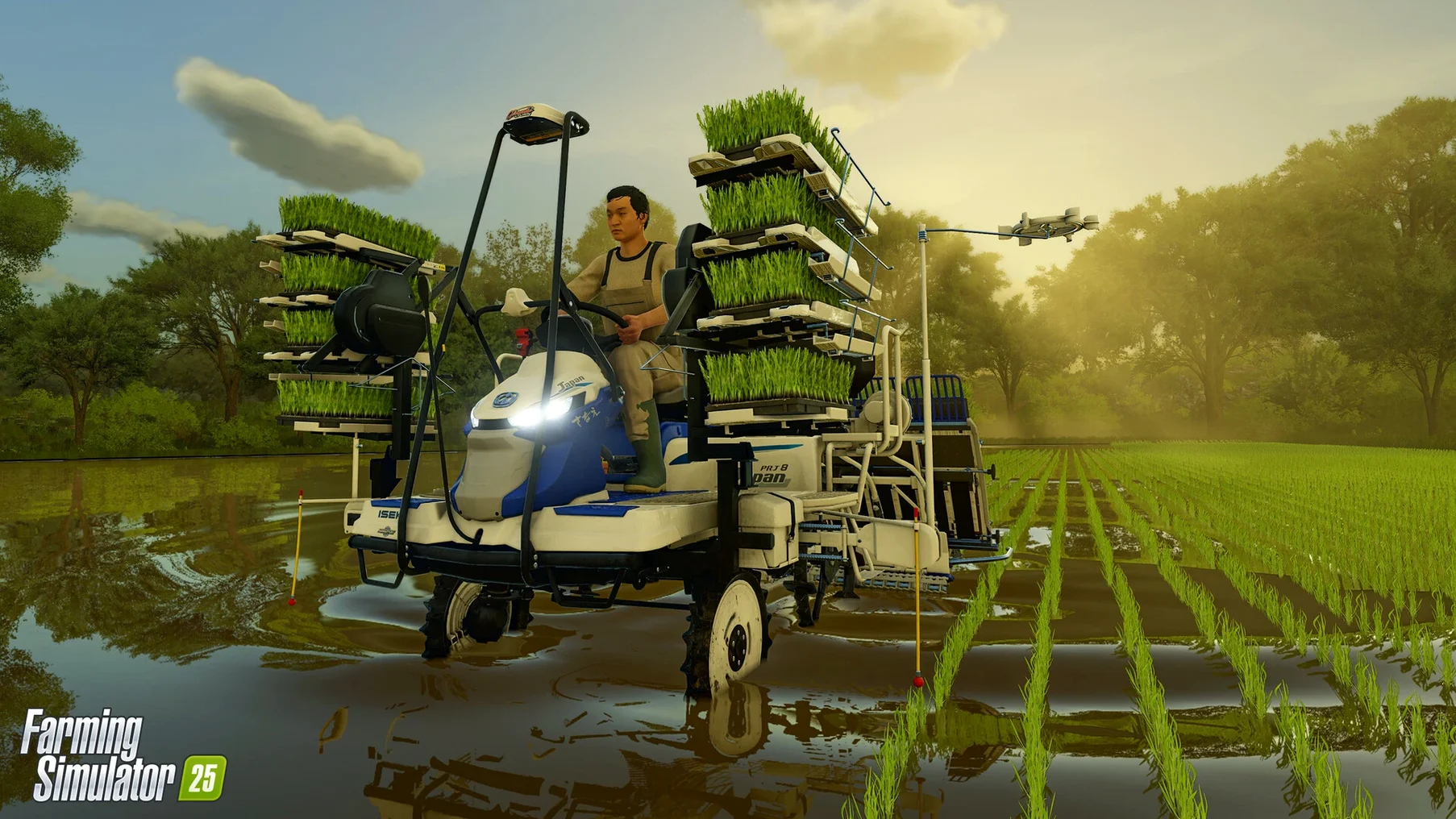
Two kinds of rice — long-grain and the flooded-paddy variety. Each needs different ground prep, so the field work splits in two directions early.
ModHub access — user creations pull straight into the garage. New balers, maps, or a classic tractor livery show up without leaving the menu.
Which Corner of the Barn Do You Need?
Three names tend to surface when Mac users go looking for a farm sim: Farming Simulator 25, Stardew Valley, and Ranch Simulator. They occupy different corners of the barn, and knowing which corner you're in saves a lot of head-scratching.
Stardew Valley runs on practically anything with a screen. It's pixel art, it's cozy, and the loop leans hard into relationships, mining, and crop-sprinkler automation. What it doesn't do is let you climb into a licensed John Deere with GPS steering and run a 400-hectare grain operation. The machines aren't the point. If you want a farming-themed life sim with combat and marriage candidates, Stardew delivers. If you want axle articulation and ground deformation that leaves actual ruts after a rainstorm, it doesn't even try. The two games coexist fine — different moods, different evenings.
Ranch Simulator is rougher around the edges. It focuses on livestock, hunting, and building repair more than crop cycles. The physics have personality but not precision; animals sometimes behave like they've been drinking. Its Mac version runs, but optimization isn't the headline. Farming Simulator 25's animal husbandry — water buffalo, baby animals, proper feed management — operates inside a simulation engine that calculates weight, nutrition, and reproduction across seasons. Ranch Simulator scratches a survival-crafting itch; FS25 scratches the "I want to manage a production chain from field to shop" itch.
The short version: if machines, maps, and management depth matter, torrent farming simulator 25 sits in a category of one on Mac. The other two are great games, just not the same game.
From 45 GB Download to Feeling Like Progress
The 45 GB download finishes. The DMG opens. The app copies to Applications. Then comes the moment where three maps, 400 machines, and a dozen crop types stare back at you. Here's what makes the first sessions feel like progress instead of panic.
Pick one map and stick with it for a week. North America, Central Europe, East Asia — each has different field shapes, road networks, and sell-point layouts. Jumping between them early just multiplies the learning curve. Start on the one that matches your mental picture of farming, learn its rhythms, then branch out.
Turn off traffic for the first few sessions. The AI drivers aren't brilliant, and your tractor doesn't stop on a dime. Removing road traffic while you learn machine widths and turning radii prevents a lot of fender-benders that cost repair money.
Lease before you buy. The shop lets you lease equipment for a fraction of the purchase price. Try a combine header size, a baler type, or a sprayer configuration on a single contract job before committing six figures. Contracts pay you while you test — free education.
Do a few contract harvests early. They hand you the right equipment, show you the field boundaries, and pay you for the work. By the third contract, you'll know which machine combos feel natural and which ones fight you. That knowledge shapes every purchase after.
Set the time scale to 5x or lower. The default speed can turn a relaxed planting session into a midnight scramble. Slowing it down gives you room to read tooltip descriptions, check the map, and actually watch the weather roll in without stress-sweating.
One more thing: the help menu inside the pause screen holds a surprising amount of detail. Giants buried tutorial text there that the opening wizard skims over — rice paddy flooding steps, animal cleanliness thresholds, production chain ratios. Worth ten minutes of reading before you buy your first field.
Windowed Fullscreen and the Mac Toggles That Matter
The default configuration ships playable but not optimal, especially on Mac. A few toggles make an outsized difference.
Graphics: switch to windowed fullscreen. Fullscreen exclusive sometimes fights with Mission Control on multi-monitor Mac setups. Windowed fullscreen keeps the game visible while letting you swipe to a browser for crop price checking without the screen flickering.
Foliage draw distance: pull it back one notch. The highest setting looks gorgeous but hammers the GPU during harvest when dust particles and crop destruction effects pile on. Dropping it one tick keeps the frame rate steady without a visible difference from the cab view — the mirrors show what you need.
Autosave interval: bump to 15 minutes. The default saves frequently, which is safe but causes a hitch on slower drives. Fifteen minutes catches mistakes without the frequent micro-stutter.
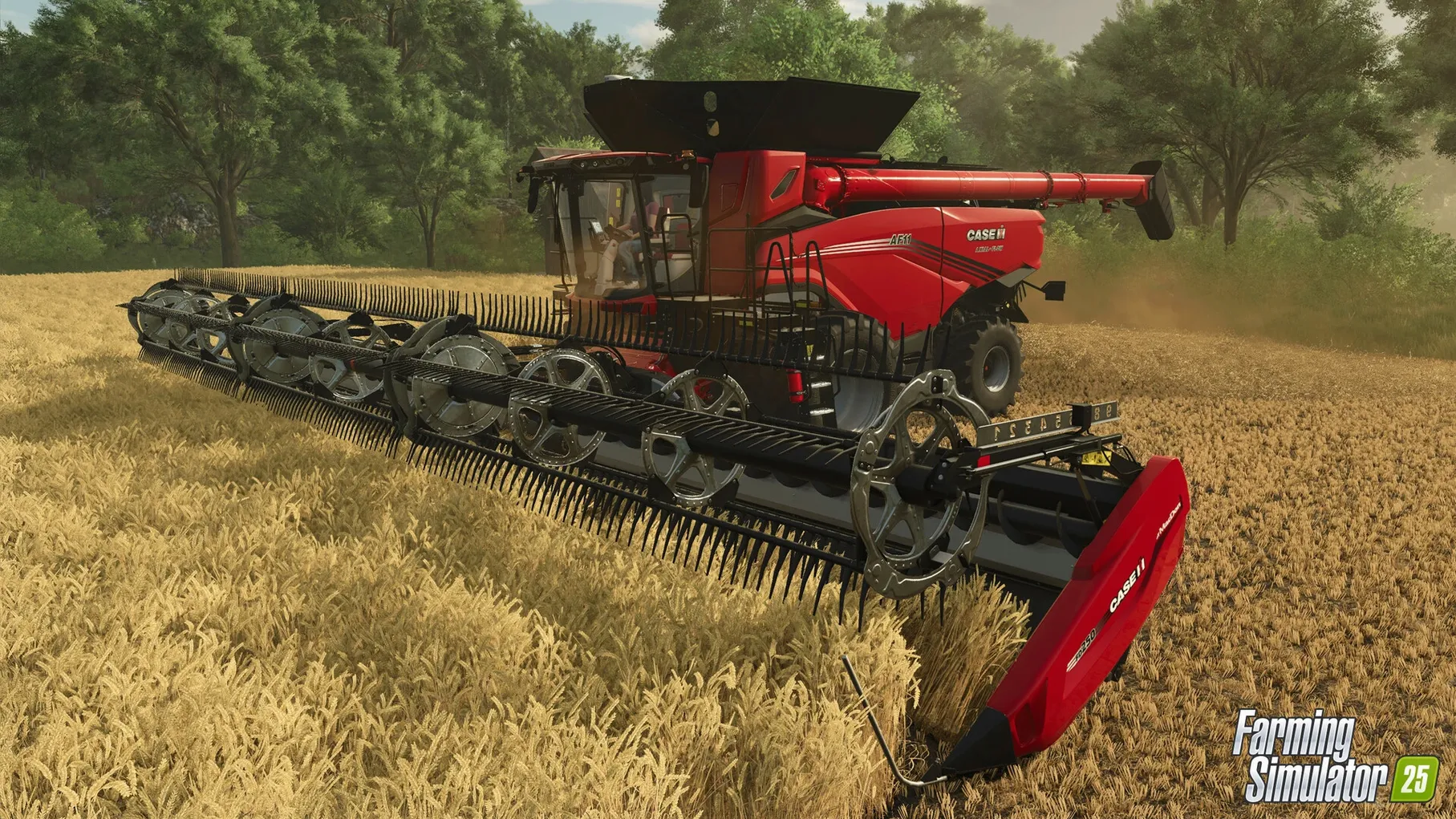
GPS steering: enable it in the game options, not just per-vehicle. There's a global toggle that makes the GPS helper available on any compatible tractor by pressing a keybind. Set that keybind to something you can hit without looking — the helper becomes muscle memory within an hour. It's the single biggest quality-of-life feature for field work, turning wobbly passes into arrow-straight lines while you manage the implement.
Measurement units: metric vs. imperial. Sounds trivial, but the entire UI — speed, area, weight, fuel — shifts with this setting. If you think in acres and bushels, switch it. The field info panel reads naturally instead of forcing mental math every time you check a yield.
A Workflow: From Overgrown Field to Sold Spinach
Here's a concrete task chain that touches crop choice, ground prep, weather, and the production economy — spinach, because it's new in this version and moves fast.
1. Scout the field. Walk the perimeter. Note any trees or rocks that'll snag a cultivator. The deformation system means tire tracks from previous harvests are still visible in the dirt — useful for planning your first pass direction.
2. Check the weather forecast. Spinach hates sitting in waterlogged soil. If rain is due in the next two in-game days, either wait or pick a field with good drainage. The forecast tab shows precipitation probability; ignore it at your yield's peril.
3. Lime if needed. The field info panel shows soil composition. If the lime indicator is red, spread lime before anything else. Skipping this step cuts yield by a percentage that compounds through the growth cycle.
4. Plow or cultivate. Spinach wants a fine seedbed. Use a cultivator with a roller attachment if you have one — it breaks clods and levels in one pass. GPS steering keeps the passes tight, no gaps, no overlap waste.
5. Seed immediately after cultivation. The soil moisture window is short, especially in the East Asia map where humidity swings fast. Fill the seeder with spinach seed, set the working width, and follow the same GPS contour from step four. The seed bed is still visible, so matching the line is easy.
6. Wait and watch the weather. Spinach germinates quickly. If a hailstorm warning pops, there isn't much you can do — no crop insurance mechanic — but knowing it's coming at least prevents you from fertilizing into a storm. After the weather clears, roll the field if weeds haven't appeared yet. Rolling right after seeding locks moisture and boosts yield slightly.
7. Harvest at the tight window. Spinach goes from "ready" to "withered" faster than most crops. Watch the growth stage indicator. When it flips green, harvest immediately. Use a vegetable harvester — check ModHub if the base game options feel limited; the community often fills equipment gaps within weeks of a crop being added.
8. Sell or process. Raw spinach fetches a decent price at the farmers' market, but running it through a production chain — washing, bagging, then selling at the farm shop — roughly doubles the profit. The production building takes time to process, so plant a second crop in another field while the first batch cycles through. By the time field two is harvested, field one's spinach is bagged and tagged.
The whole loop, start to finish, runs about four real-time hours on 5x speed — a solid evening session. No step requires a monster machine, so it's doable with starting equipment and one leased harvester. The profit from a single spinach cycle on a medium field funds the next upgrade without needing a loan.
Patch 1.23.1.0, dated 2026-09-09, focuses on stability under the hood. Crops render more predictably, and several edge-case crashes tied to production chains are ironed out. Also fixed: a hitch in GPS steering that could drift on long rows.
- macOS 11.3 or later
- Apple M1 chip or newer (Intel supported, Apple Silicon recommended)
- 8 GB RAM
- 45 GB free storage
Questions I actually get
Will hail actually destroy my crops?
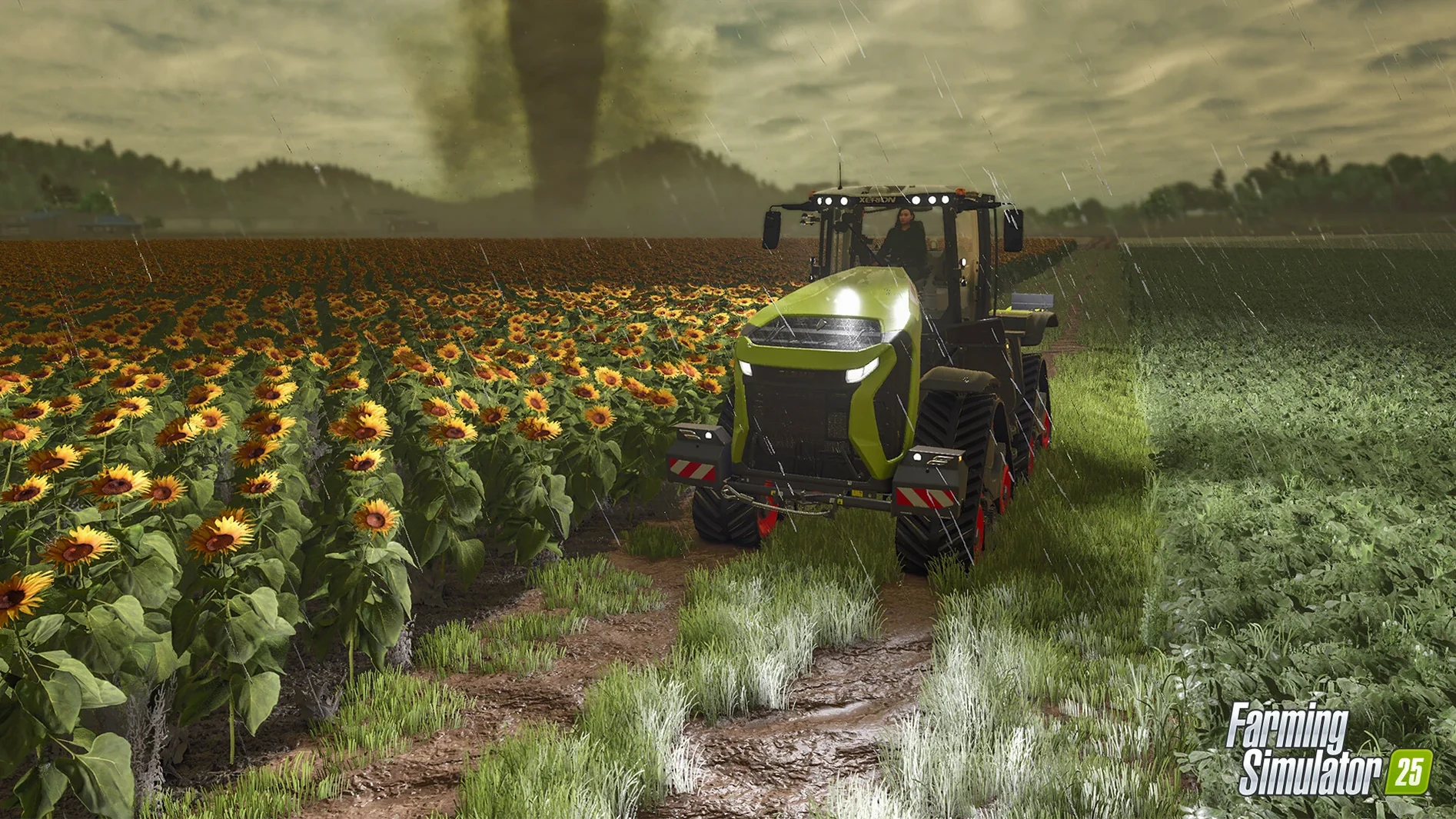
Yes, hail and hurricanes are live weather events in Farming Simulator 25 that can flatten a field before harvest, so you'll want to watch the forecast and plan your work windows.
Notes from the edit bay · 0
Sign in or get an edit-bay pass to leave a note.
No notes from the edit bay yet. They go up after I read them.