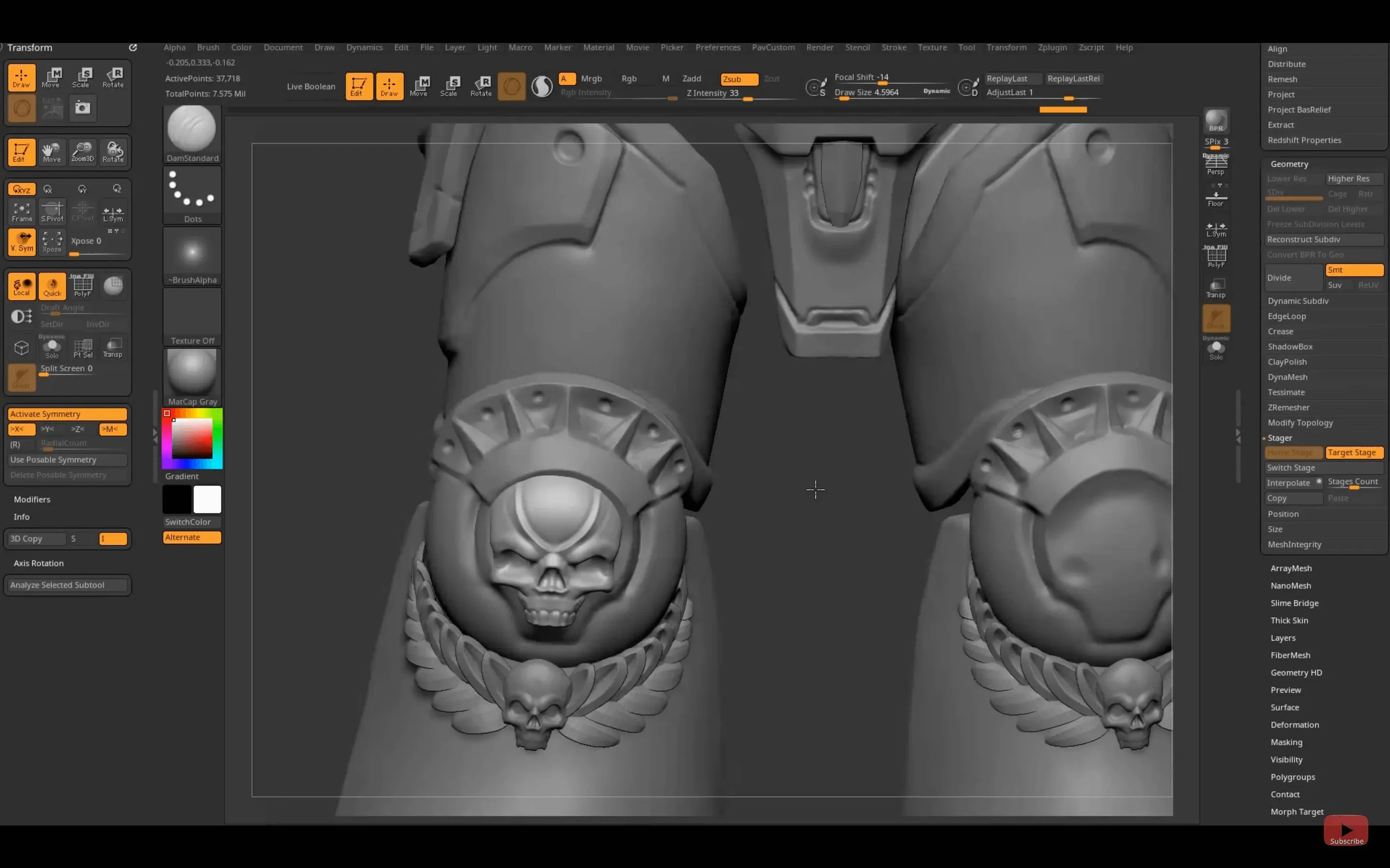
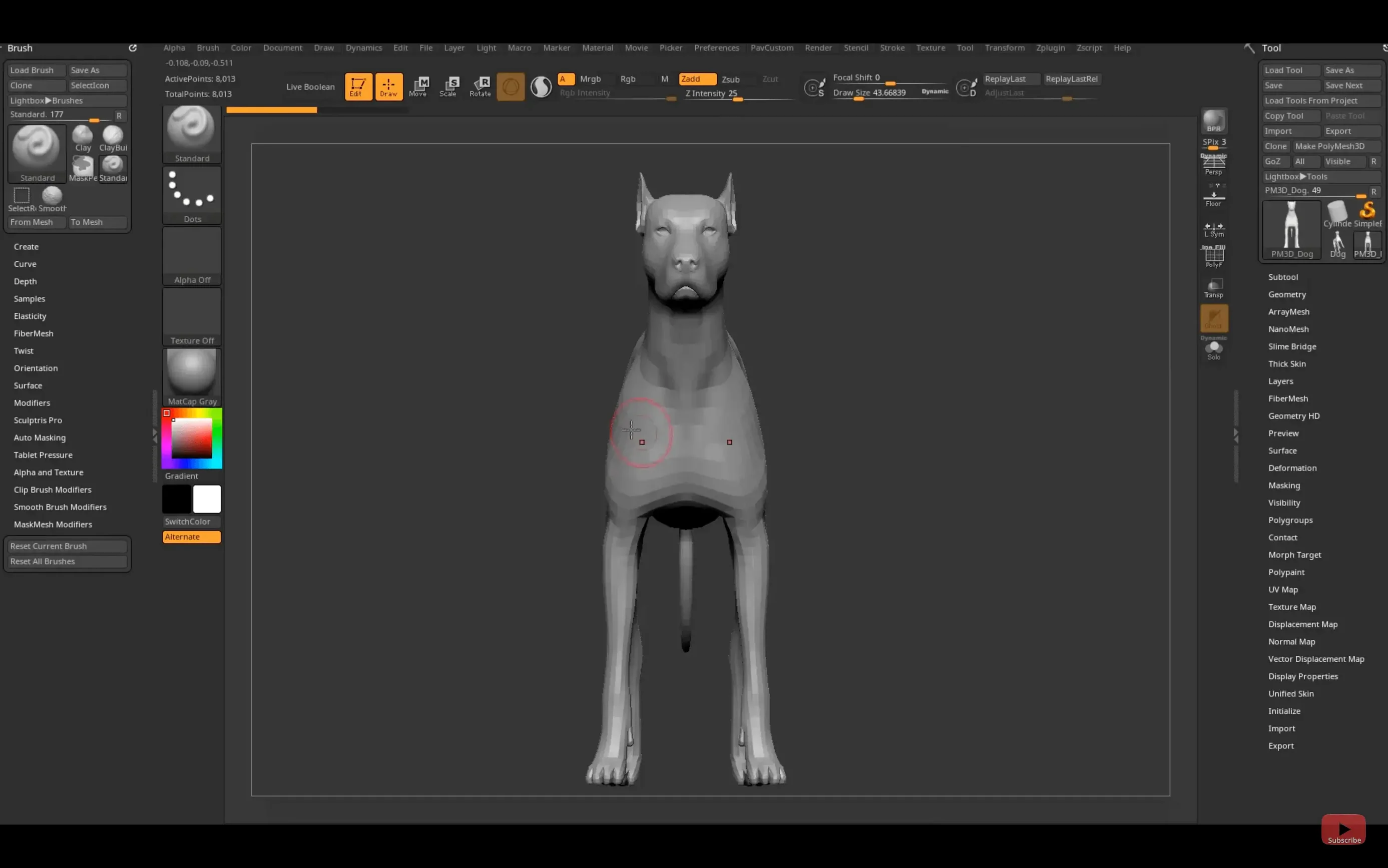
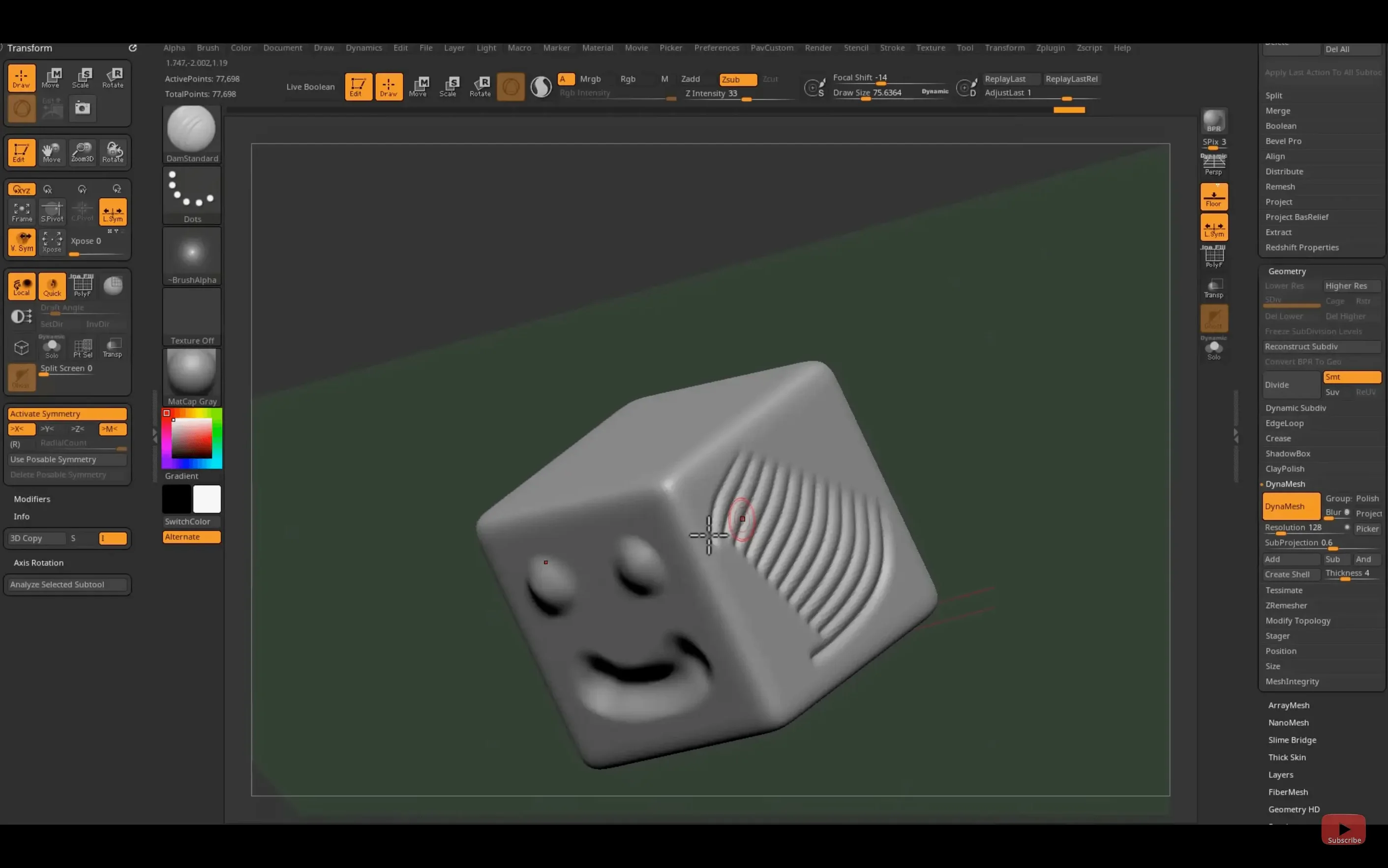
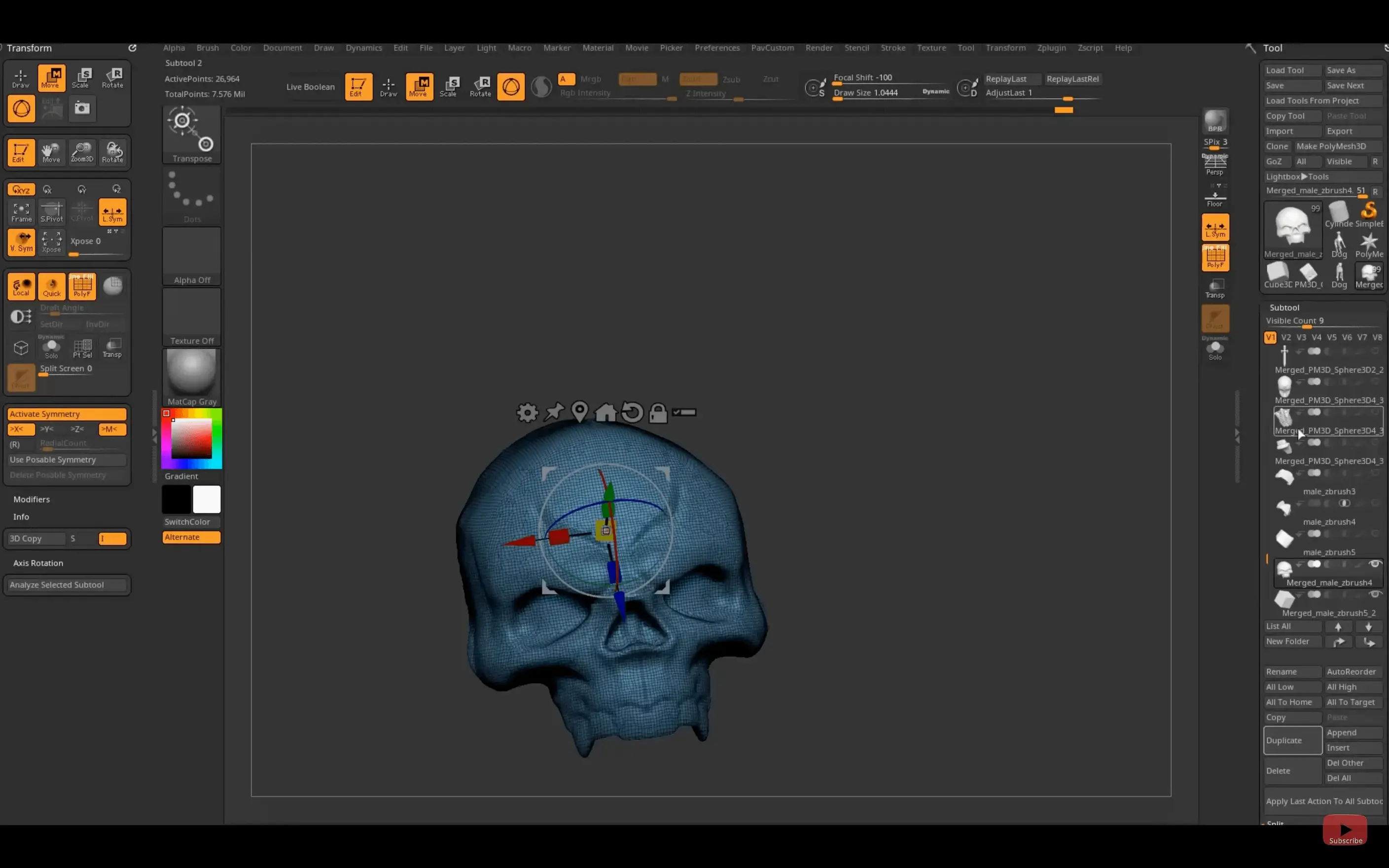
Flat polygons can't hold the detail of a creature's skin or the wear on a hero prop. ZBrush treats every point on the mesh as a full pixel with depth, which is why concept artists keep coming back to it.
Pixol — the core data unit. Each point stores XY coordinates, a Z depth value, color, orientation, and material assignment. It's not a vertex; it's a full pixel you can sculpt.
Polygon count — ZBrush handles models that would choke a traditional 3D package. Tens of millions of polys are a normal Tuesday. You sculpt shape and texture in the same pass instead of faking detail with maps.
Substance Bridge — new in 2026.2.1. One click sends your model into Substance Painter for texturing. No export menus, no lost layers. It cuts a tedious round-trip down to a single button.
GoZ — the pipeline glue to Maya 2026 and 3ds Max 2026, updated in this release. Send a character out, pose it, send it back. The rig stays intact.
iPad hotkeys — custom shortcuts now save and sync to the tablet version. If you split time between a Cintiq and an iPad Pro, your muscle memory travels with you.
ZBrush sits alongside the rest of the Maxon line but plays its own game. It's not a general 3D app. It's a sculpting environment that happens to paint, retopologize, and render when you need it to.
Swap to the Tablet Interface Before Your First Stroke
Out of the box, ZBrush assumes you're left-clicking with a mouse. Most artists aren't. Head straight into Preferences > Tablet and toggle on the tablet interface—this changes pressure curves and disables the right-click pop-up menus that drive a stylus user crazy.
Next stop: Preferences > Transpose. Enable Click instead of drag for transpose lines. It sounds minor, but when you're masking a limb and rotating a joint, a single click to set the pivot point saves you from wrestling with a line that wants to snap to the nearest edge.
Undo history defaults to a stingy 20 steps. Bump Preferences > Mem > Max Undo to at least 100. Sculpting is iterative—broad strokes, then refinement, then second-guessing. Twenty steps evaporate in two minutes of blocking out a skull.
While you're in the memory tab, check Compact Mem. ZBrush hoards RAM for its undo system. If you're running on a machine with 16 GB or less, enabling compact memory after saving keeps things from grinding to a swap-file crawl.
One quality-of-life tweak: Preferences > Draw > Cursor. Switch from the default red dot to a small crosshair. When you're working at high zoom on fine detail—pores, scales, cloth weave—the dot obscures exactly the area you're trying to hit.
Last one: Document > ZAppLink Properties. If you paint in Photoshop alongside your sculpt, set your target app here once. It remembers the path, and you'll stop launching the wrong version of Photoshop when you send a texture out.
The Substance Bridge Now Skips the FBX Roundtrip
The Substance Bridge is the headliner for 2026.2.1, and it genuinely reshapes a texturing workflow. Before, you'd export an FBX, remember to check "flip Y" so your normals didn't invert in Substance, re-import, and realize you forgot the UVs. Now it's one menu command. The model transfers with polygroups intact as ID masks, which means you paint materials by sculpted grouping instead of drawing selection masks from scratch.
Also fixed: GoZ now talks to Maya 2026 and 3ds Max 2026 without the old workaround of saving as an earlier Maya version. If you rig in a current production pipeline, that's one less export preset to maintain.
On iPad, custom hotkey sharing sounds boutique, but for anyone who built a ZBrush layout over years—specific brushes on specific keys, custom macros for repetitive masking tasks—it means the tablet version is no longer a "light" companion. You can genuinely sculpt on a plane or a couch with the same shortcuts you use at your desk.
Where Sculpting Ends and the Render Pipeline Begins
ZBrush doesn't do final render. That's not its job. The typical chain runs: block out a base mesh in Maya or Blender, sculpt and polypaint in ZBrush, retopologize back in your 3D app or with ZRemesher, then texture in Substance Painter via the new bridge. Final render lands in Redshift, Arnold, or Unreal.
macOS Handoff doesn't apply, but iCloud Drive does. Keep your ZBrush project files in iCloud, and your custom brushes, alphas, and materials in a synced folder. When you open the iPad version, your Brush > Load Brush path can point to the same cloud directory. It's not real-time sync—you reload manually—but it beats emailing yourself a .ZBP file.
With Photoshop, ZAppLink remains the quiet workhorse. Hit the button, your current camera view flattens to a PSD, you paint directly on the 2D projection, and ZBrush maps it back onto the sculpt. For adding dirt streaks to a mech or veins to an eyeball, it's faster than polypainting by hand because you get Photoshop's brush engine and layer blending.
QuickTime screen recording, built into macOS, is your friend for client reviews. ZBrush's turntable render plus a screen capture of the viewport spinning gives you a review movie without touching After Effects.
An Indie Character Artist's Afternoon
She's building a creature bust for a personal project—something between a bat and an old man, for a short film she'll render in Unreal. She starts in Blender with a simple sphere, pushes and pulls a rough skull shape, then sends it to ZBrush with GoZ.
Two hours of sculpting: DynaMesh to merge the ears into the head, ClayBuildup for the brow ridge, DamStandard to carve wrinkles around the eyes. She masks the neck, inverts, and uses the Move brush to drag out a ragged collar shape. Polycount sits at 8 million and ZBrush doesn't blink.
She polypaints a base skin tone with warm ochre, then switches to a spotted alpha to stamp liver spots across the scalp. The Substance Bridge sends everything to Substance Painter—polygroups become ID masks automatically, so the leathery wing membrane gets a different material from the oily forehead skin without manual masking.
Back in ZBrush, she runs a turntable, captures it with QuickTime, and drops the clip into a Discord thread for feedback. Two friends suggest the ears need more sag. She loads the project from iCloud onto her iPad later that evening, pinches to zoom into the ear, and sculpts while half-watching a movie—hotkeys intact from the morning's session.
Three tools, one afternoon, no export dialogs. That's the difference a version like 2026.2.1 makes.
The Substance Bridge is the headliner — one-click transfer to Substance Painter without the export dance. Also added: native Windows on Arm support, GoZ updates for Maya 2026 and 3ds Max 2026, and custom hotkey sharing on iPad.
- macOS 12.6 or later
- Intel or Apple Silicon Mac
Questions I actually get
Does the Mac version run on Apple Silicon?
Yes, ZBrush 2026.2.1 runs natively on both Intel and Apple Silicon Macs with macOS 12.6 or later.
Where does ZBrush fit in a production pipeline?
It handles the high-resolution sculpting and polypainting stage. Models then move to layout, UV, or texturing apps via GoZ or the new Substance Bridge.
Notes from the edit bay · 0
Sign in or get an edit-bay pass to leave a note.
No notes from the edit bay yet. They go up after I read them.