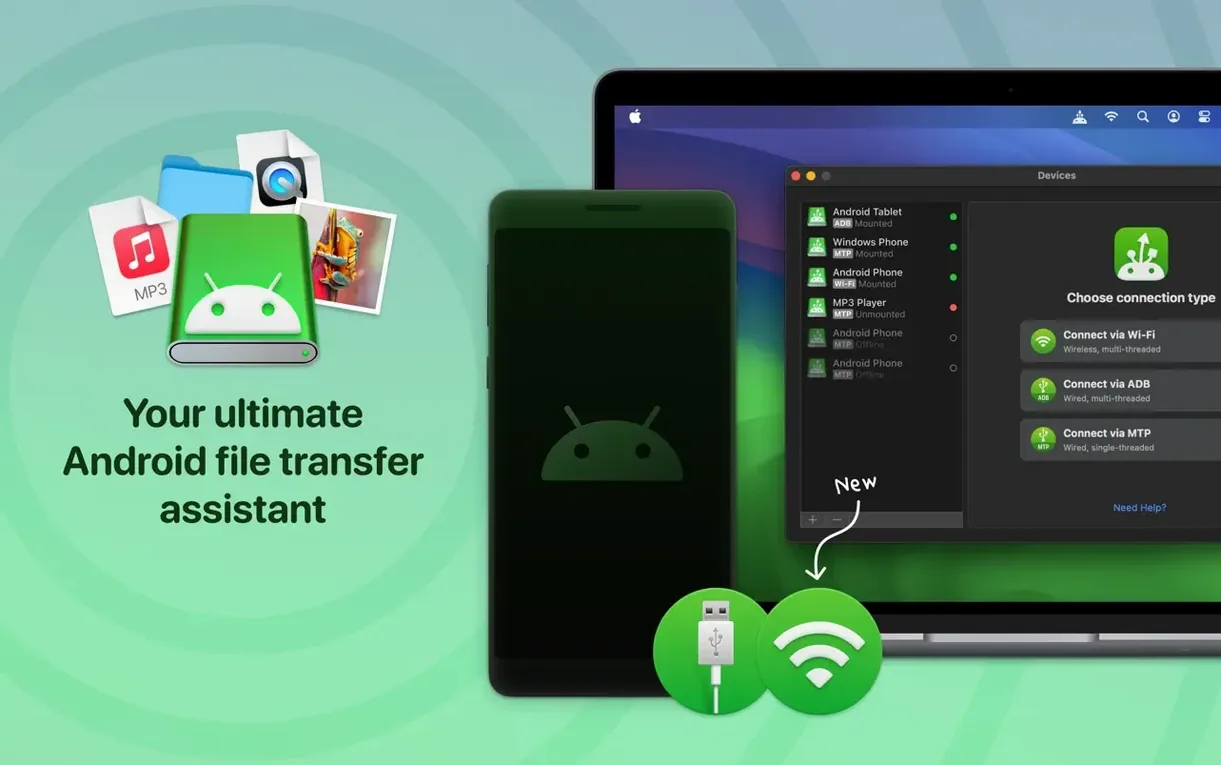
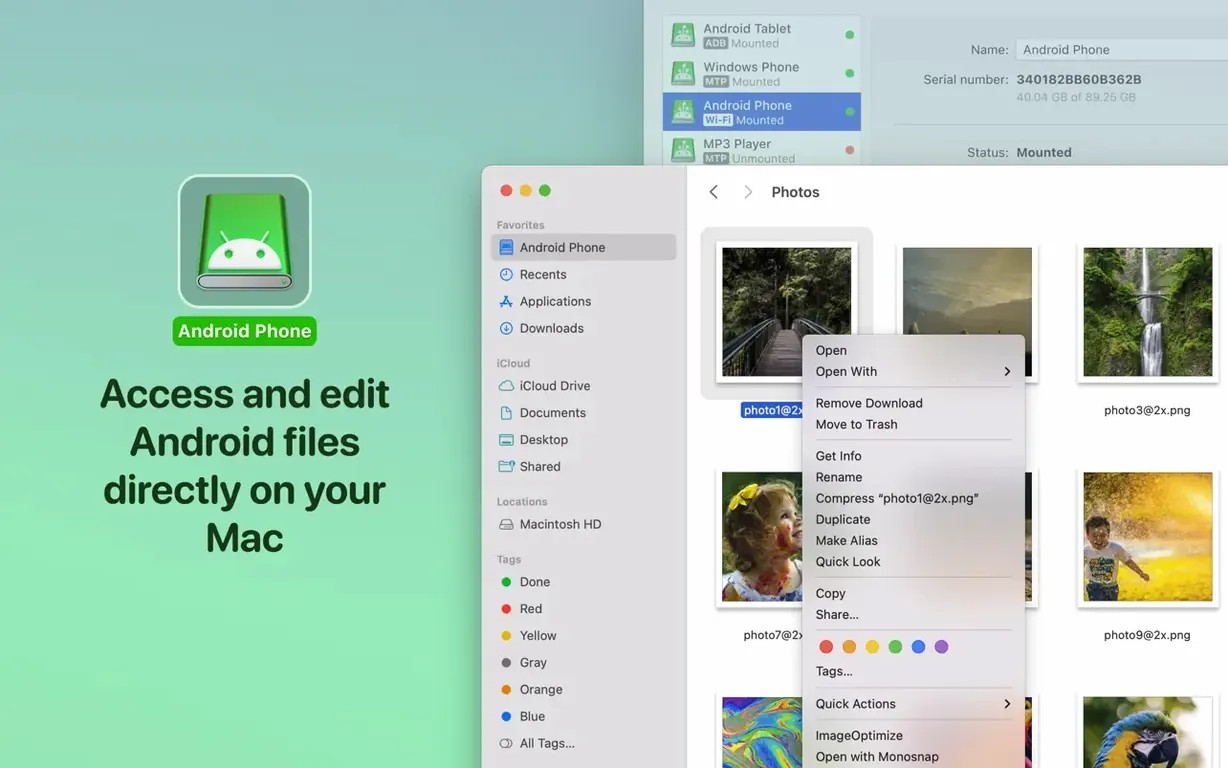
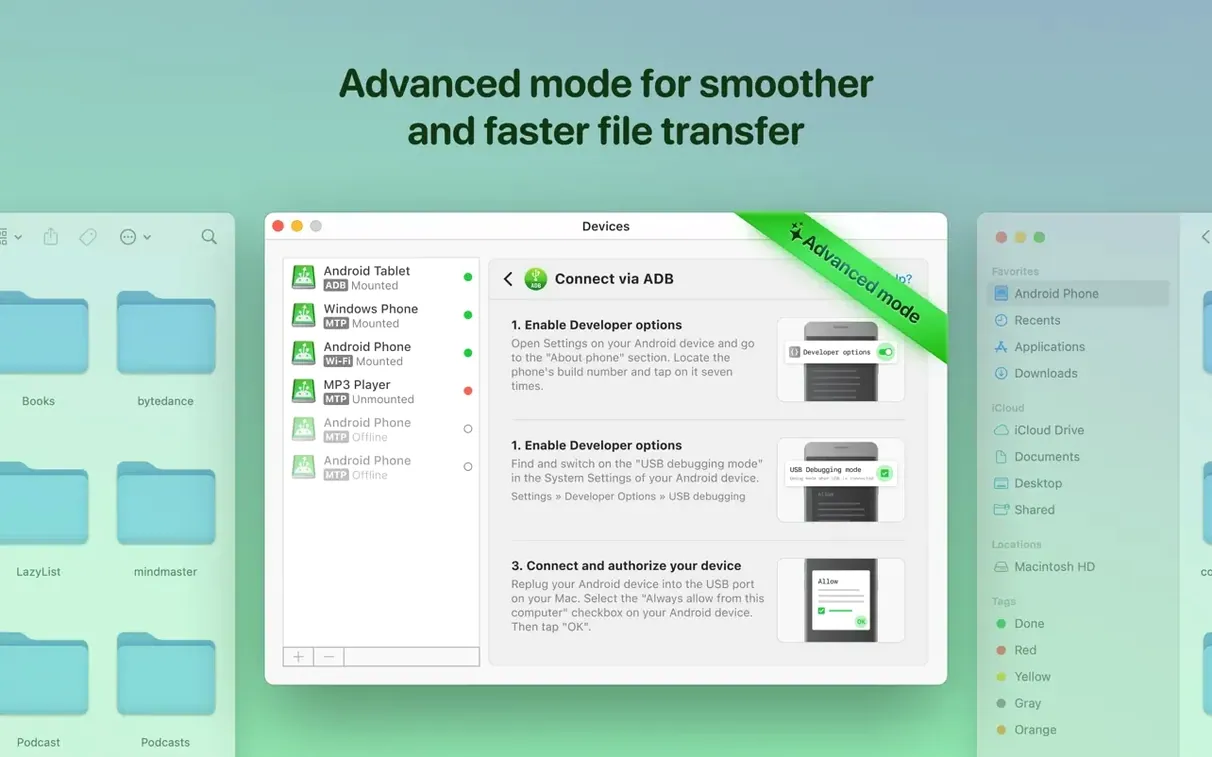
ADB mode is the one you keep coming back to. It opens both internal and external storage on Android devices that shrug at basic MTP, and it lets you edit files right on the phone — no round‑tripping to the Mac desktop first. Open a video project bin, rename a batch of raw photos, tweak a config file, save, and the change stays on the device. The Mac never holds a copy unless you drag one over on purpose.
That in‑place editing workflow changes how you organise. You connect over USB, mount the Android folders like a local drive, and work inside Premiere’s media browser or Finder while the phone charges. When a shoot wraps and the card is nearly full, I offload clips directly to a 2 TB external SSD attached to the Android tablet, then rename and rough‑sort everything from the Mac side before ingest. No cloud, no intermediate disk on the computer.
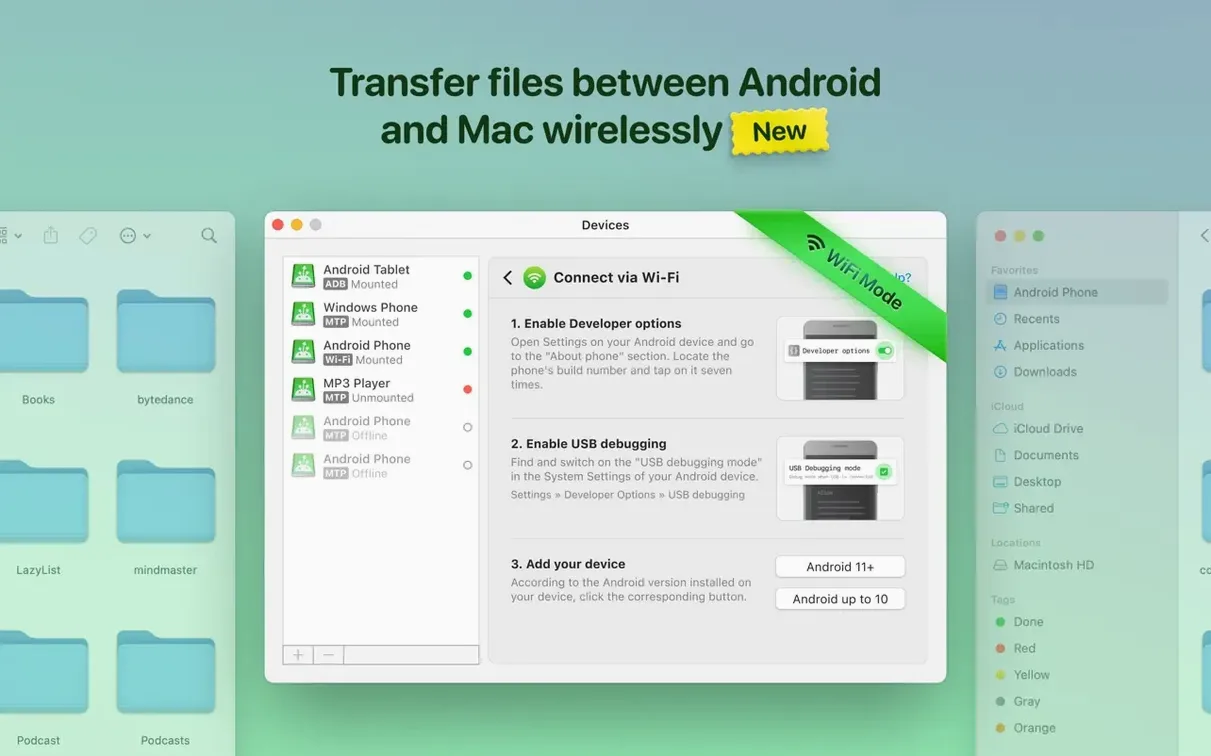
Wi‑Fi mode sits there for the quick pull. Grabbing a handful of screenshots or a render review file without hunting for a cable feels practical, not fragile. The app talks to the device over your local network, and transfer speeds hold steady enough for photo selects and short 4K clips. For a full card dump, I still plug in; for a 30‑second pull, wireless gets it done.
MTP remains the connector of last resort — reliable on Samsung and Google hardware, fussy on others — but with the recent listing fixes it finally shows folder contents without the ghost files that used to clutter the pane. The real muscle lives in ADB and the editing‑without‑copying behaviour it unlocks. Once that connection is set, the Android device behaves less like a phone and more like a removable drive that happens to run apps.
No APK Needed — The Desktop-Only Setup Trap
Grabbing macdroid pro apk thinking the desktop app needs a phone companion is the first dead end. MacDroid lives entirely on the Mac — the Android side only needs Developer Options and USB debugging toggled on. No .apk, no Play Store install, no notification bar applet to manage. Search for a phone component and you waste half an afternoon chasing something that doesn't exist.
The second classic: connecting in MTP mode and wondering why the external SD card isn't showing. MTP by itself often sees only internal storage. Switch to ADB mode and the full storage map appears — internal, external, even OTG drives hanging off the phone. People blame the app when it's the connection protocol doing exactly what it always does.
Wi‑Fi mode catches newcomers off guard too. Both devices need to sit on the same network subnet, and some corporate or university networks block the discovery handshake. If the phone doesn't appear in the wireless list, a quick hotspot from the Mac or a direct cable connection clears the logjam. Once paired over USB, the IP handshake often kicks in afterward without further fiddling.
And the one nobody reads: after a macdroid for mac free download, some folks skip the ADB authorisation prompt that pops up on the phone screen the first time. The Mac waits, the phone waits, and the connection times out. Tick "Always allow from this computer" on the Android dialog and you never see it again.
800-Photo Folders Now Populate in Seconds
The MTP improvements aren't release‑note fluff. Before the current build, browsing a folder with 800 raw photos meant a spinning beachball and a file listing that sometimes doubled entries. Now the pane populates in a couple of seconds, and the phantom duplicates are gone. You can trust what you're looking at without a squint test.
ADB connections to devices that used to take two or three attempts — certain Xiaomi and OnePlus models come to mind — now latch on the first try most days. That reliability shifts ADB from "when it works" to the mode you leave on by default. Fewer disconnects during long transfers too, which matters when you're pushing a 40 GB folder of ProRes proxies.
The cache‑volume fix is the kind of thing you only notice if you'd been burned before. Changing the scratch disk location in macOS system settings used to break file downloads silently; the transfer would hang or spit out zero‑byte files. That's gone now. If you redirect caches to an external drive, MacDroid follows along without protest.
Traditional Chinese localisation landed quietly, but for editors working in Taipei or Hong Kong post houses, it means the interface matches the rest of the bay. Every dialog, tooltip, and error message reads naturally, not like a machine translation pasted in at the last minute.
Sustained 80–110 MB/s Reads Without the Fan Ramp
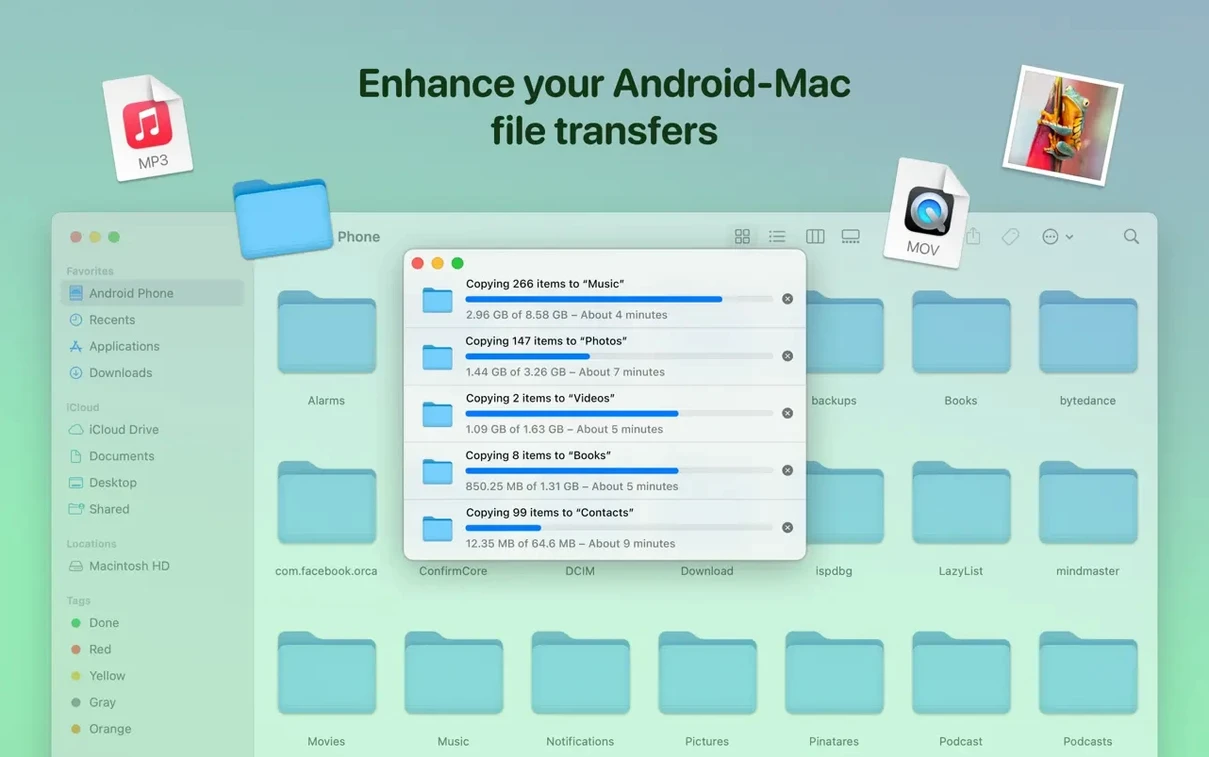
Over USB 3.1 on a Mac Studio, sustained transfers hover around 80–110 MB/s read from an Android SSD — not theoretical peak, but real numbers while Finder is also indexing and Spotlight is doing its thing. The fan doesn't ramp, memory pressure stays flat, and I've queued 200 GB moves in the background while rendering in DaVinci Resolve without a stutter in either app.
ADB mode carries a tiny CPU overhead — maybe 2–4% on an M1 Max — because it's translating file system calls. Wi‑Fi mode is lighter on the processor but obviously slower on the wire; expect 15–25 MB/s on a decent 5 GHz network depending on router placement and how many devices are competing for airtime.
The app itself idles at around 80 MB of RAM when connected, climbing to 120 MB during active transfers. That's negligible on any Mac that meets the macOS 11.5 floor. I've never seen it trigger a memory pressure warning, even on an old Intel MacBook Air with 8 GB unified memory.
Stability is the real story. Crashes were rare in earlier builds, but they'd crop up when ejecting a device mid‑transfer. The current version handles unexpected disconnects gracefully — the operation cancels, Finder unmounts the volume, and reconnecting picks up where you left off without a force‑quit dance.
Stream Clips Straight Off the Phone Into QuickTime
Double‑click a video file on the mounted Android volume and it opens in QuickTime or your default player straight off the phone — no local copy, no waiting. Useful when a director texts a reference clip and you want to scrub through it before pulling the full file into your project.
The mount point in Finder behaves like any other volume, which means you can tag files with Finder labels, batch‑rename with macOS's built‑in rename tool, and even run Automator folder actions against incoming footage. Nobody talks about this, but a watched folder that auto‑sorts dailies by date works identically whether the source is an SSD or a Pixel mounted over ADB.
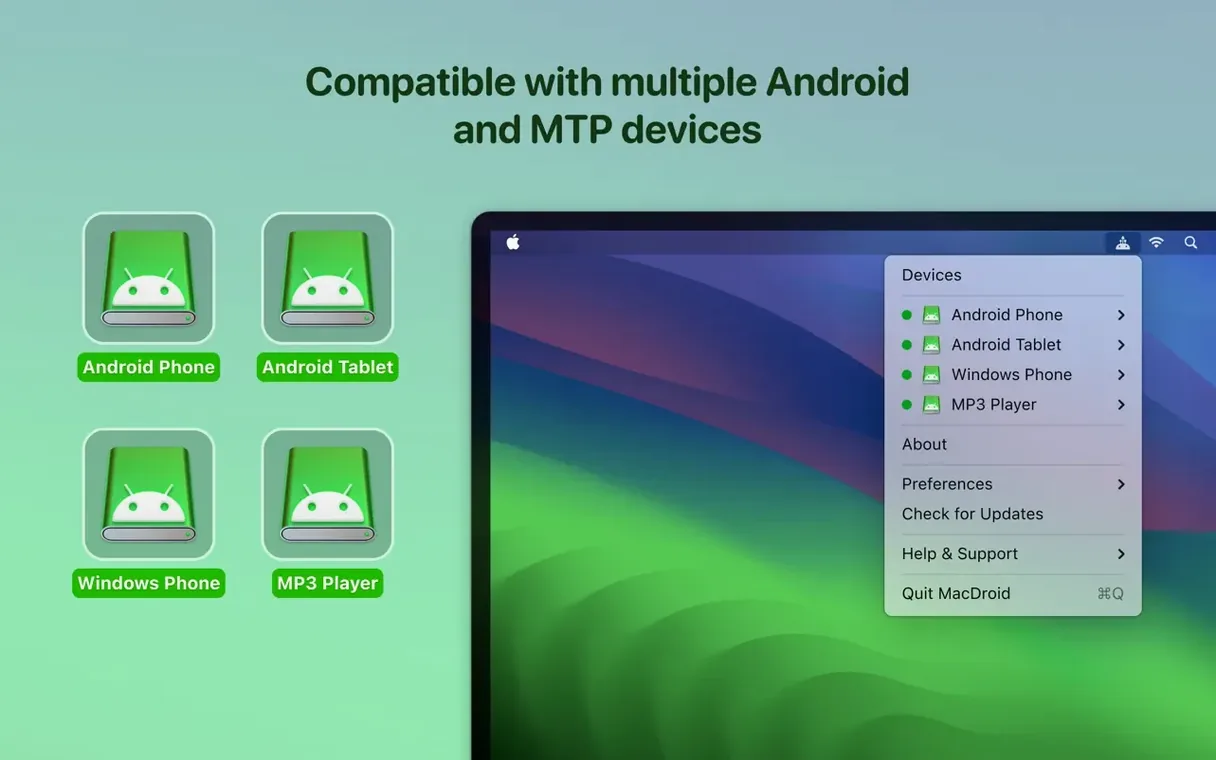
If you've hunted for a macdroid activation code or a working macdroid cracked build, you've probably missed that the Settings gear hides an "Open Android folder in Finder" shortcut. One click jumps you to the root of the device, bypassing the sidebar. Faster than drilling through the mount tree every time.
Keyboard shortcut: Command‑R refreshes the file listing without disconnecting. When you've added new files from the phone side — say you shot a quick photo while the device was still mounted — a refresh beats ejecting and reconnecting.
The Wi‑Fi mode stores recently paired devices in a dropdown. If you bounce between a personal phone and a work tablet, switching is two clicks with no re‑authentication. Small thing, but it saves the thirty seconds of cable wrangling that breaks creative momentum.
Traditional Chinese localization arrives alongside deeper MTP improvements — connections are steadier and the file pane populates without the old lag. Folder listings load noticeably faster now.
Also fixed: incorrect file and folder names in directory listings, and ADB handshake with some devices that previously refused to mount.
- macOS 11.5 or newer
- Apple Silicon and Intel Macs
Questions I actually get
Can I edit Android files without copying them to my Mac?
Yes, over a USB connection MacDroid lets you open and edit files directly on the Android device so changes save back to the phone or tablet.
Does MacDroid work with external SD cards and USB drives attached to Android?
It supports both internal and external Android storage, so you can access SD cards and attached drives alongside the device’s main memory.
Notes from the edit bay · 0
Sign in or get an edit-bay pass to leave a note.
No notes from the edit bay yet. They go up after I read them.