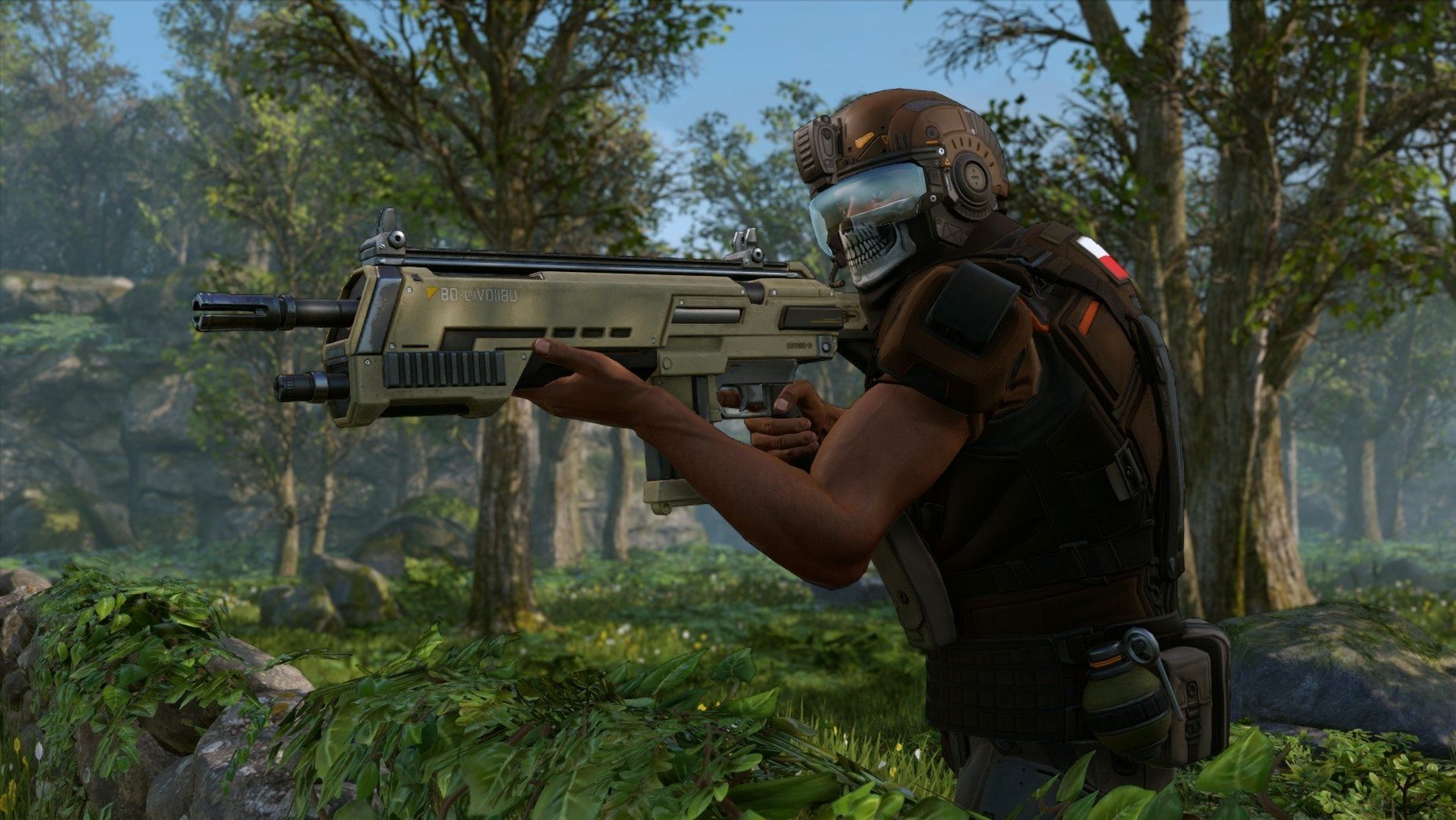
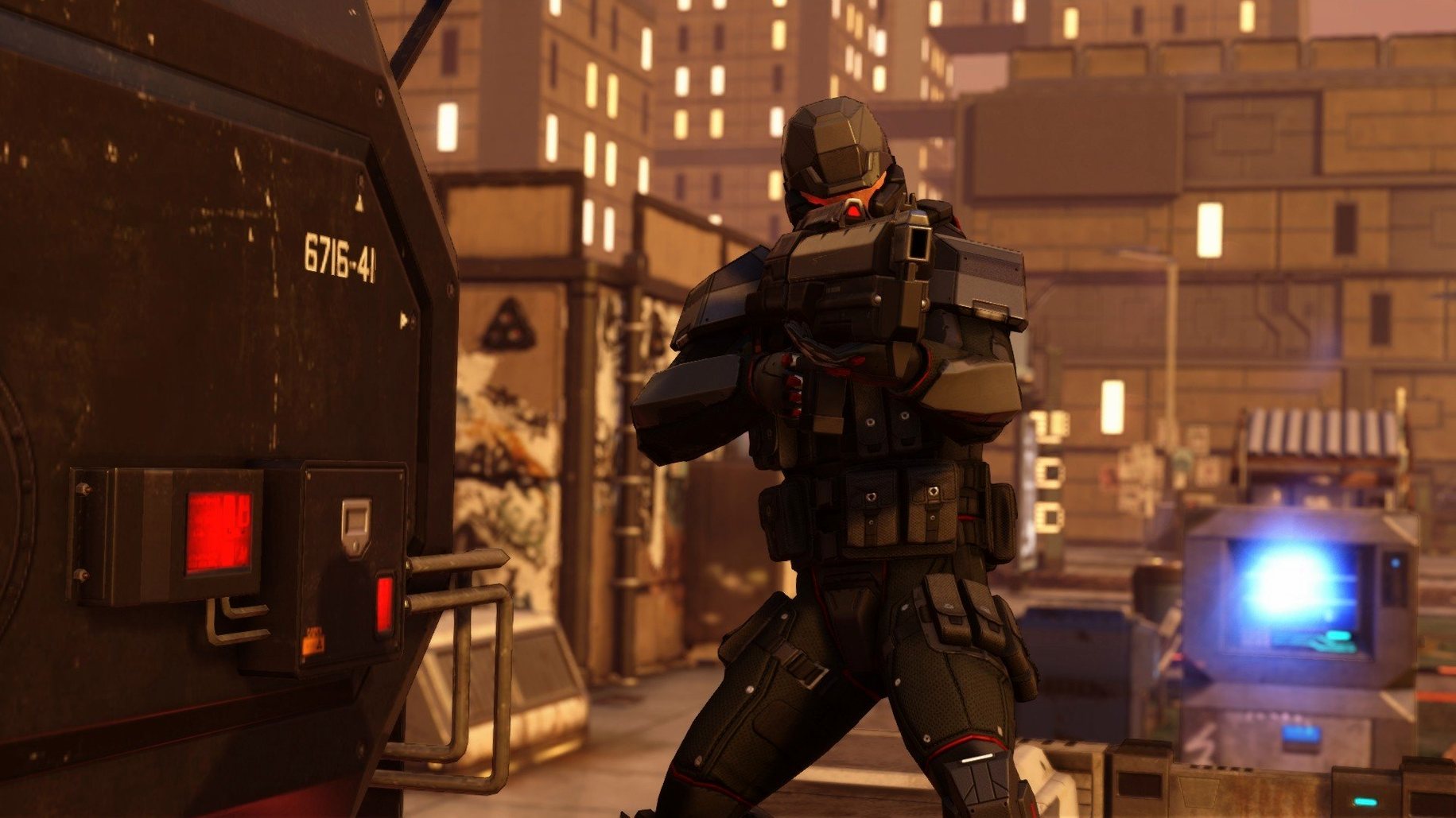
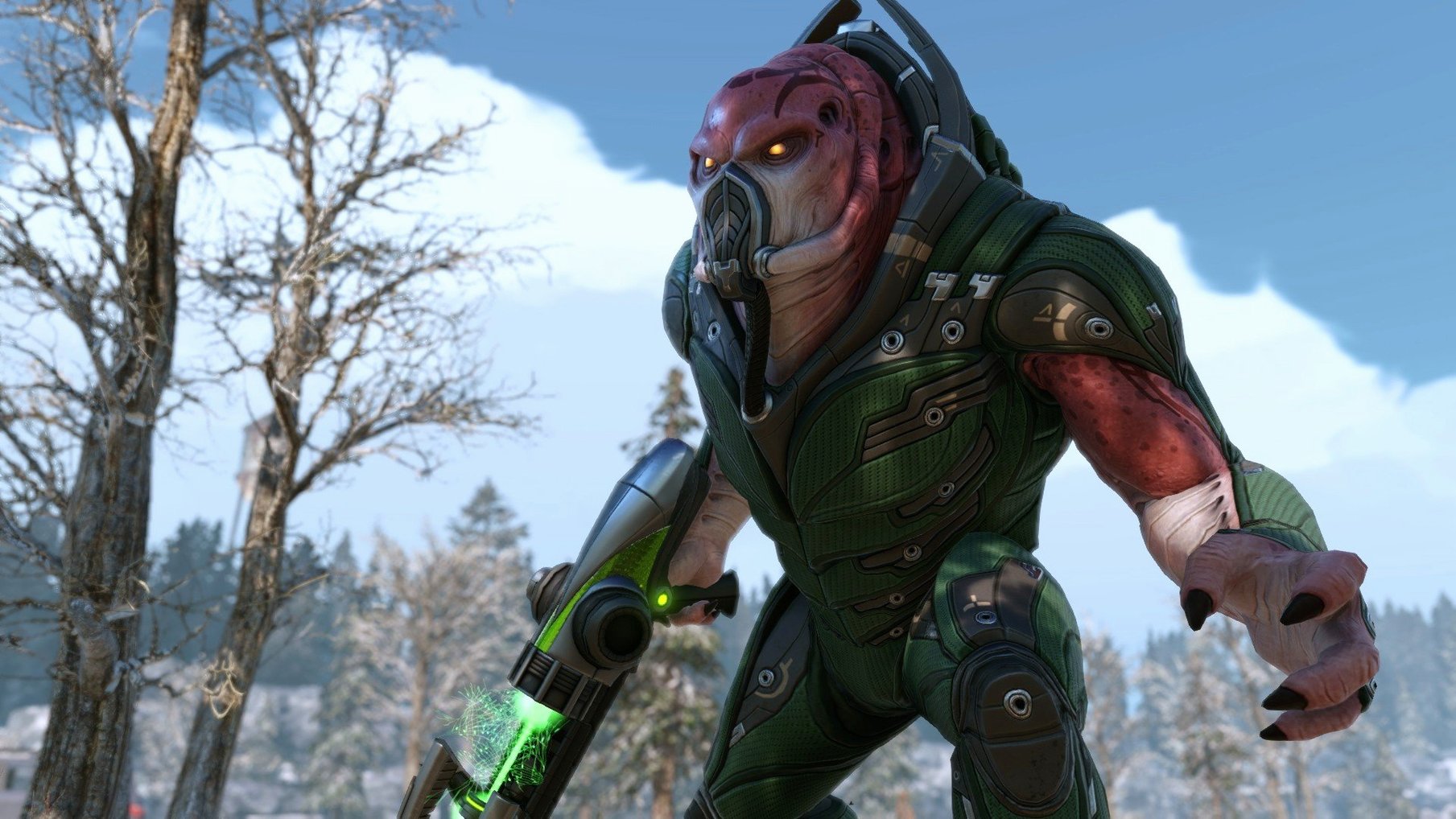
Concealment is where everything clicks. Sending a Ranger ahead to spot a Viper patrol, then setting the rest of the squad on overwatch before the aliens even know they're in a fight — that's the rhythm Firaxis nailed. The Mac version, handled by Feral Interactive, bundles the base game, War of the Chosen, and four DLC packs into one install. You get the full alien-occupied Earth, from the first crashed Avenger mission to the final raid on ADVENT's stronghold.
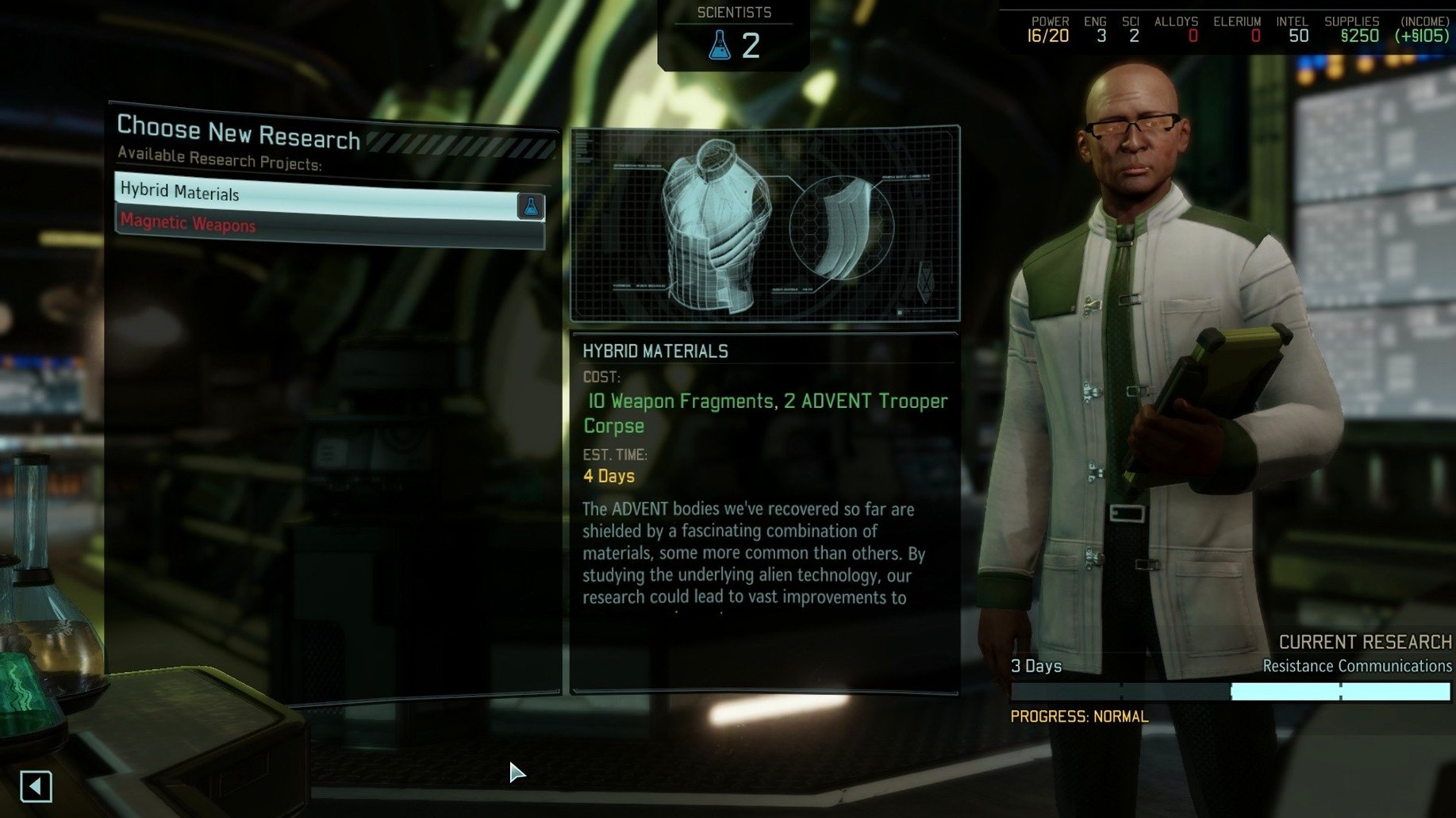
On a 2020 M1 MacBook Air running Sequoia, the game runs under Rosetta 2. Turn times stay snappy, though you'll want to drop shadows and screen-space reflections for a locked framerate during the Lost missions — those swarms of infected civilians push the GPU harder than any Muton fireteam. The mobile headquarters layer is where the Collection really earns its size. Building rooms on the Avenger, researching magnetic weapons, and bonding soldiers in the training center all feed back into the tactical layer in ways that make a three-hour session feel like twenty minutes.
Controls translate cleanly to keyboard and mouse, with the overwatch and reload shortcuts sitting right where muscle memory expects them. Voice audio ships in English, French, German, Spanish, and Italian, while the interface covers eleven languages including Russian, Japanese, and both simplified and traditional Chinese — useful if you're sharing a save file with someone who plays in a different region.
Build the GTS Before Your First Firefight
Don't rush the strategy layer. The first month after installing is about building habits, not winning battles. Get the Guerrilla Tactics School up early so you can train rookies into Squaddies without risking them on a mission. Scan for engineers before scientists — another engineer means faster excavation, and excavation means more room for power relays and comms. I've watched too many campaigns stall because the Avenger is still a flying hallway with three rooms.
Rotate your squad aggressively. War of the Chosen adds fatigue, so that ninja-level Sharpshooter will eventually refuse to deploy. Level three of each class instead of leaning on one dream team. On the tactical side, yellow moves are a trap. Blue-move first, always — the extra action point is the difference between a clean overwatch and a panicked sprint into a Faceless.
How It Handles Windowed Play and Separate Volume Sliders
XCOM 2 runs windowed or fullscreen, which matters if you're juggling it with Mission Control on a multi-space setup. The game respects the macOS system volume mixer, so I keep the score at 70% and pump the soldier voice lines up to full. You'll want to hear a Viper hiss before you see its tongue.
If you're the type who keeps a reference open on a second display, the game plays nicely with that — just be careful with Mission Control gestures mid-battle. One accidental three-finger swipe during a council mission and you're staring at your email while ADVENT officers call in reinforcements on the map behind you. Screen recording tools that capture game windows can grab the cinematic camera work too, which is handy for post-mission debriefs with your squad. The xcom 2 collection mac full version build includes everything in one image, so you won't be hunting down separate DLC installers when you want the Alien Hunters weapons early.
Hold Alt to Preview Flanks; Tab Cycles Idle Soldiers
- Hold
Altwhile selecting a destination to preview the path and flanking positions before you commit the move. - In the Avenger, the
Tabkey toggles to the next idle soldier in the training center — a quiet time-saver when you're rotating six recruits. - Right-clicking a soldier portrait in the squad select screen opens their full stats without diving into the armory.
- The escape key closes most tactical popovers instantly, which feels especially good when a Sectoid tries to mind-control your Grenadier and you want to re-check cover options fast.
- War of the Chosen adds a photo booth button after every mission; the shots auto-save to the game's screenshot folder, not the Mac's default.
- macOS (x86 64-bit architecture)
- Runs on Apple Silicon via Rosetta 2
- Tested on macOS Sequoia, MacBook Air (M1, 2020)
Questions I actually get
Does the XCOM 2 Collection include War of the Chosen?
Yes. The Collection bundles the base game, the War of the Chosen expansion, and all four DLC packs in a single Mac release.
Can I run it on an Apple Silicon Mac?
Yes, it runs through Rosetta 2 on M-series Macs. It has been tested on macOS Sequoia with a 2020 M1 MacBook Air.
What languages are supported?
The interface supports eleven languages including English, Russian, Japanese, and Chinese. Voice audio is available in English, French, German, Spanish, and Italian.
Notes from the edit bay · 0
Sign in or get an edit-bay pass to leave a note.
No notes from the edit bay yet. They go up after I read them.