
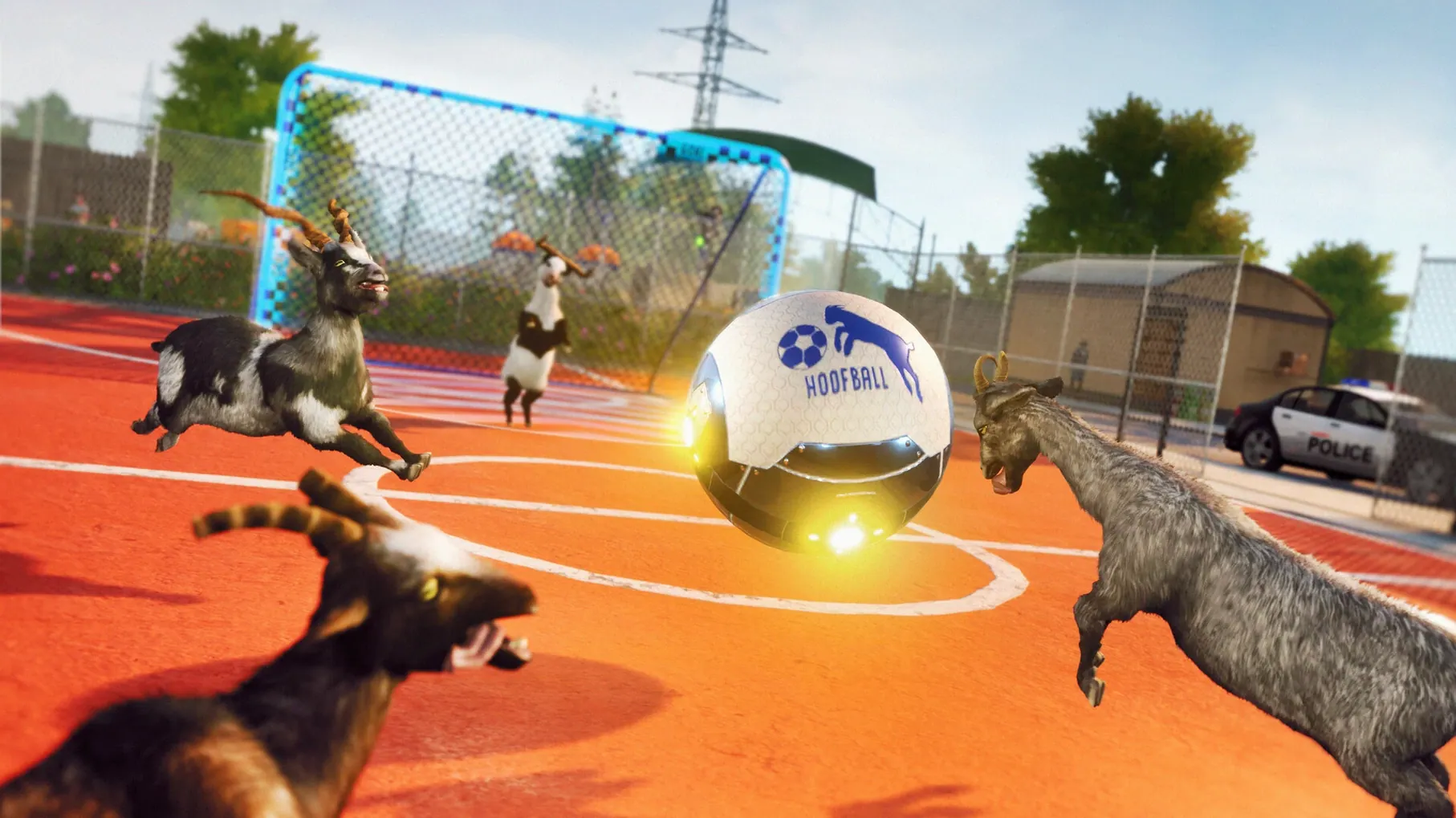

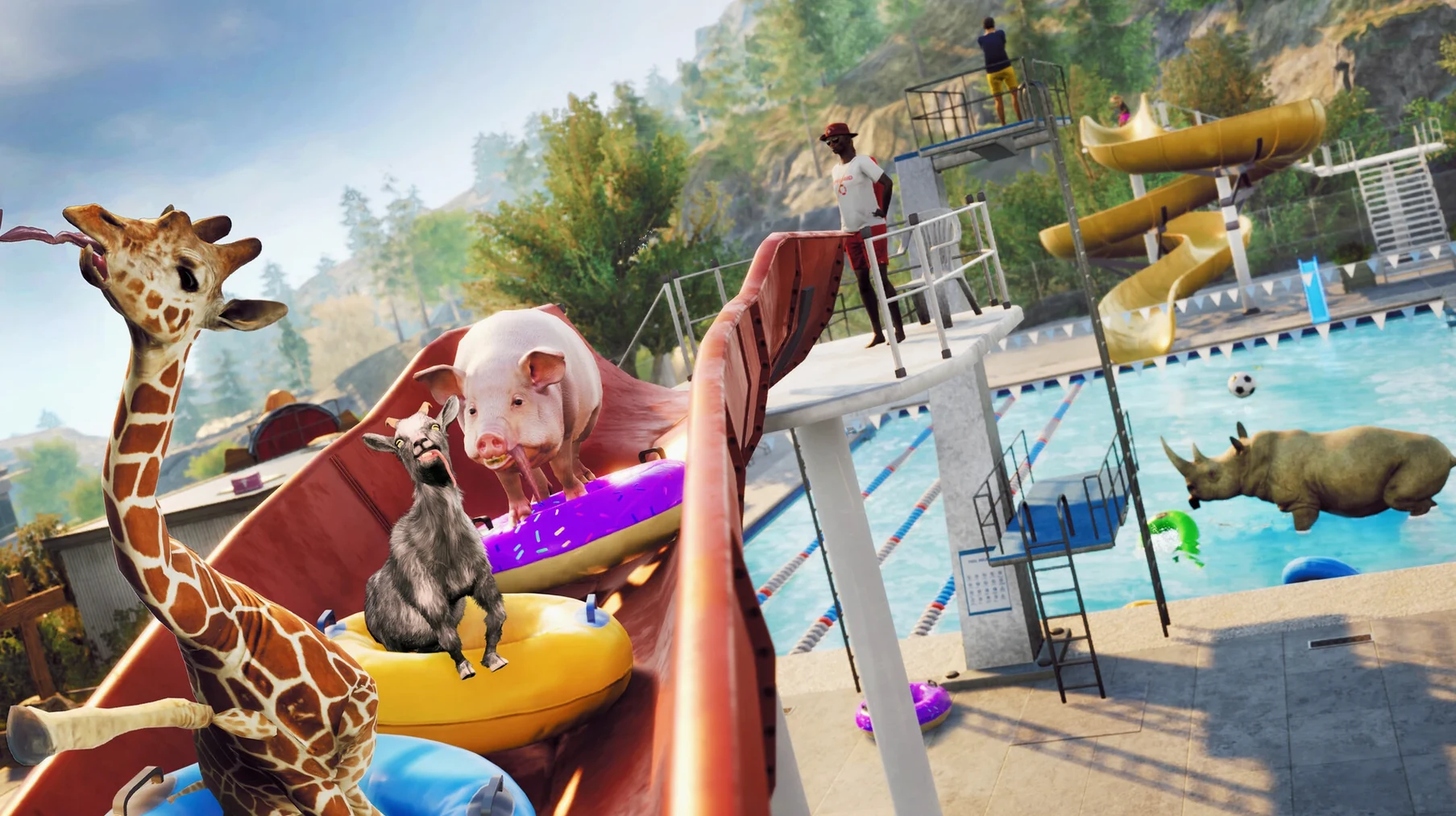
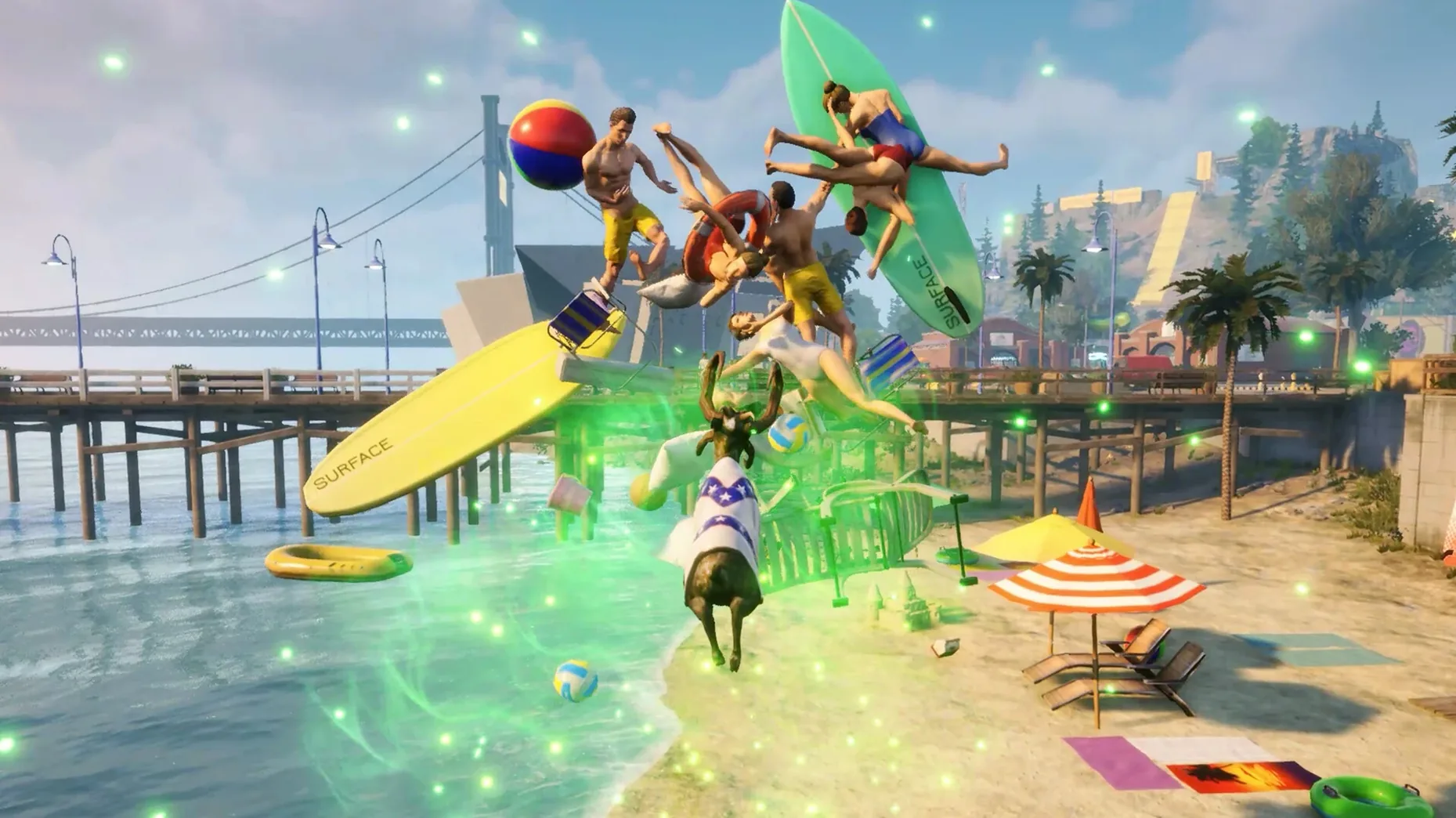
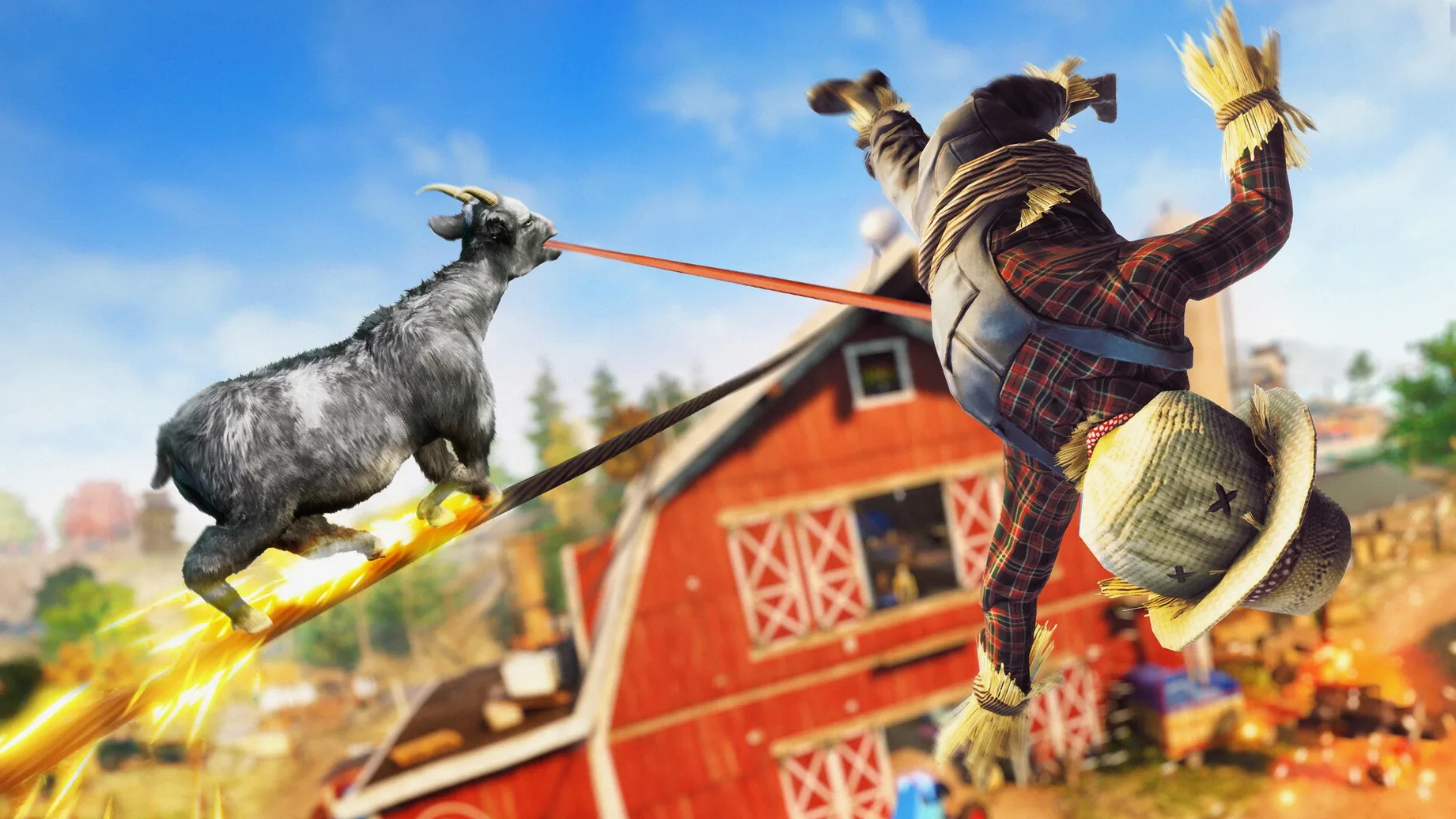
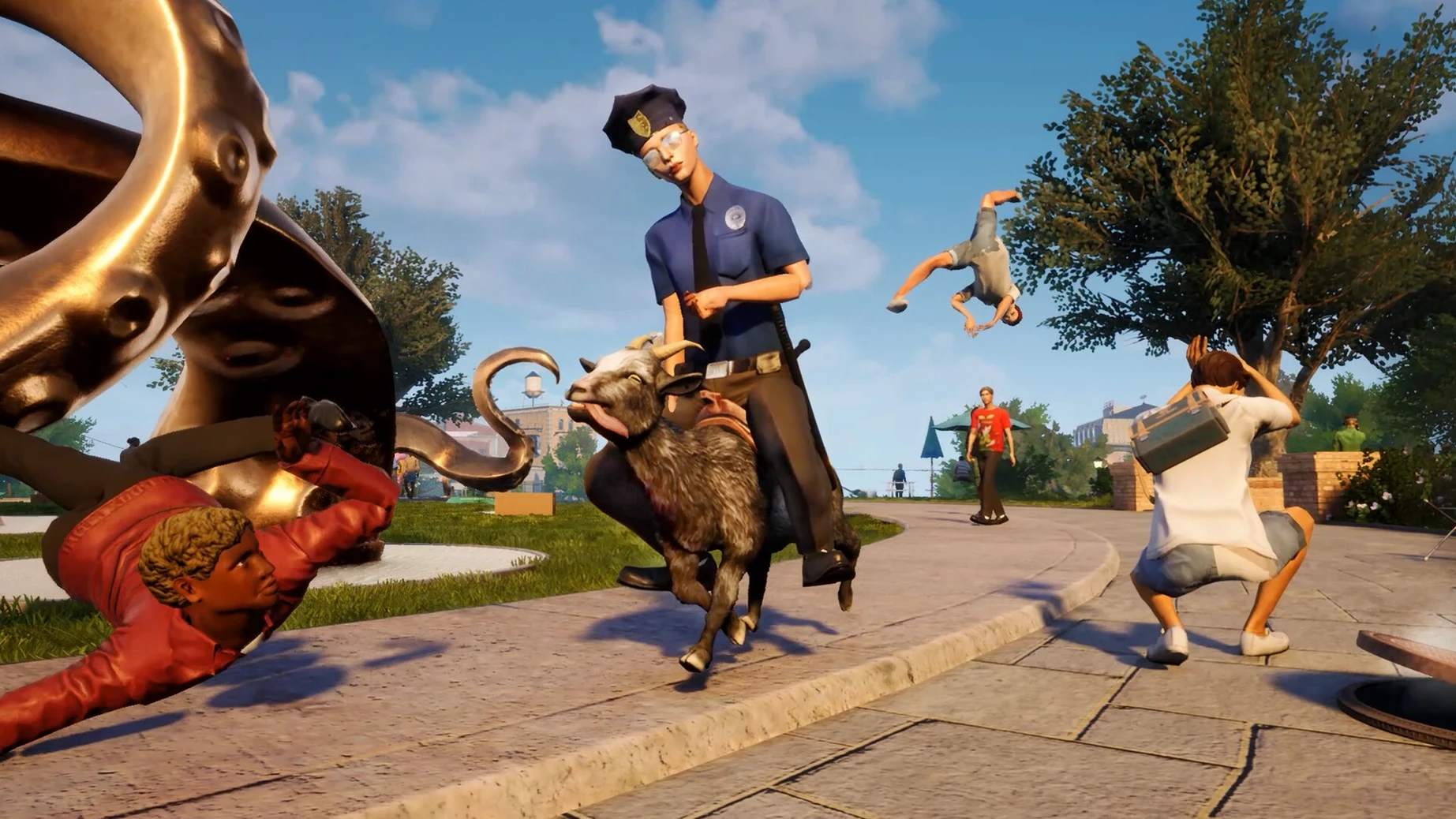
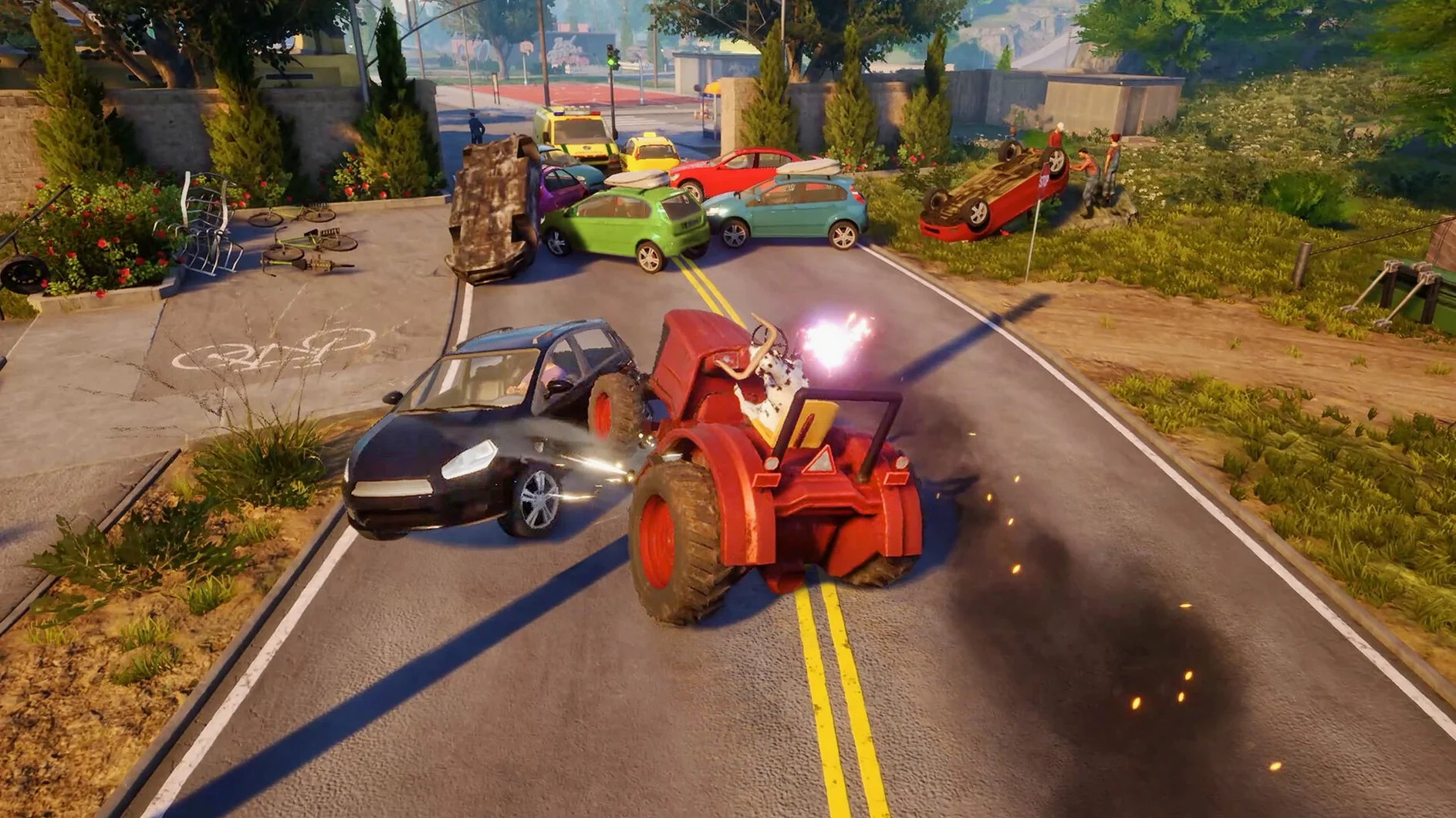
Goat Simulator 3 clicks with anyone who looks at an open-world map and sees a giant to-do list of destruction. You’re not here for a gripping narrative. You’re here to strap a rocket to a goat and see what happens. If you need a directed mission structure or a clear win condition, this isn’t your game. The entire loop is built around experimenting with physics, uncovering absurd easter eggs, and causing chain reactions just to hear the sound design team flex.
Who’s the ideal player?
The person who spends forty minutes licking a gas canister across town just to see if it’ll explode when headbutted. You enjoy collectibles scattered in genuinely stupid places, and you treat NPCs less like quest-givers and more like physics props. It’s a game for people who laugh at the glitch, not in spite of it.
The Unstructured Sandbox Anxiety Factor
Completionists who need a strict checklist. While there are events and characters to interact with, the game rarely tells you what to do. The joy comes from self-directed chaos, not a quest log. If unstructured sandboxes make you anxious, the loop of licking, headbutting, and blowing things up might feel aimless after an hour.
Where does the satisfaction come from?
The physics engine does the heavy lifting. Breaking objects feels chunky, and the ragdoll reactions are dialed up to eleven. A simple headbutt can spiral into a five-minute set piece you never saw coming. That unpredictability is the real hook — you’re constantly chasing the next accidental disaster.
That Dreaded White-Screen Startup Crash
The Wineskin wrapper runs surprisingly clean on Apple Silicon, but no port is completely frictionless. The most frequent headache is a startup error right after installation — a white screen, a crash, or a cryptic Wine alert. Nine times out of ten, the Fix file on the disk image sorts it. Mount the DMG again, run that script, and relaunch. It resets whatever permission or prefix quirk tripped the launch.
Another snag: stutter during the first few minutes on San Angora. The shader cache builds as you play. Let Pilgor sprint around for sixty seconds after loading in — the frame pacing settles once the cache warms up. On an M3 Pro, you should see smooth performance at native resolution, but dropping shadows one notch in the in-game settings buys headroom if things get choppy during a busy physics pile-up.
Controller detection can be finicky. If your DualSense or Xbox pad isn't registering, plug it in before launching the app. Wireless connections sometimes confuse the wrapper. A wired connection sidesteps the issue entirely. The game supports rumble and remapping once it sees the controller properly.
Dial Down the Camera Before You Hurl
Goat Simulator 3 defaults to English voice and text, but the language toggle sits under Settings > Audio & Language. Twelve text languages are packed in, so switch early if you prefer a different localization.
Camera sensitivity needs dialing down immediately. The default look speed makes precise licking — yes, that's a sentence I just typed — harder than it should be. Drop it to about 40% and the third-person view feels far more controllable when you're threading Pilgor through a window at speed.
Turn off motion blur unless you enjoy feeling like you're playing through a smear of Vaseline. The setting doesn't add anything to the chaos, and disabling it sharpens the already ridiculous physics reactions. While you're in the graphics tab, set Vsync to on — screen tearing during a goat simulator mac full version session kills the visual punch, especially when explosives chain across the screen.
A recent official page now describes the game as a third-person sandbox adventure game.
- Apple Silicon Mac
Notes from the edit bay · 0
Sign in or get an edit-bay pass to leave a note.
No notes from the edit bay yet. They go up after I read them.