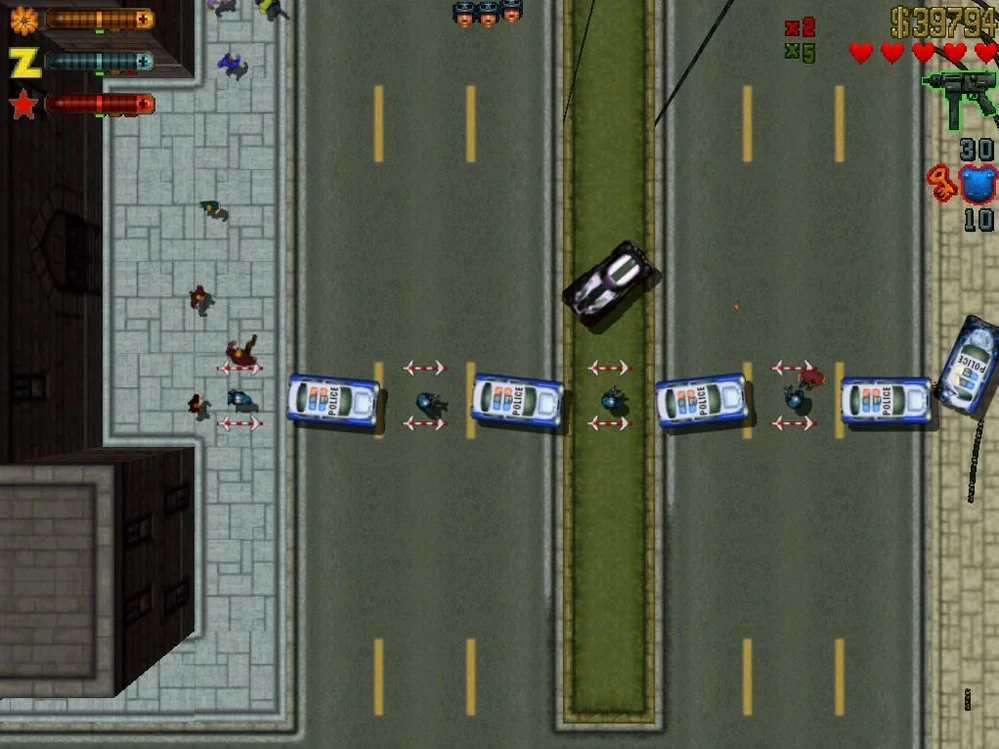
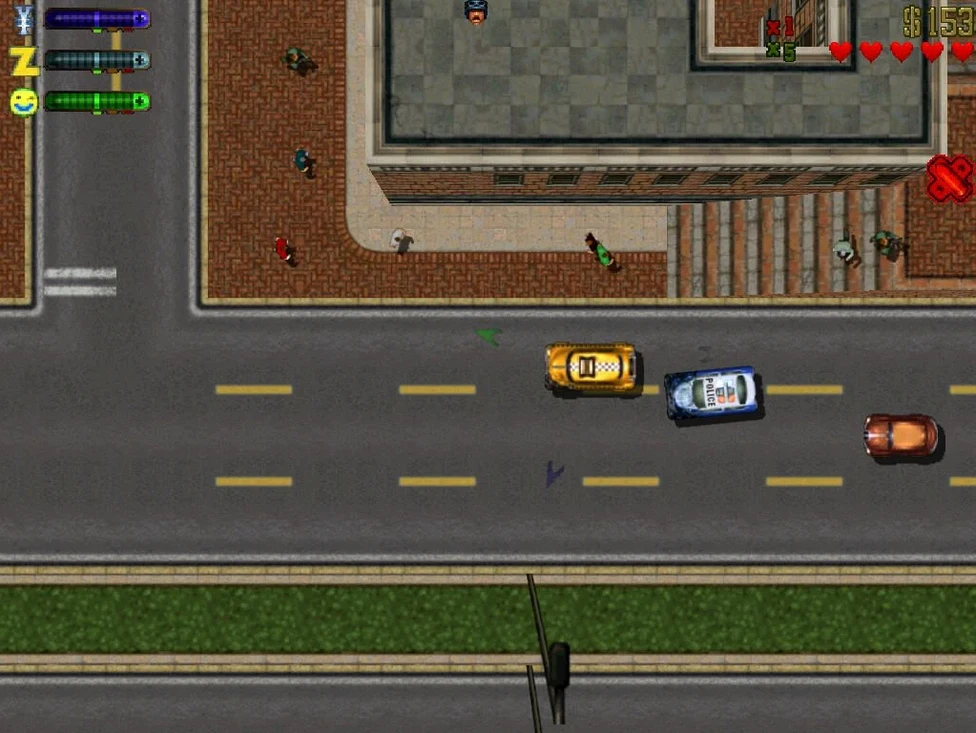
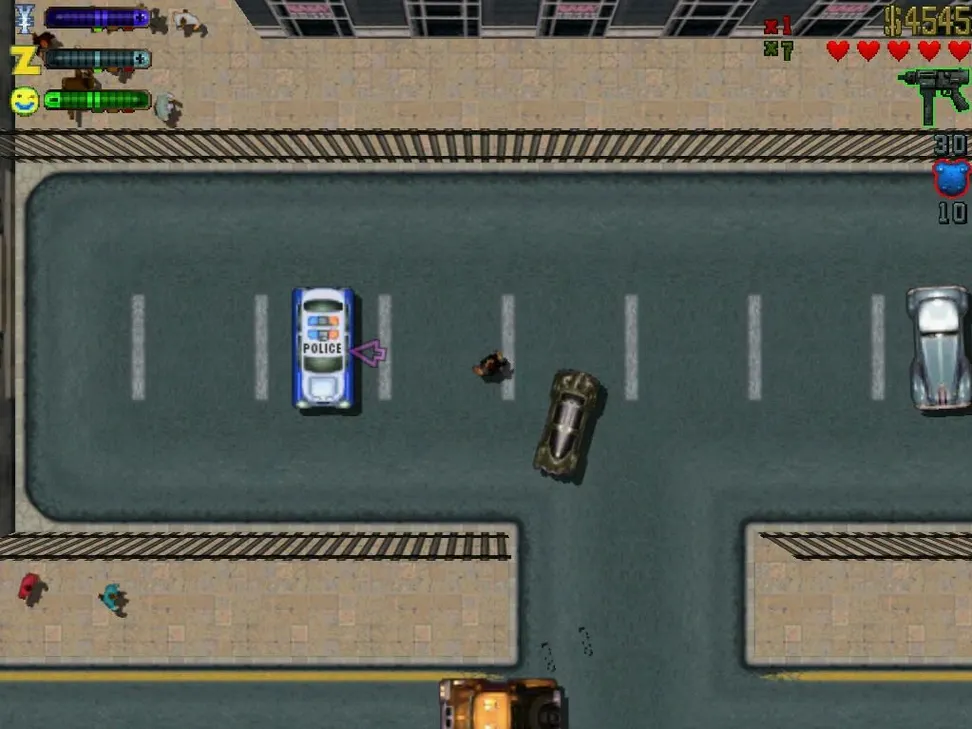
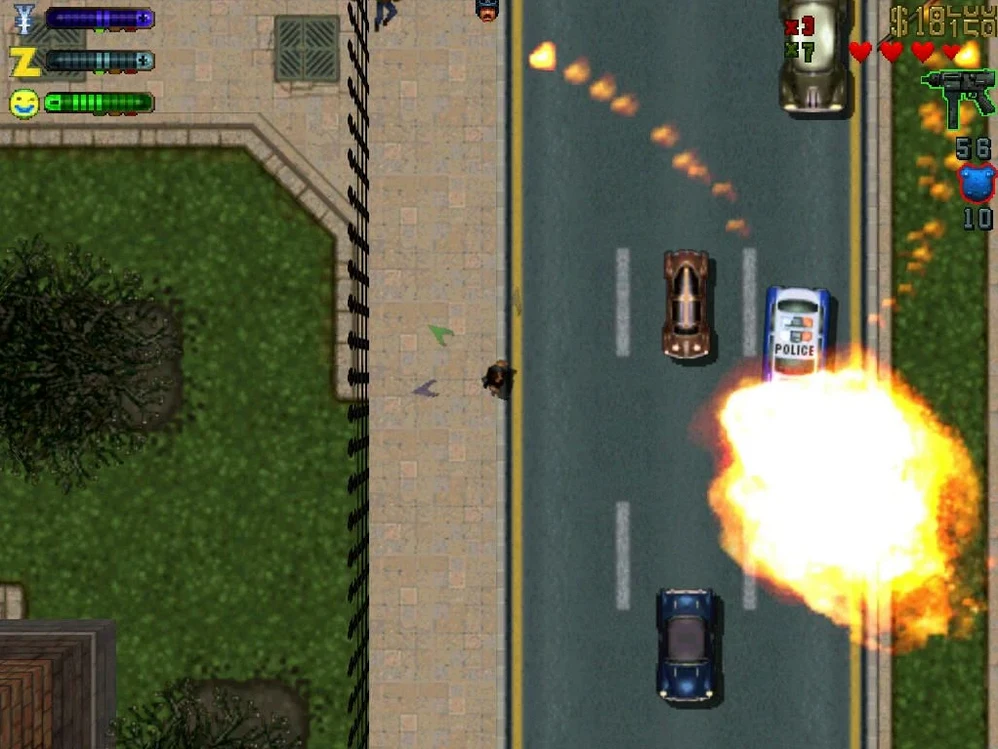
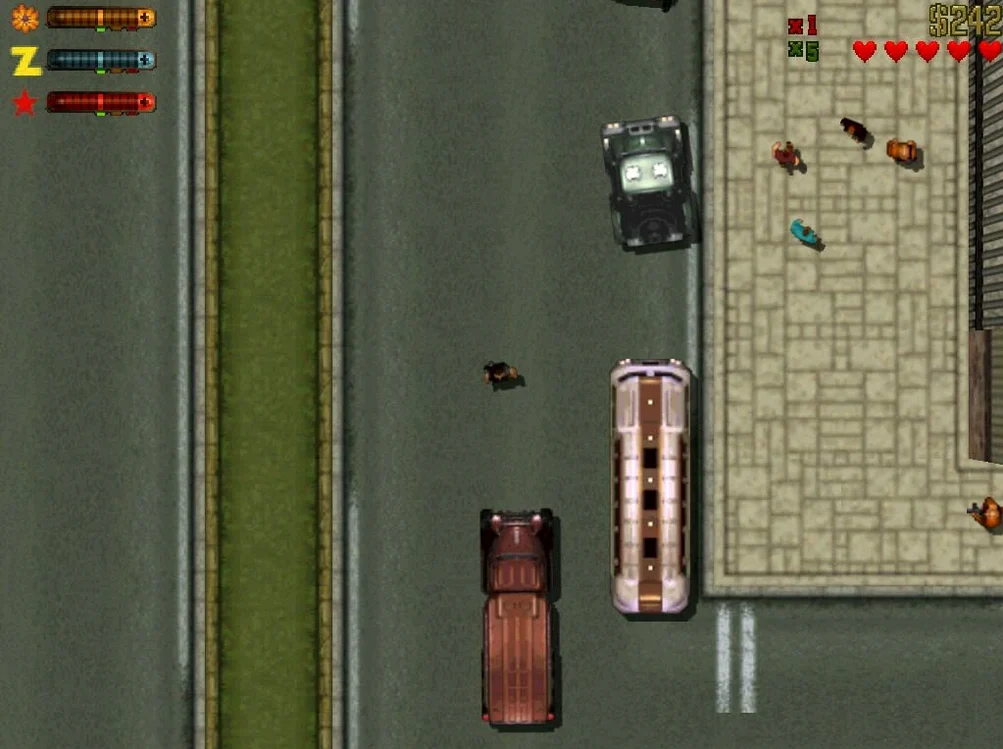
Grand Theft Auto 2 is a top-down return to the series' arcade roots, dropping you into a city carved up by seven warring gangs with the police, FBI, and army all itching for a piece of you.
Chasing the Respect Meter’s Frantic Gang Juggle
You'll tear through this if you miss the raw, score-chase energy of the first game. Respect isn't handed out—you earn it by playing gangs against each other in a frantic juggling act. The cars are faster, the shootouts are messier, and the cops are genuinely unhinged this time around. It's a game that rewards quick, dirty decisions, not long monologues. Think of it as an arcade cabinet that remembers every drive-by. The Russian and English voice work keeps the world rough around the edges, and the limited save system (tucked inside the app bundle under SharedSupport/prefix/drive_c/KS Games/Grand Theft Auto 2/player) means every run counts. It's pure, unfiltered chaos for a player who still chases a high score.
Who Won't Click With It
If your favorite part of modern crime games is the cinematic story or the open-world serenity, this isn't your stop. There's no hand-holding. The top-down view can feel restrictive, and the DxWnd wrapper needed to launch it on macOS adds a layer of friction. Exiting the game just to tweak settings is a workflow straight out of 1999. And the aggression from law enforcement? It's not a bug—it's a design choice that will crush you if you're not constantly moving. This is a game for players who value reactive sandbox mayhem over narrative polish.
A Retro Classic for the M4 Mac Collector
This build lands best on two kinds of desks. First, the casual retro collector who keeps a folder of classics—Grand Theft Auto 2 Mac torrent searches lead here for a reason—and fires them up between render jobs. A 2024 M4 Mac mini chews through the Wineskin wrapper without breaking a sweat, so even a lunch-break rampage feels snappy. Second, the tinkerer who doesn't mind poking around an app bundle to back up a save folder. If you've ever set custom DPI in a wrapper config, the DxWnd step on launch won't faze you. Both groups share a tolerance for friction that a purely console-minded player lacks.
What you get in return is a version that remembers its DOS-era bones while running cleanly on Apple Silicon. The Russian-only voice option adds an odd authenticity—like a bootleg VHS that somehow makes the city feel more dangerous. If you dual-boot or keep a Windows machine around, you'll notice this Mac build trades the native .exe's immediacy for a self-contained bundle that doesn't scatter files across your system. That's a real plus when you archive a game and forget about it for six months.
Quit First to Swap the Russian Interface
After dragging the app to Applications, launch it once and immediately quit. That triggers the settings window where you can switch the interface to English or German if the Russian default throws you. Do this before you start a serious save—changing later means digging into a config file.
Next, locate the save folder inside the bundle. Right-click the app, pick Show Package Contents, and drill down to SharedSupport/prefix/drive_c/KS Games/Grand Theft Auto 2/player. Drop a shortcut to that folder on your desktop. The game only writes checkpoints after specific missions, so a manual backup after a tense gang betrayal spares you from replaying thirty minutes of territory grabs.
When the DxWnd window appears on launch, resist the urge to double-click anywhere else. Find the GTA2 icon inside that small window and double-click only that. If the screen stays black or the audio crackles, run the Fix file from the disk image—it resets the wrapper's graphics config without touching your saves.
Finally, lean into the chaos early. The cops don't wait for a wanted level to climb; they swarm after a single pedestrian hits your hood. Use fast cars and alley shortcuts to break line of sight, and don't hoard weapons. A flamethrower stashed in a garage is wasted respect.
The current build moves the game into a Wineskin wrapper, keeping the old code running on modern macOS.
- macOS compatibility handled via Wineskin wrapper
- Runs on both Intel and Apple Silicon Macs
Notes from the edit bay · 0
Sign in or get an edit-bay pass to leave a note.
No notes from the edit bay yet. They go up after I read them.