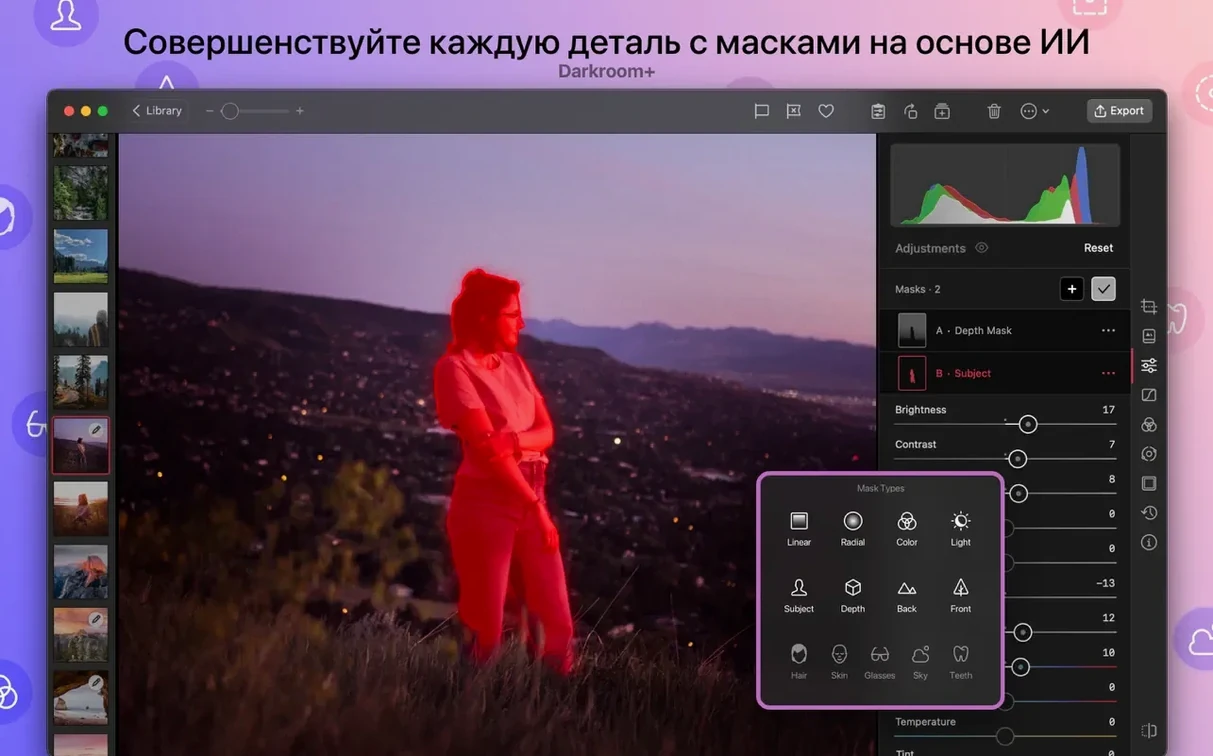
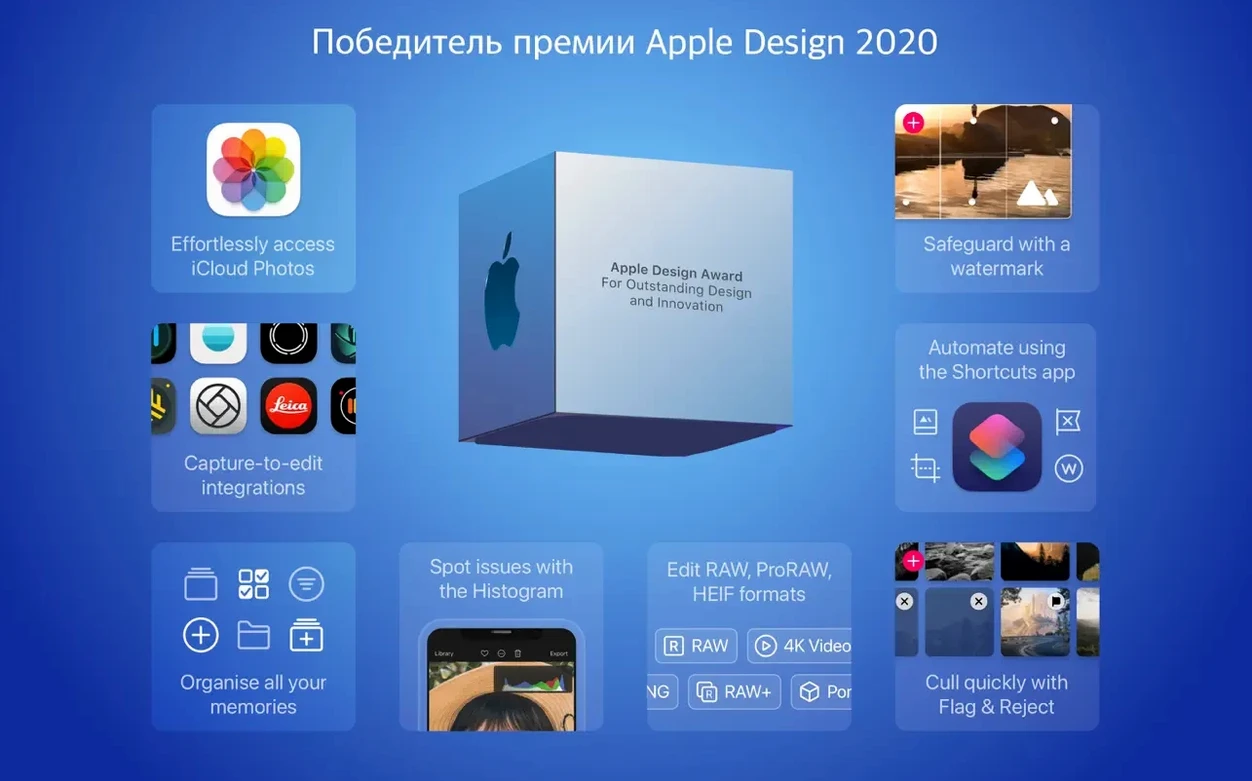
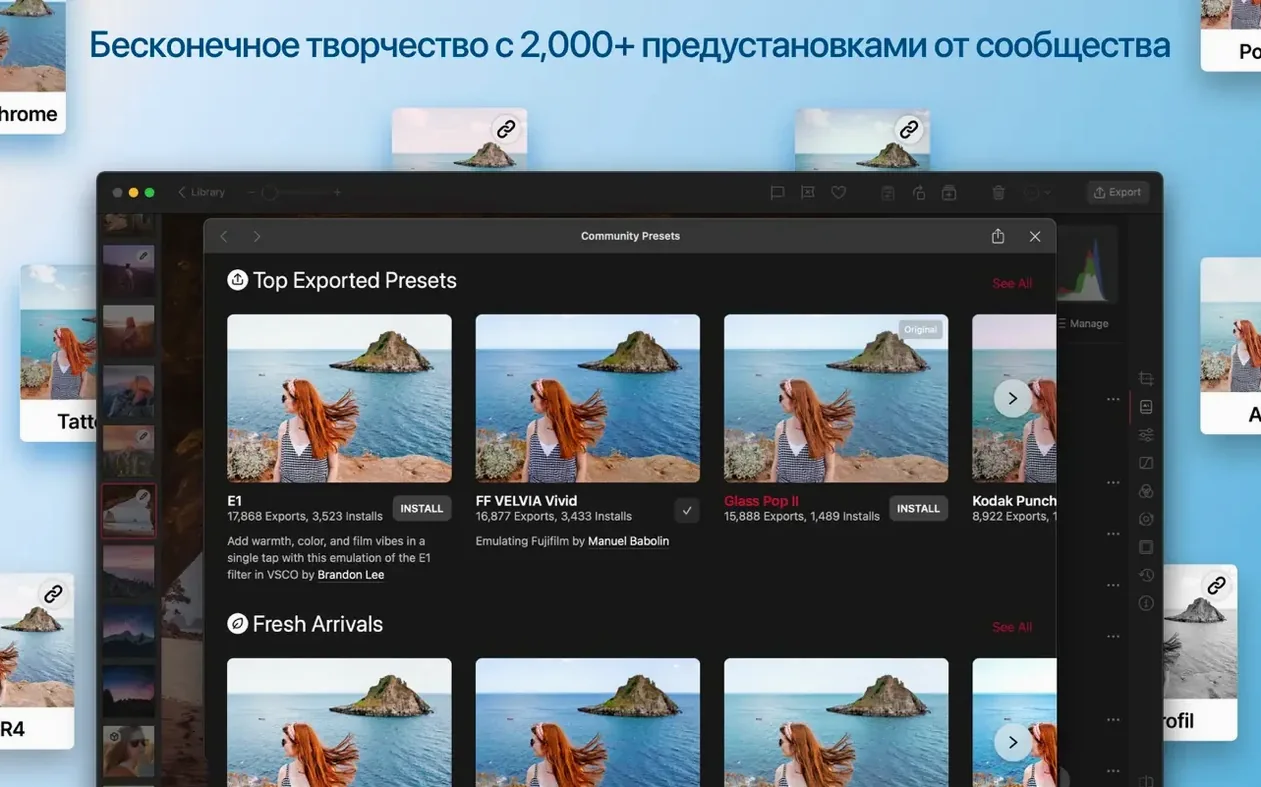
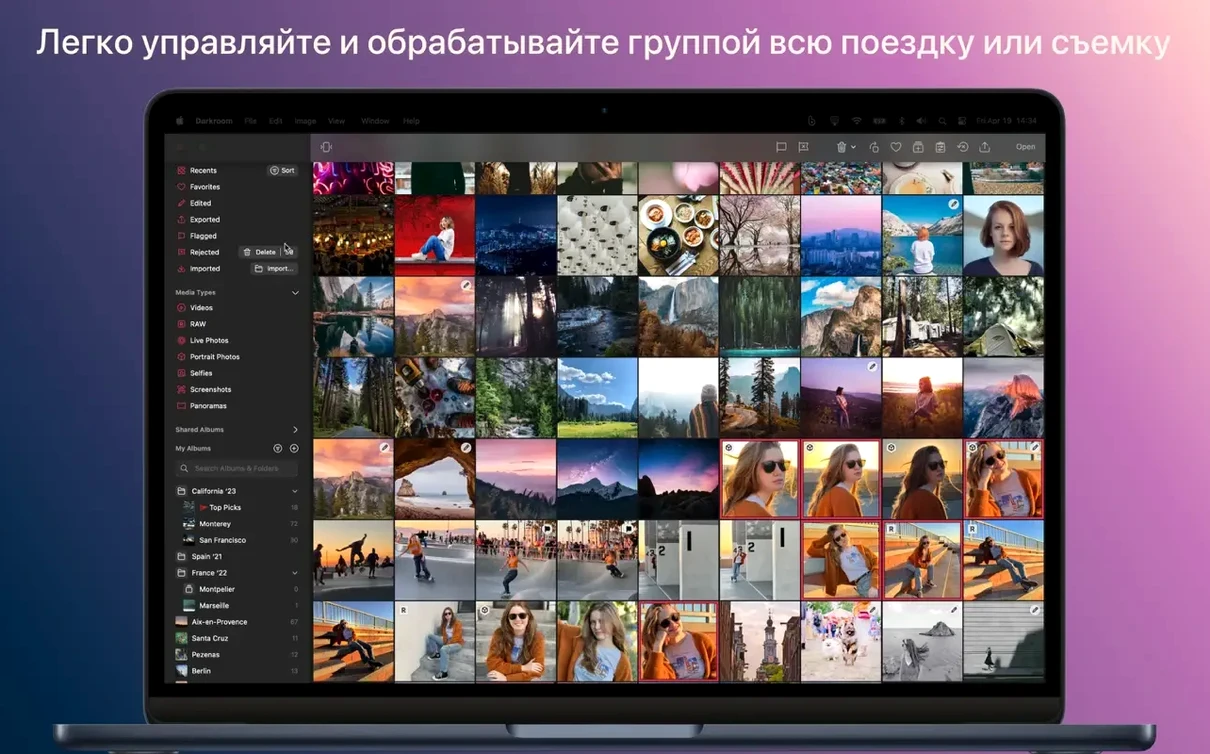
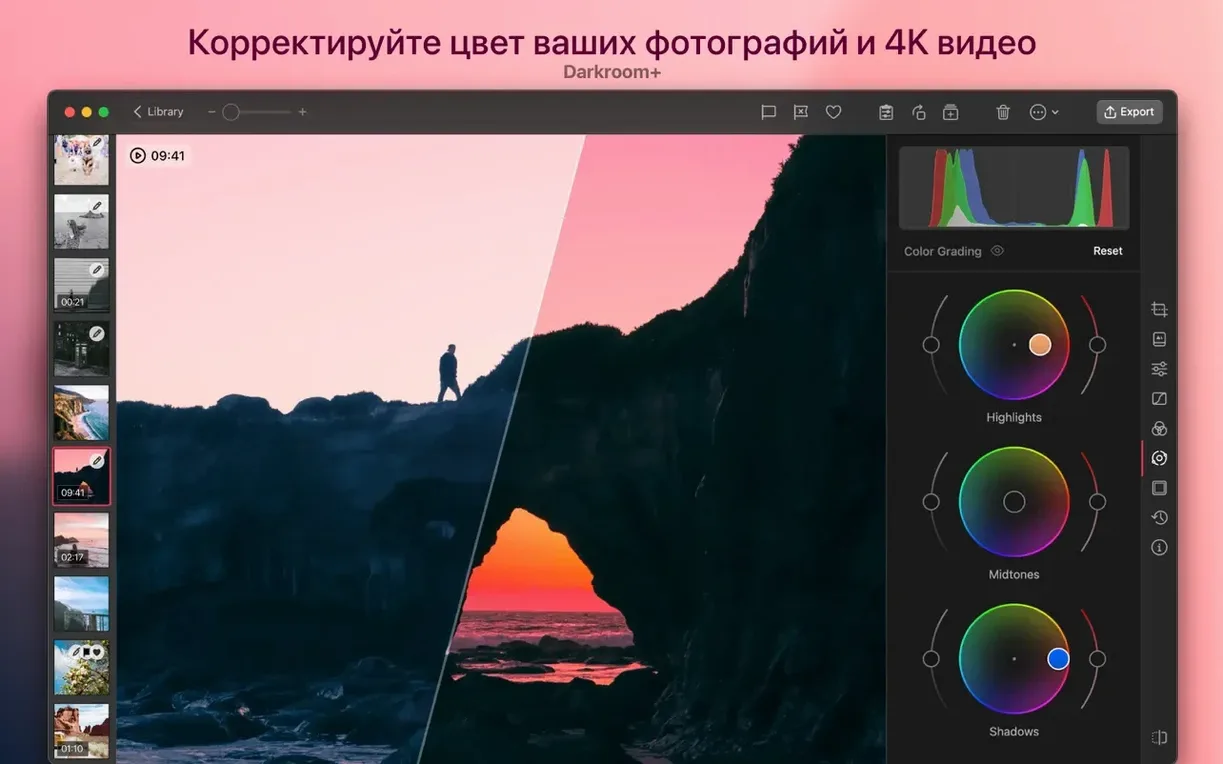
Version 7.4, released September 15, 2026, is a design refresh that matters. The new Liquid Glass interface on Mac and iPad gives the editing space a lighter, more transparent feel—less chrome, more image. Rebuilt White Balance tools now include an automatic correction that’s surprisingly accurate, and the Curves tool gets unconstrained editing plus five new HSL Curves for targeted color work.
For Anyone Chafing Against Apple Photos' Shallow Edits
Anyone who lives in the Apple Photos ecosystem but finds its built-in adjustments too shallow. Darkroom adds curves, selective color, and portrait blur editing without pulling you out of iCloud sync.
The Middle Ground That Keeps iCloud Sync Intact
It sits between Apple Photos and a heavyweight like Photoshop. You stay in one library, use Photos for organization, and reach for Darkroom when you need RAW development, batch edits, or curves with real bite.
Can It Edit Video?
Yes—it handles video adjustments using the same tools you’d apply to a still. That’s rare in a photo-first editor and keeps a single project’s look consistent across formats.
Does It Replace My Other Editors?
Not completely. It replaces the editing panel in Photos and can handle most jobs a Lightroom mobile user would do, but it won’t do layers or composites. It’s a precision upgrade for the app you already open every day.
How Floating Palettes Reclaim Screen Space on a MacBook
The Liquid Glass redesign isn't just cosmetic. Tool palettes now float with less visual weight, so on a MacBook display the image gets more real estate. During a long culling session, that transparency reduces the sense of fighting the interface. The automatic white balance alone saves me a good thirty seconds per shot when batch-processing event photos under mixed gymnasium or venue lighting—it nails skin tones faster than I can with the eyedropper.
The five new HSL Curves change how precise you can get with color without masking. Need to drop the luminance of just the orange channel in a sunset shot while leaving reds alone? That's one curve now, not a workaround. The unconstrained Curves mode also means you can drag a point past the edge of the grid for extreme contrast pushes, which music video editors will appreciate immediately.
Printing support arrived silently, but if you proof on paper, it’s the difference between exporting a TIFF for another app and hitting ⌘P right in the editing view. Also fixed: the lag that used to hit when scrubbing through a 4K clip has been addressed with under-the-hood performance work.
Don't Duplicate Before Editing—It Won't Work
The biggest one is assuming Darkroom creates copies. It doesn't—edits are non-destructive and live in the Photos library, but people will duplicate an image first, edit the duplicate, then wonder why their original didn't change. If you want a variant, use the duplicate feature inside Darkroom, not Finder.
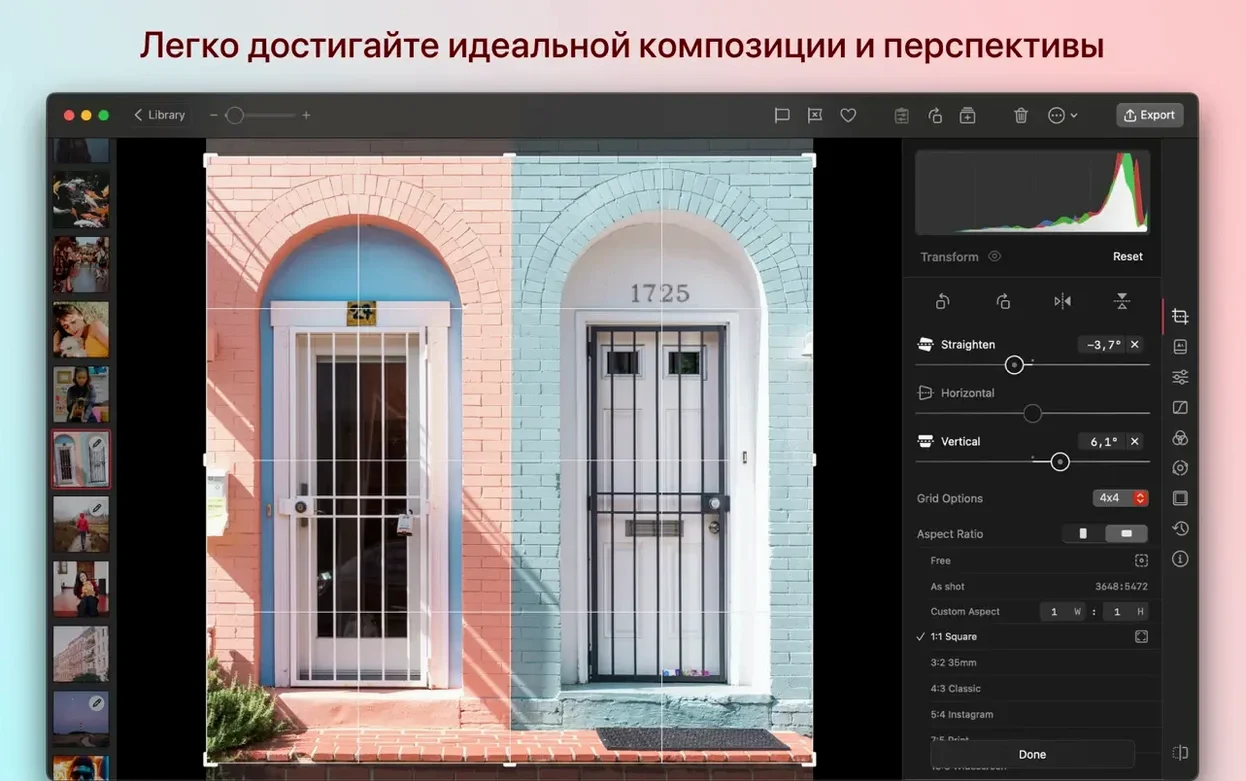
Another stumble: applying a filter to a RAW file and exporting without checking the crop. Darkroom respects the full sensor data, so that 16:9 preview you tweaked may export as 4:3 with your adjustments floating in unexpected corners. Always check the aspect ratio lock before export.
New users also overlook that video edits sync via iCloud. Grade a clip on iPad, and the Mac picks it up. But if you're offline and edit the same clip on two devices, the last save wins—no merge. Tag in the field, edit at the desk, but don't edit simultaneously on both.
Replace the Slow Before-and-After Swipe With a Single Press
Under General, flip on "Show original briefly" for before-and-after comparison with a single tap or keypress. The default double-swipe gesture is slower than it needs to be on a deadline.
In Export, change the default color profile to Display P3 if you're editing on a newer Mac. sRGB is the safe preset, but it flattens the gamut you actually see while editing. Also set the JPEG quality slider to at least 90%—the stock 80% shows banding in skies.
For anyone using a darkroom booth crack workflow—meaning you edit in a controlled lighting environment—calibrate the background shade in Appearance preferences to match your booth walls. Darkroom respects that setting across edits, and it reduces the urge to over-brighten shadows.
Liquid Glass design lands on Mac and iPad, cutting visual weight so your image breathes. The White Balance tools got rebuilt with an automatic correction that nails tricky lighting. Curves now runs unconstrained, and five new HSL Curves give you per-color control that used to require a desktop heavyweight.
Also fixed: the usual crop of performance tweaks that make scrubbing through edits feel faster.
- macOS 15.4 or later
- Apple Silicon or Intel Mac
Questions I actually get
Does Darkroom support RAW files on Mac?
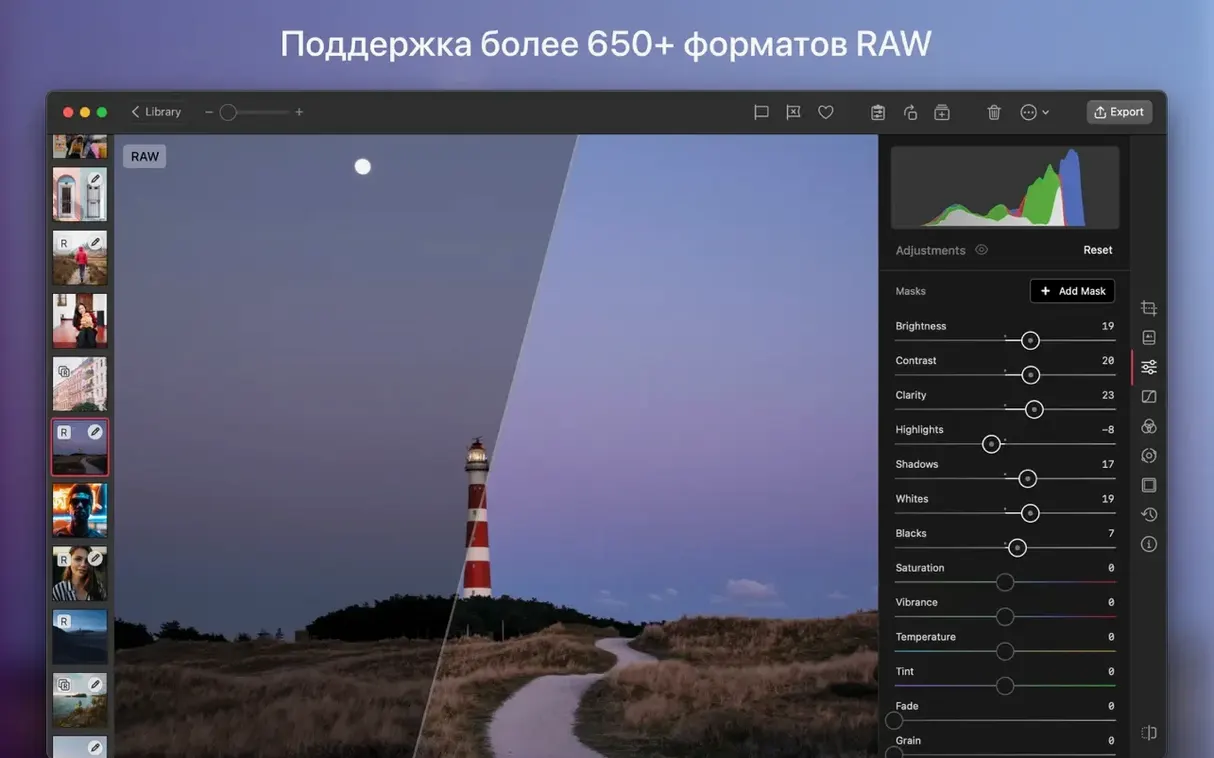
Yes, it handles RAW photo editing natively, letting you adjust exposure, color, and curves with the full data from your camera sensor.
Can I use Darkroom without the Apple Photos app?
It works as a standalone editor, but its tightest integration is as an extension inside Apple Photos—edits sync back to your library automatically.
What languages are available in the interface?
Darkroom includes 13 languages: English, Russian, German, Arabic, Spanish, Chinese (Traditional and Simplified), Dutch, Portuguese, Turkish, French, Hindi, and Japanese.
Notes from the edit bay · 0
Sign in or get an edit-bay pass to leave a note.
No notes from the edit bay yet. They go up after I read them.