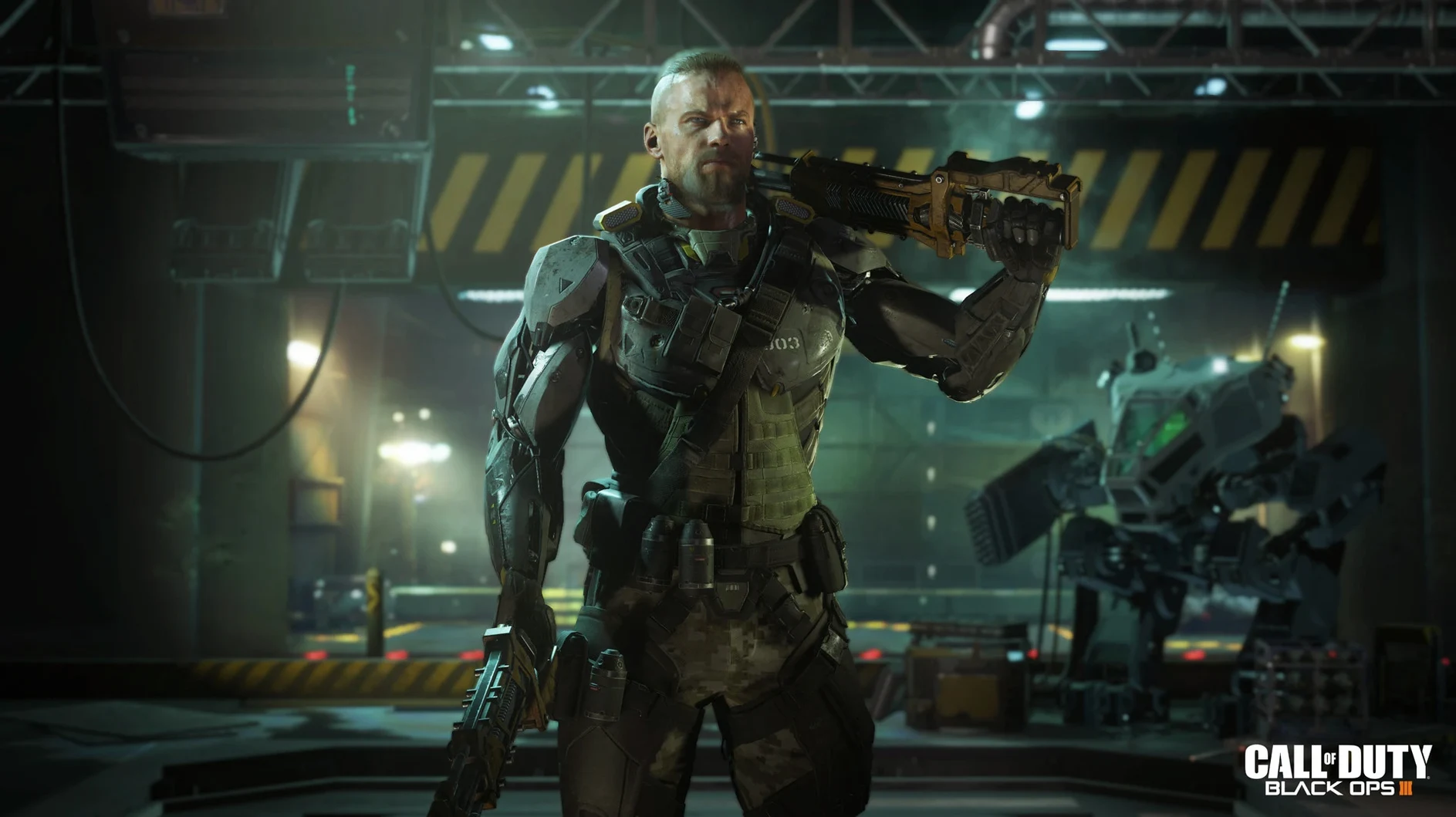
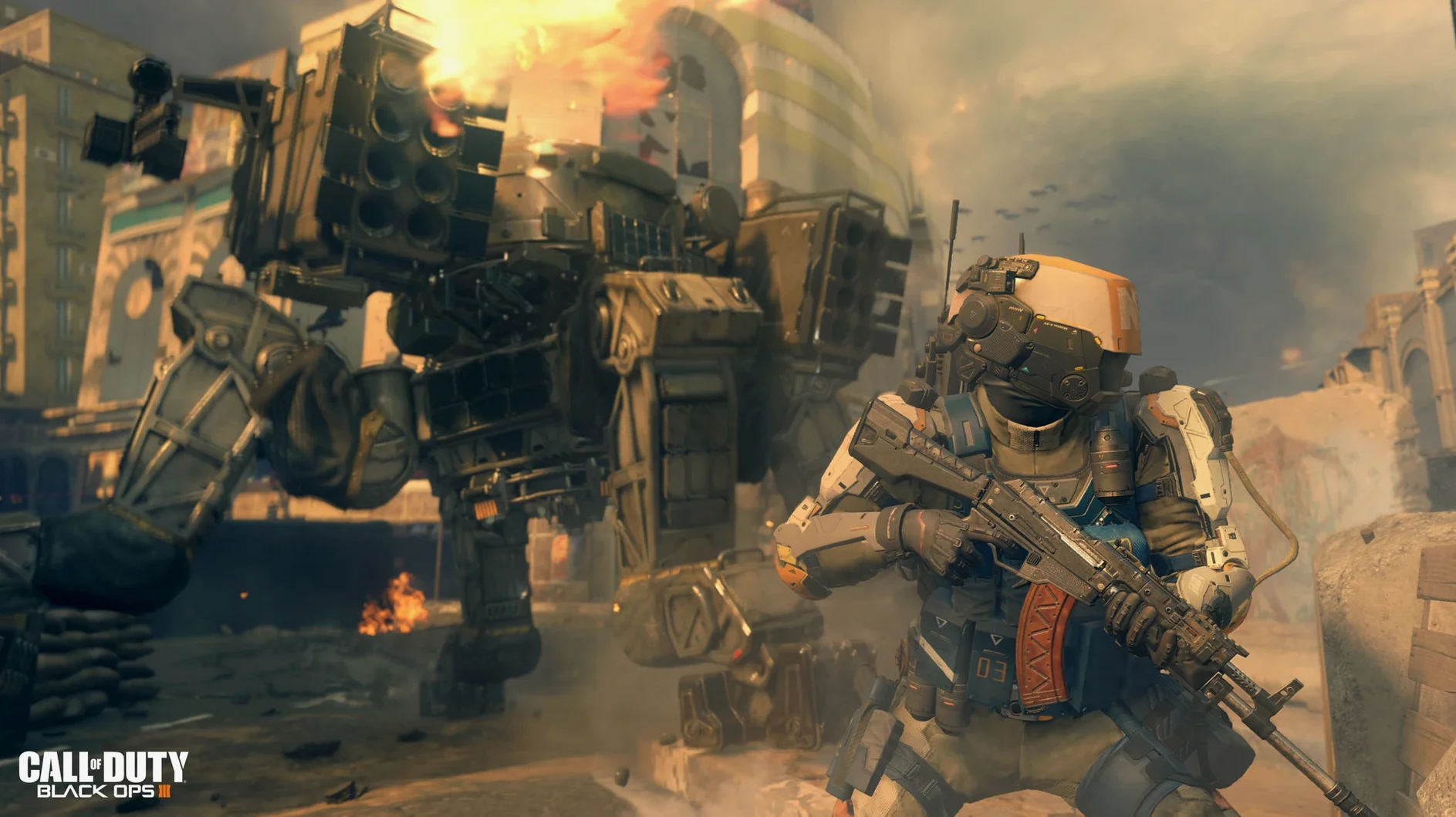
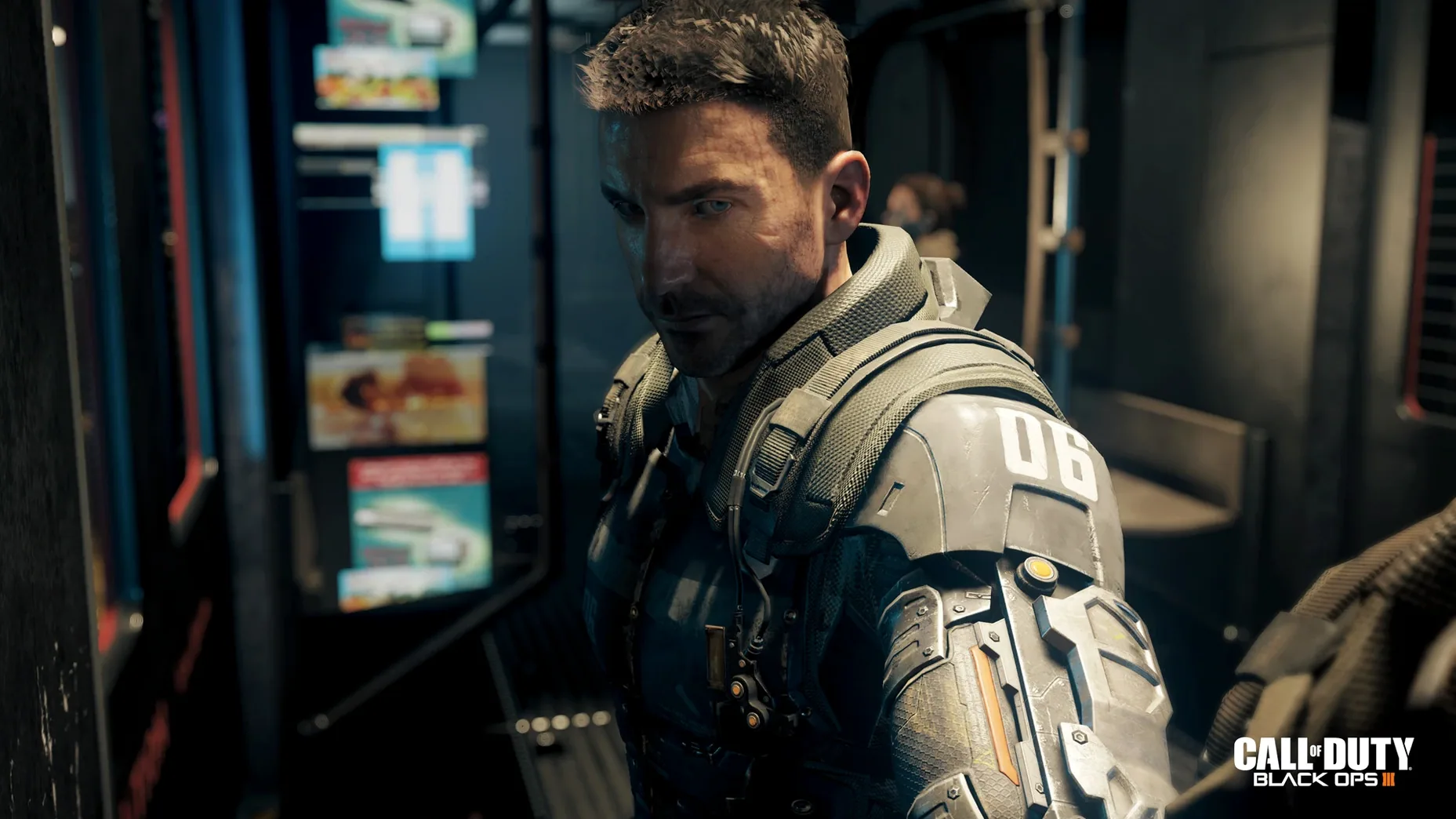
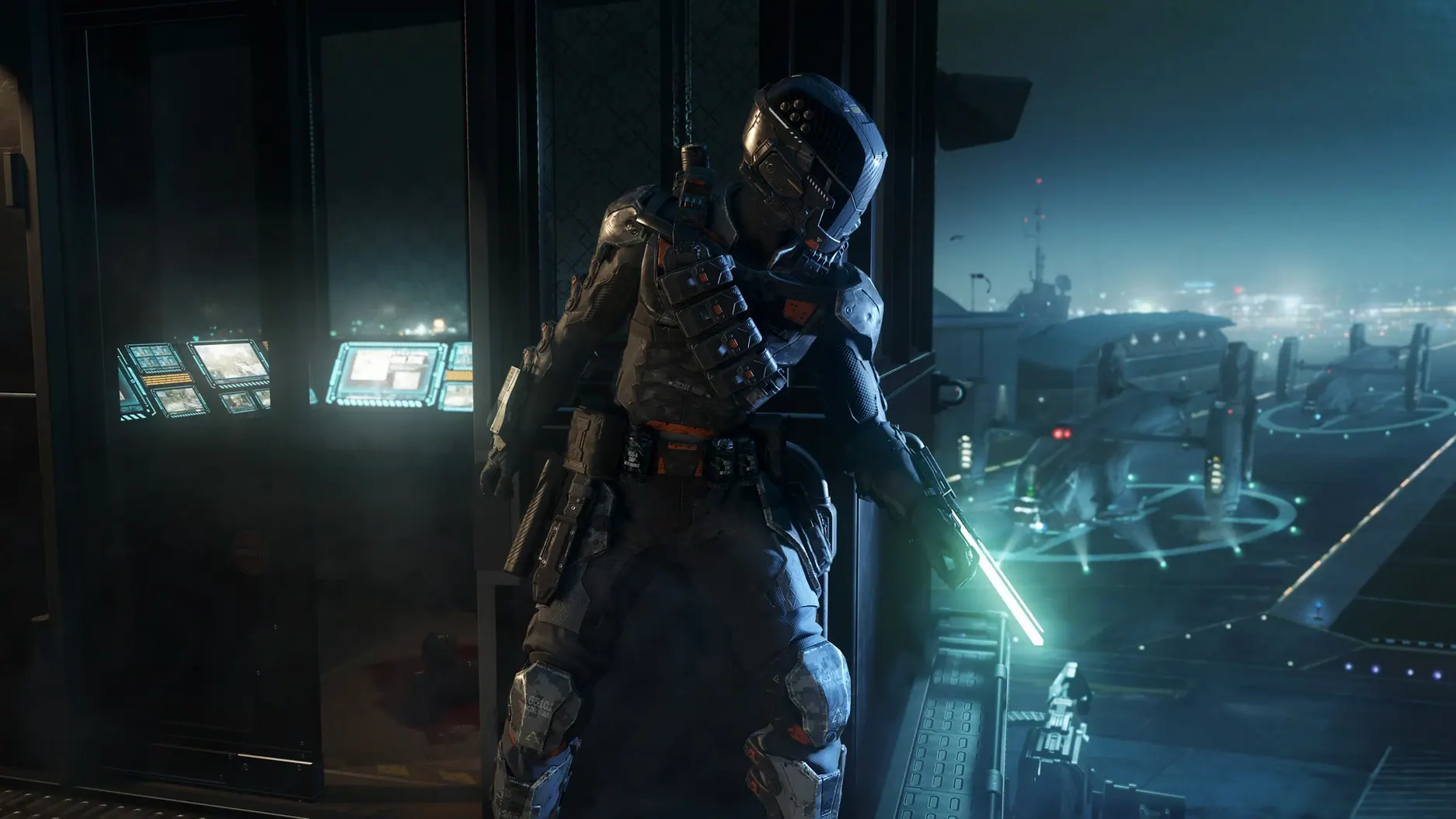
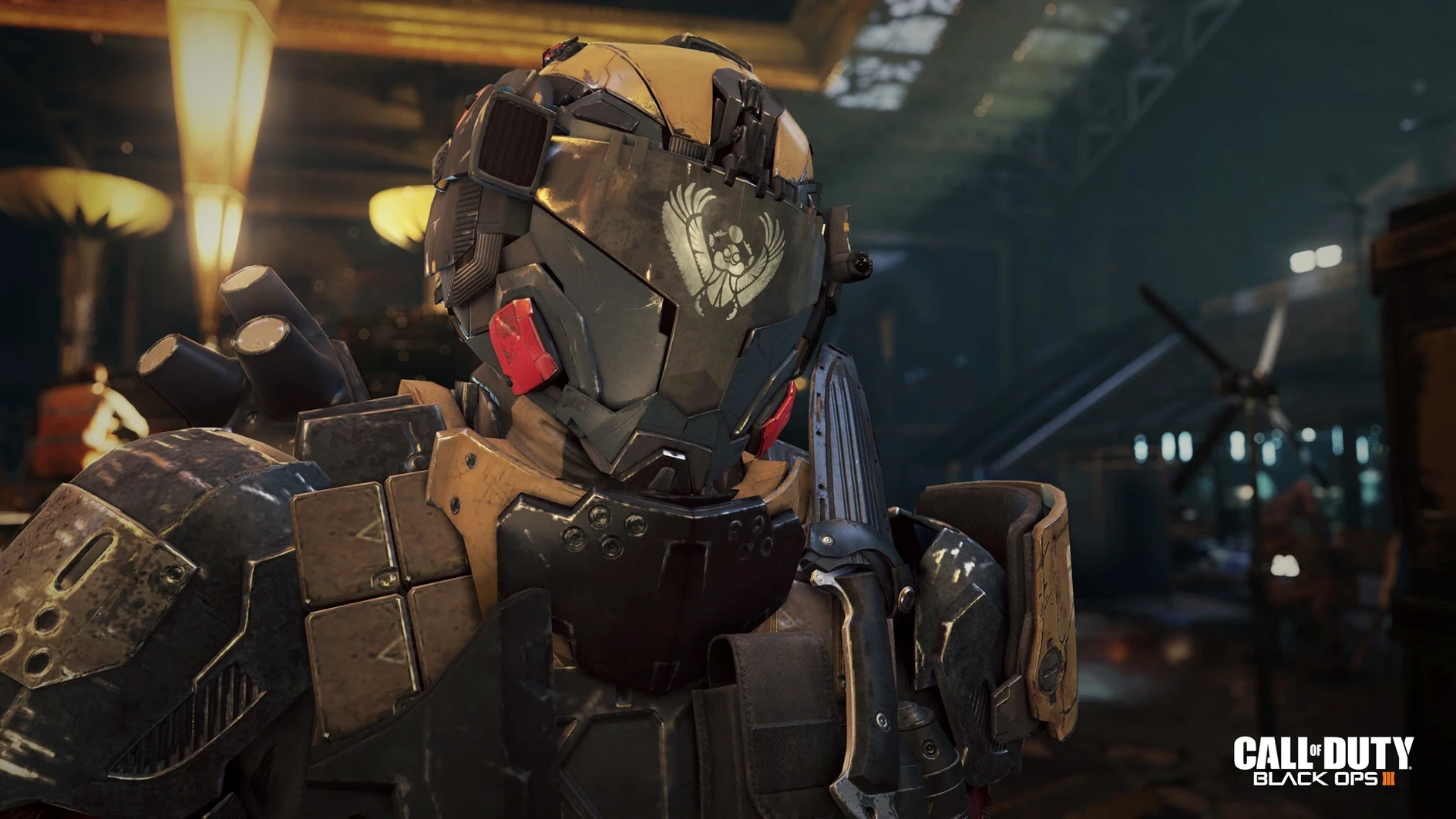
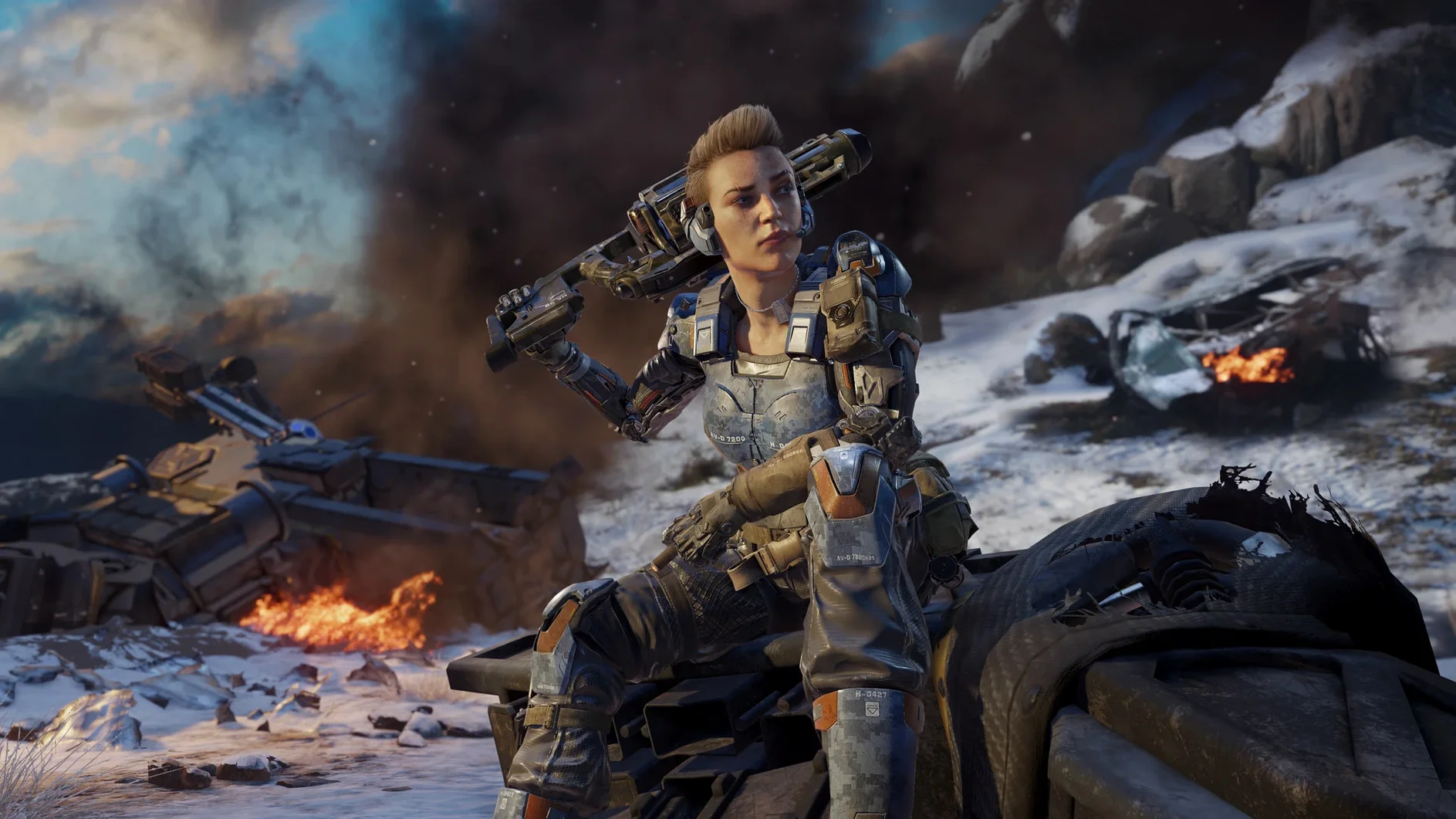
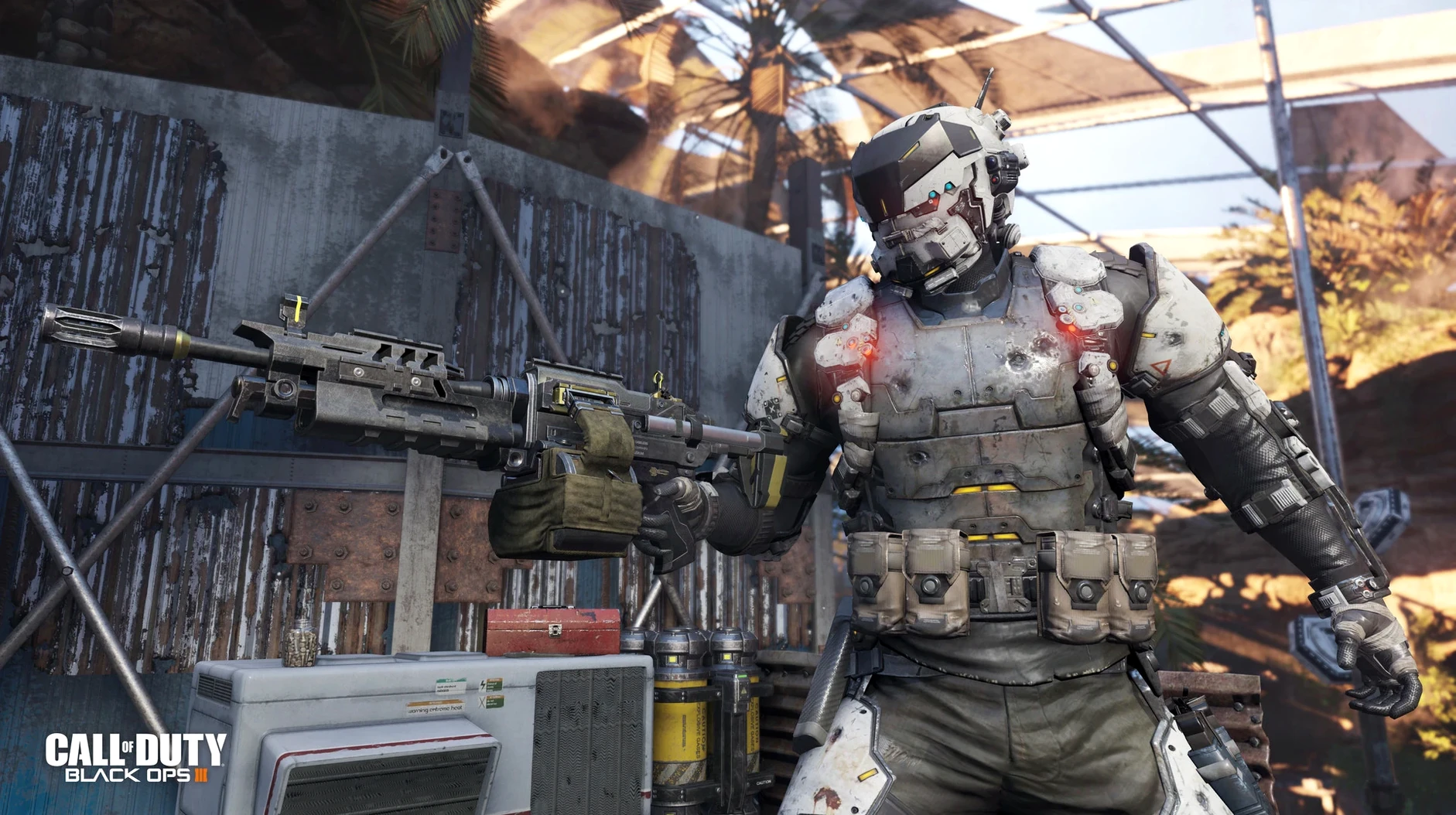
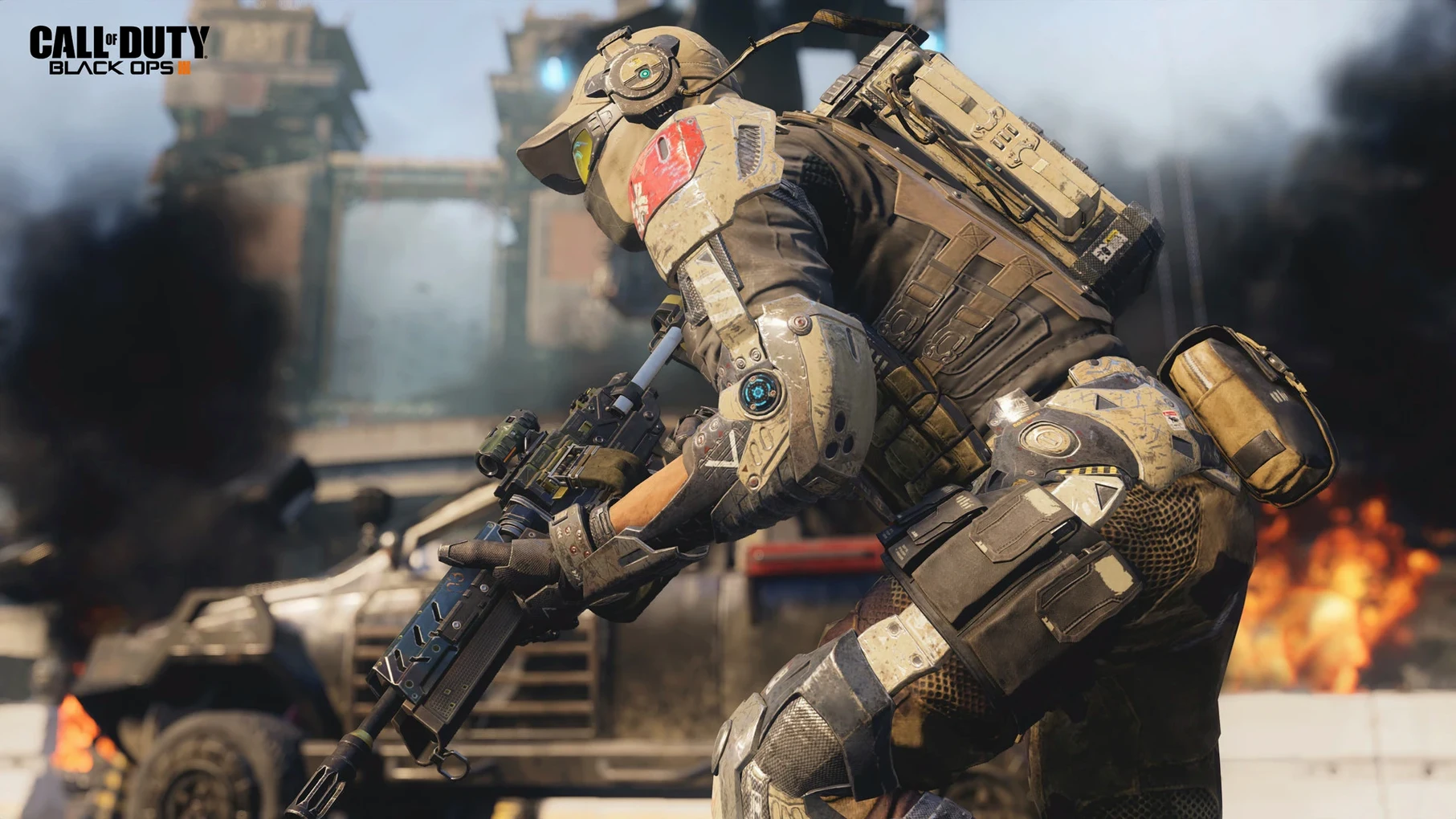
Call of Duty: Black Ops III is a first-person shooter that drops you into a dark, chaotic future in 2065 where soldiers are more machine than man. The Mac version, brought over by Aspyr, packs the full single-player campaign, multiplayer, and the fan-favorite zombies mode into one massive download. But a game this specific isn't for everyone. Here's the breakdown.
- You want a campaign that demands co-op. The single-player story is built for up to four players. Flying solo works, but the level design and enemy density make it clear Treyarch intended you to bring friends.
- You live for the grind. Multiplayer runs on a deep progression loop with specialists, weapon camos, and scorestreaks. The Mac and Windows player pools are shared, so you won't be screaming into an empty lobby.
- You're a zombies lore junkie. Shadows of Evil is a dense, jazz-infused puzzle box of a map. If you love hunting Easter eggs and surviving wave after wave, this mode alone justifies the 125 GB install.
- You're on an AMD Mac or nothing. The hard reality: NVIDIA and Intel GPUs are not officially supported. If your machine doesn't have the required AMD graphics, you're setting yourself up for a crash.
- You just want a quick shooter fix. The Multiplayer Starter Pack exists, but it's a stripped-down version with limited content. The full game is a commitment of time and disk space, not a casual pick-up-and-play.
This is a chunky, demanding port that rewards dedicated players with a mountain of content. If you're looking for a lean, single-player-only experience or you're running integrated graphics, the hardware requirements alone will bounce you out of the running before you even pull the trigger.
Why Keka Becomes Your First Download
Black Ops III doesn't sit in a bubble. The way the port is built, it rubs shoulders with a few everyday tools you probably already use. Keka is the first obvious companion — those split archives won't decompress themselves, and the built-in Archive Utility chokes on multi-part RARs every time. If you grabbed the game in pieces with qbittorrent or Transmission, Keka is the tap you turn on before anything else.
Once the app is sitting in your Applications folder, macOS treats it like any other bundle. Launchpad shows the icon, Spotlight finds it, and you can drag it to the Dock. The only quirk is the language switcher. The change_language.command script inside the app package is a Terminal job, not a GUI toggle — if you're switching to Russian, you're dropping into the command line. That's where it ties into macOS's Unix side, the same Terminal window you'd use to run tmutil backups before a big install.
The voice language cleanup path — ~/CoDBlkOps3.app/Contents/Assets/zone/snd/ — is worth bookmarking in Finder with Shift-⌘-G. After you confirm the game works, you can claw back serious space by deleting the zm_ and mp_ audio folders if you're only in it for the campaign. That's a direct interaction with the file system that Apple's storage management tools won't do for you, but it's the difference between 125 GB and something your SSD can actually live with.
One Build to Replace Three Separate Editions
The 99.0.0.0 fix build is the Mac release that hit Steam, and it brought the three-tier edition structure into one place. Before this, navigating the Mac options meant picking between the Multiplayer Starter Pack, Zombies Chronicles Edition, or Zombies Deluxe Edition without clarity on what each actually held. Now the division is clean: the Starter Pack is multiplayer-only with a trimmed content pool, Chronicles bundles the base game with eight remastered Zombies maps, and the Deluxe Edition adds the Season Pass on top of that. If you only care about Shadows of Evil and the campaign, you know exactly what to reach for.
The other quiet fix is how the game handles verification and first launch. Post-install, the app spends a long stretch checking itself — and on a MacBook Air M1 running Sonoma, that process completes without the timeout errors that plagued earlier Mac ports of the series. It's not a feature you'll see in a patch note, but it means you're not restarting the launch three times before the main menu appears. And since activation isn't required, you land straight into the menu once the verification bar finishes crawling across the screen.
- macOS 10.13 High Sierra or later
- Intel Core i5 (4 cores) at 2.3 GHz
- 8 GB RAM
- AMD M290X graphics with 2 GB VRAM (NVIDIA and Intel GPUs are not officially supported)
- 125 GB free disk space
Questions I actually get
Can I play multiplayer with friends on Windows?
Yes, the Mac and Windows versions support cross-platform multiplayer, so you can party up regardless of the operating system.
How do I switch the game to Russian?
Open the app package contents, run the change_language.command file in Terminal, select Russian from the list, and confirm.
Can I shrink the 125 GB installation size?
Yes. Delete unneeded voice language files from the zone/snd folder inside the app package. If you only play the campaign, you can also remove the zm_ and mp_ files from the Assets zone folders.
Notes from the edit bay · 0
Sign in or get an edit-bay pass to leave a note.
No notes from the edit bay yet. They go up after I read them.