

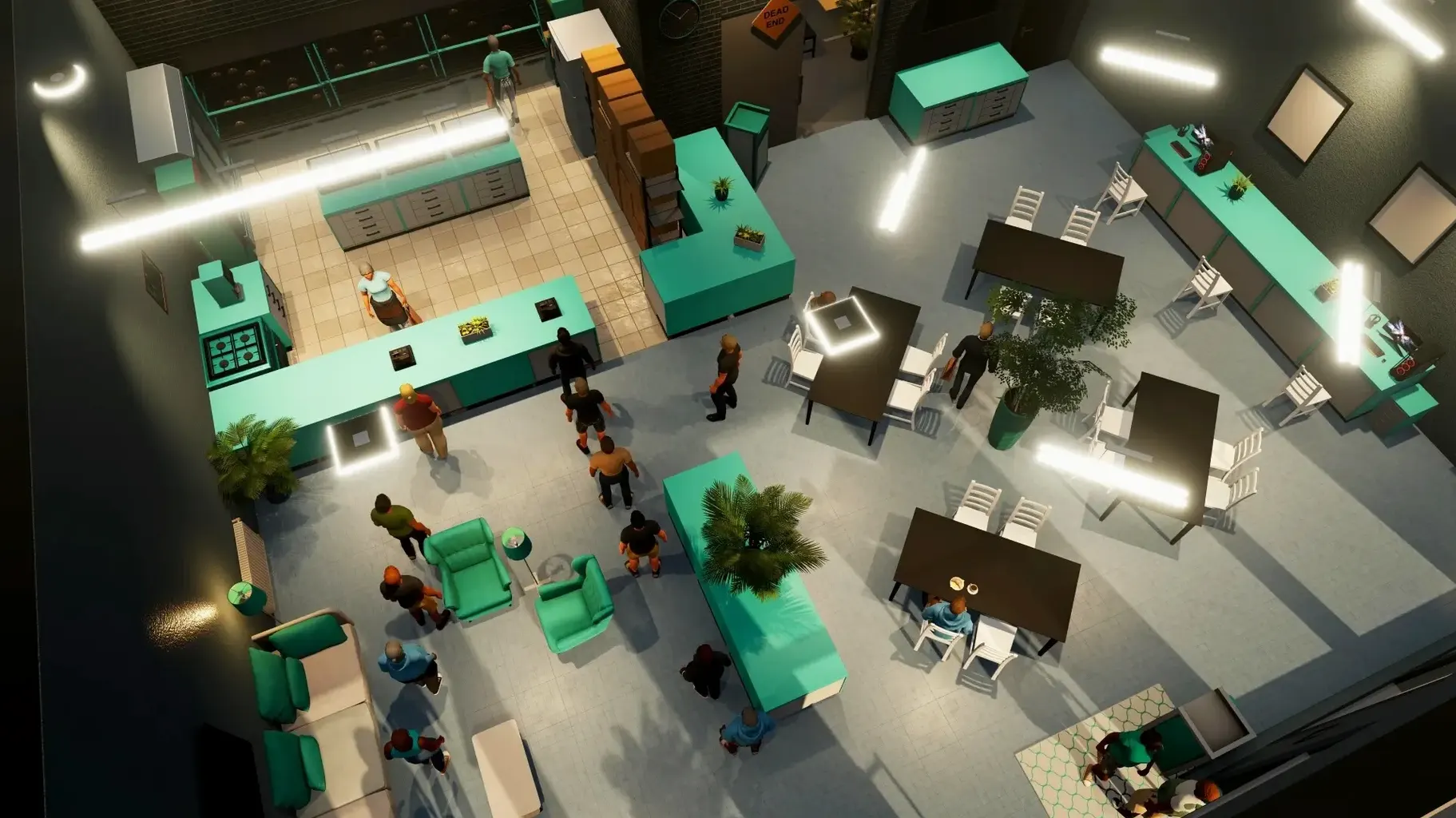
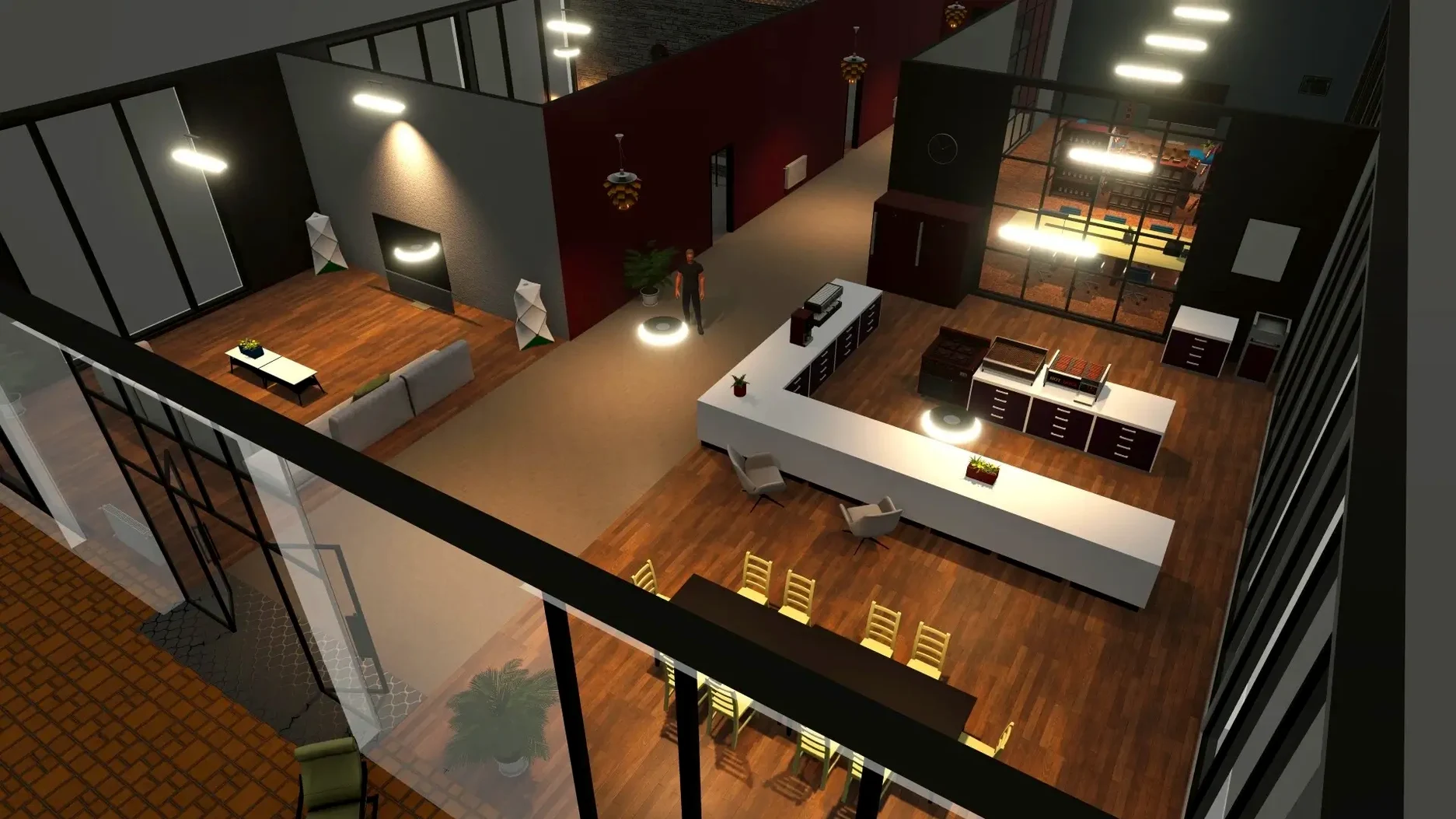
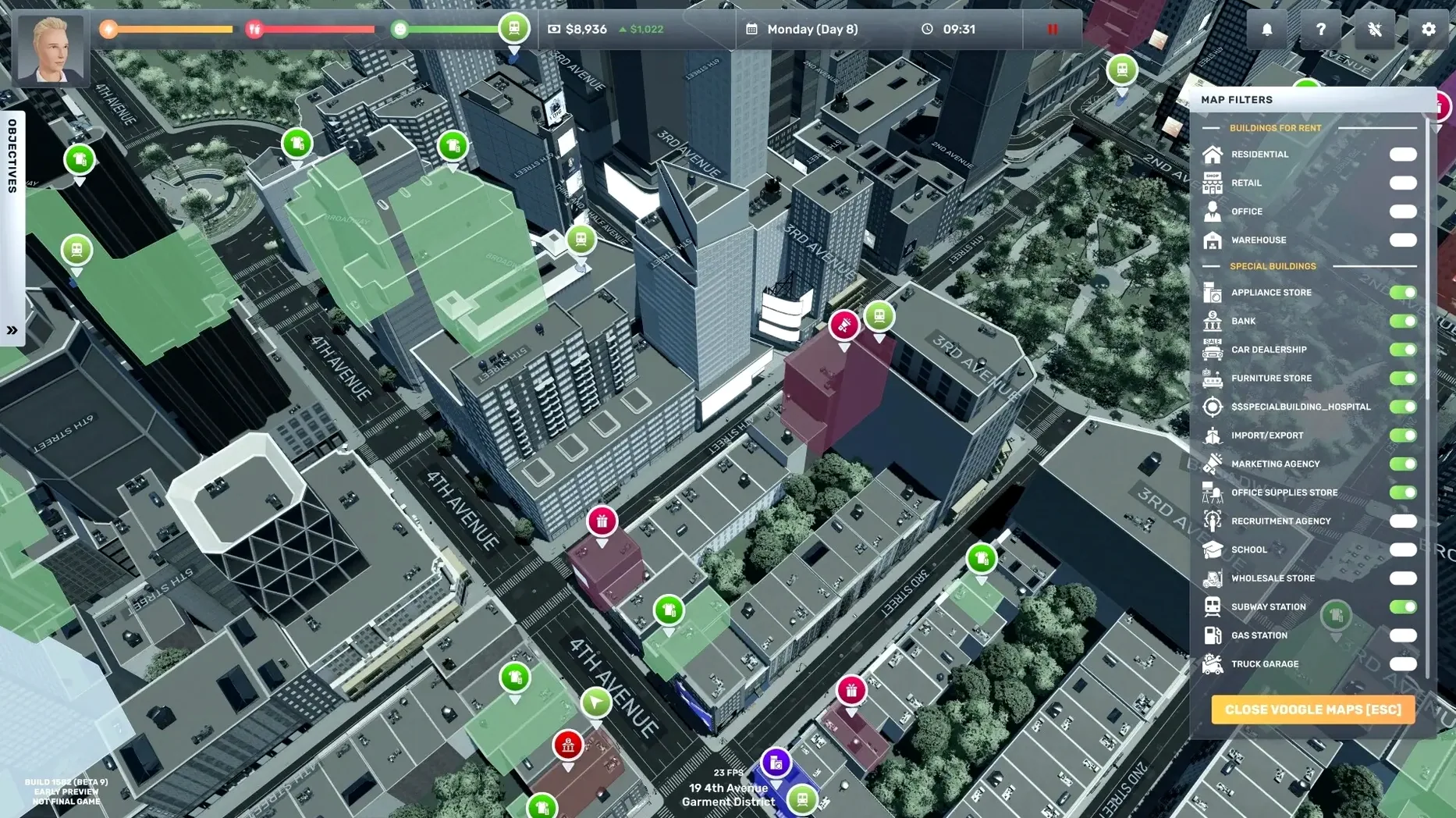
Employee shift scheduling alone will make or break your first supermarket. The interface tracks every dollar, mood bar, and delivery van, and it stays legible whether you're placing a wine rack or reading a quarterly P&L statement in English, Russian, or Korean. The full release turns a scrappy uncle-funded start into a citywide takeover, and the Mac build keeps up without feeling like a port.
- Open law firms, coffee shops, clothing stores, florists, and more across a stylized NYC grid.
- Start with a loan from your uncle and zero business experience—every tile and inventory crate matters.
- Full English voice acting anchors the rags-to-riches story, while the UI speaks eleven languages.
- Drag-and-drop shop design and employee scheduling feel direct on a trackpad.
- Late-game performance stays smooth when you're juggling a dozen storefronts and supply chains.
If you've played early access builds, the jump to 1.0 tightens the economic loop considerably. Rivals push back, delivery logistics bite, and the summer heat hits souvenir shop foot traffic. It's a sim that rewards spreadsheet thinking without drowning you in it—right at home on a MacBook.
Keeping It on the Main Display While You Browse Layouts
Big Ambitions plays surprisingly well with a multi-monitor setup. I keep it on the main display while a browser window on the side holds a scratchpad or a map of my shop layouts. The game respects macOS Spaces, so a three-finger swipe drops me into Messages or Mail without alt-tabbing drama. If you stream or record, OBS grabs it cleanly with no window-capture weirdness on Apple Silicon.
It also plays nice with Focus modes. I set a gaming Focus that silences notifications and flips my wallpaper, and the game never fights the system. Mission Control doesn't stutter when the sim is running, which isn't true of every Unity title on macOS.
On the file side, save data lives in the usual ~/Library/Application Support sandbox. That means Time Machine backs it up without you thinking about it. If you migrate to a new Mac, your empire travels with you. No cloud-save lock-in, no login gate—just a folder you can copy.
Loading a Mid-Game Save Faster Than a Coffee Refill
On an M-series chip, the game launches in a few seconds and loads a mid-game save faster than I can refill a coffee mug. The frame rate holds steady even when six storefronts, a fleet of delivery trucks, and a dozen employees are all ticking at once. The simulation doesn't skip beats—payroll processes, foot traffic shifts with the time of day, and supplier trucks still arrive on schedule.
Memory pressure is the one to watch. With 8GB of unified memory, late-game NYC pushes into swap territory. The system doesn't beachball, but you'll feel it when clicking between shops rapidly. 16GB gives it more room, and the difference shows when you're deep into a play session with browser tabs open behind it.
Battery drain is moderate. On a MacBook Air, expect three to four hours unplugged with the display at 70% brightness. The fanless design handles it quietly; no thermal throttle spikes crop up during the first hour. The Intel build runs capably on older machines, though fans spin up on 2019-era 13-inch models.
First Days: Set Yourself Up Right
Before you place a single shelf, open the keybindings panel and remap camera rotation to something that feels natural on your trackpad or mouse. The defaults work, but five minutes of tweaking saves hours of fighting the angle when you're trying to align a checkout counter.
Second move: pick one business type and learn its supply chain before branching out. Gift shops are forgiving. Law firms require less inventory but slower client pipelines. Trying both in the first three hours is the fastest way to drain your uncle's seed money.
Third, name your first save file something descriptive, not "save1." The game doesn't hold your hand with auto-save slots, and a week later you won't remember which file has the profitable supermarket and which one has the bankrupt flower shop you abandoned. Rotate between two save slots and date your backups mentally.
Also worth doing early: walk every street block manually at least once. The minimap hides small commercial spaces that are easier to rent when you spot them on foot. And unlock the fast-travel points near your first three properties—they'll save you real time once delivery logistics kick in.
Paying a Barista to Watch an Empty Store
The biggest trap: hiring staff before you have steady foot traffic. A barista hired on day one sits idle while you pay wages, and the red ink stacks fast. Open the store yourself for the first few days, watch the customer flow numbers, and staff up only when queues form.
Another common stumble is treating loans like free money. The interest mechanics are unforgiving. A $10,000 loan for a second location before your first store turns a profit chains you to a repayment schedule that eats your margins. Fund expansion from operating profit whenever possible.
Beginners also ignore the sleep and health bars until the game forces a blackout or a hospital visit. Running your character into the ground pauses everything—employees stop working, deliveries stall, revenue flatlines. A rested character moves faster and makes better financial decisions. It's not a flavor mechanic; it's a productivity multiplier.
Finally, don't confuse "available space" with "good space." Rent on a corner lot in a high-traffic district looks attractive until you realize the lease payment exceeds what the neighborhood's foot traffic can support. Check the area's population density and competitor count before signing. A cheaper mid-block spot with less competition often beats the prestige address.
- macOS version: check the developer site for the current minimum
- Architecture: supports both Intel and Apple Silicon Macs
Notes from the edit bay · 0
Sign in or get an edit-bay pass to leave a note.
No notes from the edit bay yet. They go up after I read them.