
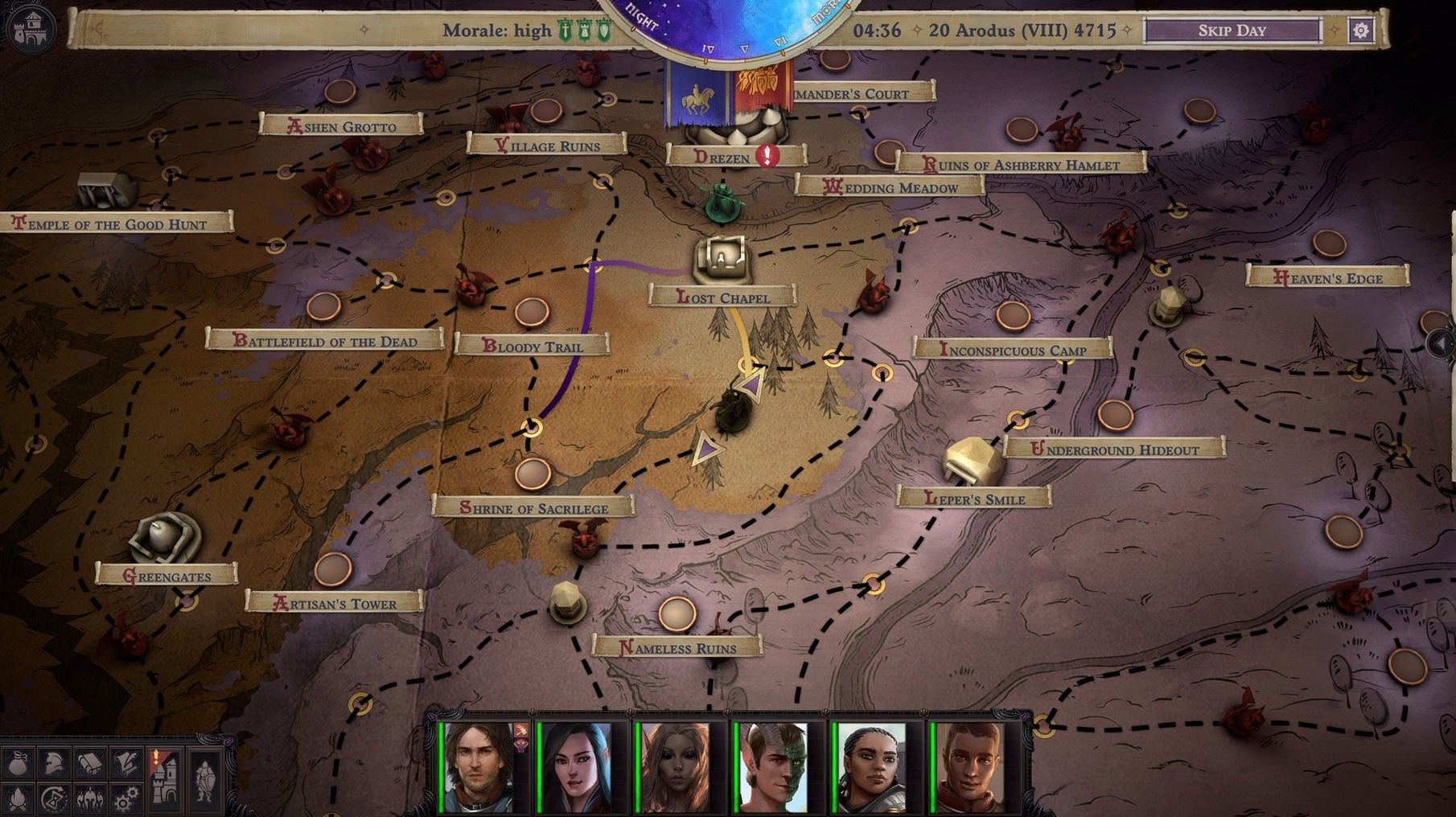
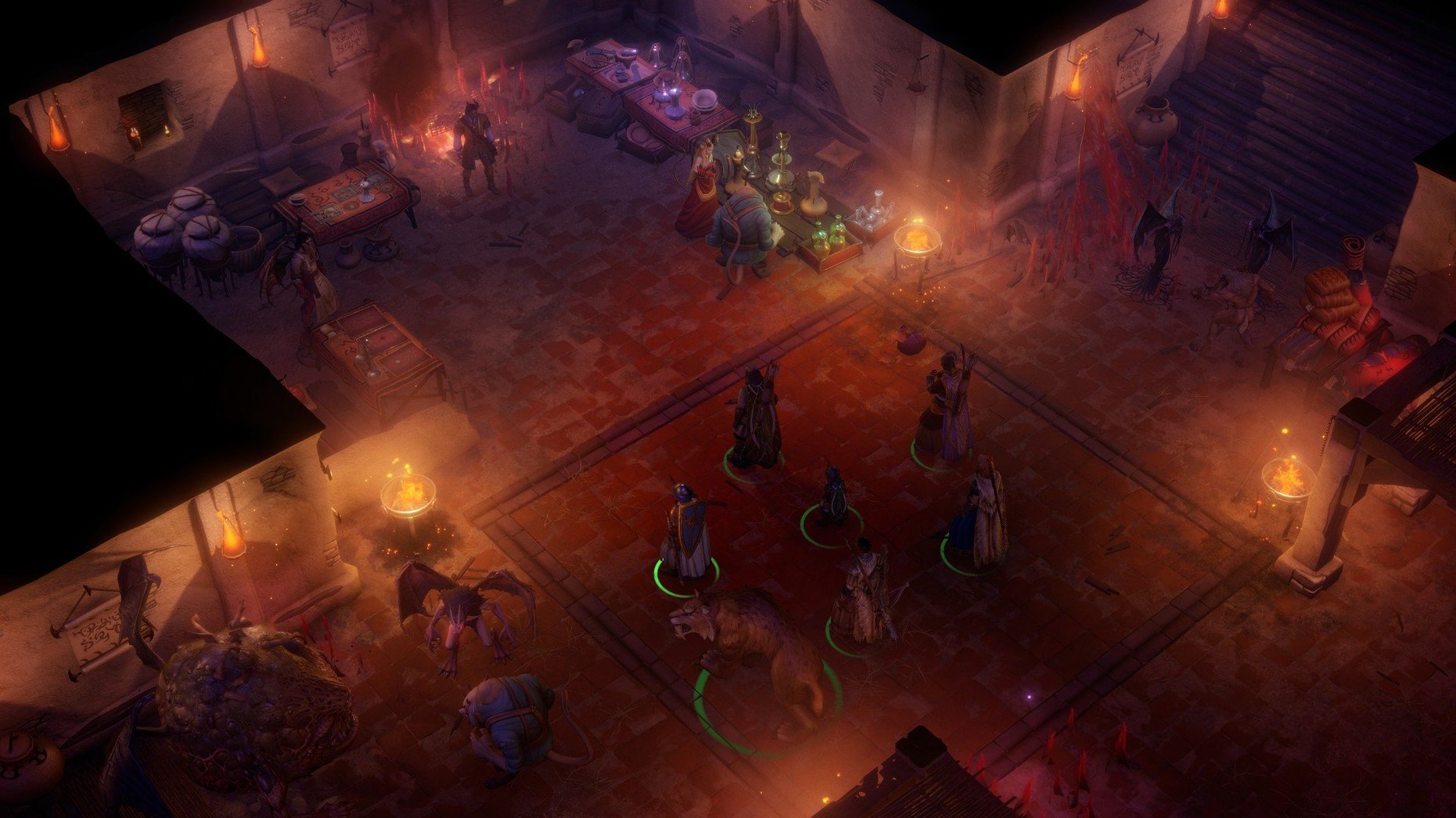
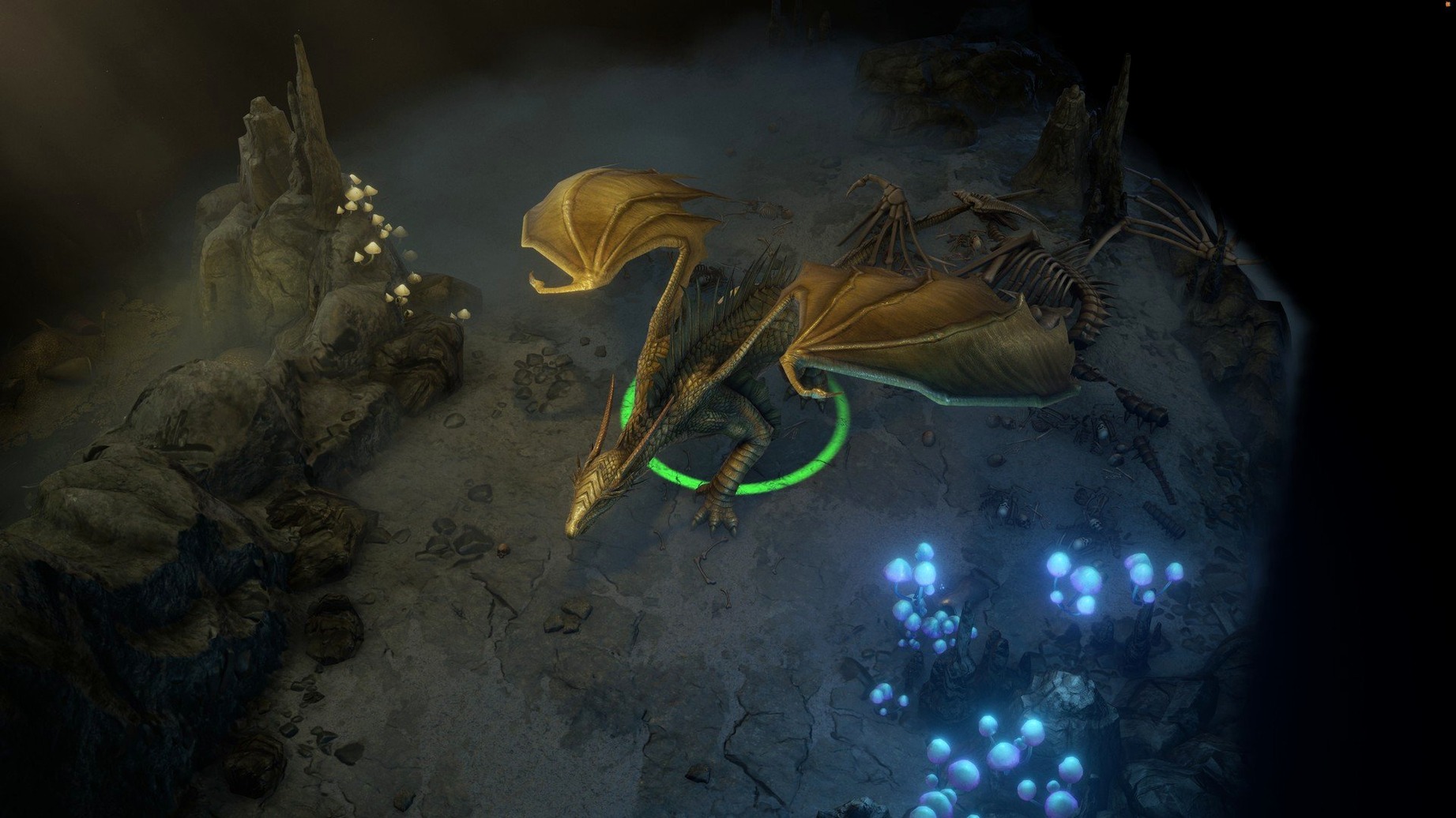
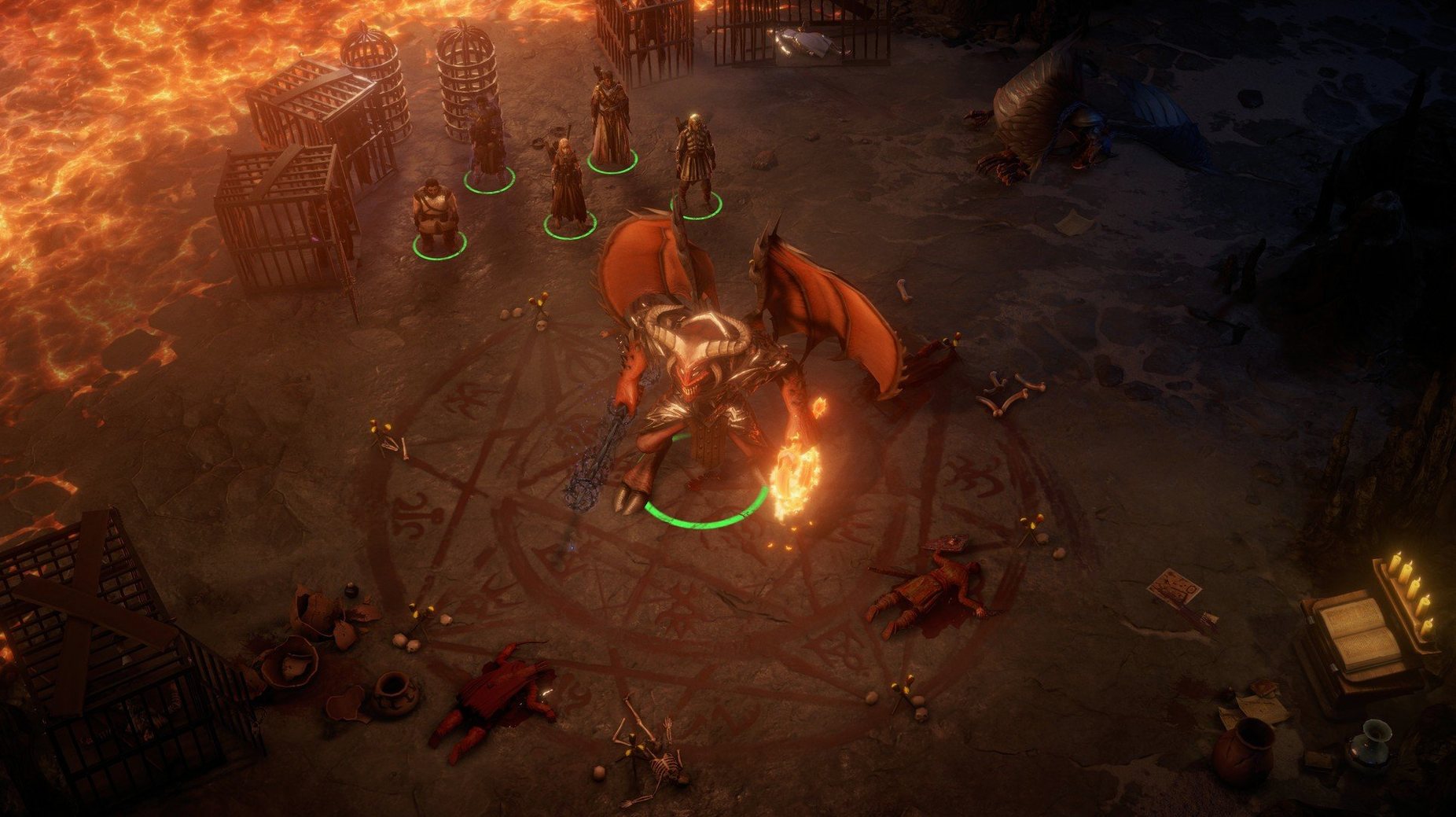
If you’ve spent time with Baldur’s Gate or Pillars of Eternity, the rhythm here is immediately familiar. Owlcat Games took the Pathfinder ruleset and built a beast of a campaign where your choices don’t just change dialogue tags—they reshape the world map. The party management runs deep, drawing from 25 classes and 12 races, plus more than 10 unique companions who bring their own agendas to your crusade.
Combat is where it gets flexible. You can let battles flow in real-time with pause, letting your frontliners swing while you queue spells, or switch to full turn-based mode when a fight demands grid-level precision. That toggle is a lifesaver during boss encounters that would otherwise spiral into chaos.
Beyond the tactics, the mythic path system pushes your character into wild territory. You’re not just leveling a fighter; you’re becoming a lich, an angel, or something stranger. Those decisions ripple through the narrative and lock or unlock entire quest lines. The installation is straightforward: run the package, point the installer to your Applications folder, and you’re in. It speaks English, French, German, Spanish, Russian, and Simplified Chinese, and it’s built for Intel Macs.
Why Background Apps Starve This Game of RAM
This isn't a game that demands you close everything else, but it plays nicer when you do. On an Intel Mac, I keep Activity Monitor tucked in the Dock—Wrath gobbles RAM, and if Chrome's eating 6 GB in the background, you'll feel it during the big set-piece battles in Drezen. Quit your browser. Pause syncing in Dropbox. Disable Bluetooth if you're not using a controller. Little things, but they keep the framerate steady when a dozen cultists and a Vrock show up at once.
It also gets along well with Mission Control if you like hopping between spaces. I swipe over to Safari to check a build guide on the Pathfinder wiki, then swipe back into the game without it stuttering. If you use Automator or a launcher like Alfred, a quick workflow that quits background apps before launching the game saves you the manual cleanup. The game won't integrate with iCloud or Game Center—no achievements to sync, no cloud saves through Apple's ecosystem—so back up your save folder manually if you're switching Macs. It lives in ~/Library/Application Support/Pathfinder Wrath of the Righteous, and dragging that to an external drive once a week has saved my campaign more than once.
A Session That Goes Sideways
I boot up with a half-formed plan: clear the market square in Kenabres, grab the Storyteller's notes, and log off. Forty minutes, tops. I load my save, a level 5 Cavalier riding a smilodon, party arranged with Seelah up front and Ember floating just behind the tanks.
First pull—a pack of dretches and a cultist alchemist. Real-time mode handles it fine. I let auto-attacks chew through the trash while I micro Nenio's Grease placement. Clean. Loot. Move on.
Then I stumble into a basement I forgot existed. A Glabrezu. Level 12. My party's half-spent on spells and Seelah's already carrying two negative levels from an earlier trap. Real-time falls apart immediately—the thing teleports into my backline and one-shots Ember before I can pause. Reload. This time I hit T before the door opens, flipping to turn-based, and suddenly I'm playing a different game. I spend three minutes just positioning: Seelah five feet left to body-block the doorway, my Cavalier charging from the flank, Nenio burning a Haste scroll. The fight takes twelve rounds and I burn through four healing potions, but it works. Turn-based mode didn't just help—it made the fight readable.
By the time I save and quit, two hours are gone and I never touched the Storyteller quest. That's the loop. You sit down for a quick session and the mythic path throws a choice at you—Angel or Aeon?—and now you're reading tooltips at 1 a.m. trying to decide which version of your character you want to be for the next sixty hours.
Make Real-Time Combat Playable with One Auto-Pause Tweak
The defaults are fine, but three tweaks make the game feel less like a port and more like it belongs on a Mac.
Auto-pause on enemy sighted. Buried in the gameplay options, this one switch prevents the real-time mode from turning into a panic as soon as a combat triggers. The game pauses, you assess, you issue orders. Turn it on and leave it on, even if you prefer real-time—it's the difference between a tactical opener and a reload.
Disable screen shake. Critical hits and spell effects rattle the camera by default. It's cinematic for about ten minutes, then it's just motion sickness. Uncheck it under the graphics tab and your eyes will thank you during the later chapters when every fight throws screen-filling particle effects.
Turn down companion banter frequency. The writing is sharp, but the trigger rate is aggressive—your party will repeat the same verbal tic every thirty seconds in long dungeons. Drop it to "occasional" in the sound settings and the dialogue lands better when it actually fires. You'll still hear the important interjections during quests, just not the fifth time Camellia reminds you she's helpful, is she not.
- Architecture: Intel (x86 64-bit)
Questions I actually get
Does the game offer turn-based combat?
Yes, it includes both real-time with pause and a full turn-based mode you can switch between at any time.
How many classes and races are available?
The game features 25 classes and 12 races, giving you a huge range of character-building options.
Where should I install it on a Mac?
The installer recommends choosing the Applications folder as the installation location for a clean setup.
Notes from the edit bay · 0
Sign in or get an edit-bay pass to leave a note.
No notes from the edit bay yet. They go up after I read them.