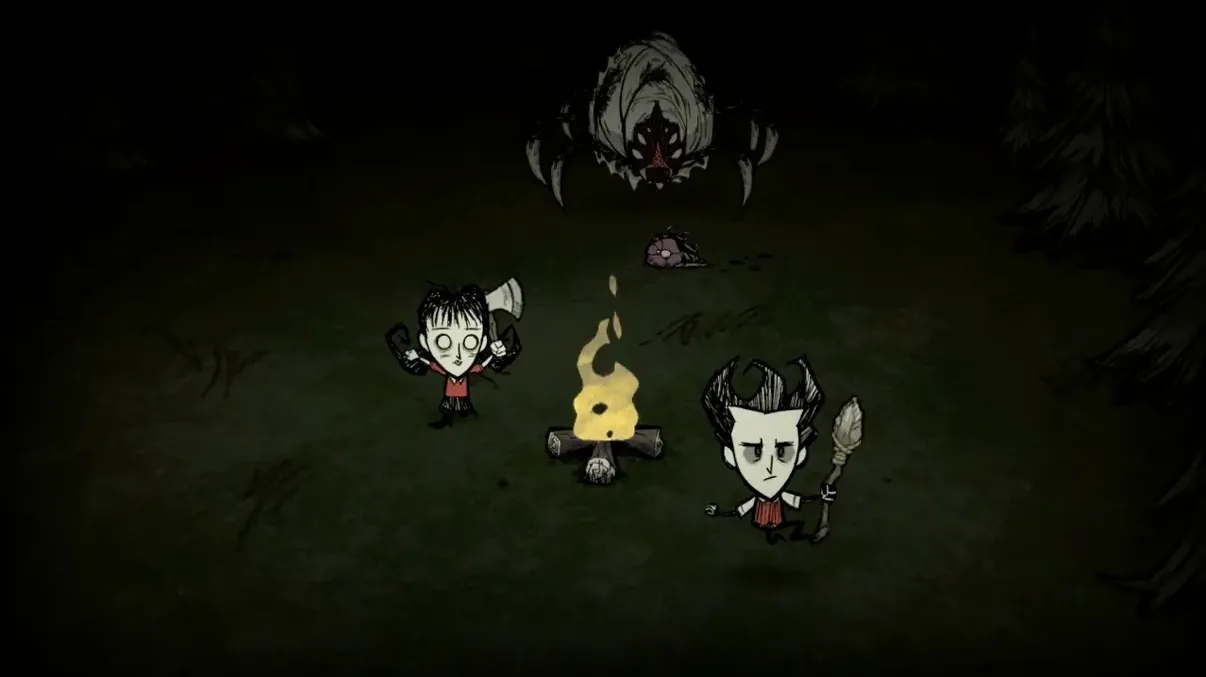
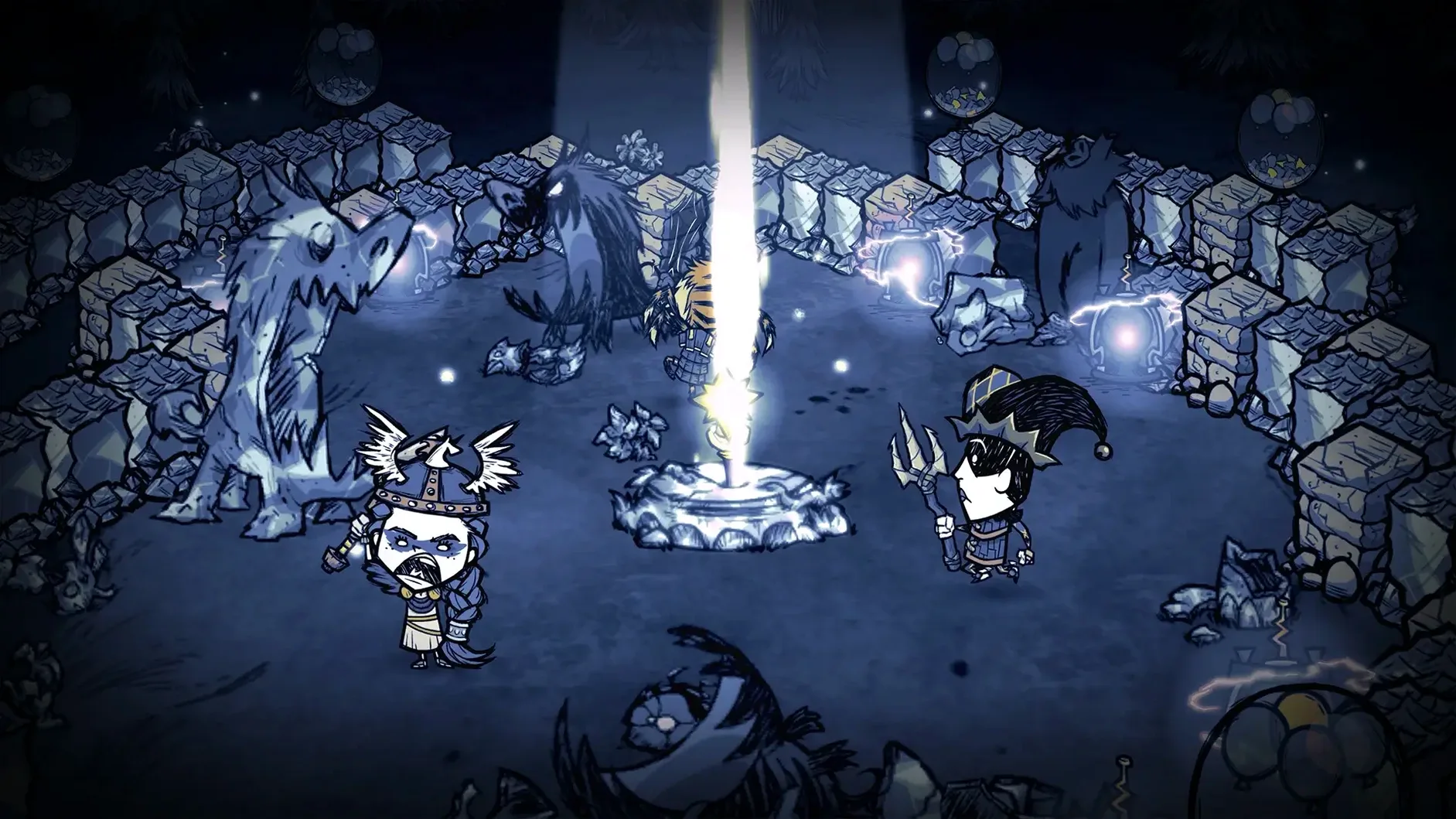
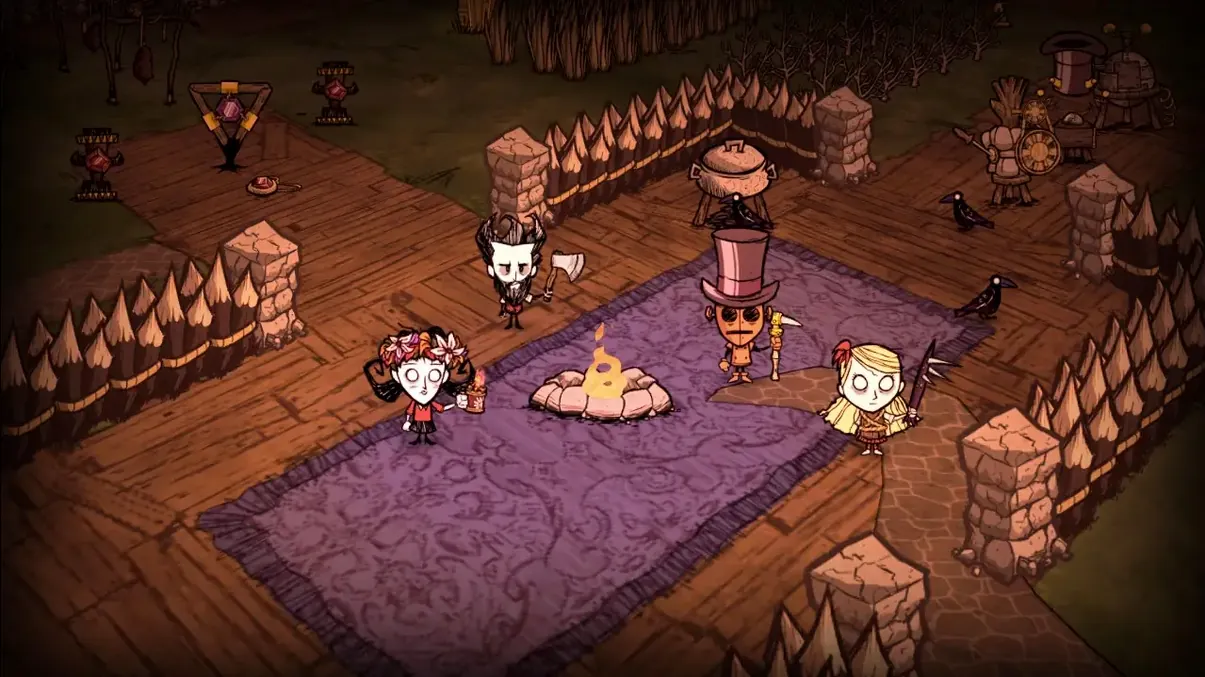
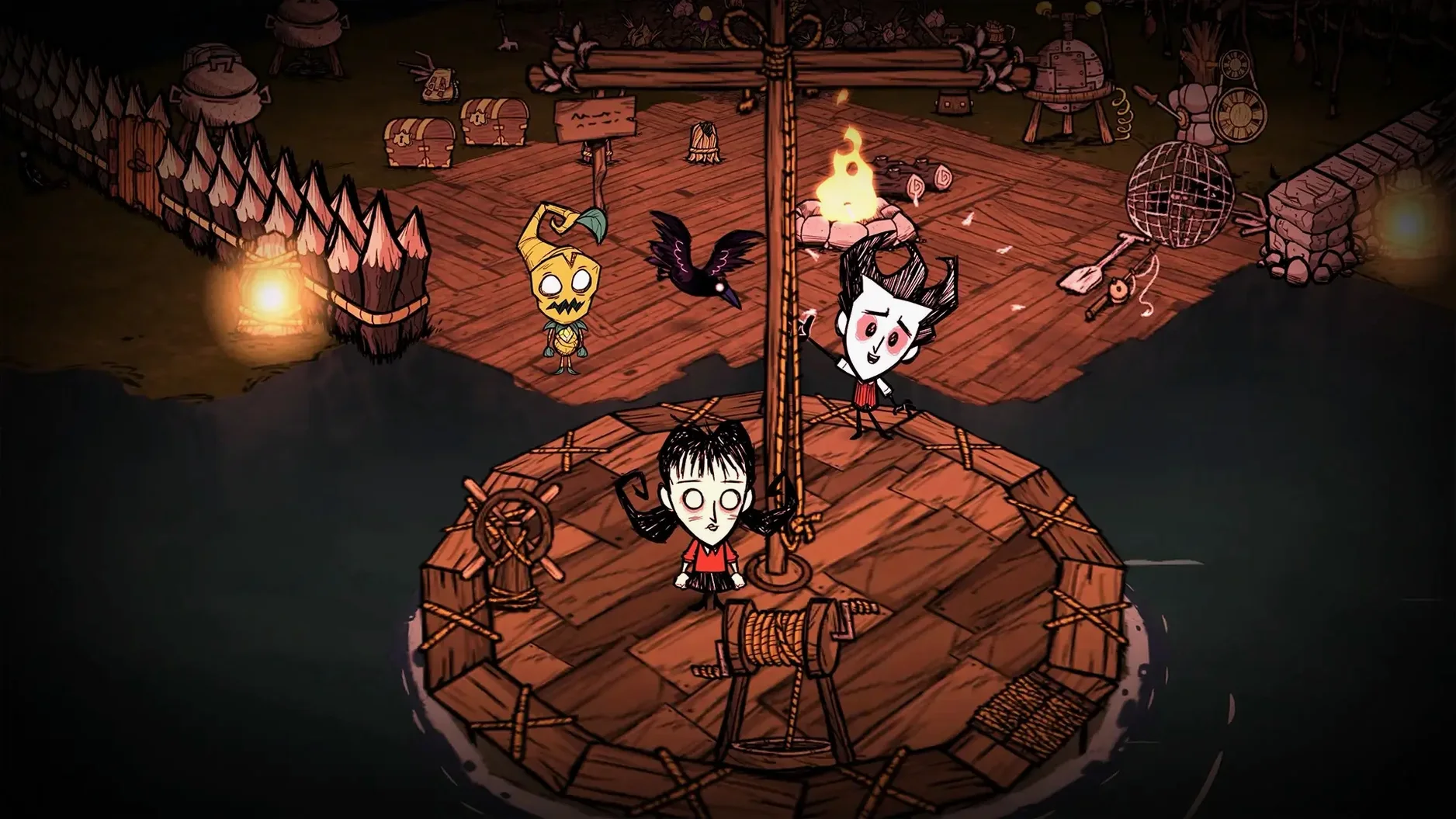
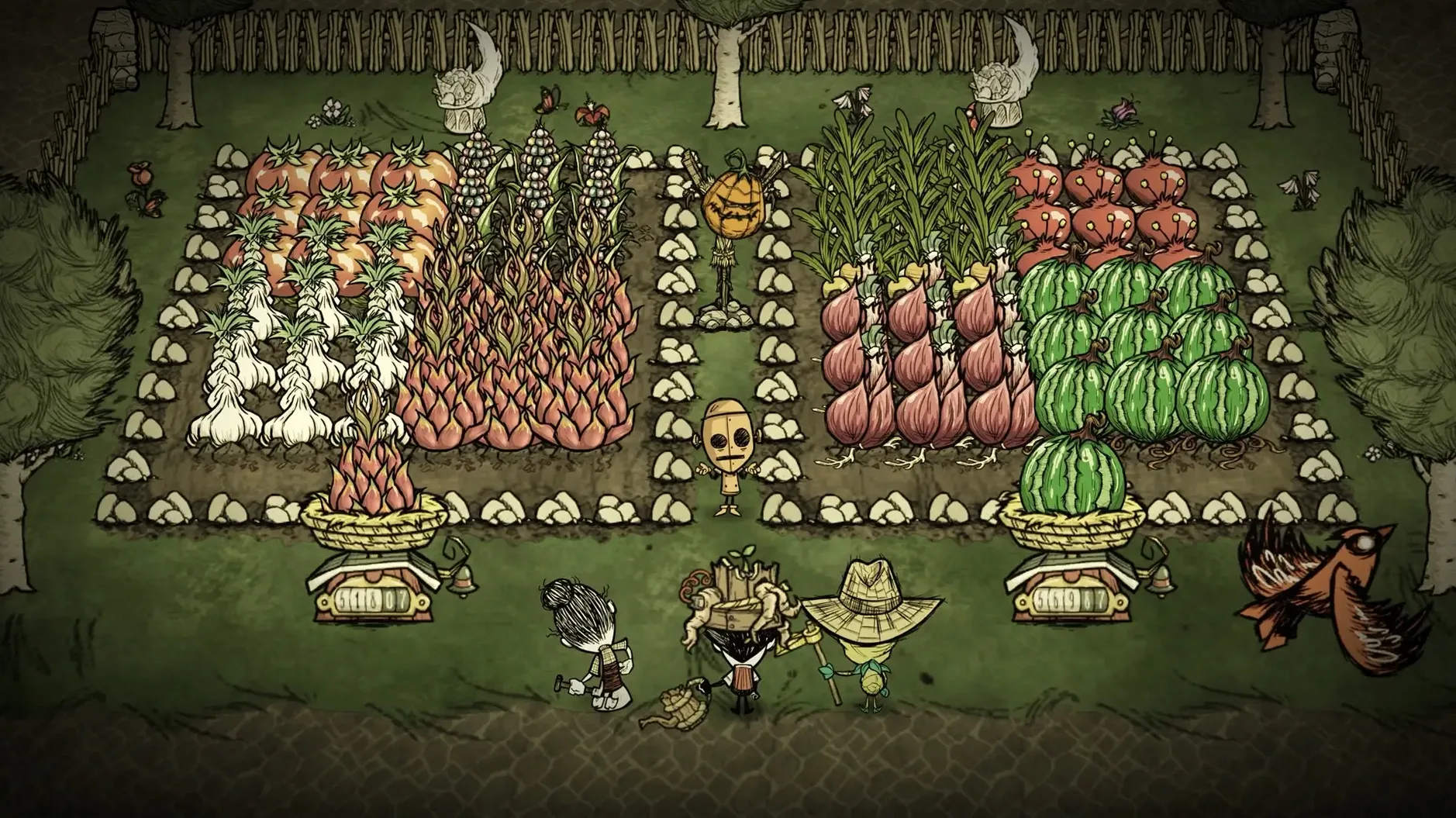
This is for the friend who’d never open a solo survival sim but will gleefully shout about an encroaching spider army at 2 a.m. Don’t Starve Together takes the original’s brutal charm and makes every success—or glorious failure—a story you share. Running it on a Mac is straightforward, especially on modern Apple Silicon, and the performance holds up even when the screen fills with hounds.
- Native ARM and x86 support means the app launches without a hitch on my M4 Mac mini.
- Frame rates stay solid at 1080p with default settings, keeping timing-based kiting consistent.
- Keyboard and mouse controls feel precise, with full re-mapping for actions from crafting to combat.
- Public and friends-only servers let you drop into a world with a random player or lock it down for a planned co-op session.
- Expect a few seconds of extra load time when generating a new world on an external drive, but it’s a one-time wait.
- The stylized, hand-drawn art scales cleanly on a 27-inch display with no UI slowdowns.
Performance expectations match what you’d hope for from a title built for multiplayer longevity. Just be prepared: the person who insisted they’d “just gather berries for five minutes” is probably now a ghost, and it’s your job to resurrect them.
Why Is My Server List Blank?
First thing that trips people up: launching the game and seeing a blank server list. Nine times out of ten, the firewall is blocking the connection. Pop into System Settings → Network → Firewall and add Don’t Starve Together to the allowed apps. If you’re on a managed network, UDP ports 10999–11001 need to be open. Restart the game and the list fills right up.
Another classic: the game stutters every time night falls or a hound wave spawns. By default, the netbook-friendly preset is on, even on an M4. Head into graphics options and uncheck Netbook Mode — it keeps the framerate capped low and limits particle effects. With that off, things smooth out fast.
If you’re joining a friend’s world and the connection drops at “retrieving server information,” have the host disable any caves on the world creation screen. Caves essentially run a second shard on the host machine, and on a spotty connection that handshake times out. You can re-add caves later once you’re both in.
On Apple Silicon Macs specifically, the game sometimes launches in a tiny window pinned to the upper-left corner. A quick Cmd + F toggles fullscreen, then you can set the resolution properly in options. If the cursor feels laggy, enable VSync — the uncapped frame rate on a 120Hz display makes mouse movement feel oddly disconnected from input.
Grab Flint and Twigs Before Dusk Falls
Your first three days are a sprint, not a stroll. Grab flint, twigs, and grass immediately — two flint and two twigs get you an axe, and that opens the whole map. Don’t build a campfire the moment dusk hits. Carry a torch instead and keep moving. The map reveals faster at night with a torch, and you’ll locate the savanna biome where beefalo and rabbit holes cluster.
Build your first science machine near a cluster of rabbit holes. You’ll need four gold (find a rocky biome with gold-flecked boulders), four logs, and a pile of rocks. Once it’s down, prototype a backpack, a shovel, and a spear the same night. The backpack alone changes the game — four extra inventory slots mean you stop juggling items constantly.
If you’re playing co-op, split roles early. One player handles base prep (berry bushes, grass tufts, saplings transplanted with the shovel), the other explores the map outline. Share your map by crafting a cartographer’s desk from the science tab; it’s cheap and saves one player the entire scouting loop. Drop a marker on any walrus camps or clockwork piles you spot — you’ll want those locations by day twenty when winter hits.
Don’t overlook the crock pot. Four berries in a campfire fill 37.5 hunger. Four berries in a crock pot make fist full of jam — still terrible, but three berries plus a morsel makes meatballs, and that’s 62.5 hunger. Same ingredients, entirely different survival odds. Build one by day five.
Switch Movement Prediction to None for Tight Kiting
- Netbook Mode: off. Already covered, but it’s the single biggest performance toggle.
- Movement Prediction: set to None. The default predictive movement makes kiting feel floaty, especially with a ping above 50 ms. You want raw input for combat timing.
- Lag Compensation: None. This one’s personal, but on a wired connection I want the game showing me exactly where things are, not guessing ahead by 100 ms. Turn it on only if you’re on Wi-Fi and missing hits you swear you landed.
- HUD Size: bump it to 2 or 3. The default HUD is tiny on Retina displays, and the inventory grid gets fiddly when you’re swapping items mid-chase.
- World Gen Presets: don’t leave it on Default. Set autumn to Long for your first few worlds — it buys you ten extra days before winter, and that’s the difference between having a thermal stone or freezing to death on day 21.
A First Night in the Constant
Here’s how it actually plays out for someone who’s never touched a don't starve mac build before. A music video editor I know — fluent in Final Cut, zero hours in survival games — agreed to a co-op session. Her take: “I’ll handle the base, you go get rocks.” By dusk on day two, she’d planted eight berry bushes in a neat row and built a chest for “organizing.” No science machine. No crock pot. No light source beyond a single campfire. When night fell and the hounds howled, she was holding a garland and a stack of petals.
We limped through. I dropped a torch at her feet and we sprinted toward the beefalo herd I’d marked earlier. The hounds peeled off to attack a beefalo instead — a mechanic she didn’t know existed and now swears by. By day seven, she had a crock pot, two drying racks, and a system for labeling chests with signs. The garland stayed, though. Some things are non-negotiable.
That’s the loop Don’t Starve Together thrives on: panic, improvisation, and the slow accretion of competence you only get by failing with someone else in the room. Whether you grabbed the don't starve together torrent to try it with one friend or you’re running a full server, the first few worlds teach more than any wiki. Just build the science machine early. Seriously.
- macOS version: not specified, but tested on macOS Tahoe.
- Architecture: supports both Apple Silicon (ARM) and Intel (x86 64-bit).
Notes from the edit bay · 0
Sign in or get an edit-bay pass to leave a note.
No notes from the edit bay yet. They go up after I read them.